Email Management
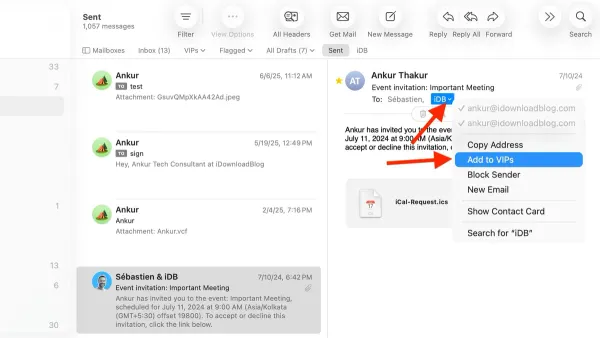
How to Use VIP Senders in Mail App: Step-by-Step Guide
Discover how to use VIP senders in Mail app to prioritize key emails and manage your inbox with ease using our step-by-step guide.

Email Management
Discover how to use VIP senders in Mail app to prioritize key emails and manage your inbox with ease using our step-by-step guide.
Email Management
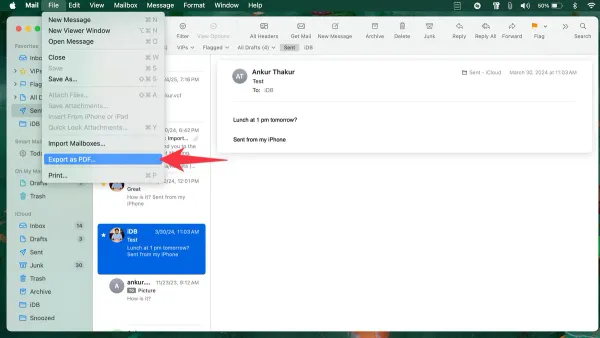
Discover simple steps to export emails to PDF in Mail app on Mac, iPhone, and iPad, including tips for handling multiple emails and Outlook users.
Email Management
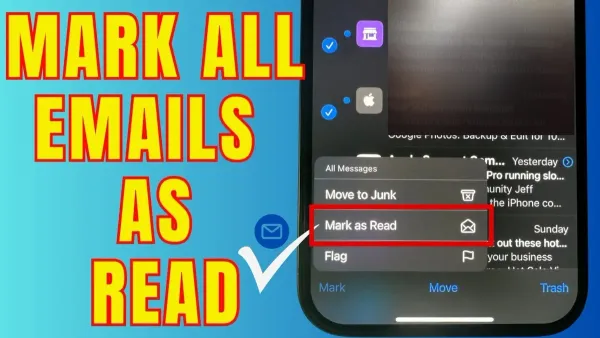
Clear your inbox fast by learning how to mark all emails as read in Mail app and other popular email clients with simple, effective steps.
Apple Notes
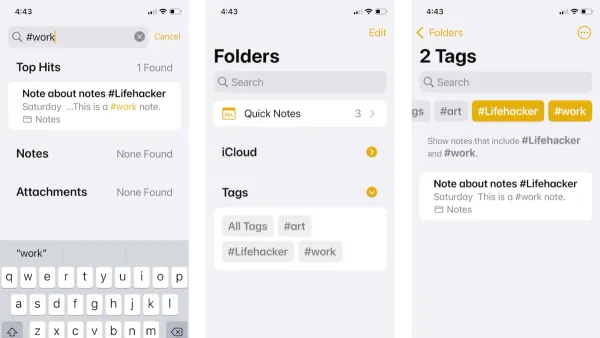
Discover how to use tags in Notes in Notes app to organize your notes efficiently and find them faster across your Apple devices.
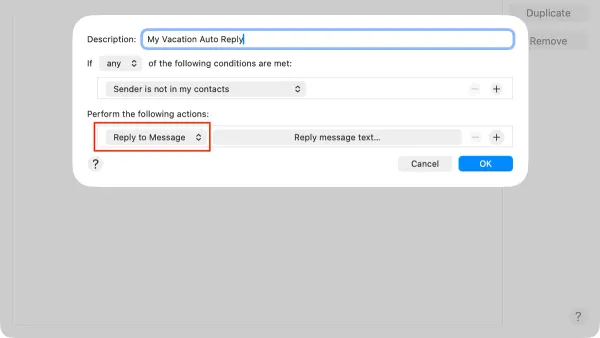
Email Management
Discover clear steps to set up an auto reply in Mail app and Outlook app to manage your emails effortlessly while you're away or busy.
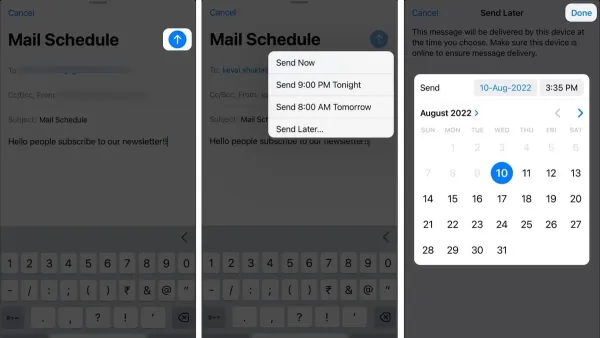
Email Management
Master scheduling emails in Mail app and Outlook with this step-by-step guide to send messages at the ideal time on your Apple and Windows devices.
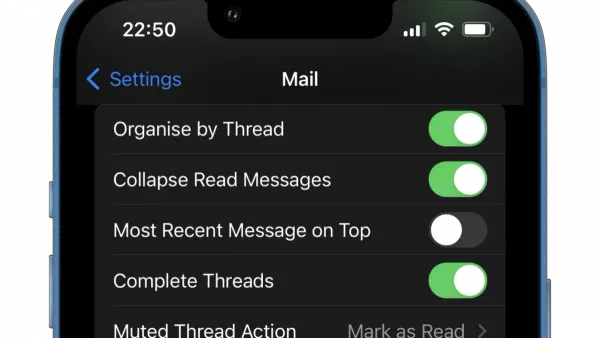
Email Tips
Discover simple steps to unsend an email in Mail app on your iPhone or Mac and prevent sending errors with ease.
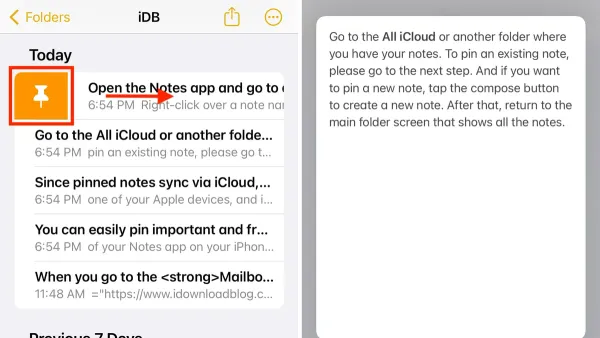
Productivity
Discover how to pin a note in the Notes app and other popular apps to keep your important information easily accessible and organized.
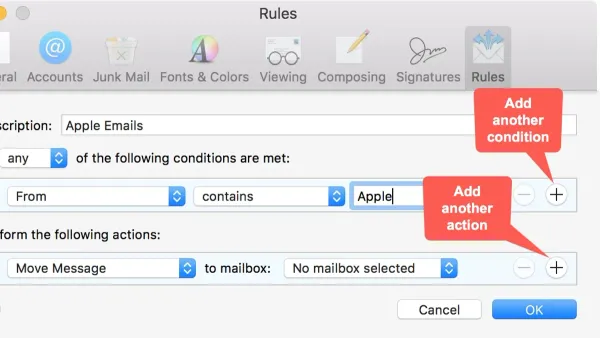
Email Management
This guide shows how to set up mail rules in Mail app and Outlook mobile to automate email sorting on Mac, iPhone, and mobile devices.
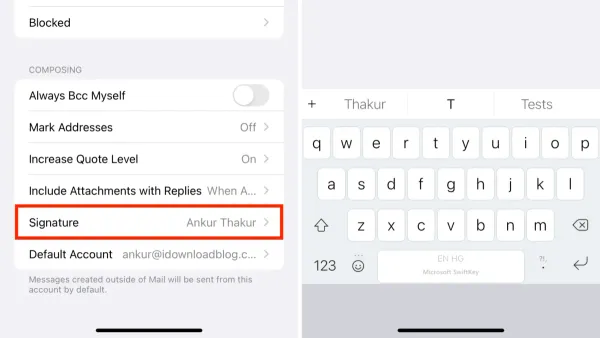
Add a professional touch to your emails by creating and customizing an email signature in the Mail app on your Mac or iPhone.
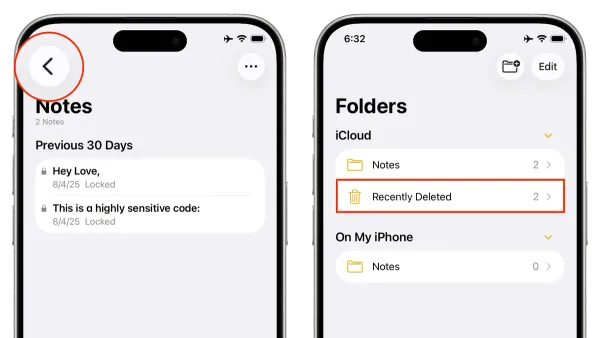
Data Recovery
Discover easy, device-specific methods to recover deleted notes in the Notes app and restore your important information quickly and confidently.
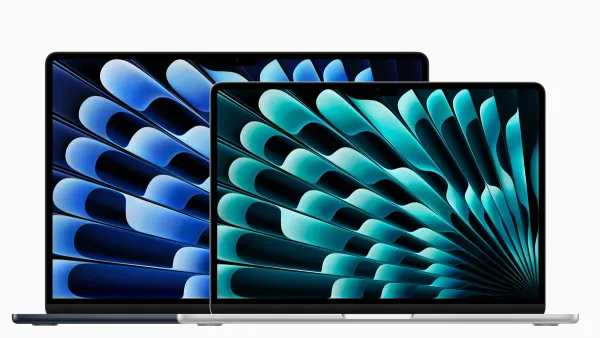
MacBook Air
Learn how many external displays the MacBook Air 15 inch M5 supports and how to connect multiple monitors effectively.