Mac Tips
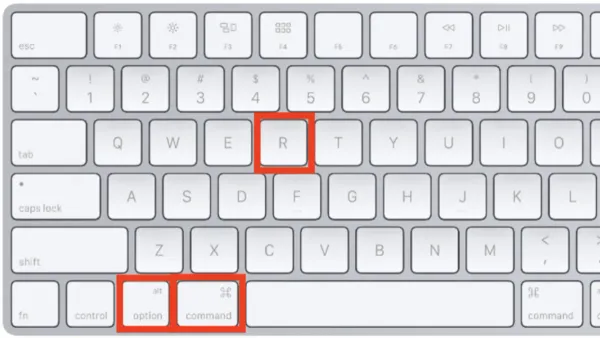
Mac Keyboard Shortcut to Reload a Webpage: Quick and Reliable Methods
Discover how to use Mac keyboard shortcuts to reload a webpage quickly and bypass cache for the latest content in different browsers.

Mac Tips
Discover how to use Mac keyboard shortcuts to reload a webpage quickly and bypass cache for the latest content in different browsers.
Mac Tips
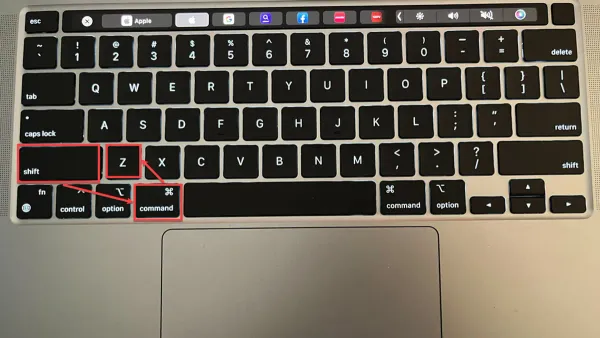
Discover how to quickly undo a closed tab on Mac using keyboard shortcuts across popular browsers like Safari, Chrome, and Firefox.
Web Browsing
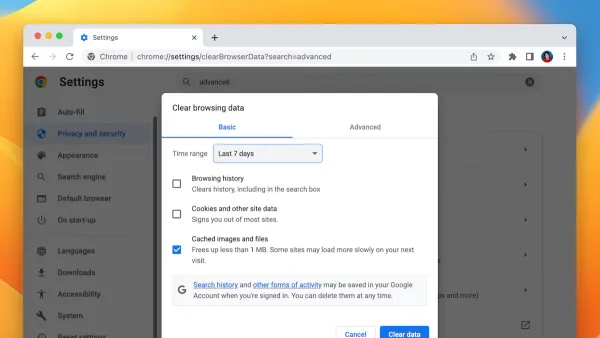
Step-by-step guide to clearing cache in Google Chrome on Mac to improve browser performance and fix common loading issues.
Safari
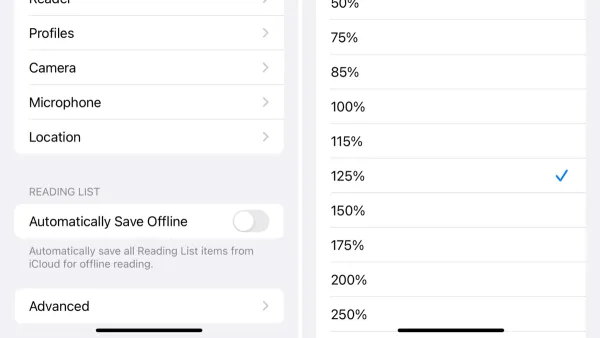
This guide explains how to zoom a website permanently in Safari on Mac and iPhone using accessibility settings, custom CSS, and Reader Mode.
Safari
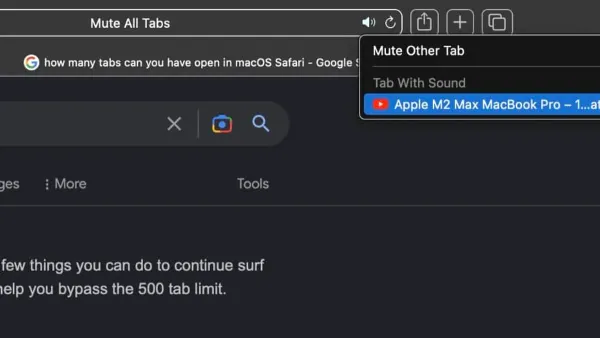
This guide shows how to mute a noisy tab in Safari efficiently on Mac using built-in features and shortcuts to manage audio.
Safari
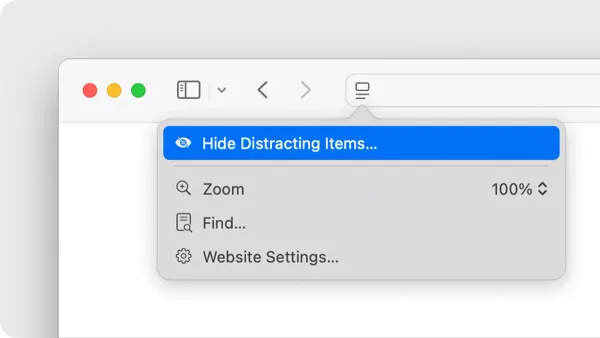
This guide shows how to hide distracting items on a webpage in Safari using built-in tools, extensions, and scripts for better focus.
Safari
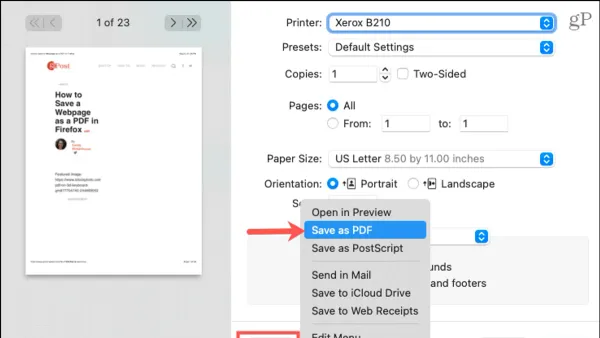
This guide shows how to save a webpage as PDF in Safari on Mac and iPhone for offline reading, sharing, and archiving.
Safari
Discover how to use Tab Groups in Safari to organize your browsing by projects, tasks, or contexts for better focus and productivity.
Safari
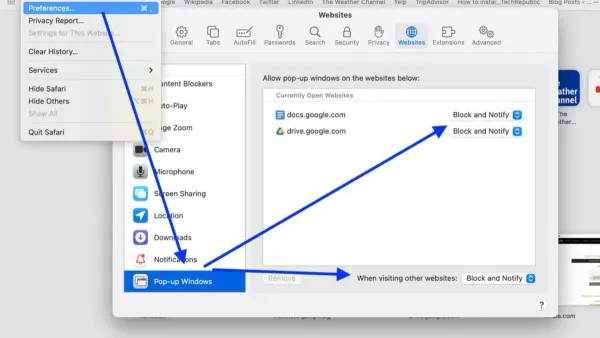
This guide shows how to allow pop-ups for one website in Safari to balance usability and security effectively.