Mac Backup
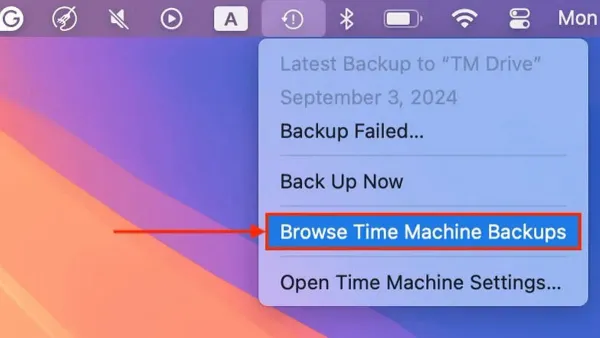
How to Browse and Access Old Backups in Time Machine Easily
Discover how to access and explore old backups in Time Machine to restore files and manage your backups efficiently.

Mac Backup
Discover how to access and explore old backups in Time Machine to restore files and manage your backups efficiently.
Mac Troubleshooting
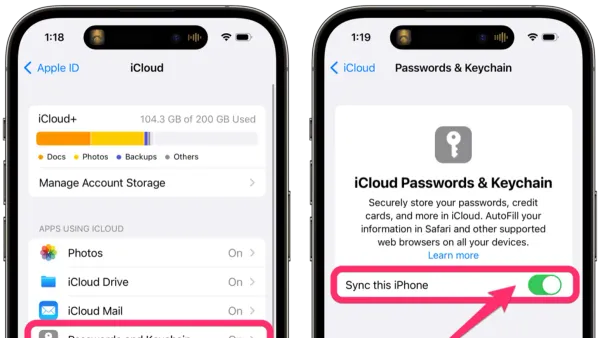
Discover how to stop keychain password popups in Keychain Access by troubleshooting password mismatches, app permissions, and keychain corruption.
Mac Backup
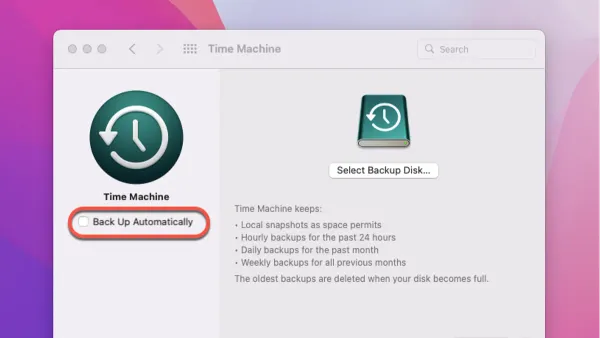
Step-by-step guide on how to move your Time Machine backups to a new drive safely without risking data loss or backup corruption.
Mac Troubleshooting
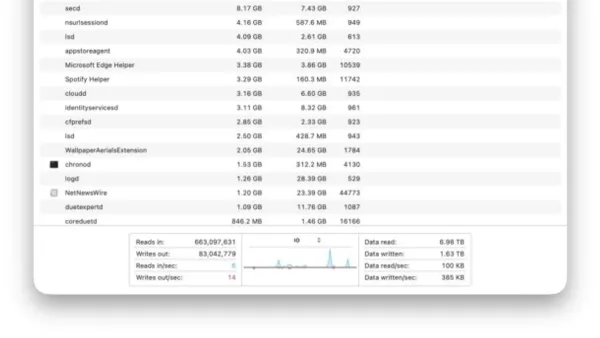
Discover how to check disk read and write activity in Activity Monitor to monitor your Mac’s disk usage and troubleshoot performance issues.
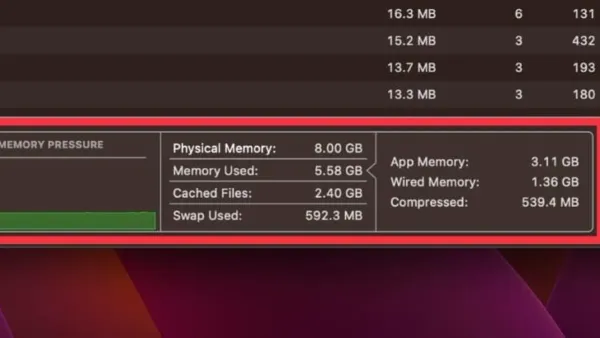
Mac Performance
Understand memory pressure in Activity Monitor to monitor your Mac’s memory health and improve system performance efficiently.
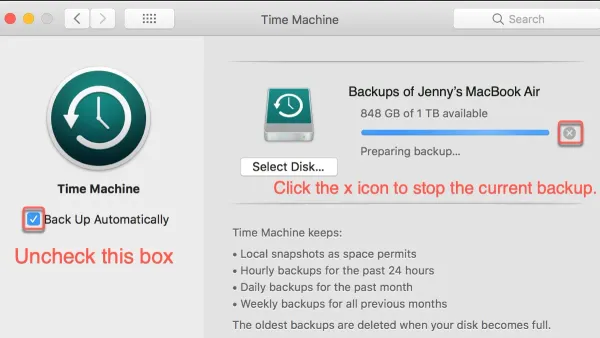
Mac Troubleshooting
Discover effective steps to fix Time Machine backup stuck on preparing backup and get your Mac backups running smoothly again.
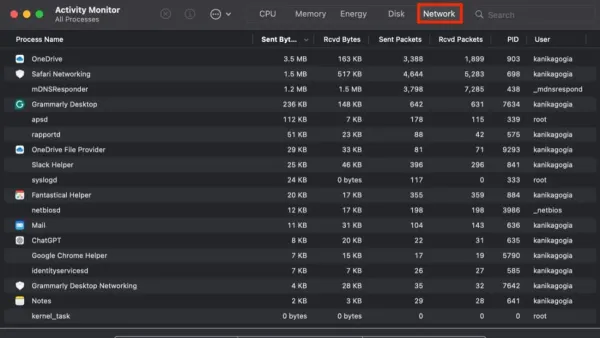
MacOS
Track your Mac’s data usage by app with Activity Monitor to identify bandwidth-heavy applications and manage your network effectively.
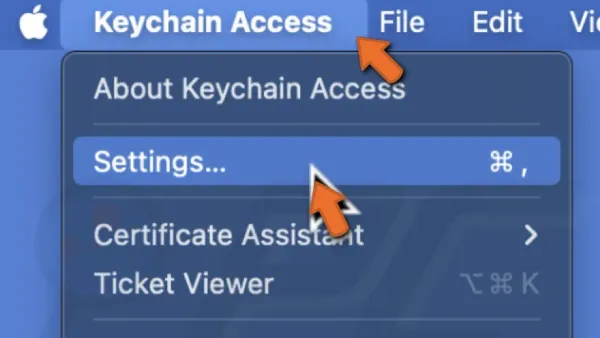
Mac Troubleshooting
This guide explains how to reset the login keychain in Keychain Access to resolve password prompts and recover stored credentials safely.
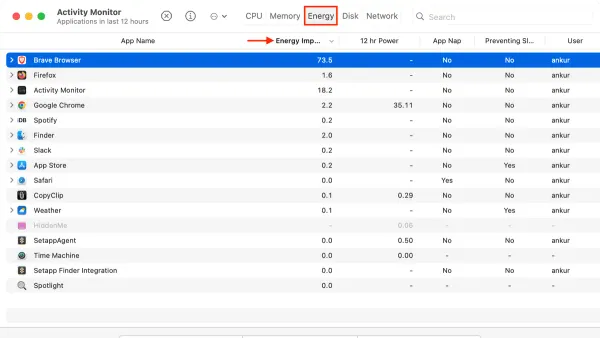
MacOS
Discover how to check energy impact of apps in Activity Monitor to identify and manage power-hungry apps on your Mac for better battery life.
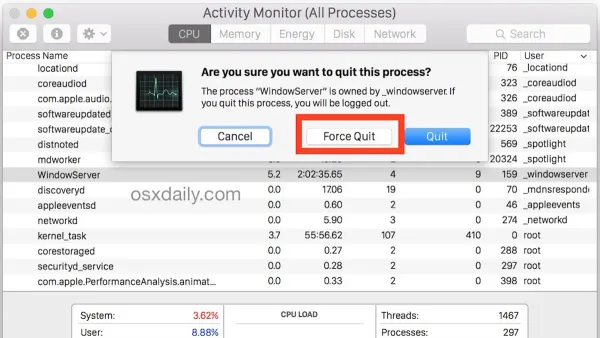
Mac Troubleshooting
This guide shows you how to force kill a process in Activity Monitor to stop unresponsive apps and regain control of your Mac quickly and safely.
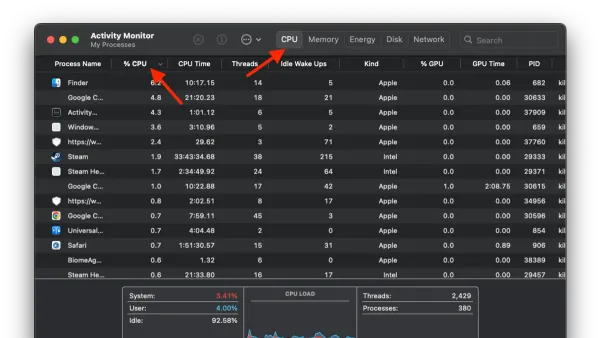
Mac Performance
Discover how to monitor your Mac’s CPU temperature and usage using Activity Monitor and trusted third-party apps for optimal performance.
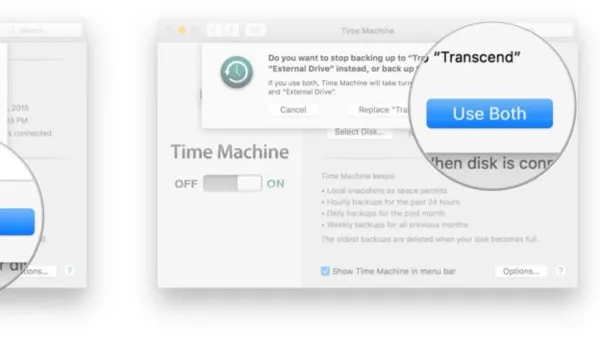
Mac Backup
Learn how to set up and manage two backup drives in Time Machine to keep your Mac data safe and backed up in multiple locations.