Document Formatting
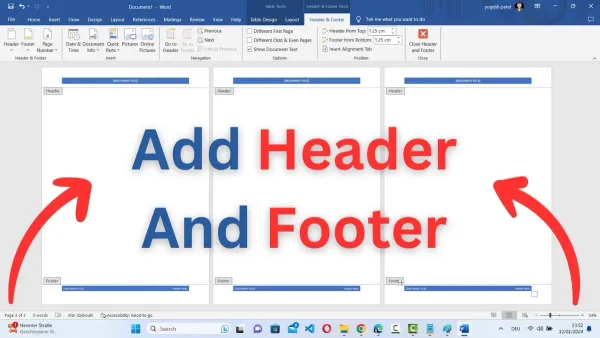
How to Add Headers and Footers in Pages: A Step-by-Step Guide
This guide shows you how to add and customize headers and footers in Pages on Mac and iPad for professional-looking documents.

Document Formatting
This guide shows you how to add and customize headers and footers in Pages on Mac and iPad for professional-looking documents.
Document Formatting
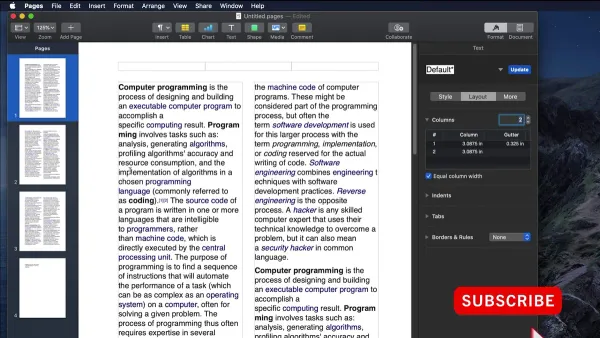
This guide shows you how to make two columns in Pages on Mac, iPad, and iPhone with simple steps to enhance your document layout.
PDF Export
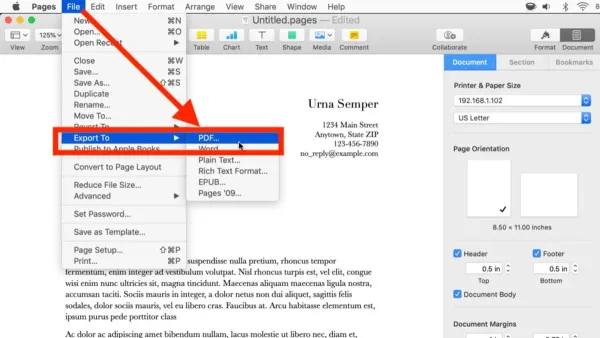
This guide shows you how to export your Pages documents to PDF on Mac and iOS devices quickly and without losing formatting.
Document Formatting
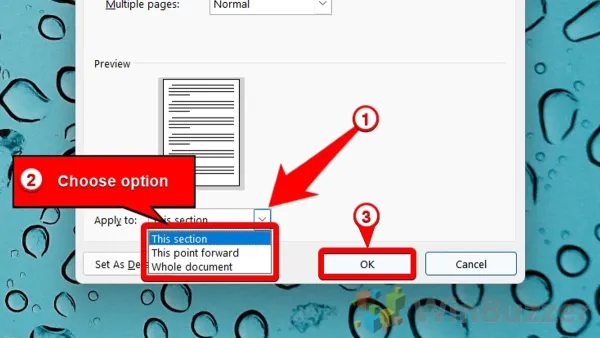
Discover how to adjust page margins in Pages on Mac, iPad, and iPhone to tailor your document layout precisely to your needs.
Apple Pages
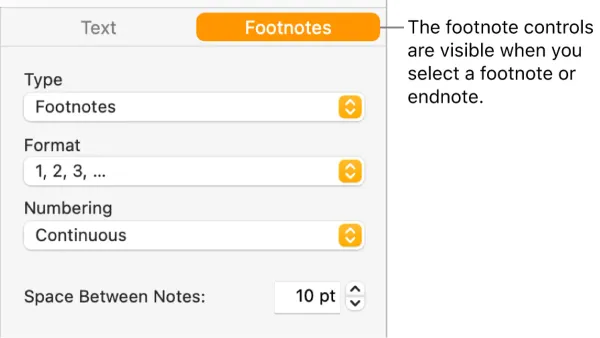
This guide shows you how to add footnotes in Pages, helping you insert and manage references clearly and professionally in your documents.
Document Collaboration
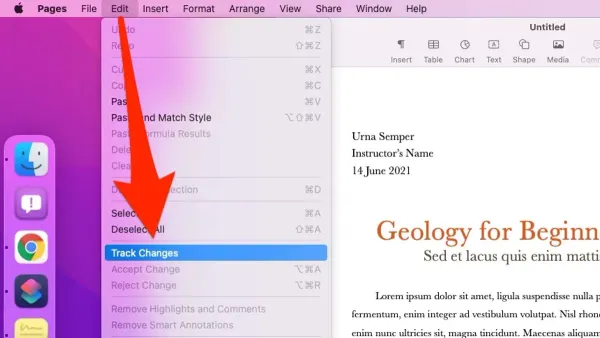
Discover how to enable and use track changes in Pages to keep edits organized and improve collaboration.
Graphic Design
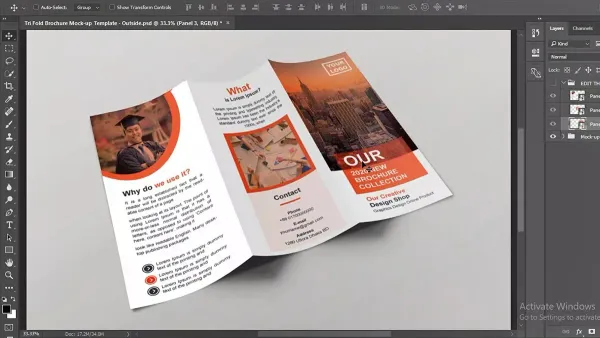
Create a professional brochure using Pages with step-by-step guidance on layout, text, images, and design tips for a polished final product.
Document Conversion
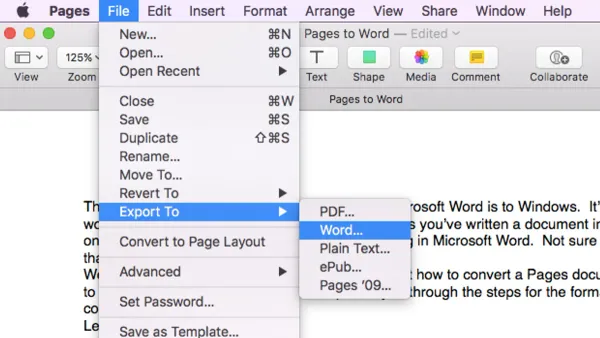
Follow easy steps to convert Pages documents to Word format on Mac, iPad, or iPhone for seamless sharing and editing.
Apple Pages
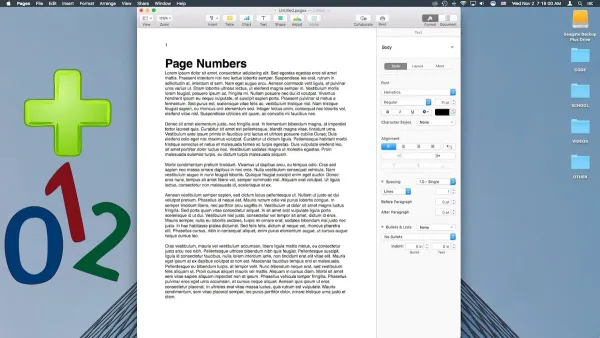
This guide shows you how to add and format page numbers in Pages on Mac, iPad, and iPhone for polished, professional documents.
File Management
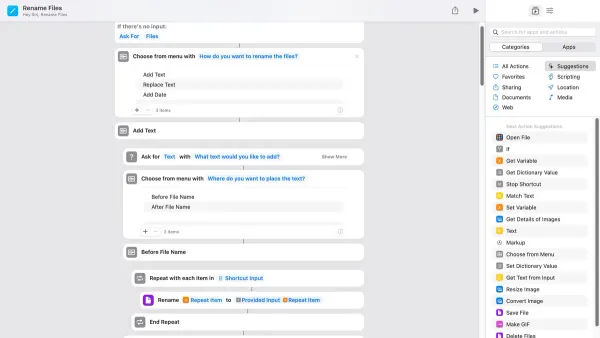
Discover how to rename files automatically in the Shortcuts app with step-by-step methods for batch renaming, dynamic timestamps, and conditional logic.

Productivity
Discover how to quickly open multiple work apps at once using the Shortcuts app to save time and enhance your daily productivity.
PDF Management
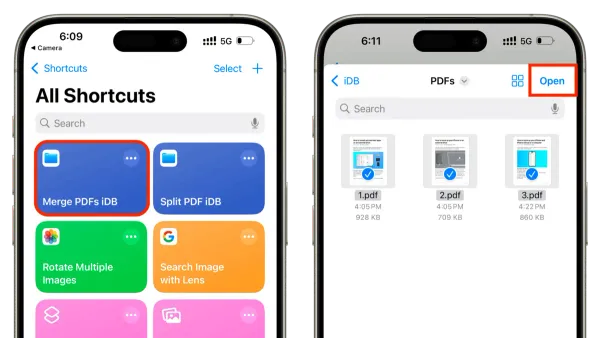
Discover how to merge multiple PDFs efficiently using a custom shortcut in the Shortcuts app on your iPhone or iPad.