Note Taking
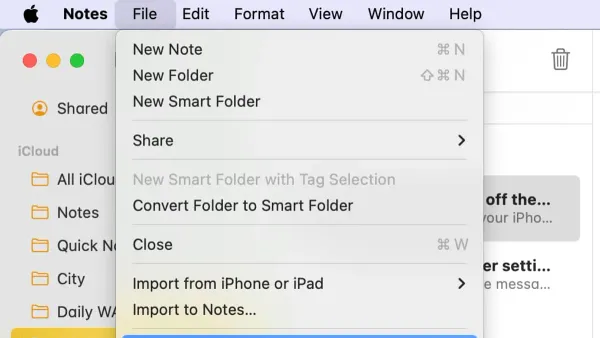
How to Export Notes to PDF in the Notes App: A Step-by-Step Guide
Discover easy steps to export notes to PDF in the Notes app on iPhone, iPad, and Mac for seamless sharing and printing.

Note Taking
Discover easy steps to export notes to PDF in the Notes app on iPhone, iPad, and Mac for seamless sharing and printing.
PDF Management
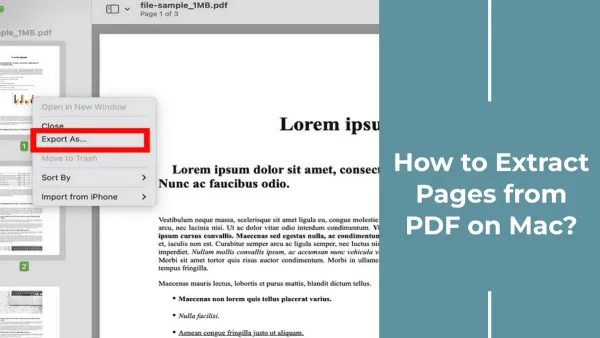
This guide shows you how to extract specific pages from a PDF using Preview on Mac, saving them as separate files with ease.
PDF Compression
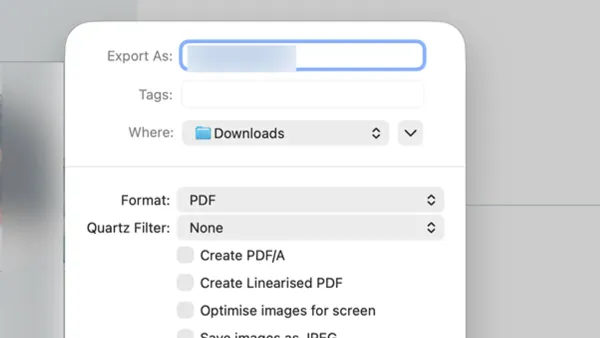
This guide shows how to compress a PDF in Preview to reduce file size without losing important details or clarity.
Productivity
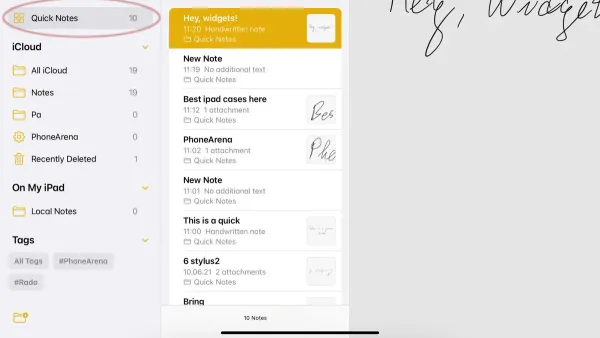
Discover how to create, find, and manage Quick Notes in the Notes app to capture ideas swiftly across your devices.
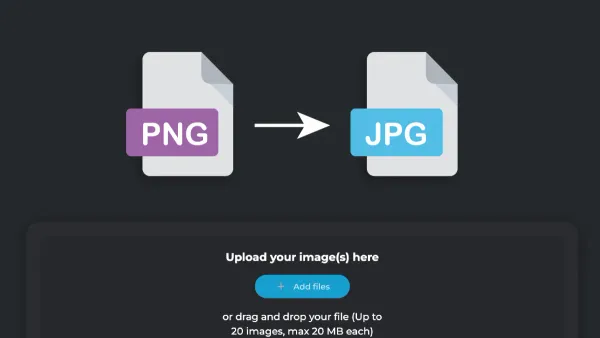
Image Conversion
Quickly convert PNG images to JPG using Preview on Mac with this easy step-by-step guide and understand when to use each format.
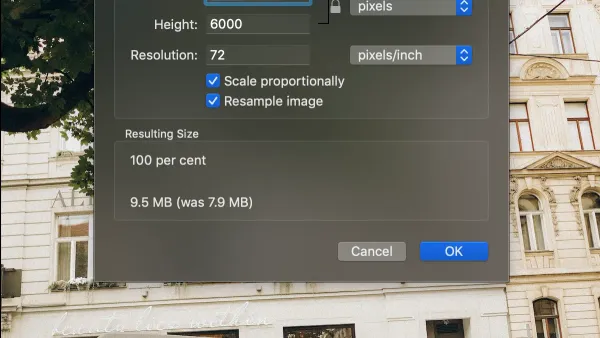
Image Editing
This guide shows you how to resize an image in Preview on Mac, adjusting dimensions and resolution for print or web use.
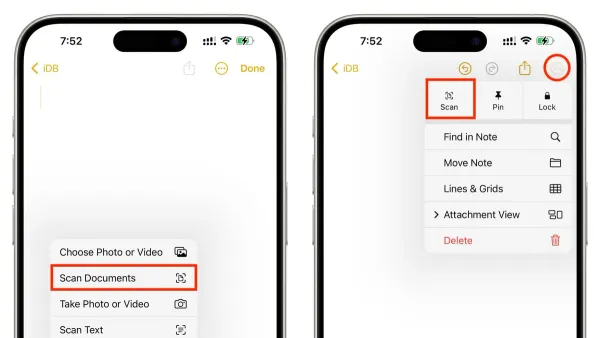
iPhone Tips
Discover easy steps to scan a document into Notes in Notes app and organize your papers digitally using your iPhone’s built-in scanner.

Image Editing
This guide shows how to remove background from an image in Preview using the Instant Alpha tool for transparent, clean images without extra software.
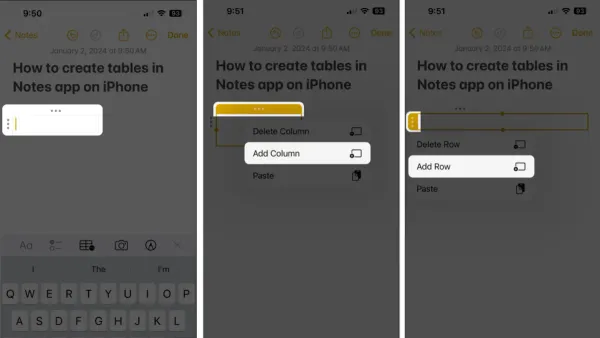
Notes App
Discover how to add and customize tables in the Notes app on iPhone, iPad, and Mac for clear and organized note-taking.
PDF Editing
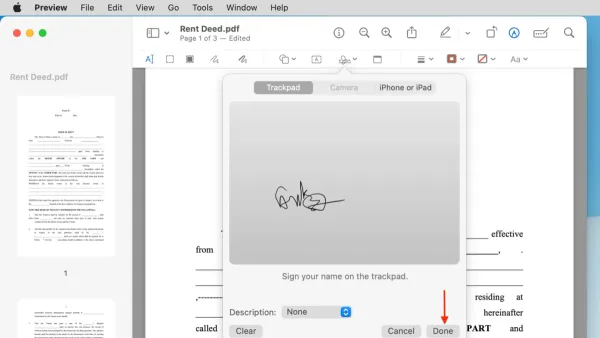
This guide shows how to sign a PDF in Preview on Mac using handwritten or digital signatures with easy step-by-step instructions.
PDF Tips
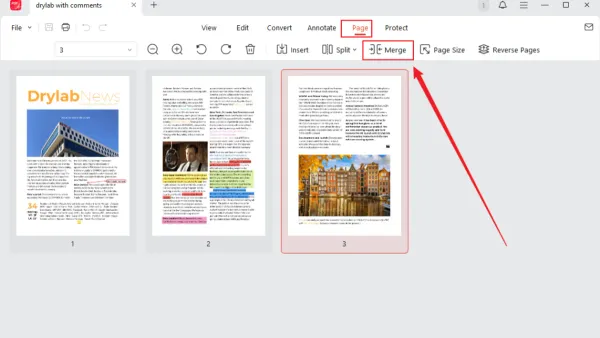
This guide shows you how to combine PDFs in Preview using clear steps to merge, edit, and save your documents on a Mac.
Productivity
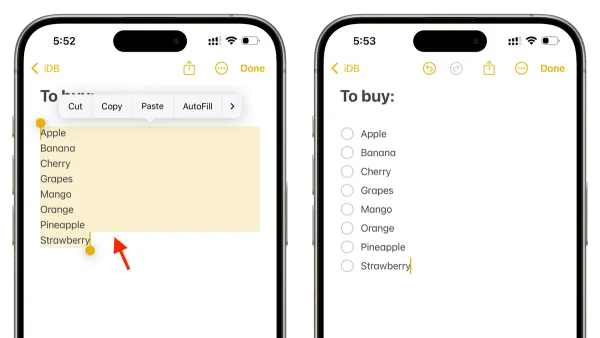
Discover how to create a checklist in the Notes app on your iPhone or iPad with clear steps and tips for better task management.