Mac Tips
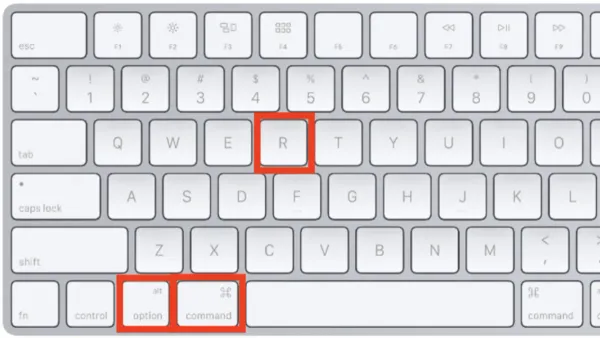
Mac Keyboard Shortcut to Reload a Webpage: Quick and Reliable Methods
Discover how to use Mac keyboard shortcuts to reload a webpage quickly and bypass cache for the latest content in different browsers.

Mac Tips
Discover how to use Mac keyboard shortcuts to reload a webpage quickly and bypass cache for the latest content in different browsers.
Mac Tips
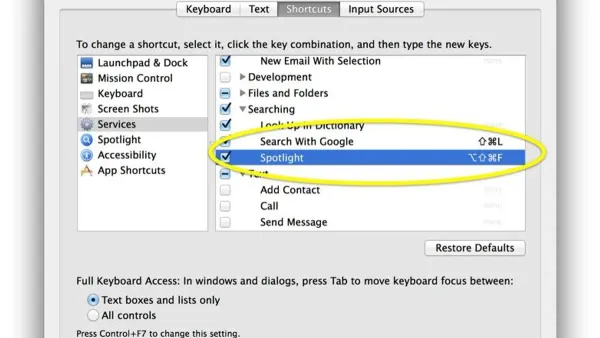
Learn how to quickly find specific words or phrases using the Mac keyboard shortcut to search within a page and improve your workflow.
Mac
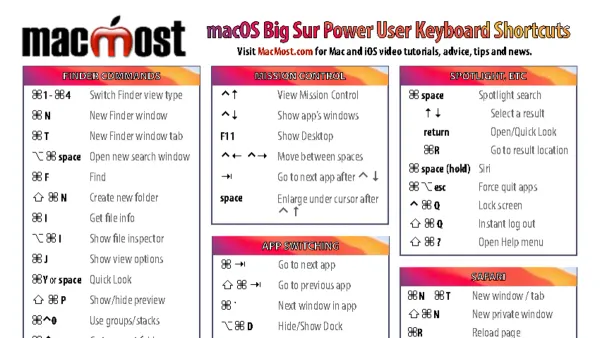
Discover how to quickly open a new private window on your Mac using a simple keyboard shortcut for private browsing without hassle.
Mac Tips
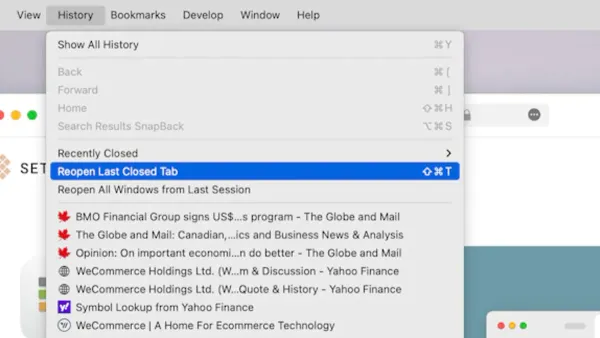
Discover how to use the Mac keyboard shortcut to reopen the last closed app window and maintain your workflow seamlessly.
Mac
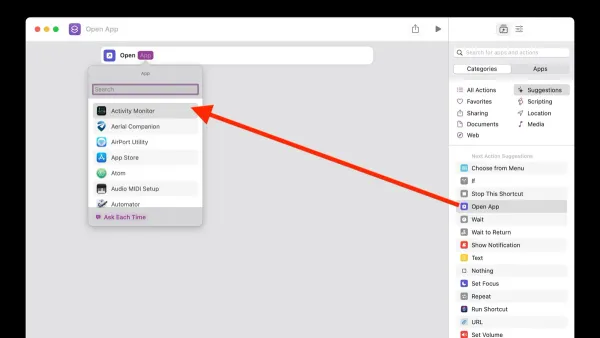
Discover how to open Activity Monitor on Mac using keyboard shortcuts and alternative quick access methods.
Mac
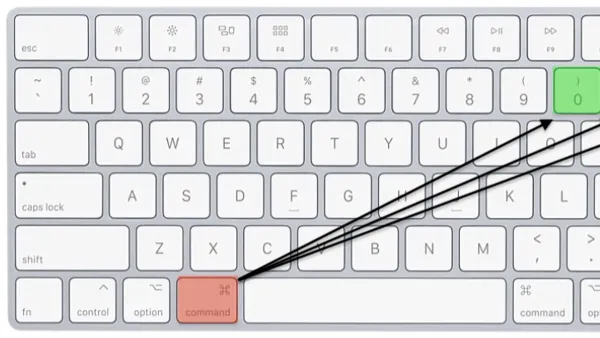
Discover the Mac keyboard shortcut to Ctrl Alt Delete equivalent and how to manage unresponsive apps and system tasks effectively on macOS.
Mac
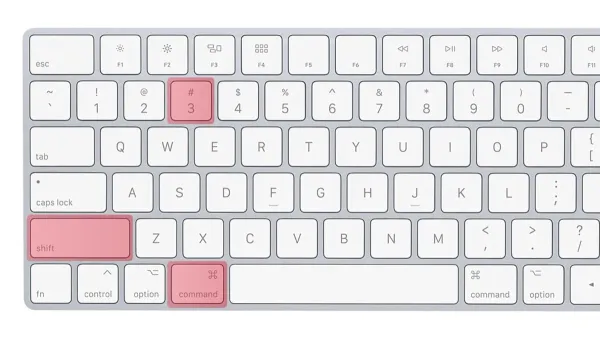
Discover how to use Mac keyboard shortcuts to capture your screen effectively without a dedicated print screen key.
MacOS
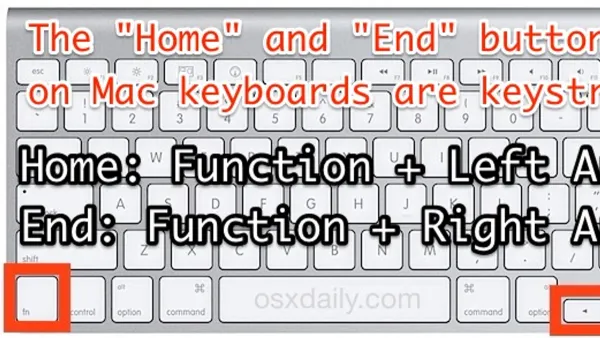
Discover how to use Mac keyboard shortcuts to replicate Home and End keys for efficient text navigation and smoother workflow.
Mac Tips
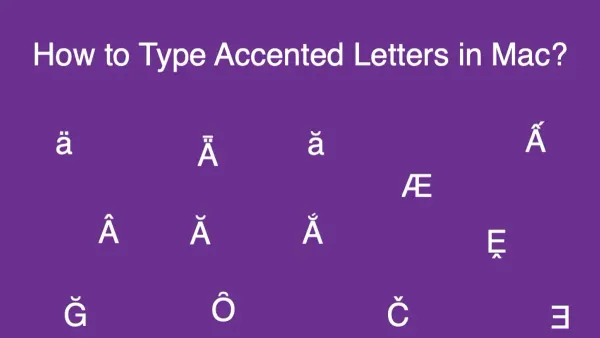
Discover easy Mac keyboard shortcuts to type accented letters using press-and-hold, option-key combos, or the Character Viewer.
Mac Tips
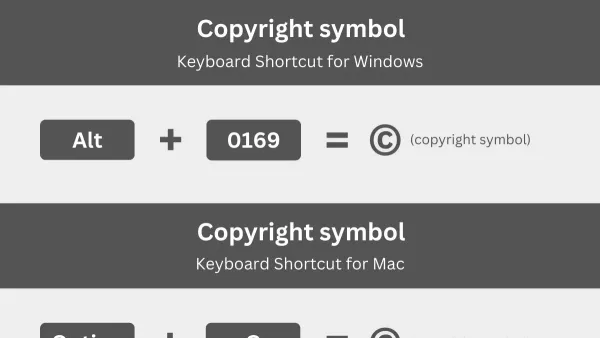
Discover the simple Mac keyboard shortcut to type the copyright symbol and other quick methods to mark your work professionally.
Mac Tips
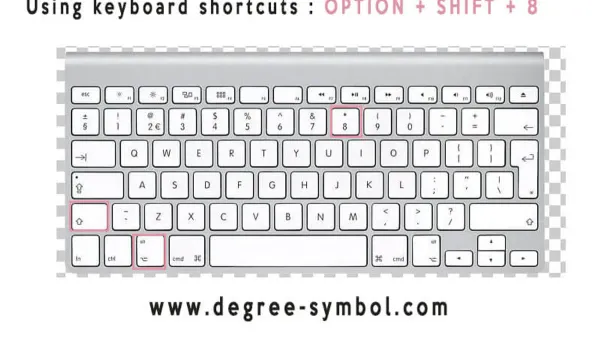
Discover how to quickly type the degree symbol on Mac using a simple keyboard shortcut and alternative input methods.
Mac Tips
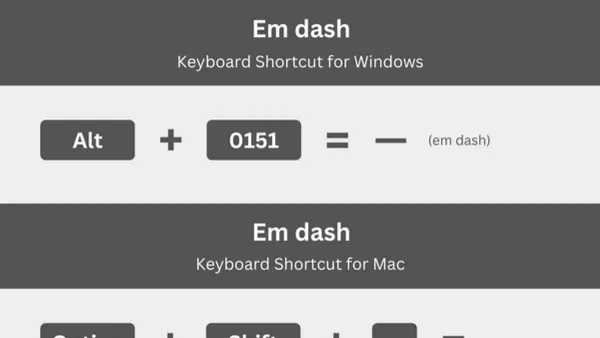
Discover the Mac keyboard shortcut to type an em dash quickly and enhance your writing with clear punctuation and smooth typing tips.