Google Chrome
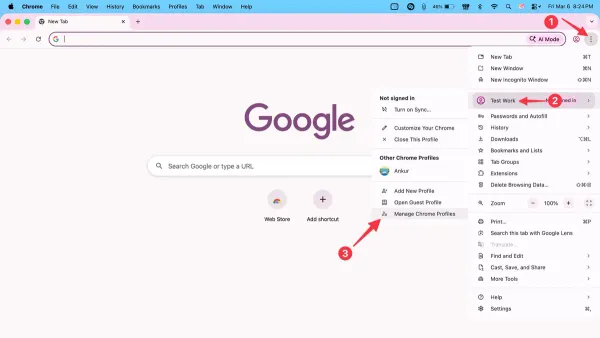
How to Use Chrome Profiles in Google Chrome on Mac: A Step-by-Step Guide
This guide shows how to create, switch, and manage Chrome profiles in Google Chrome on Mac for better organization and privacy.

Google Chrome
This guide shows how to create, switch, and manage Chrome profiles in Google Chrome on Mac for better organization and privacy.
Google Chrome
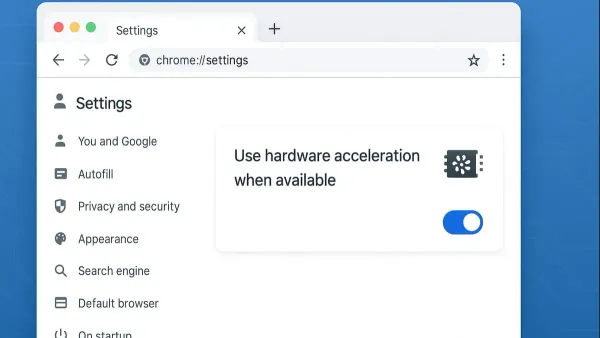
Step-by-step guide to turning off hardware acceleration in Google Chrome on Mac to resolve glitches and improve video playback.
Mac Troubleshooting
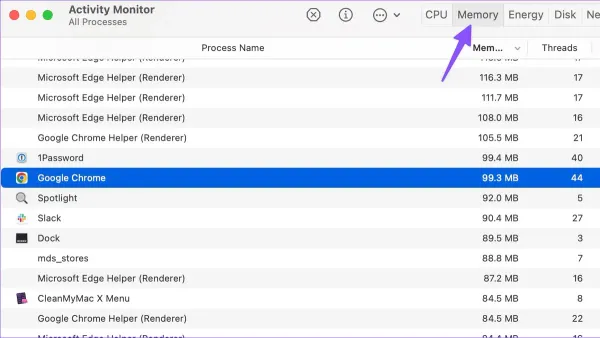
Discover step-by-step solutions to fix Google Chrome high memory usage on Mac and improve your system’s speed and stability.
Web Browsing
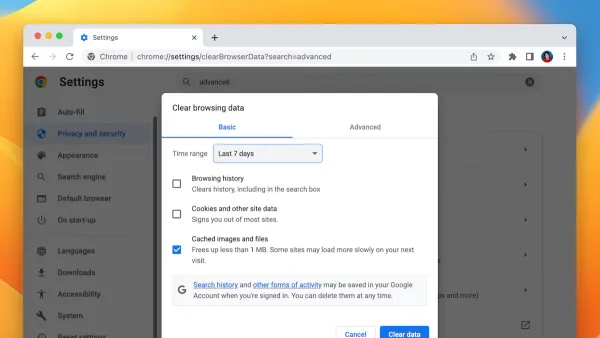
Step-by-step guide to clearing cache in Google Chrome on Mac to improve browser performance and fix common loading issues.
Google Chrome
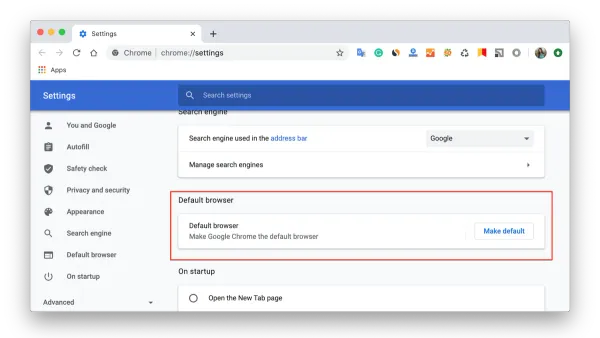
Follow this clear step-by-step guide to set Google Chrome as your default browser on Mac and enjoy seamless browsing with every link you click.
Zoom
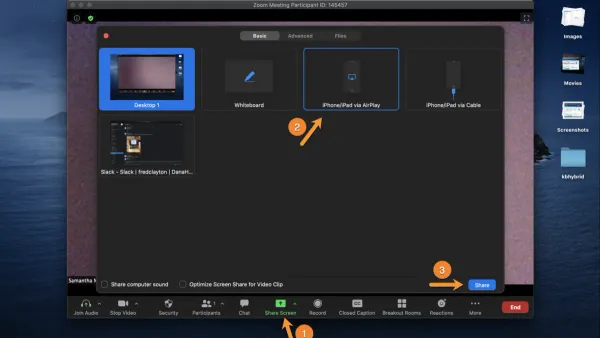
This guide shows you how to share your iPad screen in Zoom using your Mac, covering setup, permissions, and troubleshooting for smooth meetings.

Zoom
This guide shows how to record Zoom meetings locally on your Mac, including setup, alternatives, and troubleshooting for smooth recording.
Zoom
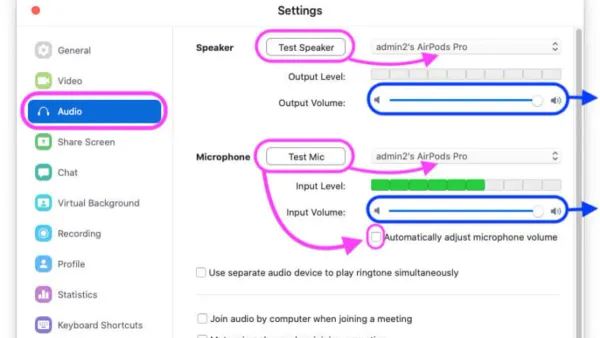
Step-by-step guide to troubleshoot and fix Zoom no audio issues on your Mac for clear sound during calls.
Video Conferencing
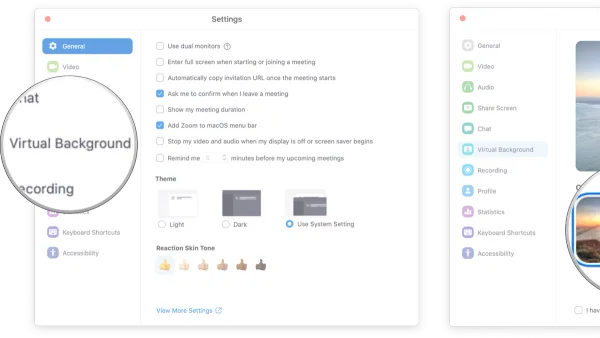
This guide shows you how to enable and switch virtual backgrounds in Zoom on Mac with practical tips for the best results.
Mac
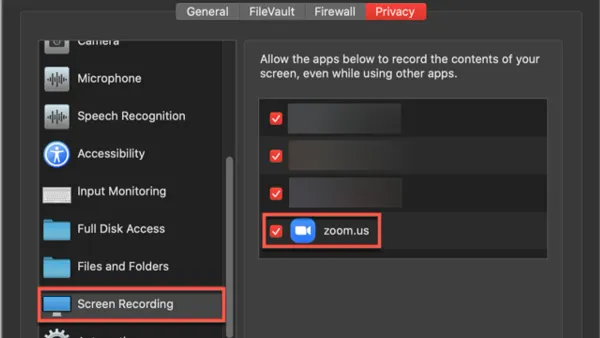
This guide explains how to enable screen recording permission in Zoom on Mac to fix greyed-out sharing options and ensure smooth meetings.
Microsoft Teams
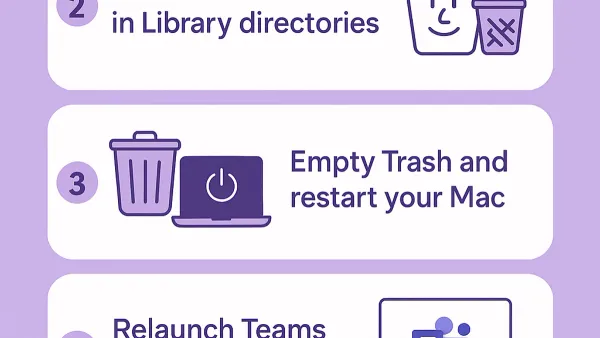
Learn how to clear cache in Microsoft Teams on Mac to improve app speed and fix syncing issues with this simple step-by-step guide.
Microsoft Teams
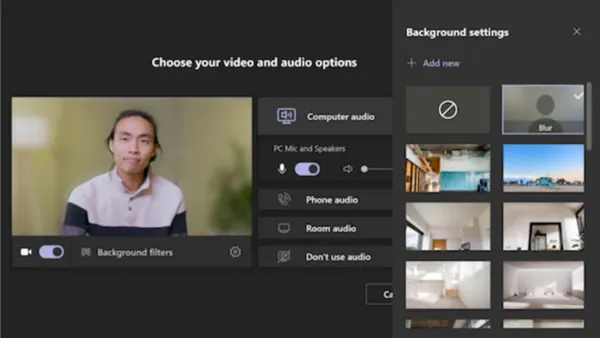
Discover easy steps to blur your background in Microsoft Teams on Mac for a more professional and private video meeting experience.