Mac Tips
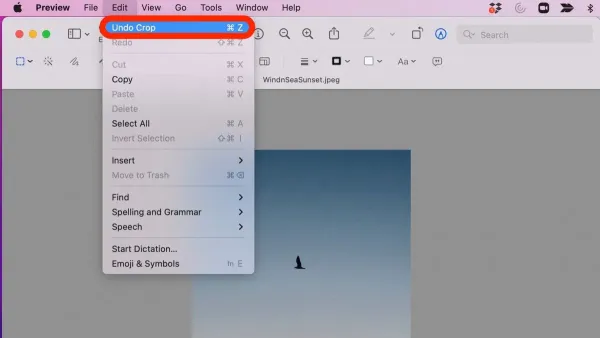
How to Crop an Image Easily Using Preview on Mac
Discover easy steps to crop an image in Preview on your Mac, ensuring precise edits and preserving image quality without extra apps.

Mac Tips
Discover easy steps to crop an image in Preview on your Mac, ensuring precise edits and preserving image quality without extra apps.
Mac Security
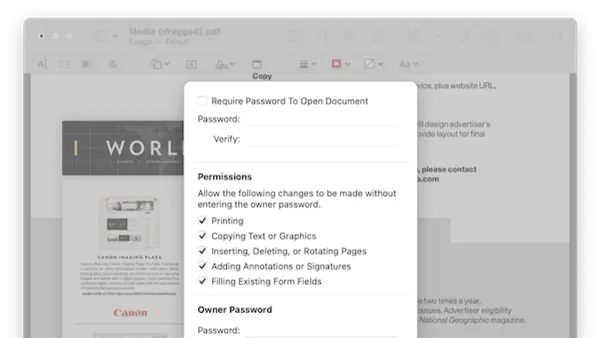
Secure your PDFs by learning how to password protect a PDF in Preview on Mac with this clear step-by-step guide.
PDF Forms
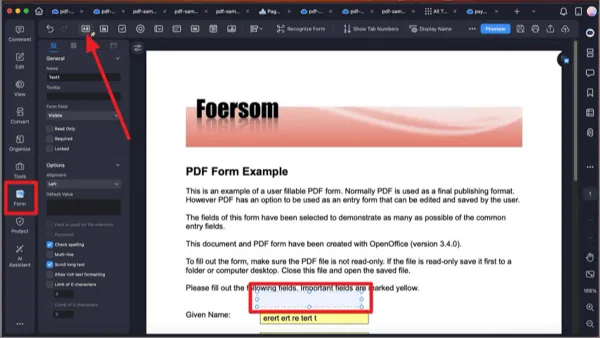
This guide shows you how to fill out PDF forms in Preview on Mac, including tips for saving, printing, and troubleshooting.
PDF Editing
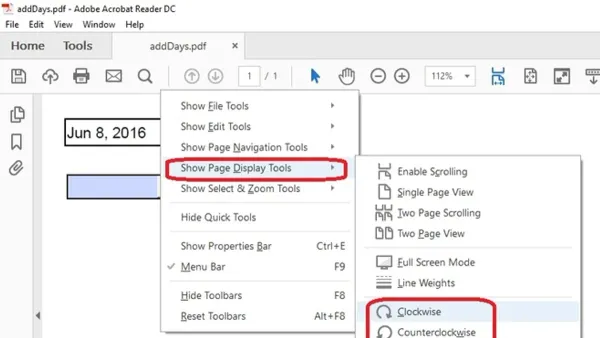
Discover how to rotate PDF pages in Preview on your Mac, either individually or all at once, and save your changes permanently.
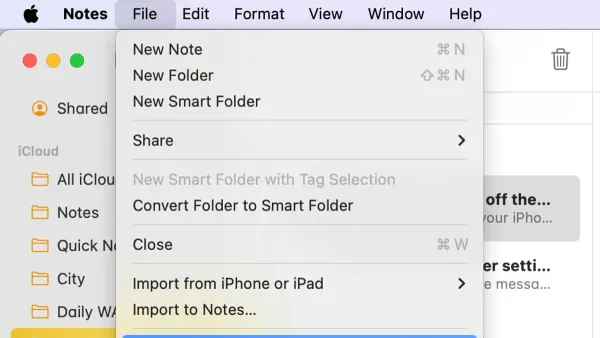
Note Taking
Discover easy steps to export notes to PDF in the Notes app on iPhone, iPad, and Mac for seamless sharing and printing.
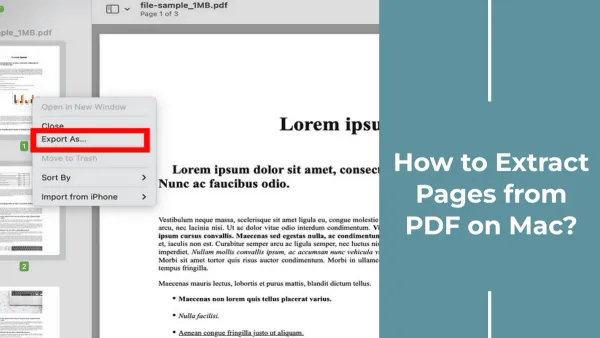
PDF Management
This guide shows you how to extract specific pages from a PDF using Preview on Mac, saving them as separate files with ease.
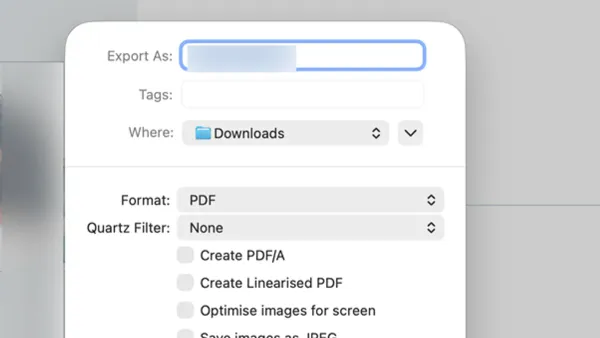
PDF Compression
This guide shows how to compress a PDF in Preview to reduce file size without losing important details or clarity.
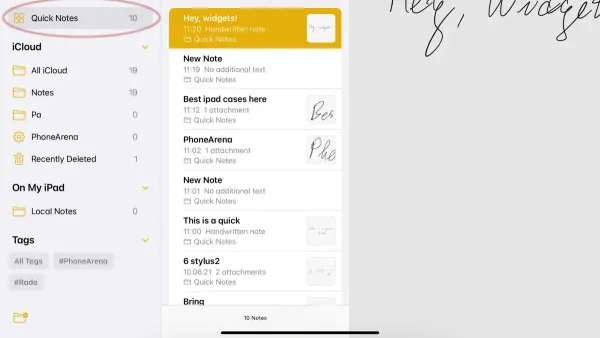
Productivity
Discover how to create, find, and manage Quick Notes in the Notes app to capture ideas swiftly across your devices.
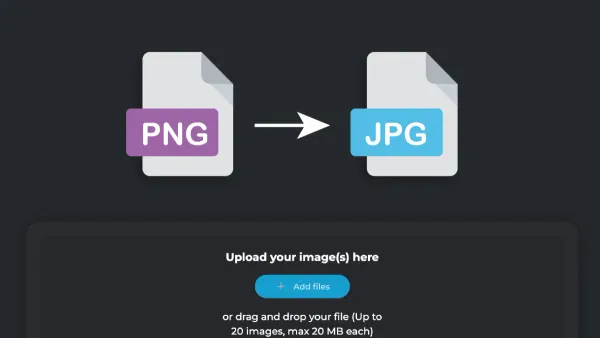
Image Conversion
Quickly convert PNG images to JPG using Preview on Mac with this easy step-by-step guide and understand when to use each format.
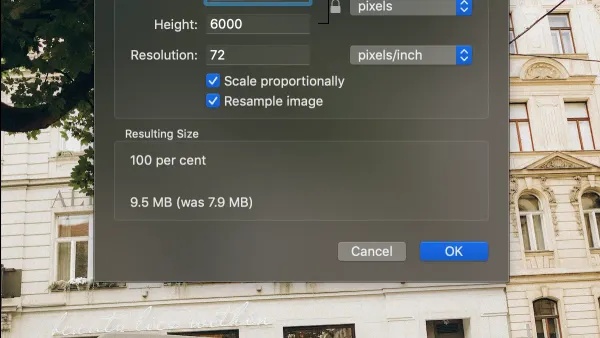
Image Editing
This guide shows you how to resize an image in Preview on Mac, adjusting dimensions and resolution for print or web use.
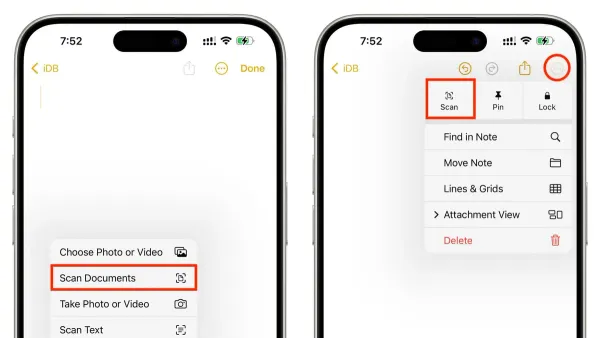
iPhone Tips
Discover easy steps to scan a document into Notes in Notes app and organize your papers digitally using your iPhone’s built-in scanner.

Image Editing
This guide shows how to remove background from an image in Preview using the Instant Alpha tool for transparent, clean images without extra software.