Document Formatting
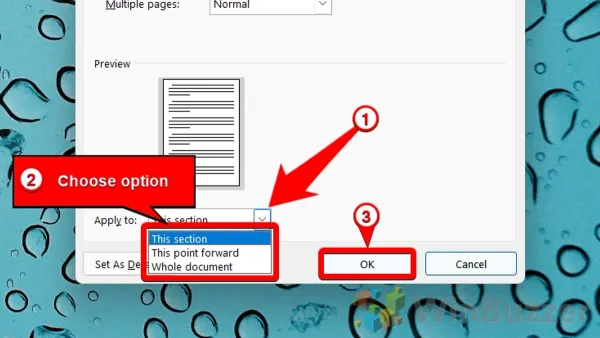
How to Change Page Margins in Pages on Mac, iPad, and iPhone
Discover how to adjust page margins in Pages on Mac, iPad, and iPhone to tailor your document layout precisely to your needs.

Document Formatting
Discover how to adjust page margins in Pages on Mac, iPad, and iPhone to tailor your document layout precisely to your needs.
Apple Pages
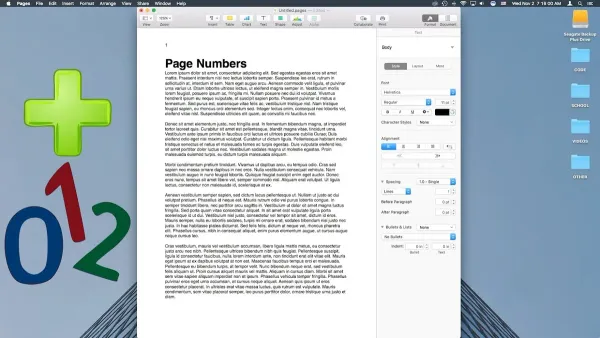
This guide shows you how to add and format page numbers in Pages on Mac, iPad, and iPhone for polished, professional documents.
Mac Backup
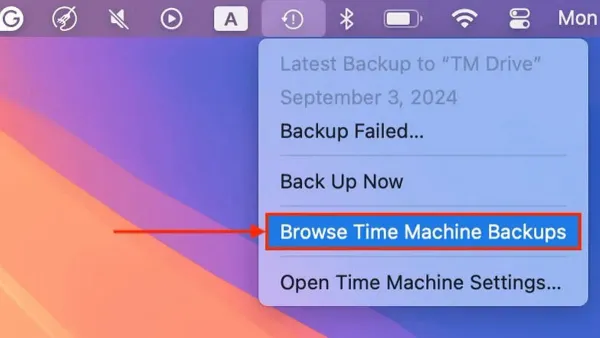
Discover how to access and explore old backups in Time Machine to restore files and manage your backups efficiently.
Mac Troubleshooting
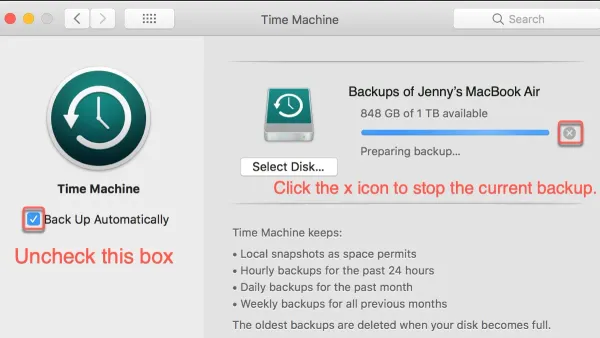
Discover effective steps to fix Time Machine backup stuck on preparing backup and get your Mac backups running smoothly again.
Mac Troubleshooting
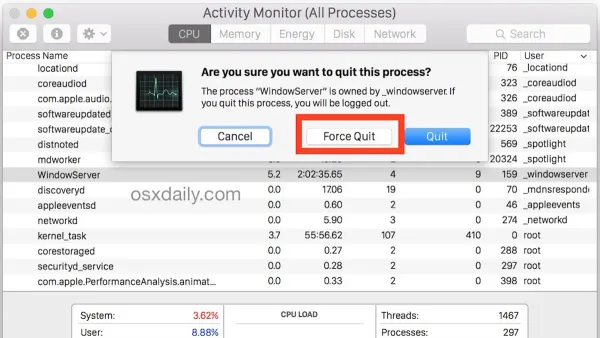
This guide shows you how to force kill a process in Activity Monitor to stop unresponsive apps and regain control of your Mac quickly and safely.
Mac Performance
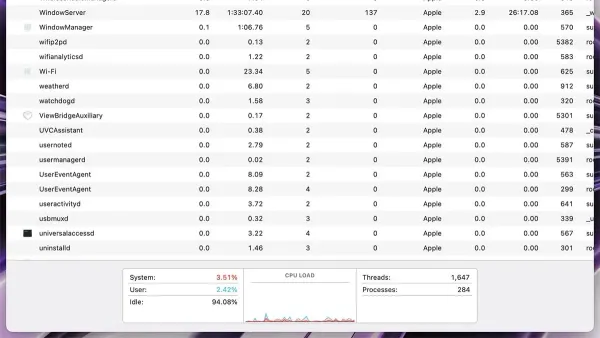
Discover how to identify apps using too much memory in Activity Monitor and improve your Mac's performance with simple steps.
USB Drives
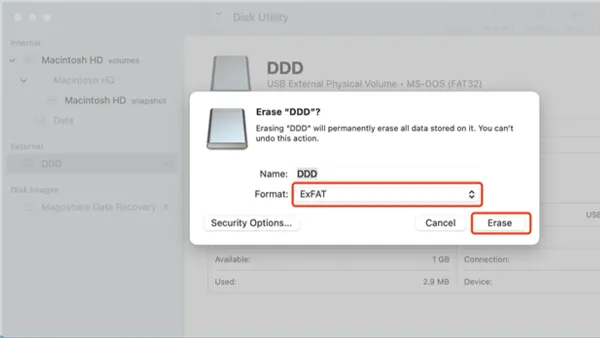
Step-by-step guide to formatting a USB drive as exFAT in Disk Utility for cross-platform compatibility between Mac and Windows.
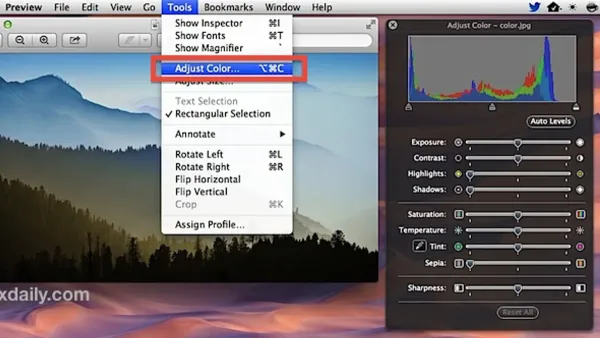
Image Editing
Quickly fix image colors in Preview on your Mac by adjusting brightness, contrast, and saturation with simple built-in tools.
Mac Tips
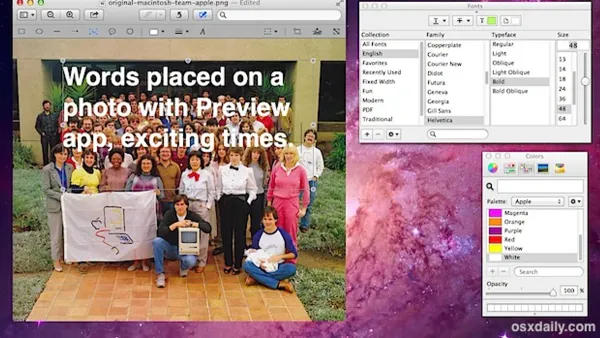
This guide shows you how to add text to an image in Preview, making it easy to annotate photos or PDFs on your Mac.

Image Editing
Discover how to use Instant Alpha in Preview to remove backgrounds and adjust images quickly and easily on your Mac.
PDF Editing
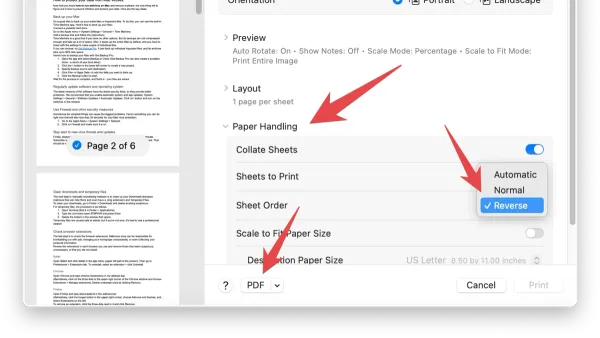
This guide shows Mac users how to reorder PDF pages in Preview using native tools for smooth and efficient document management.
PDF Editing
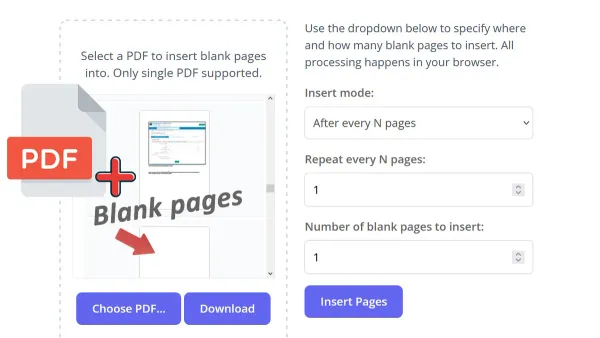
Discover practical steps to insert a blank page into a PDF using Preview on your Mac without needing third-party tools.