Mac Tips
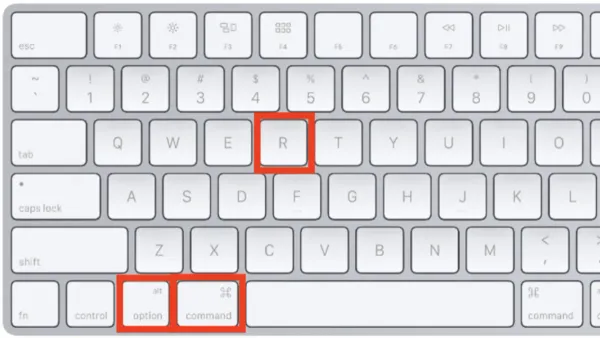
Mac Keyboard Shortcut to Reload a Webpage: Quick and Reliable Methods
Discover how to use Mac keyboard shortcuts to reload a webpage quickly and bypass cache for the latest content in different browsers.

Mac Tips
Discover how to use Mac keyboard shortcuts to reload a webpage quickly and bypass cache for the latest content in different browsers.
Mac Tips
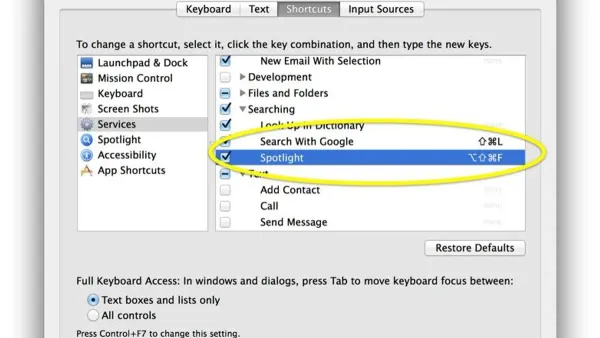
Learn how to quickly find specific words or phrases using the Mac keyboard shortcut to search within a page and improve your workflow.
Mac Tips
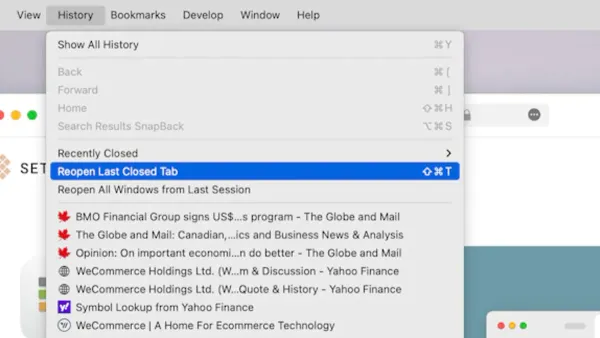
Discover how to use the Mac keyboard shortcut to reopen the last closed app window and maintain your workflow seamlessly.
Mac Tips
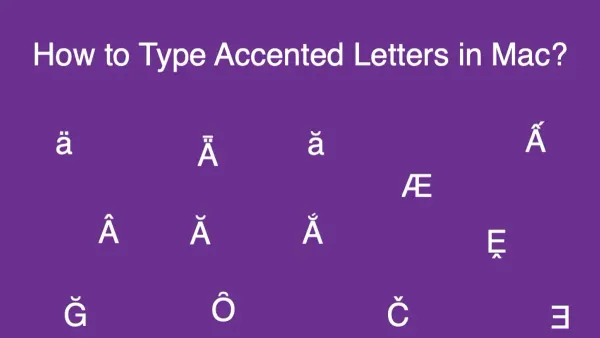
Discover easy Mac keyboard shortcuts to type accented letters using press-and-hold, option-key combos, or the Character Viewer.
Mac Tips
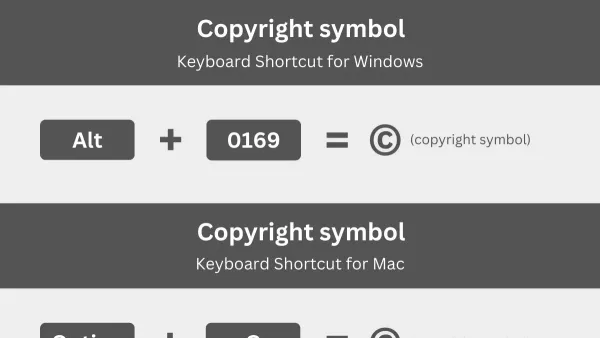
Discover the simple Mac keyboard shortcut to type the copyright symbol and other quick methods to mark your work professionally.
Mac Tips
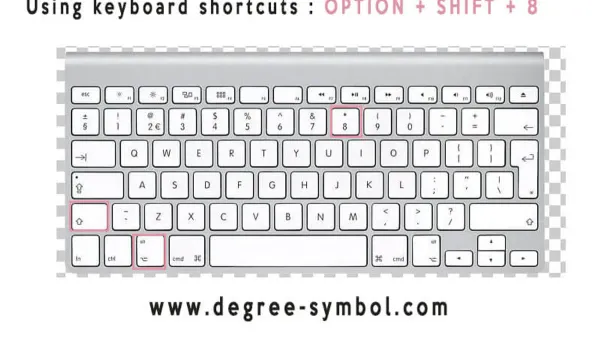
Discover how to quickly type the degree symbol on Mac using a simple keyboard shortcut and alternative input methods.
Mac Tips
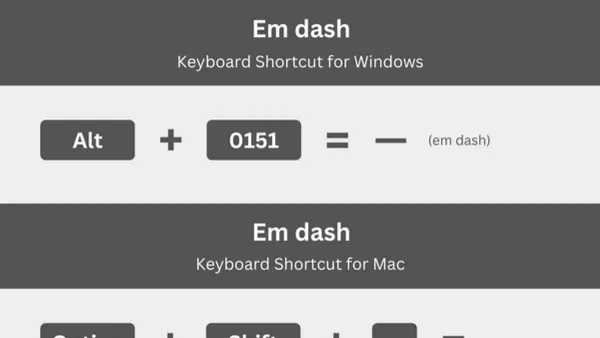
Discover the Mac keyboard shortcut to type an em dash quickly and enhance your writing with clear punctuation and smooth typing tips.
Mac Tips
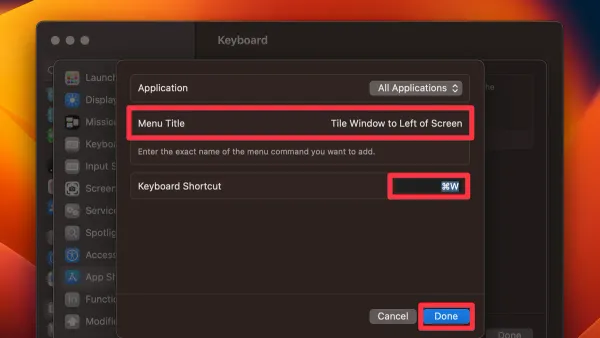
Discover how to use the Mac keyboard shortcut to tile window left and improve multitasking by snapping windows quickly and efficiently.
Mac Tips
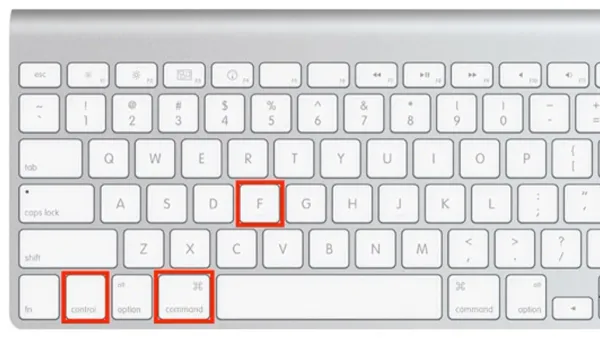
Discover how to use the Mac keyboard shortcut to full screen an app and streamline your workflow with quick workspace maximization.
Mac Tips
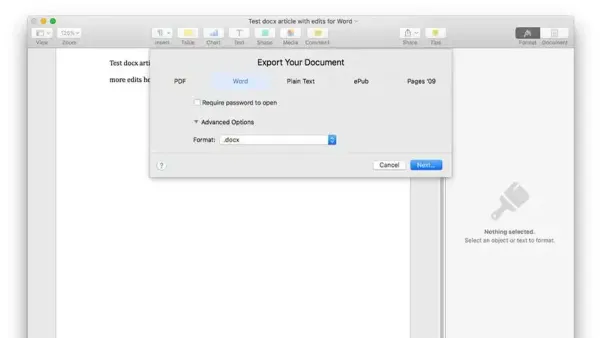
Discover easy ways to open.docx files on Mac with step-by-step instructions using Pages, Word, and free alternatives.
Mac Tips
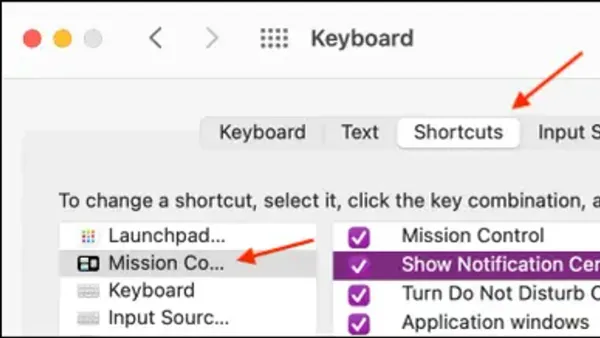
Discover how to quickly open Notification Center on your Mac using a convenient keyboard shortcut for seamless workflow and alert management.
Mac Tips
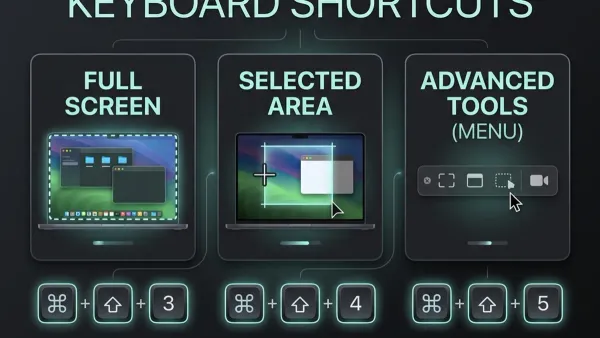
Discover how to quickly capture a specific part of your Mac screen using keyboard shortcuts for precise and efficient screenshots.