Mac Troubleshooting
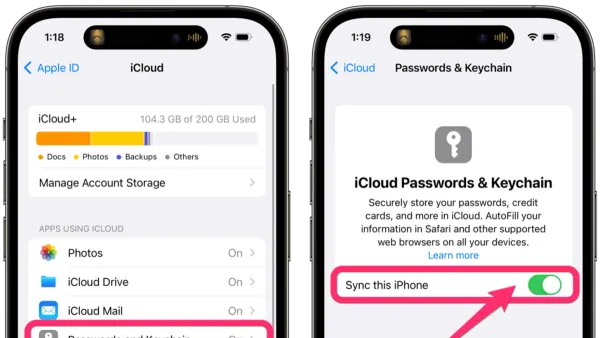
How to Stop Keychain Password Popups in Keychain Access
Discover how to stop keychain password popups in Keychain Access by troubleshooting password mismatches, app permissions, and keychain corruption.

Mac Troubleshooting
Discover how to stop keychain password popups in Keychain Access by troubleshooting password mismatches, app permissions, and keychain corruption.
Mac Troubleshooting
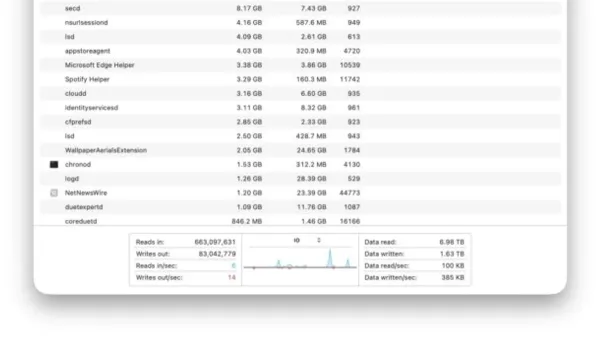
Discover how to check disk read and write activity in Activity Monitor to monitor your Mac’s disk usage and troubleshoot performance issues.
Mac Troubleshooting
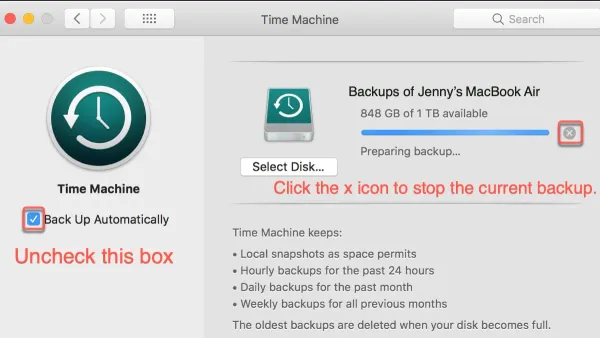
Discover effective steps to fix Time Machine backup stuck on preparing backup and get your Mac backups running smoothly again.
Mac Troubleshooting
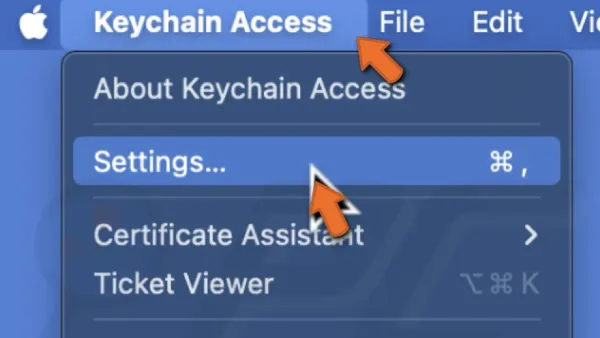
This guide explains how to reset the login keychain in Keychain Access to resolve password prompts and recover stored credentials safely.
Mac Troubleshooting
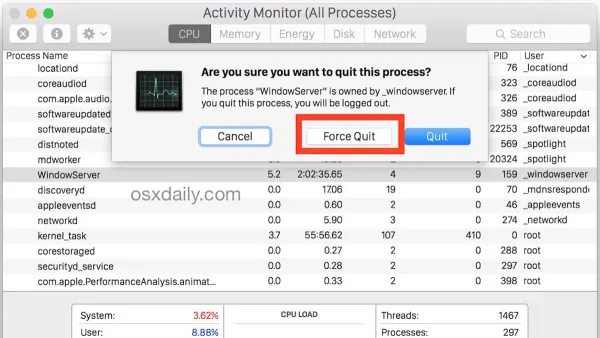
This guide shows you how to force kill a process in Activity Monitor to stop unresponsive apps and regain control of your Mac quickly and safely.
Mac Troubleshooting
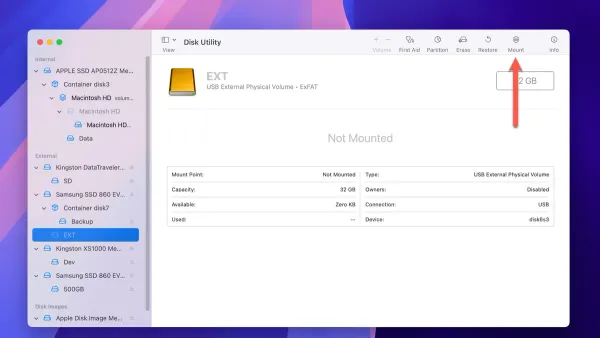
Discover effective steps to fix your external drive not mounting in Disk Utility and recover access to your data safely on your Mac.
Mac Troubleshooting
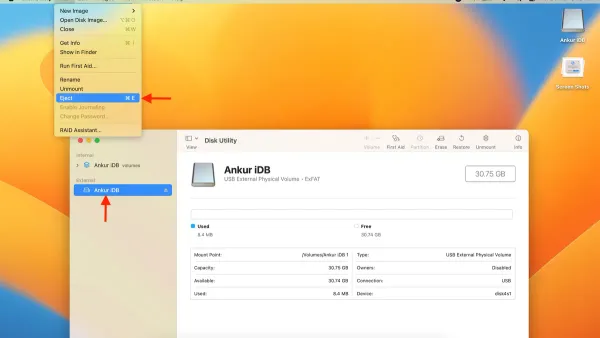
This guide explains how to safely force eject a disk in Disk Utility when normal ejection fails, with tips to avoid data loss and troubleshooting advice.
Mac Troubleshooting
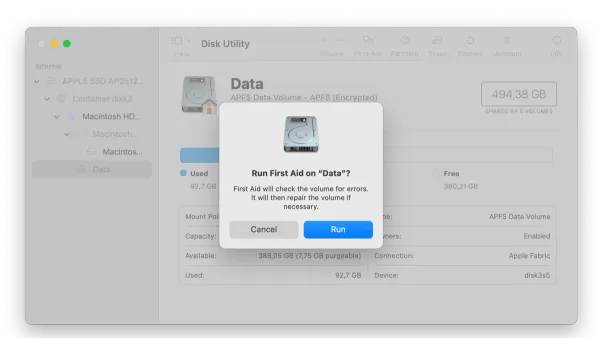
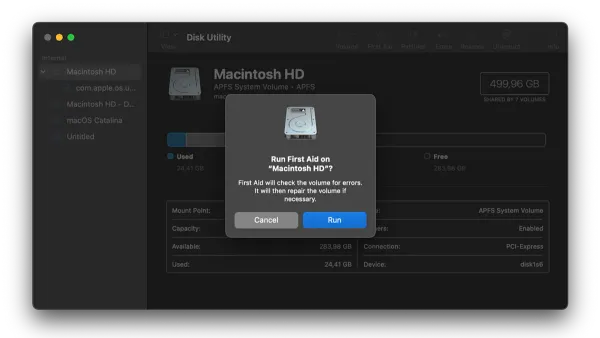
This guide shows you how to run First Aid in Disk Utility to quickly diagnose and repair common disk errors on your Mac.
Mac Troubleshooting
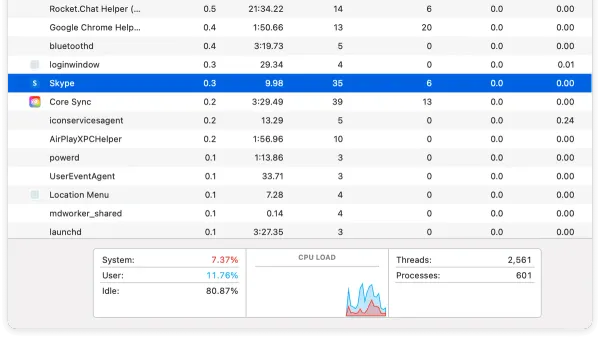
Discover how to identify which app is using your camera in Activity Monitor and manage camera access on your Mac easily.
Mac Troubleshooting
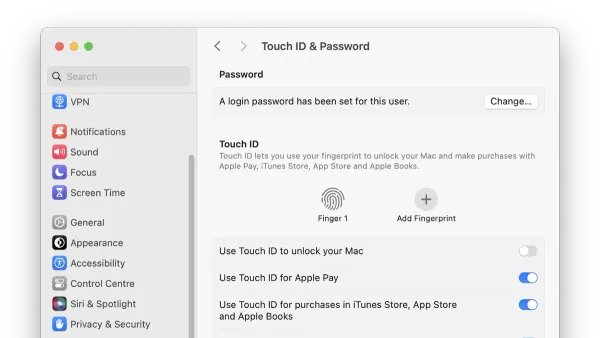
Learn step-by-step fixes to troubleshoot and resolve Mac Studio M4 Max Touch ID not working issues effectively and safely.
Mac Troubleshooting
Learn how to fix the Mac Studio M4 Max headphone jack not working with step-by-step solutions covering hardware and software troubleshooting.
Mac Troubleshooting
Troubleshoot and fix your Mac Studio M4 Max stuck on the Apple logo with clear, step-by-step guidance for hardware and software issues.