Mac Troubleshooting
Chrome Keeps Crashing on Mac: Clear Fixes That Work
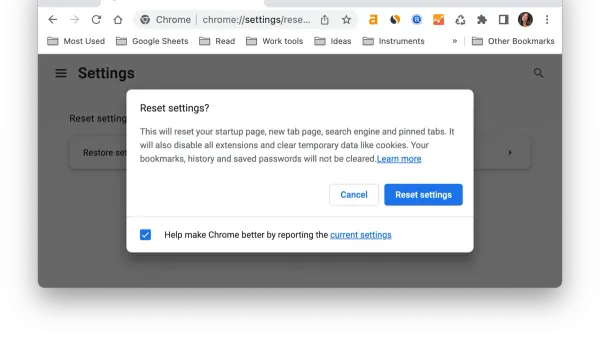
Discover clear fixes for Chrome crashing on Mac, from profile resets to extension checks, to get your browser running smoothly again.

Step-by-step fixes for common Mac and MacBook problems – slow performance, startup issues, crashes, Wi-Fi, battery and more.
Mac Troubleshooting
Discover clear fixes for Chrome crashing on Mac, from profile resets to extension checks, to get your browser running smoothly again.
Microsoft Teams
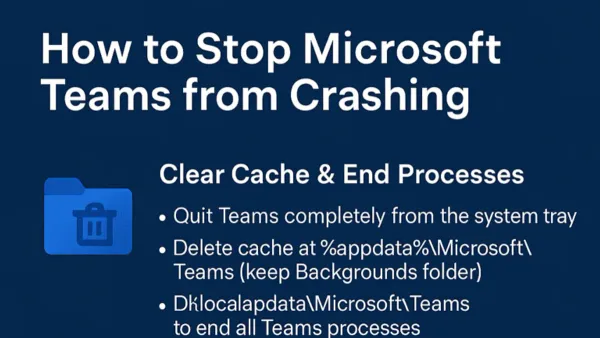
Learn how to fix Microsoft Teams crashing on Mac by clearing cache and addressing common issues for a stable app experience.
Zoom
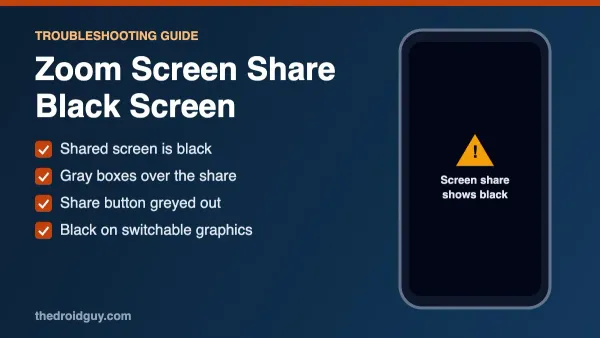
Learn how to fix Zoom black screen issues during screen sharing on Mac with simple permission and hardware acceleration adjustments.
Mac Troubleshooting
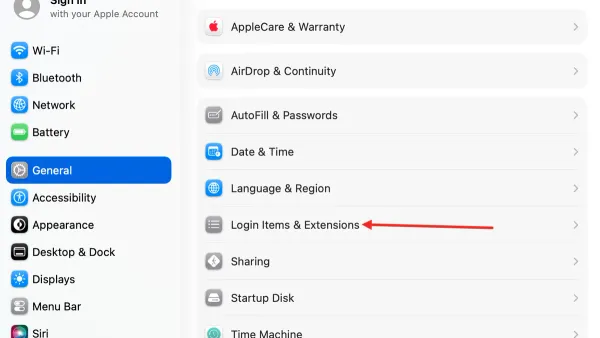
Learn how to fix scanner not detected on Mac with simple troubleshooting steps to restore proper connection and scanning functionality.
Mac Troubleshooting
Learn step-by-step solutions to fix printer offline on Mac by addressing common causes like Wi-Fi issues, print queue, and driver updates.
Mac Troubleshooting
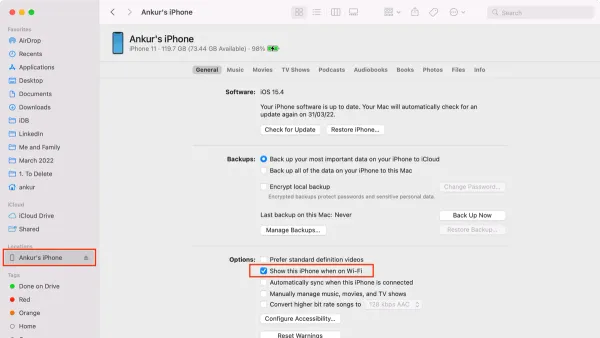
Discover effective steps to fix iPhone not showing in Finder on Mac and ensure your device appears reliably every time.
Mac Troubleshooting
This guide helps you fix SD card not showing on Mac by addressing common issues like write-protect switches and file system incompatibilities.
Mac Troubleshooting
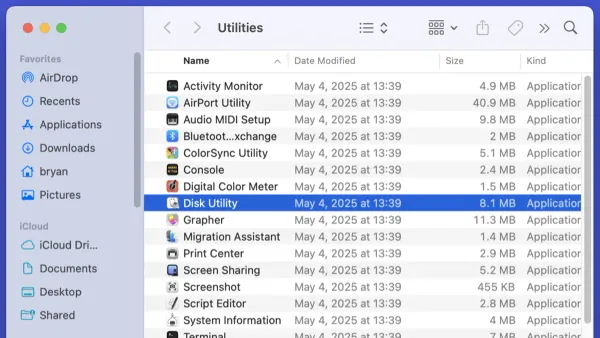
Discover step-by-step solutions to fix a corrupted exFAT drive on Mac using Disk Utility, Terminal commands, and Windows repair tools.
Mac Troubleshooting
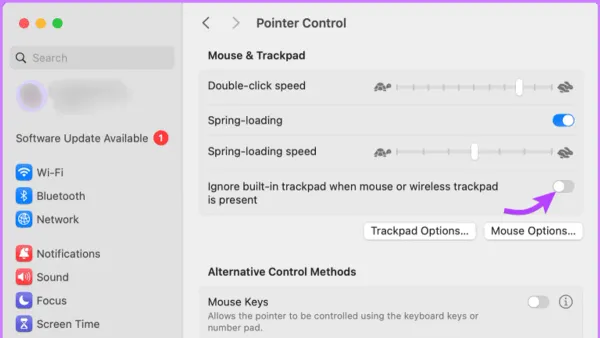
Discover practical solutions to fix trackpad cursor jumping on Mac caused by moisture, settings, or hardware issues for smoother navigation.
Mac Troubleshooting
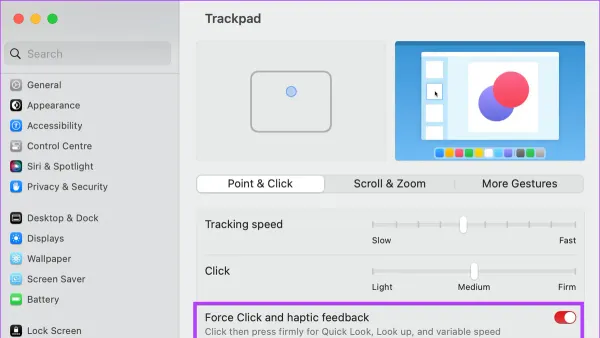
Learn how to fix trackpad click not working on Mac by adjusting settings and troubleshooting hardware for restored click functionality.
Mac Troubleshooting
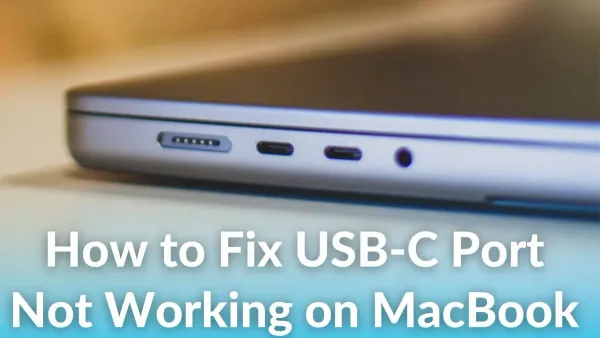
Learn how to fix the USB-C port not charging on Mac with simple steps including cable checks, port cleaning, and software resets.
Mac Troubleshooting
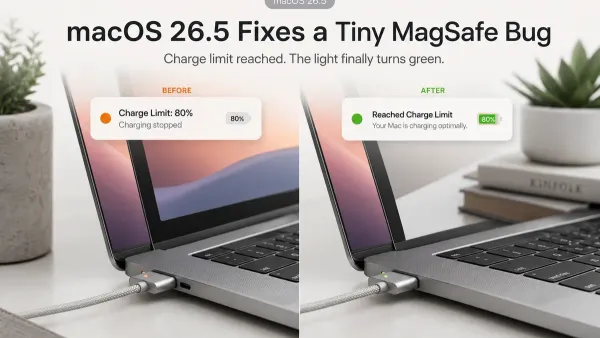
Discover how to fix the MagSafe light not turning on on your Mac by checking connector types, compatibility, and cleaning ports effectively.