Mac
How to Reduce Motion on Mac: A Clear Step-by-Step Guide
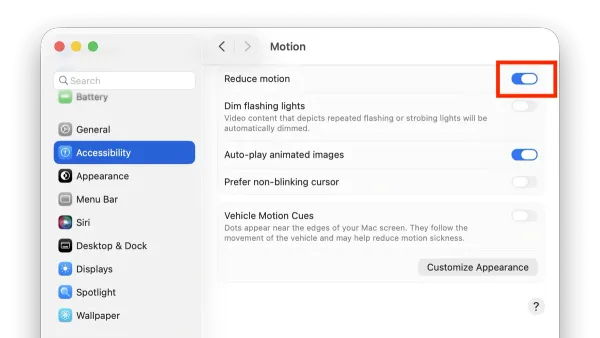
This guide shows you how to reduce motion on Mac to minimize animations and improve comfort and accessibility.

Mac
This guide shows you how to reduce motion on Mac to minimize animations and improve comfort and accessibility.
Mac
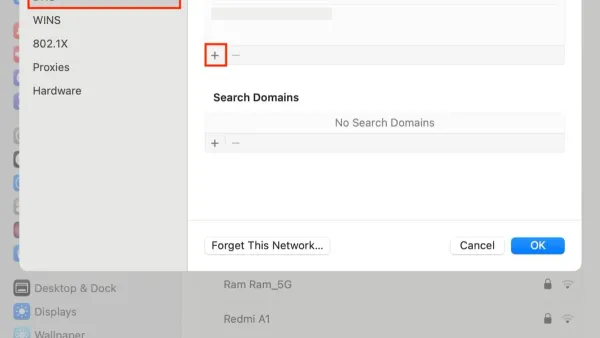
This guide shows how to set custom DNS on Mac using System Preferences and Terminal to boost speed, privacy, and access.
Mac
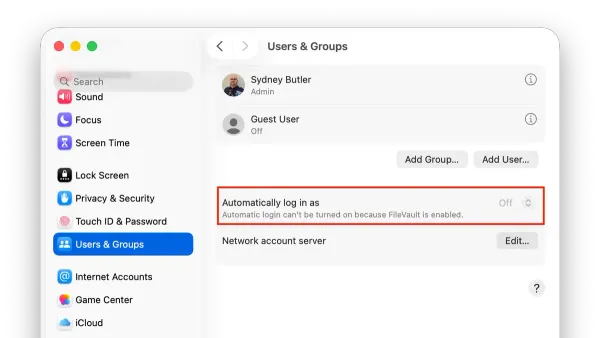
This guide explains how to enable and manage auto login on Mac, balancing convenience with security considerations.
Mac
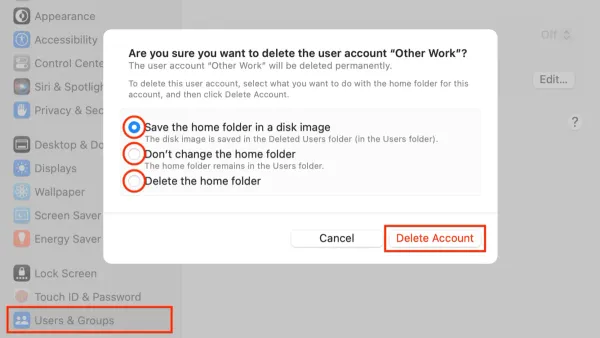
Discover the safest way to delete a user account on Mac to avoid data loss and manage your system efficiently.
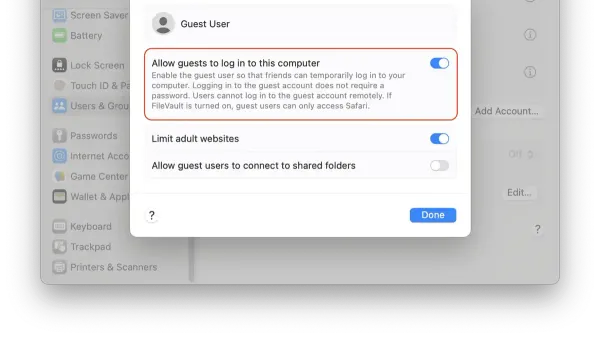
Mac
This guide explains how to set up a guest user on Mac safely to allow temporary access without exposing your personal files.
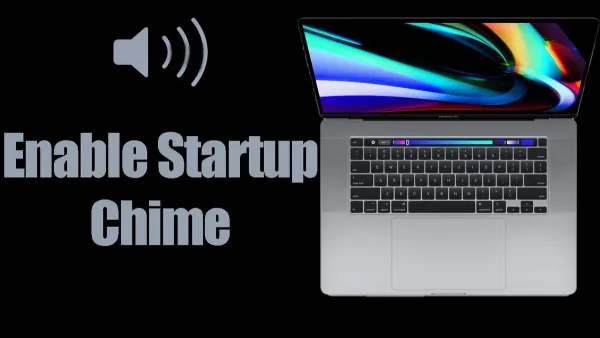
Mac
Discover how to turn on the startup chime on Mac, including native settings, Terminal commands, and third-party app options for all Mac models.
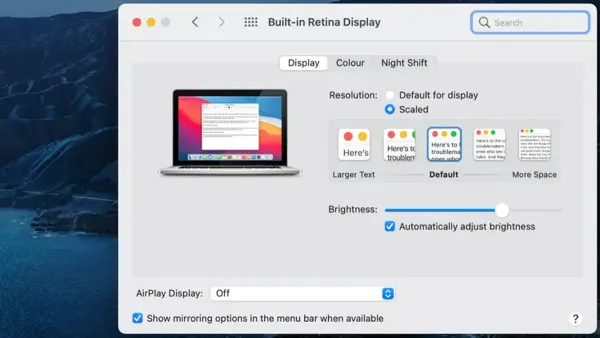
Mac
Discover how to adjust the display refresh rate on your Mac to improve smoothness, reduce flicker, and optimize battery life in 2026.
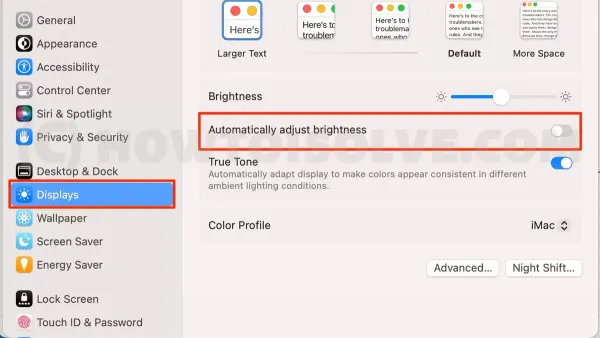
Mac
Discover how to disable auto brightness on your Mac and manually control your screen brightness for better comfort and workflow.
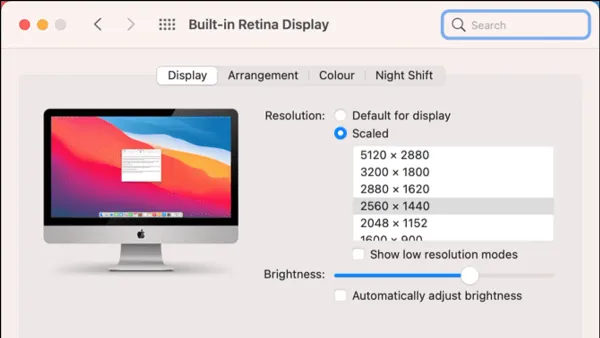
Mac
This guide shows you how to change screen resolution on Mac devices to improve display clarity and customize your viewing experience.
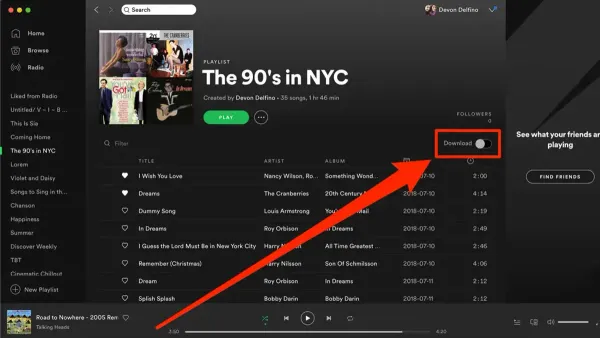
Spotify
Discover how to download songs offline in Spotify on Mac with this easy guide to enjoy music without an internet connection.
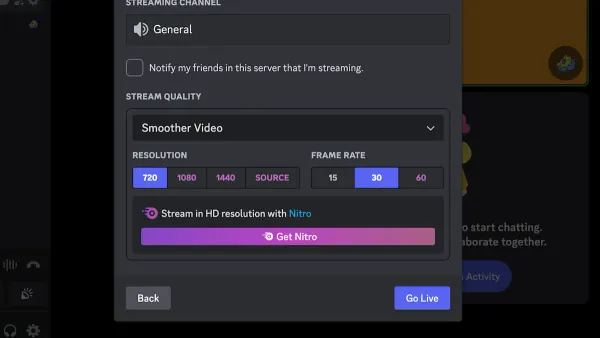
Discord
This guide shows how to share screen with audio in Discord on Mac, covering settings, permissions, and tools to ensure smooth audio sharing.
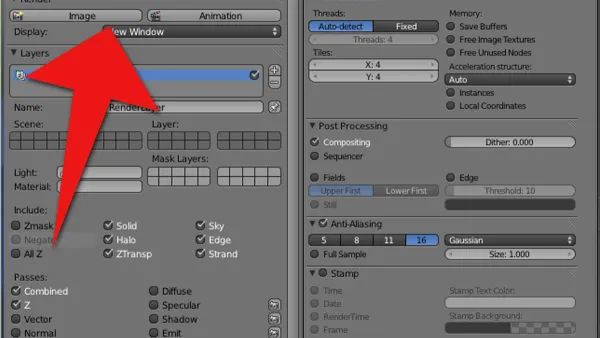
Blender
Learn how to best render settings in Blender on Mac to achieve high-quality, efficient renders using Blender 2026 and Apple Silicon hardware.