Mac Tips
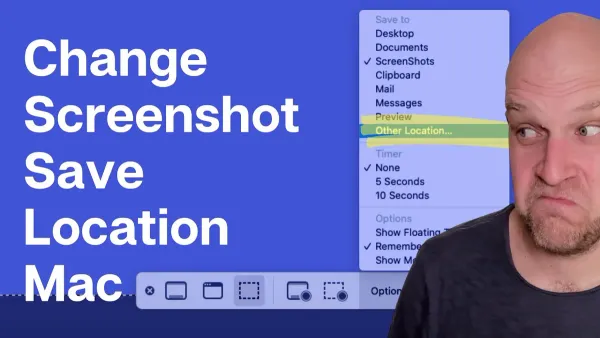
Change Screenshot Save Location on Mac: Easy Step-by-Step Guide
Discover easy methods to change where your Mac saves screenshots, keeping your workspace organized and improving file management.

Mac Tips
Discover easy methods to change where your Mac saves screenshots, keeping your workspace organized and improving file management.
Mac Tips
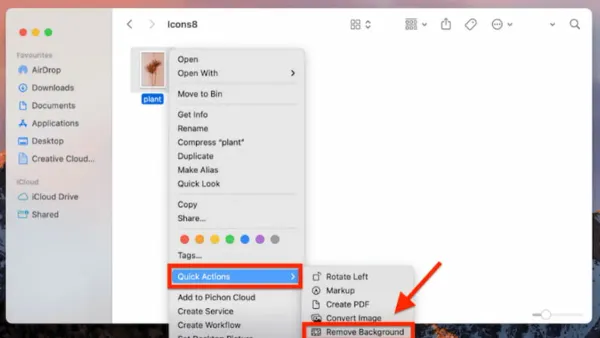
This guide explains how to remove background items and images on your Mac to streamline your system and enhance photo editing.
Mac Tips
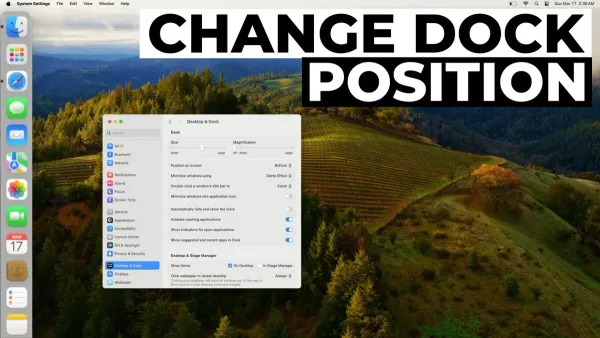
Discover how to move the Dock to the left on Mac and customize its position, size, and behavior for a cleaner, more efficient workspace.
Mac Tips
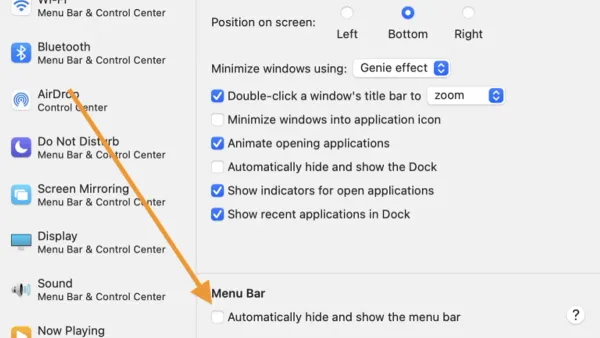
Discover simple steps to hide the menu bar on Mac and manage your Dock for a cleaner, distraction-free workspace.
Mac Tips
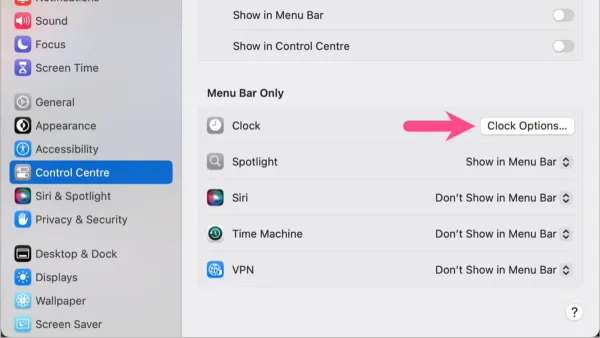
Discover how to enable seconds in your Mac's menu bar clock using system settings or third-party apps for precise time tracking.
Mac
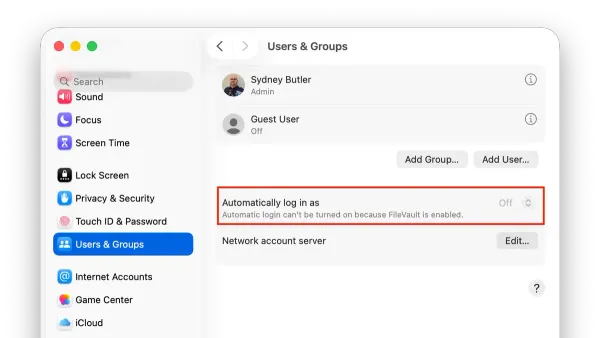
This guide explains how to enable and manage auto login on Mac, balancing convenience with security considerations.
Mac Security
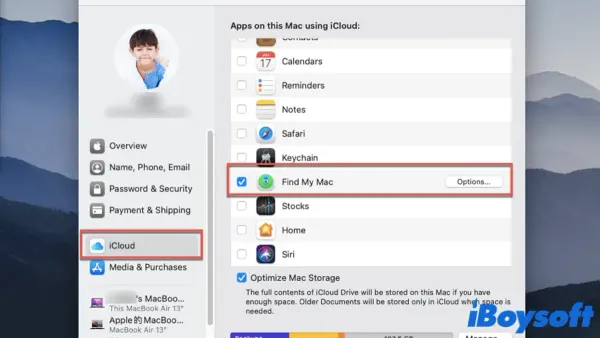
Discover how to enable Find My Mac on your MacBook to track and protect your device effectively in case it goes missing.
MacOS
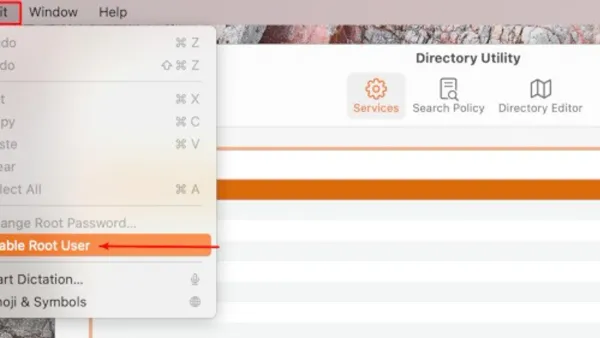
This guide explains how to enable root user on Mac to access full system privileges safely and effectively for advanced troubleshooting and configuration.
Mac
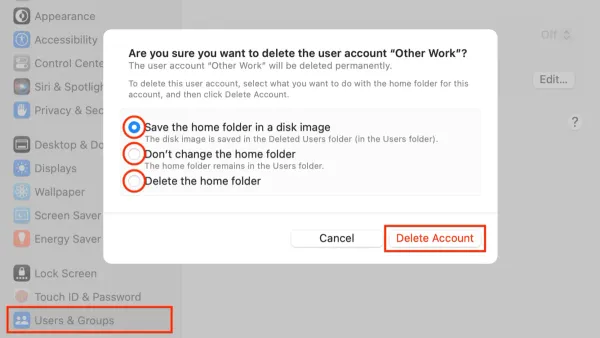
Discover the safest way to delete a user account on Mac to avoid data loss and manage your system efficiently.
Mac
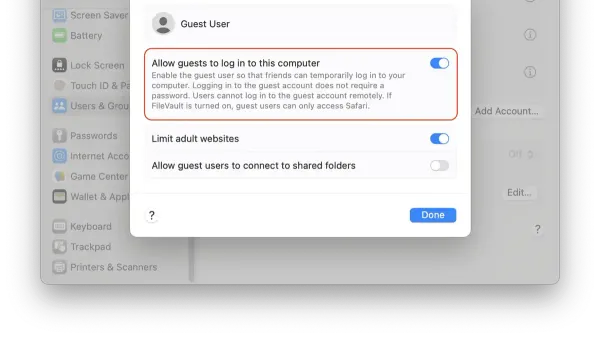
This guide explains how to set up a guest user on Mac safely to allow temporary access without exposing your personal files.
Mac Tips
Discover easy, step-by-step methods to turn off the startup chime on your Mac across different models and macOS versions.
Mac Tips
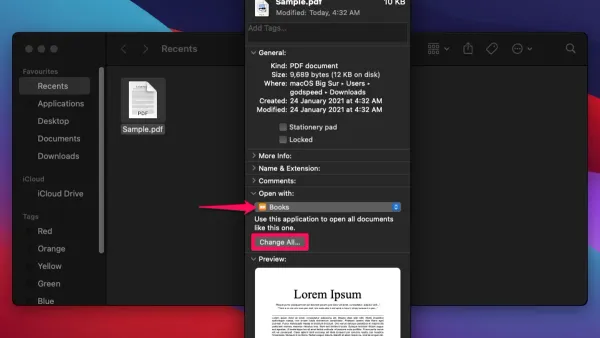
This guide explains how to change the default app for a file type on Mac, including system-wide and per-file settings for smoother file management.