Internet Speed
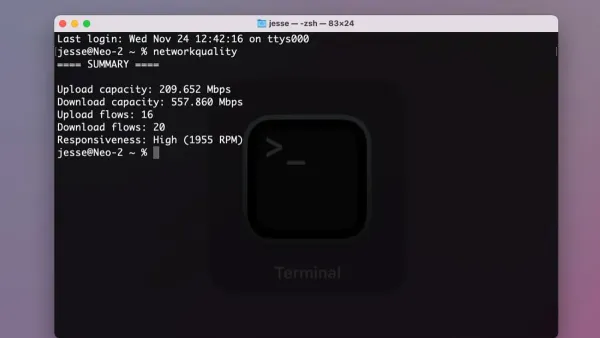
How to Test Internet Speed Using networkQuality in Mac Terminal
Discover how to use networkQuality in Mac Terminal to measure your internet upload and download speeds and troubleshoot connection issues.

Internet Speed
Discover how to use networkQuality in Mac Terminal to measure your internet upload and download speeds and troubleshoot connection issues.
Mac Tips
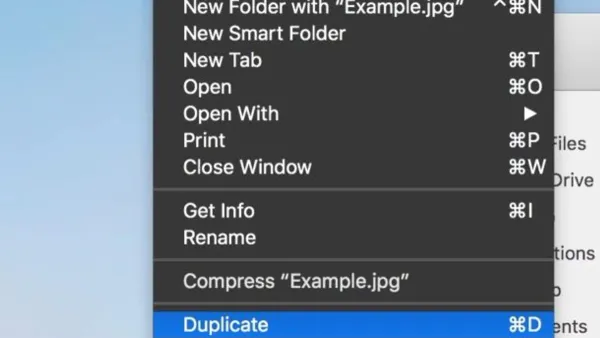
Discover how to quickly duplicate files on your Mac using the Command + D keyboard shortcut to save time and stay organized.
MacOS
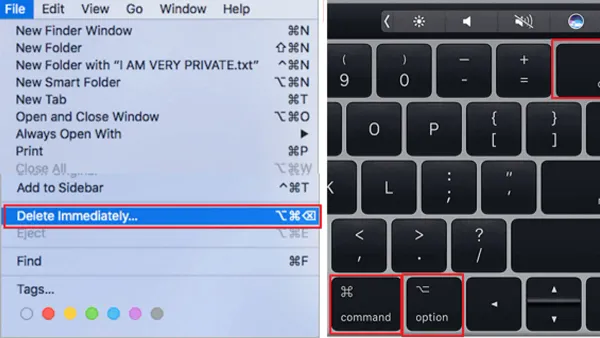
Discover how to use the Mac keyboard shortcut to permanently delete a file and remove it instantly without sending it to the Trash.
Networking
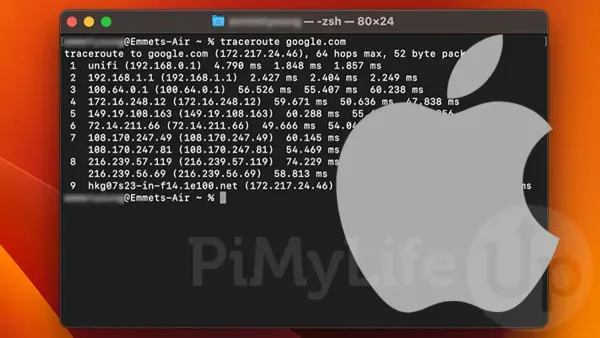
This guide shows how to use ping and traceroute in Mac Terminal to diagnose network issues and understand data paths easily.
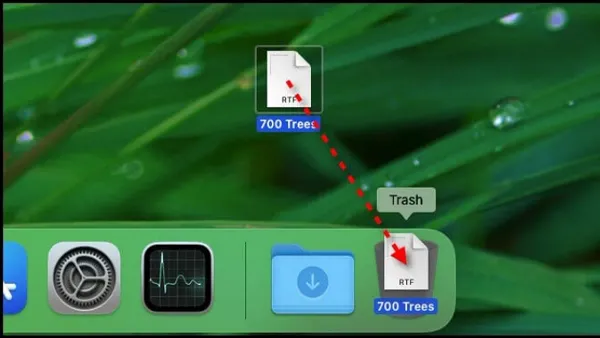
Mac
Discover the fastest Mac keyboard shortcut to move files to Trash and streamline your file management without dragging and dropping.
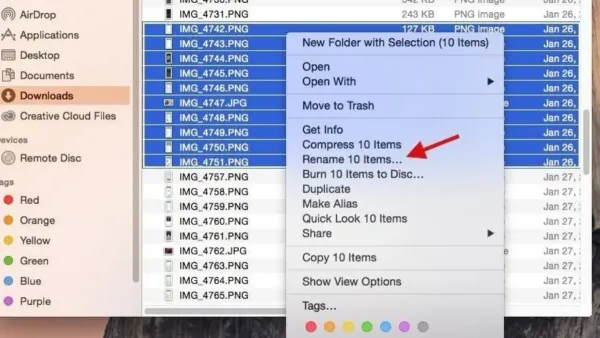
Mac Tips
Discover how to rename files quickly on your Mac using a simple keyboard shortcut and improve your workflow efficiency.
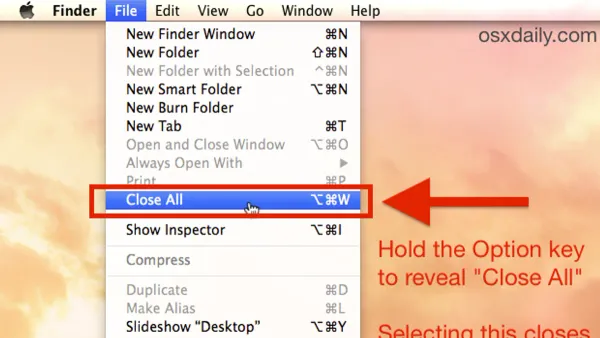
Mac Tips
Discover how to use the Mac keyboard shortcut to close all windows efficiently without quitting apps or losing your place.
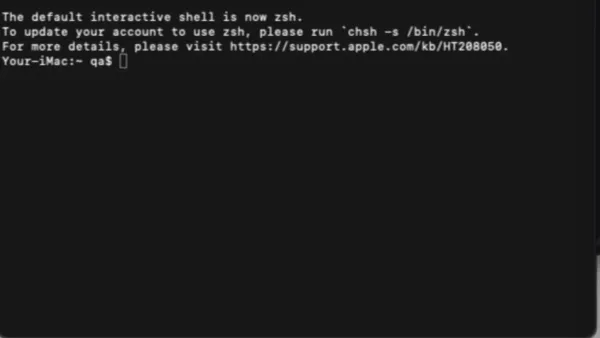
MacOS
Step-by-step guide to changing your Mac's hostname using Terminal commands for clearer network identification and device management.
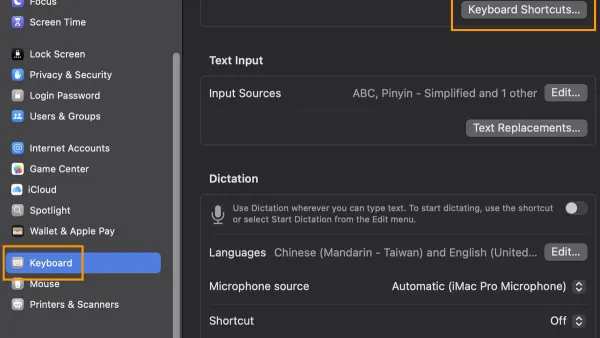
Mac Tips
Discover how to use the Mac keyboard shortcut to hide an app and streamline your workflow by clearing your screen without closing apps.
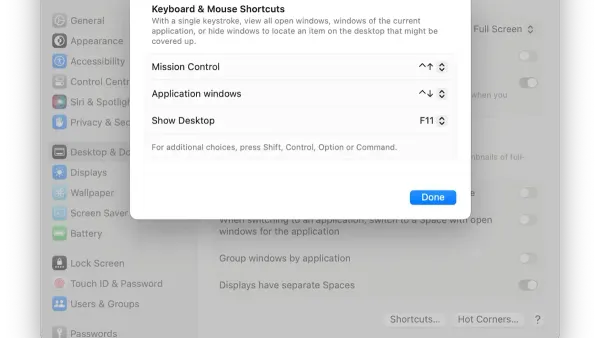
Mac
Discover how to quickly minimize all windows on your Mac using keyboard shortcuts and improve your workflow with efficient window management.
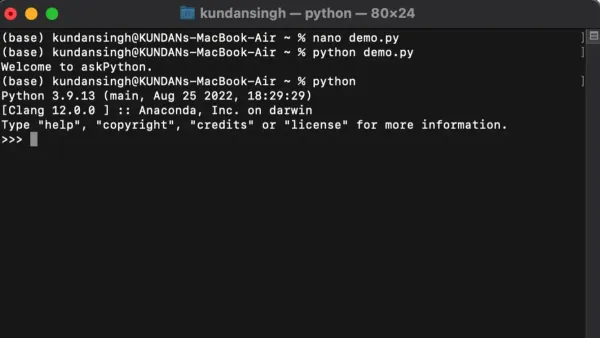
Python
This guide shows you how to run Python scripts in Mac Terminal with step-by-step instructions for setup, execution, and troubleshooting.
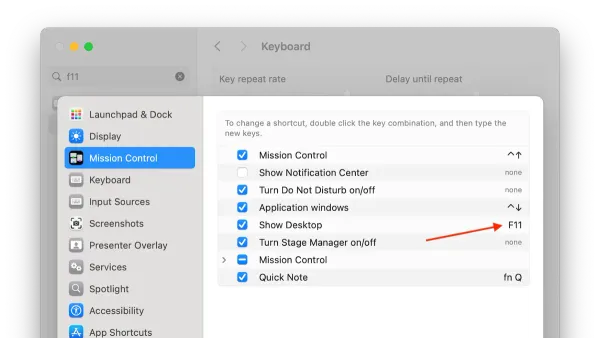
Mac
Learn the Mac keyboard shortcut to show desktop and quickly access your files without manually minimizing windows.