Mac Automation
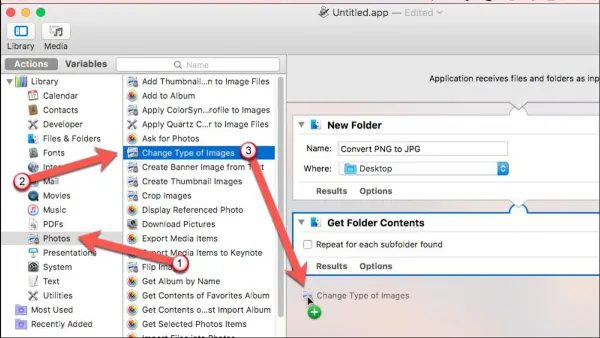
How to Batch Convert Images Using Automator on Mac
Easily batch convert images using Automator on Mac with a simple workflow that saves time and keeps your files organized.

Mac Automation
Easily batch convert images using Automator on Mac with a simple workflow that saves time and keeps your files organized.
Font Management
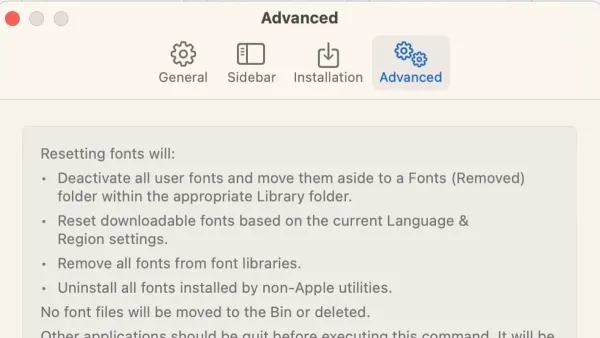
Step-by-step guide to reset fonts to default in Font Book and popular apps for a clean, consistent font appearance on your computer.
Font Management
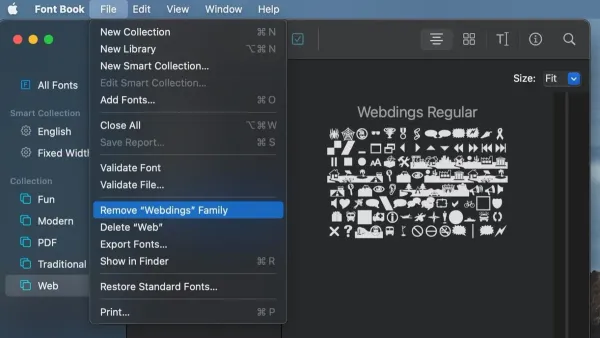
Discover how to find and safely remove duplicate fonts in Font Book to keep your Mac’s font library organized and efficient.
Mac Tips
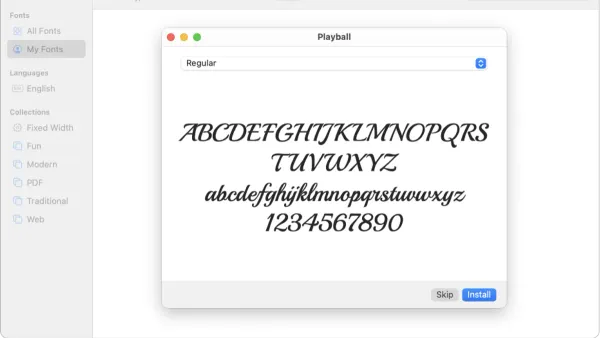
Discover how to install and manage fonts in Font Book on your Mac to use them seamlessly across your favorite apps.
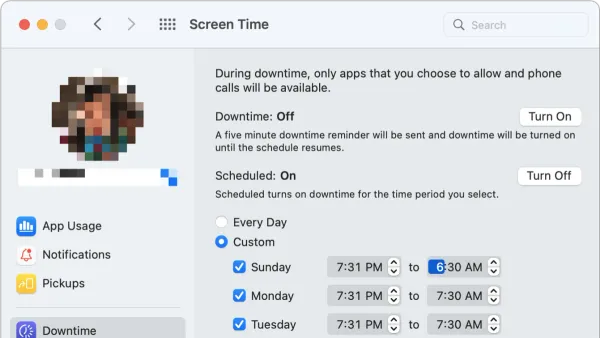
Screen Time
This guide shows you how to set downtime for kids in Screen Time on Mac to create balanced device use and healthy screen habits.
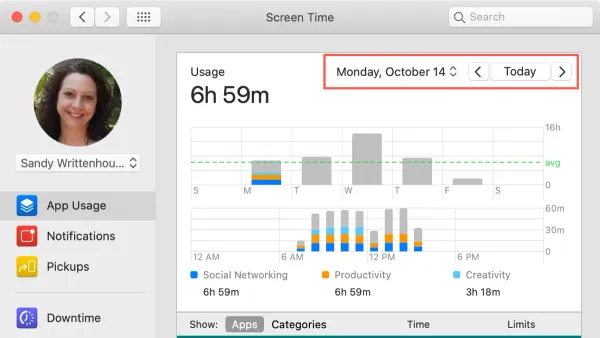
Mac Usage
Discover how to view and understand your daily usage report in Screen Time on Mac to monitor app use and boost productivity.
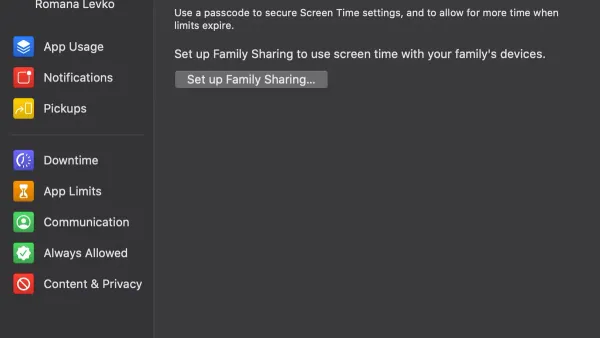
Mac
This guide explains how to turn off Screen Time in Screen Time on Mac, manage child accounts, remove passcodes, and troubleshoot common issues.
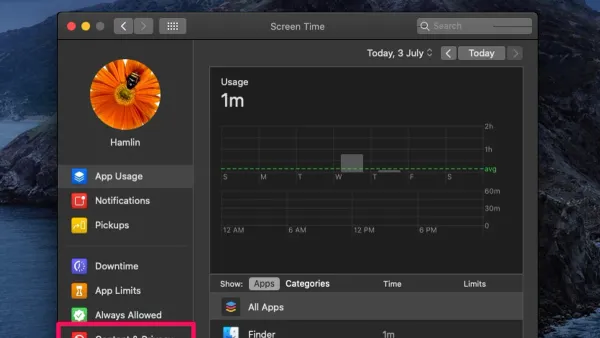
MacOS
Discover clear steps to block websites using Screen Time on Mac for better focus and parental controls.
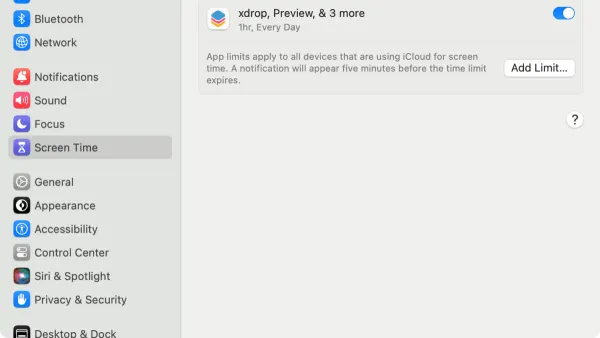
Mac Tips
Discover how to set app limits in Screen Time on Mac to manage your daily app usage and improve focus with simple steps.
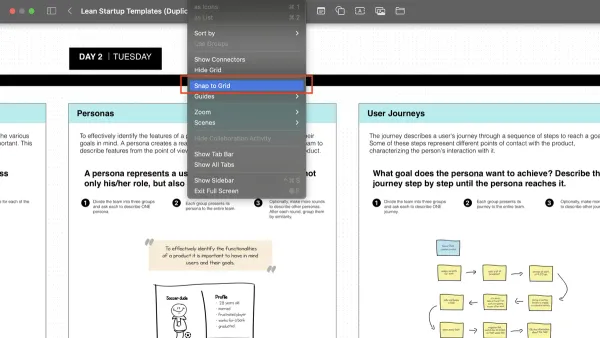
Productivity
This guide shows you how to create, navigate, and manage scenes in Freeform to organize your visual projects effectively.
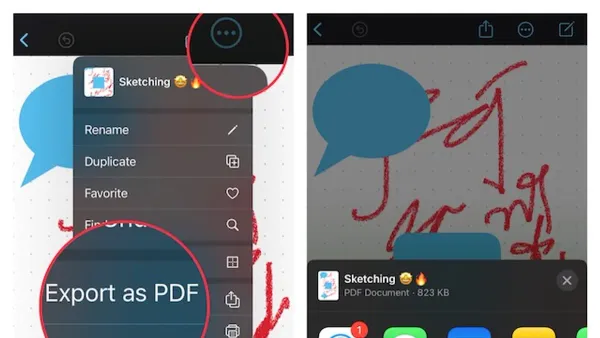
PDF Management
This guide shows you how to insert PDFs into Freeform for annotation, organization, and exporting your boards easily.

Collaboration
Discover practical steps to collaborate in Freeform, enabling real-time teamwork and efficient content management across Apple devices.