Apple Devices
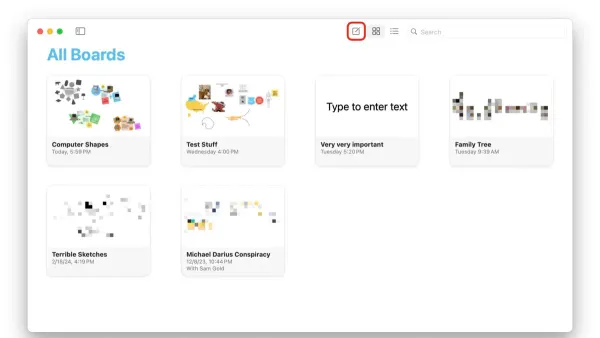
How to Create a Whiteboard in Freeform: A Step-by-Step Guide
Discover how to create and customize a whiteboard in Freeform for effective visual collaboration on your Apple device.

Apple Devices
Discover how to create and customize a whiteboard in Freeform for effective visual collaboration on your Apple device.
Passwords
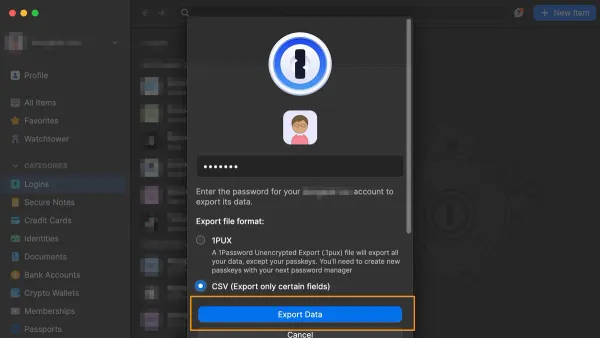
This guide shows you how to export passwords to CSV in Passwords app securely and step-by-step for easy backup or transfer.
Two-Factor Authentication
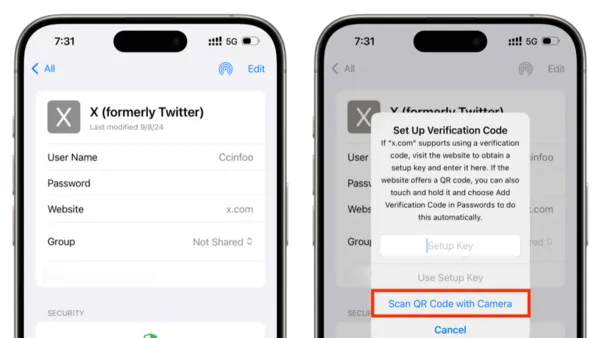
Discover how to add and manage verification codes in the Passwords app to enhance your account security and simplify two-factor authentication.
Password Management
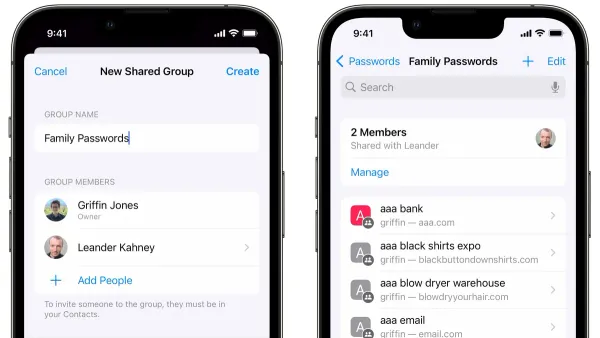
Discover practical methods to share passwords securely with your family using the Passwords app and Apple's ecosystem features.
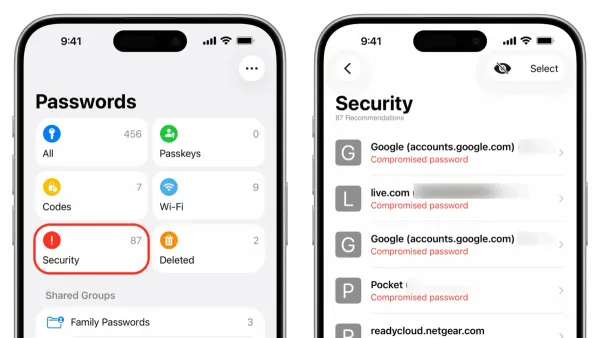
Password Security
Discover how to identify and improve weak passwords stored in your Passwords app with this simple step-by-step guide.
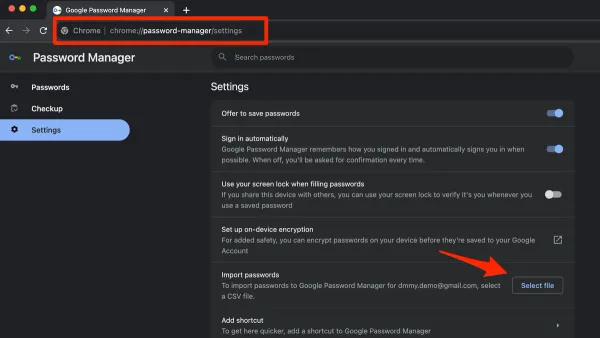
Password Management
Step-by-step guide to import passwords from Chrome in Passwords app for seamless and secure password management across Mac and iPhone.
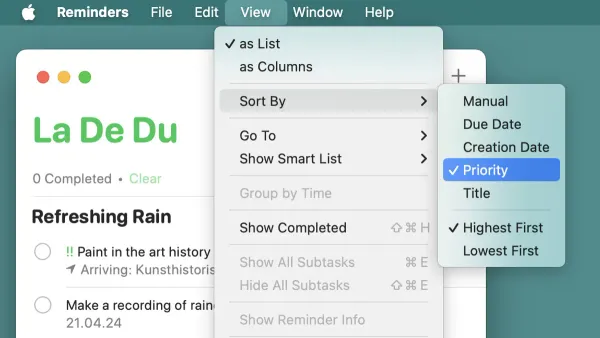
Mac Tips
Discover how to sort your tasks by due date in the Reminders app on Mac for better deadline management and productivity.
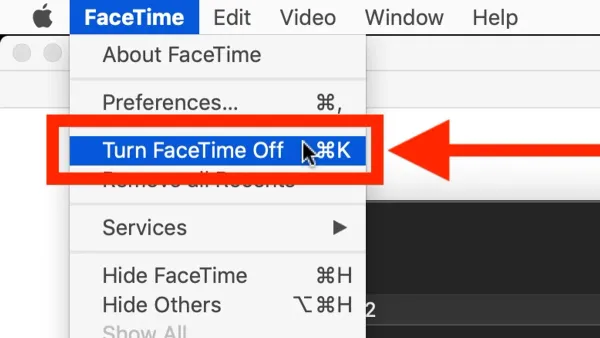
Mac
This guide shows how to turn off FaceTime on Mac with step-by-step methods including signing out, disabling notifications, and using Screen Time restrictions.
Mac Tips
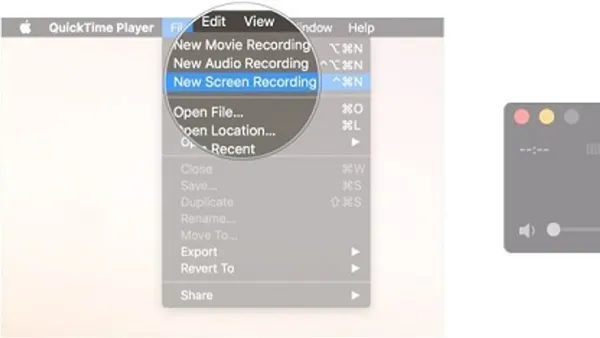
Step-by-step guide to recording a FaceTime call on Mac with audio and video using QuickTime Player and macOS screen recording features.

FaceTime
Discover how to FaceTime with Android users in FaceTime on Mac by creating links, sharing invitations, and managing calls effortlessly.
FaceTime
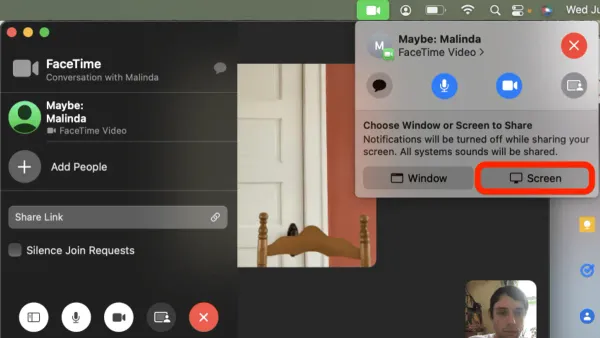
Discover easy steps to share your screen on FaceTime in FaceTime on Mac for better collaboration and presentations.
FaceTime
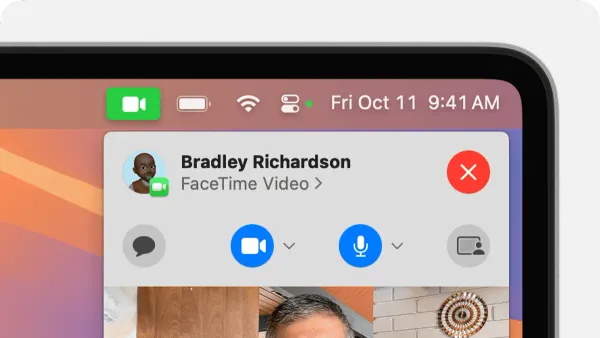
Discover how to quickly enable and use reactions in FaceTime on Mac to enhance your video calls with expressive animated responses.