Mac
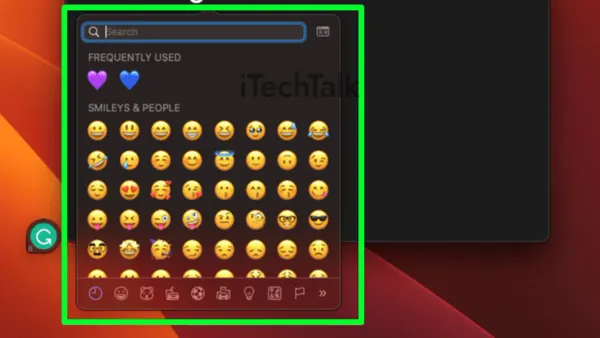
Mac Keyboard Shortcut to Open Emoji Picker: A Clear Guide
Learn the Mac keyboard shortcut to open the Emoji picker quickly and keep your typing flow smooth and efficient.

Mac
Learn the Mac keyboard shortcut to open the Emoji picker quickly and keep your typing flow smooth and efficient.
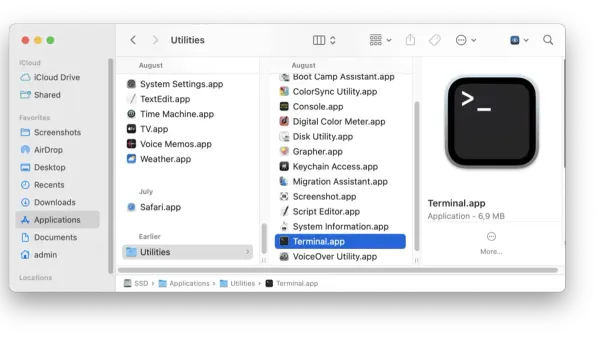
Mac OS
Discover practical methods to open Mac apps from Terminal, including using the open command and launching executables inside app bundles.
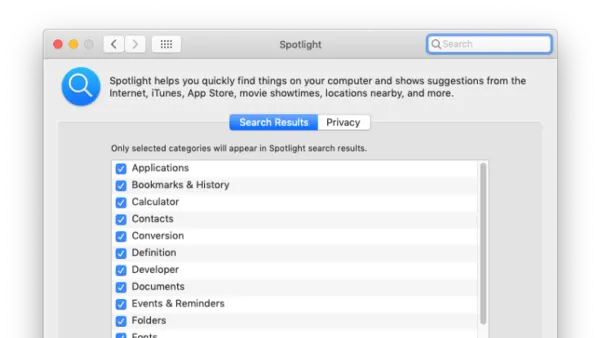
Mac
Discover the Mac keyboard shortcut to open Spotlight and quickly find files, apps, and more to enhance your workflow and efficiency.
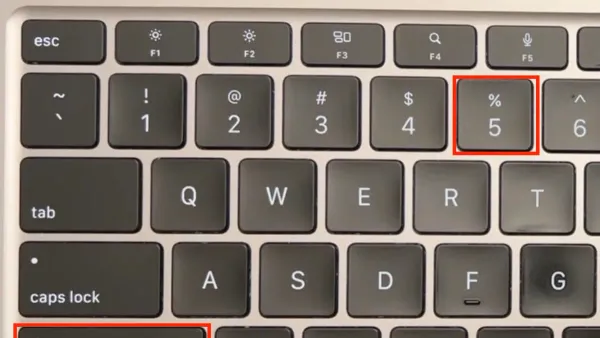
Mac Tips
Discover how to use Mac keyboard shortcuts to record your screen quickly and efficiently without relying on third-party applications.

Mac
Discover how to use the Mac keyboard shortcut to copy screenshots directly to the clipboard for quick pasting into emails and documents.
Mac Terminal
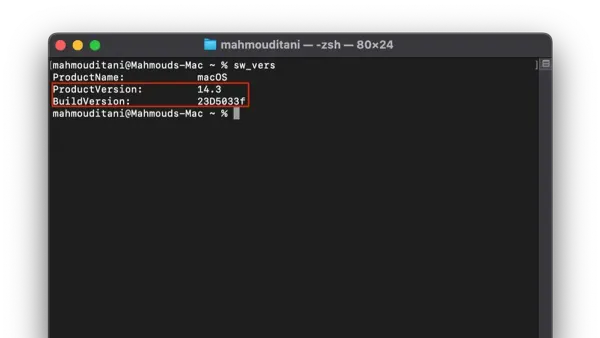
Discover how to quickly check your macOS version using Terminal commands like sw_vers, system_profiler, and uname with this step-by-step guide.
Mac Terminal
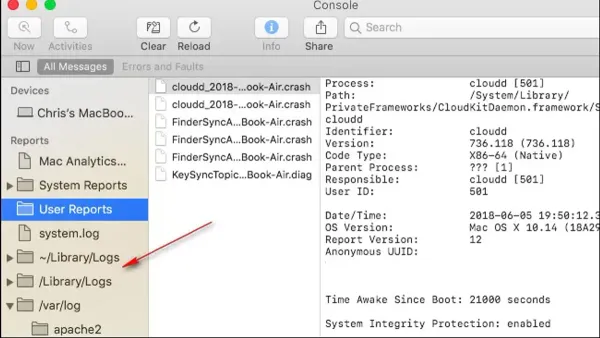
This guide explains how to safely clear system logs and Terminal history in Mac Terminal to manage space and privacy effectively.
MacOS
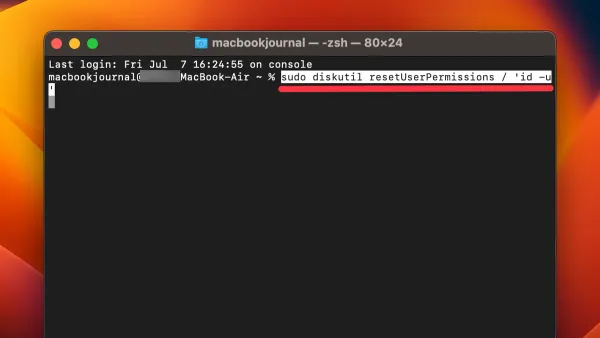
This guide shows how to repair permissions in Mac Terminal using commands to fix permission errors and restore file access safely.
Mac Security
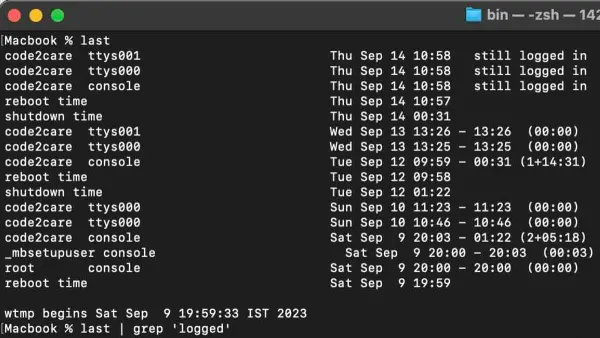
Discover how to view your Mac's login history using Terminal commands to monitor access and ensure your device's security.
Mac Terminal
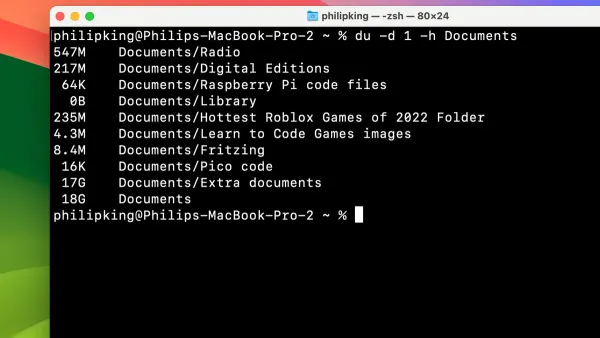
Learn how to check disk usage with du in Mac Terminal to identify large files and folders and manage your Mac's storage effectively.
Mac Terminal
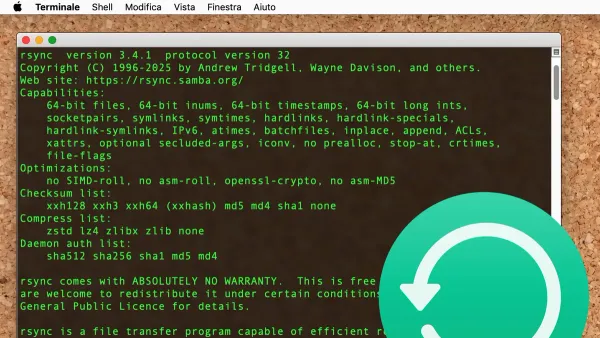
This guide explains how to backup with rsync in Mac Terminal using simple steps for local and remote backups while preserving file integrity.
Mac Terminal
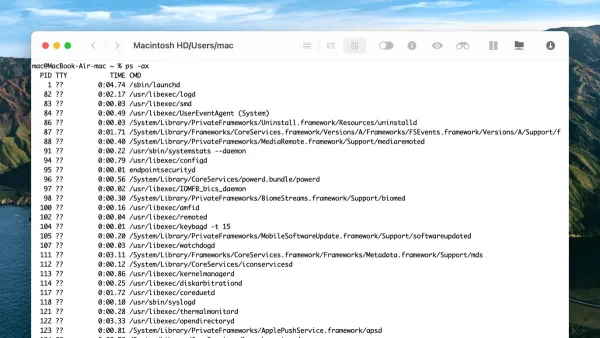
This guide shows how to use cron on Mac in Mac Terminal to schedule and manage automated tasks with clear, step-by-step instructions.