Web Development
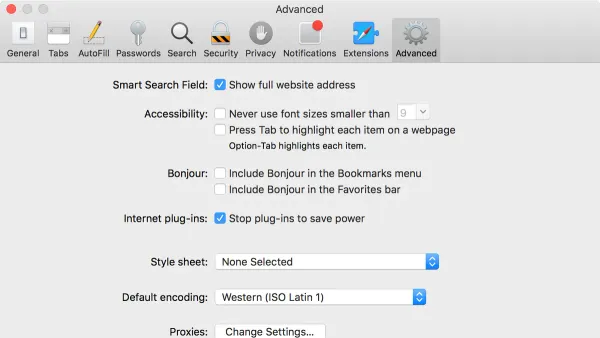
How to Enable the Develop Menu in Safari
This guide shows how to enable the Develop menu in Safari on macOS to access powerful web development tools.

Web Development
This guide shows how to enable the Develop menu in Safari on macOS to access powerful web development tools.
Safari
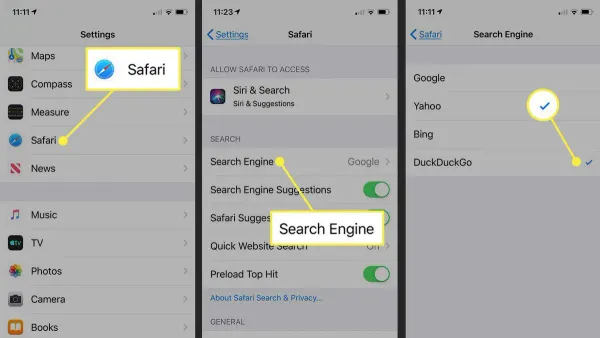
This guide shows how to change your default search engine in Safari on Mac and iPhone to enhance privacy and browsing experience.
Safari
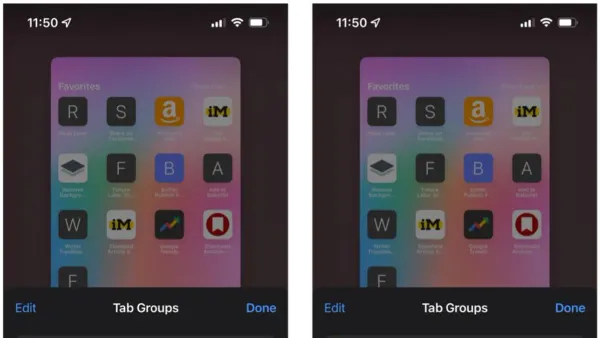
Discover how to use Tab Groups in Safari to organize your browsing by projects, tasks, or contexts for better focus and productivity.

Safari Tips
Discover easy methods to reopen closed tabs in Safari on Mac and iPhone to quickly recover lost pages and maintain your workflow.
Privacy
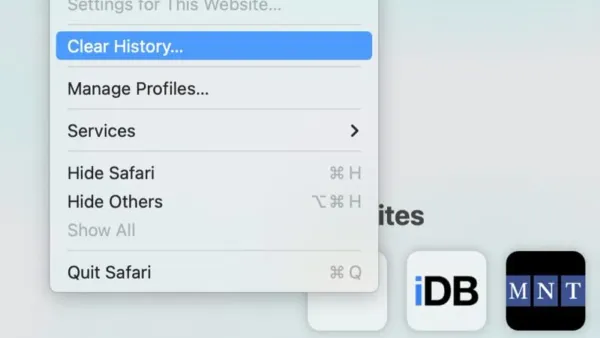
Learn how to clear browsing history in Safari on Mac and iPhone to protect your privacy and manage your data effectively.
Safari
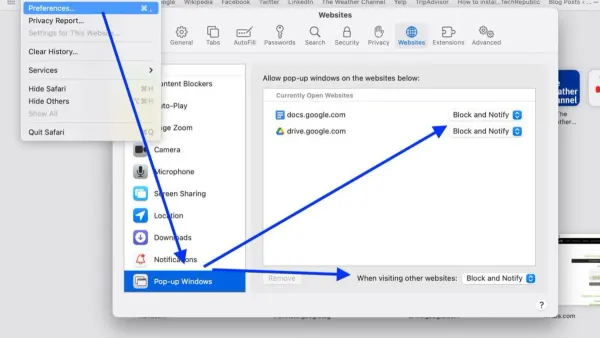
This guide shows how to allow pop-ups for one website in Safari to balance usability and security effectively.
Safari
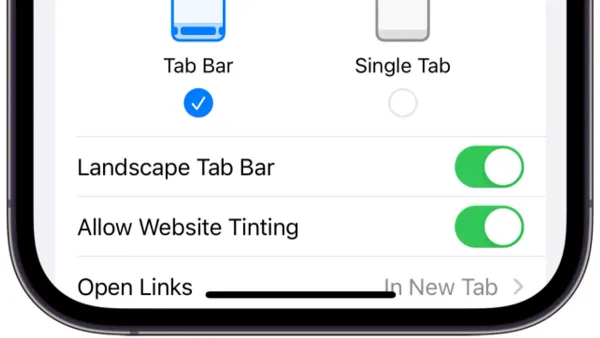
This guide shows how to block pop-ups in Safari on macOS Ventura and later, using built-in tools and trusted extensions for safer browsing.
MacOS
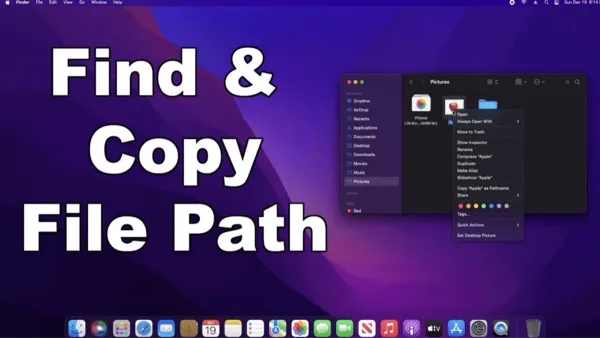
Master quick and accurate methods to copy file paths in Finder for scripting, sharing, and documentation on your Mac.
MacOS
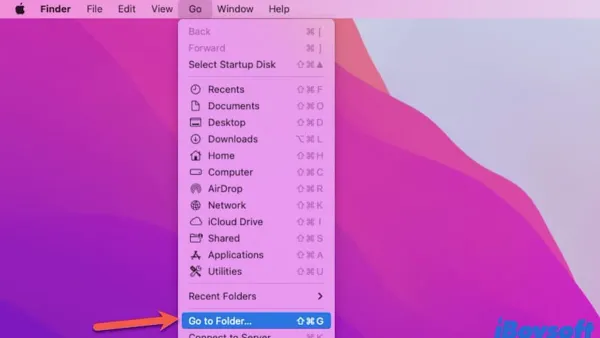
Opening Finder directly in a specific folder streamlines your workflow by reducing navigation time and speeding up access on macOS.
Mac Productivity
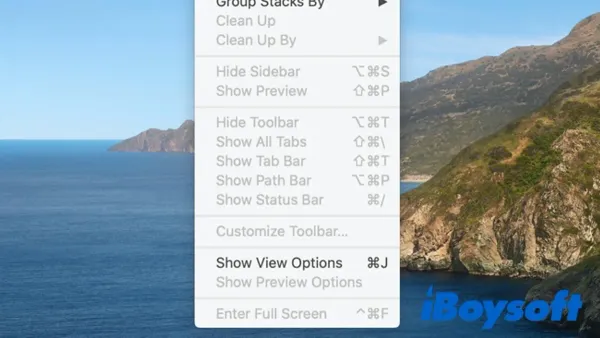
Discover how to use Desktop Stacks in Finder to visually organize your Mac desktop without moving files, keeping your workspace neat and accessible.
Mac Productivity
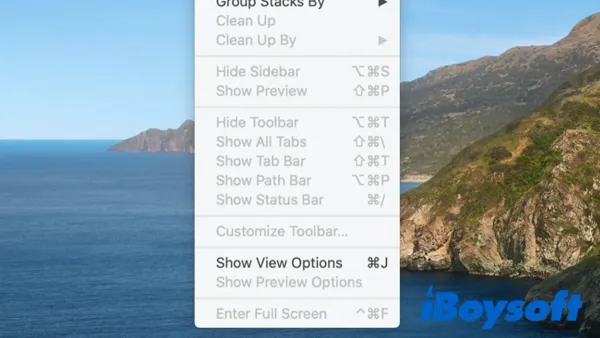
Discover how to stack files on desktop in Finder to maintain an organized and efficient Mac workspace.
MacOS
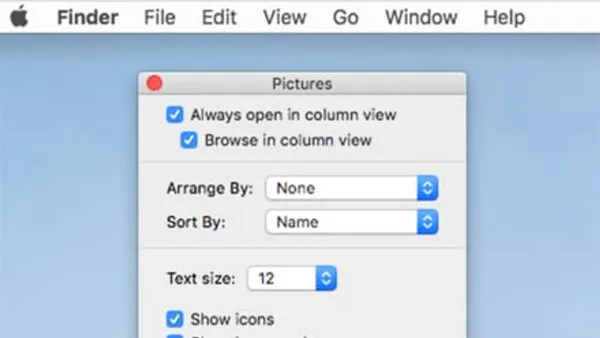
Discover how to use column view in Finder to speed up folder navigation and manage nested files with ease on macOS.