Microsoft Word
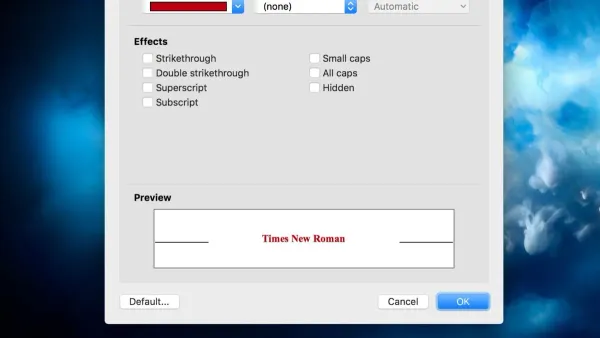
How to Change the Default Font in Microsoft Word on Mac: Step-by-Step
Discover how to set your preferred default font in Microsoft Word on Mac with easy steps to ensure consistent, time-saving document creation.

Microsoft Word
Discover how to set your preferred default font in Microsoft Word on Mac with easy steps to ensure consistent, time-saving document creation.
Microsoft Word
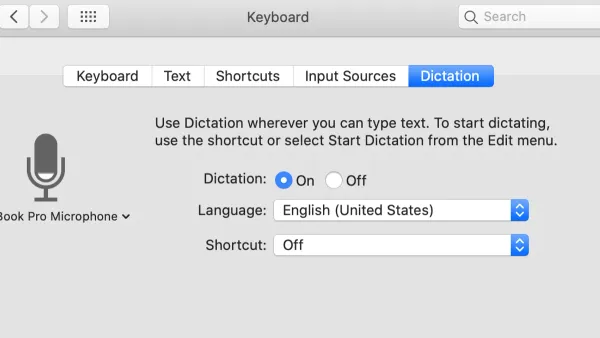
This guide shows you how to set up and use dictation in Microsoft Word on Mac for faster, hands-free document creation.
Microsoft Word
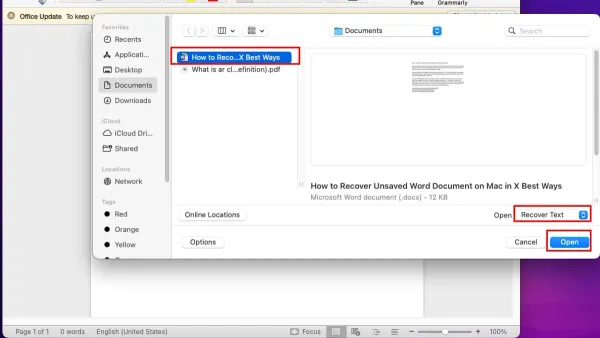
Discover practical methods to recover unsaved Microsoft Word documents on Mac using AutoRecovery, temporary files, Time Machine, and OneDrive AutoSave.
Microsoft Word
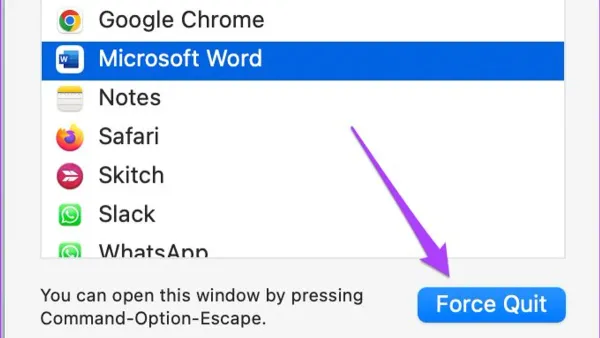
Discover simple and effective steps to fix Microsoft Word not responding on Mac and get your document editing back on track.
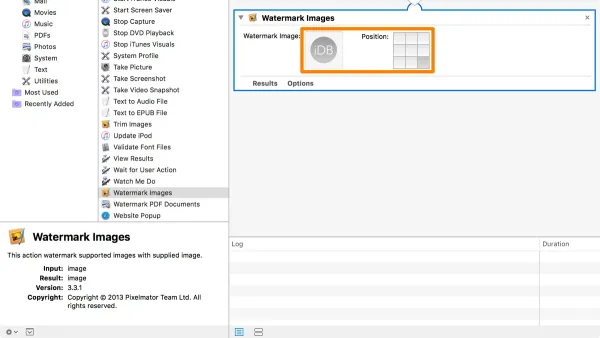
Image Editing
Discover a step-by-step guide to watermark images in Automator using Mac’s built-in tools for easy, batch watermarking without extra software.
Mac Automation
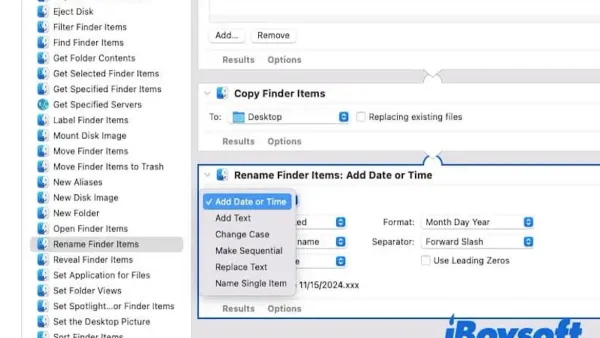
Discover easy steps to auto rename files in Automator on Mac and streamline your batch file management with effective automation.
Automation
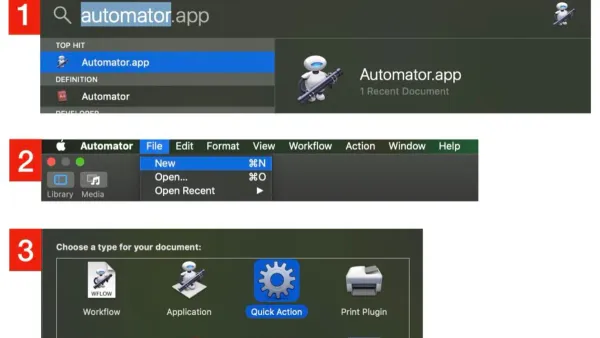
Discover how to create a quick action in Automator to automate repetitive tasks on your Mac with simple, clear steps.
Mac Automation
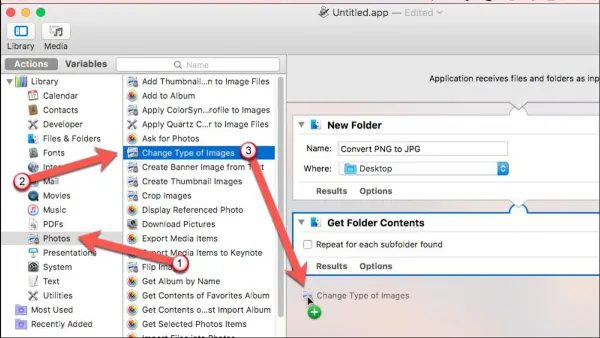
Easily batch convert images using Automator on Mac with a simple workflow that saves time and keeps your files organized.
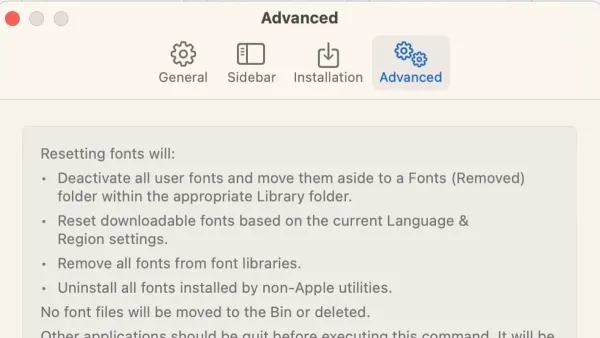
Font Management
Step-by-step guide to reset fonts to default in Font Book and popular apps for a clean, consistent font appearance on your computer.
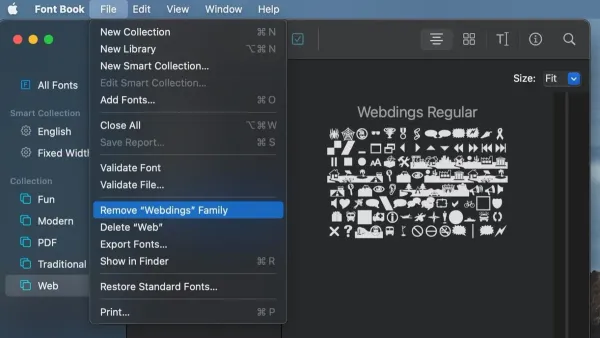
Font Management
Discover how to find and safely remove duplicate fonts in Font Book to keep your Mac’s font library organized and efficient.
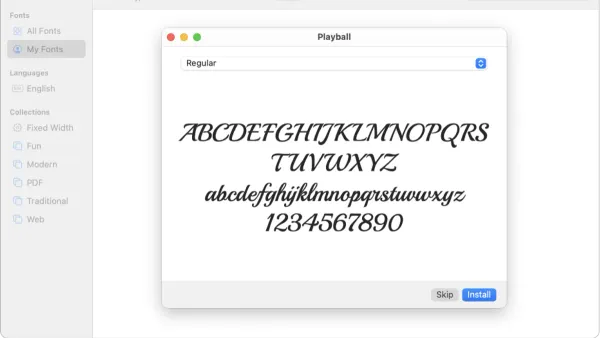
Mac Tips
Discover how to install and manage fonts in Font Book on your Mac to use them seamlessly across your favorite apps.
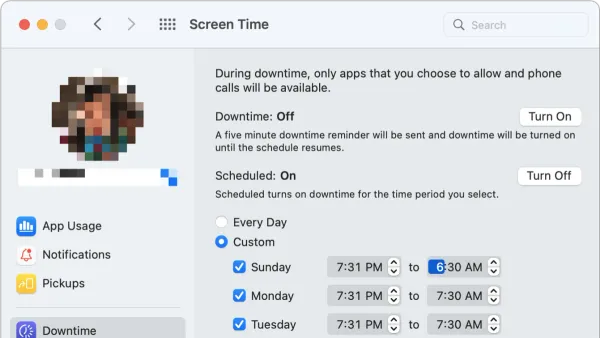
Screen Time
This guide shows you how to set downtime for kids in Screen Time on Mac to create balanced device use and healthy screen habits.