Mac Tips
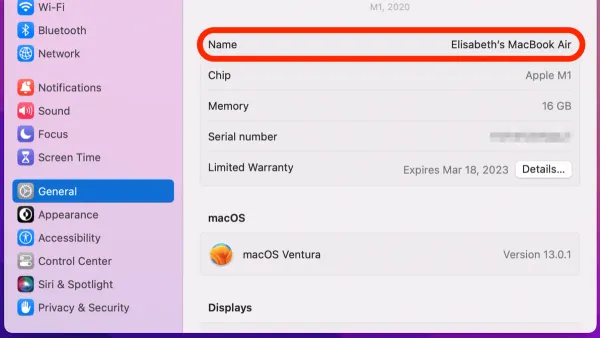
How to Change Your AirDrop Name on Mac: A Clear Step-by-Step Guide
Discover how to change your AirDrop name on Mac with simple steps to customize your device name and improve sharing visibility.

Mac Tips
Discover how to change your AirDrop name on Mac with simple steps to customize your device name and improve sharing visibility.
Mac Tips
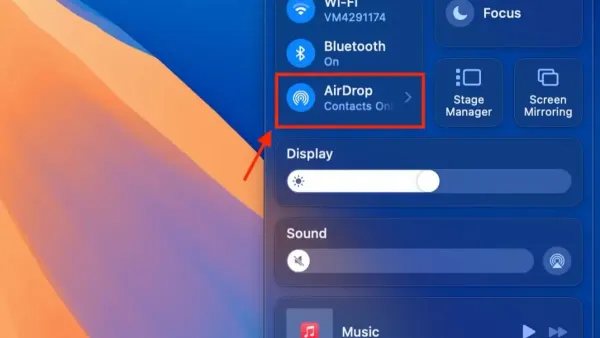
Discover how to enable AirDrop for everyone on your Mac with step-by-step instructions to simplify file sharing with nearby devices.
Mac Tips
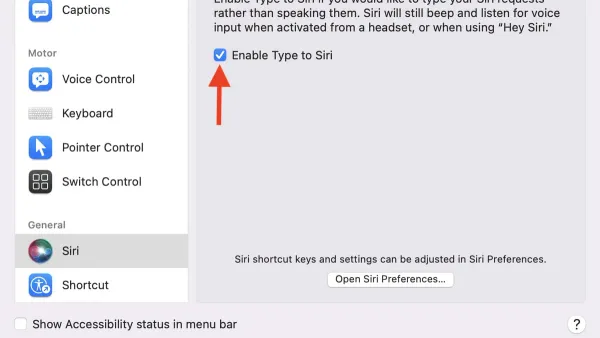
Discover how to enable Type to Siri on your Mac for silent, typed commands that enhance privacy and accessibility.
Mac Productivity
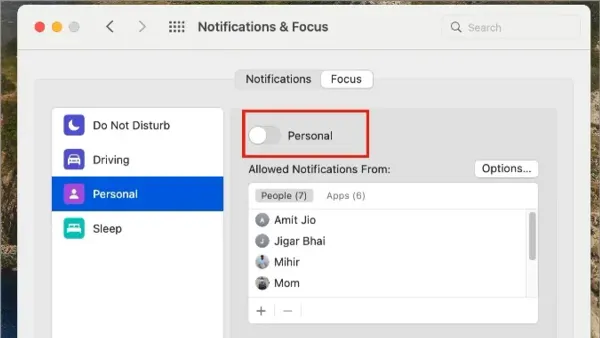
Discover how to set up and customize Focus mode on your Mac to minimize distractions and stay productive during work hours.
Mac
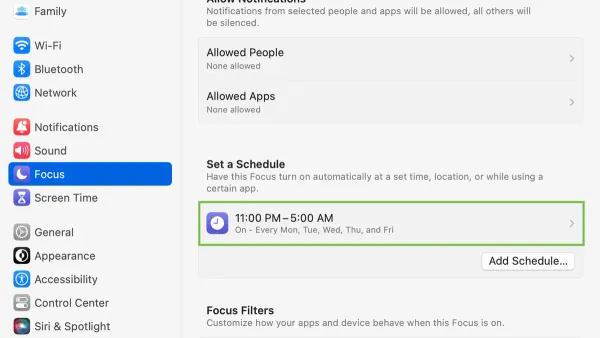
This guide shows you how to schedule Do Not Disturb on Mac and manage settings to stay focused and reduce distractions in 2026.
Apple Devices
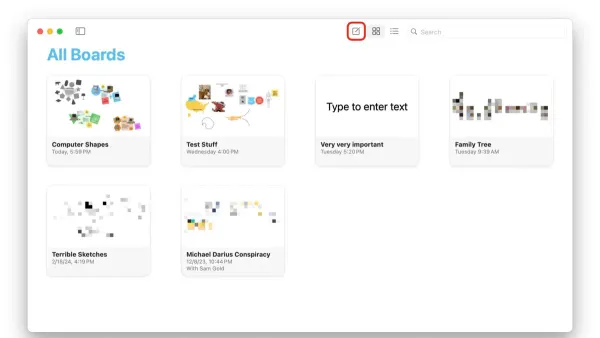
Discover how to create and customize a whiteboard in Freeform for effective visual collaboration on your Apple device.
Two-Factor Authentication
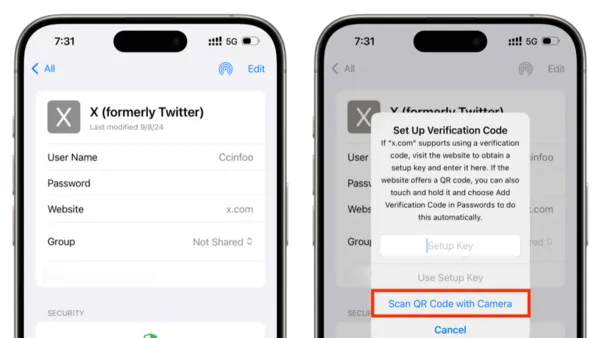
Discover how to add and manage verification codes in the Passwords app to enhance your account security and simplify two-factor authentication.

Password Security
Discover how to identify and improve weak passwords stored in your Passwords app with this simple step-by-step guide.

Mac Tips
Discover how to send SMS from your Mac using the Messages app by enabling Text Message Forwarding and syncing with your iPhone.

Calendar Syncing
Step-by-step guide to adding Google Calendar in Calendar app on iPhone, iPad, and Mac for unified scheduling in 2026.