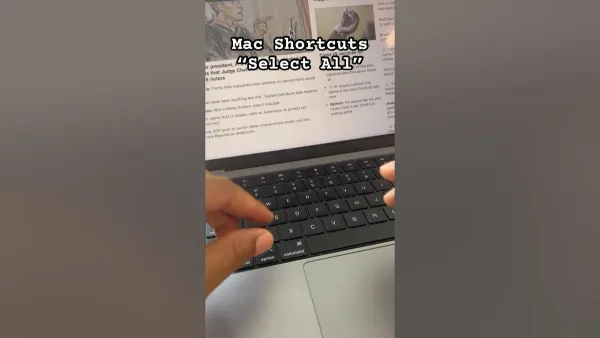
Mac
Mac Keyboard Shortcut to Select All Files: Complete Guide
Discover how to use the Mac keyboard shortcut to select all files efficiently in Finder and various apps to streamline your workflow.

Mac
Discover how to use the Mac keyboard shortcut to select all files efficiently in Finder and various apps to streamline your workflow.
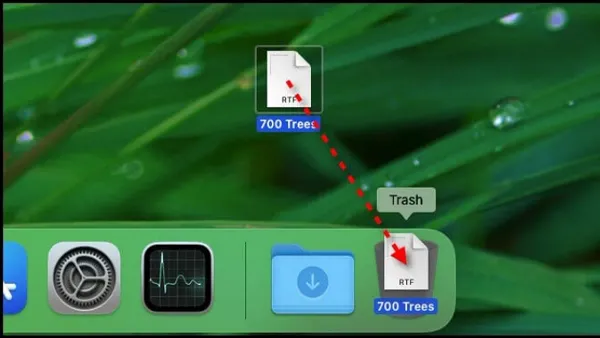
Mac
Discover the fastest Mac keyboard shortcut to move files to Trash and streamline your file management without dragging and dropping.
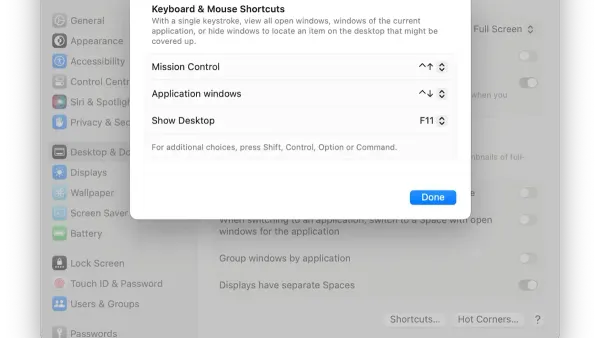
Mac
Discover how to quickly minimize all windows on your Mac using keyboard shortcuts and improve your workflow with efficient window management.
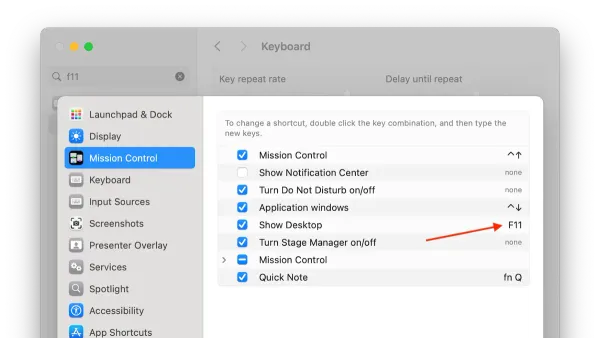
Mac
Learn the Mac keyboard shortcut to show desktop and quickly access your files without manually minimizing windows.
Mac
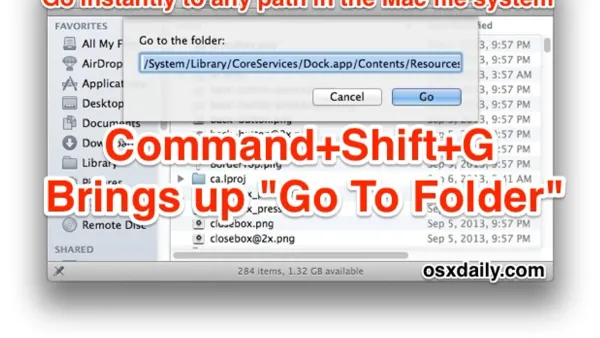
Discover how to quickly navigate to any folder on your Mac using keyboard shortcuts for faster file management and workflow.
Mac
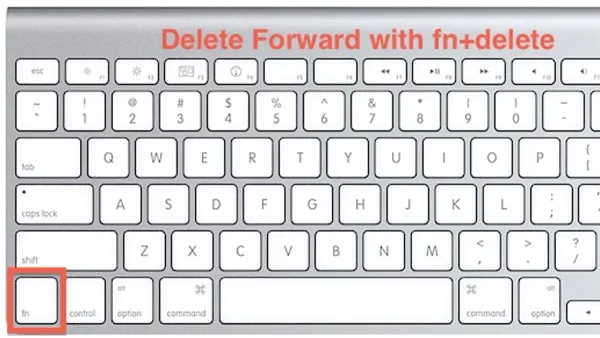
Discover how to use the Mac keyboard shortcut to delete forward and streamline your text editing without moving the cursor.
Mac
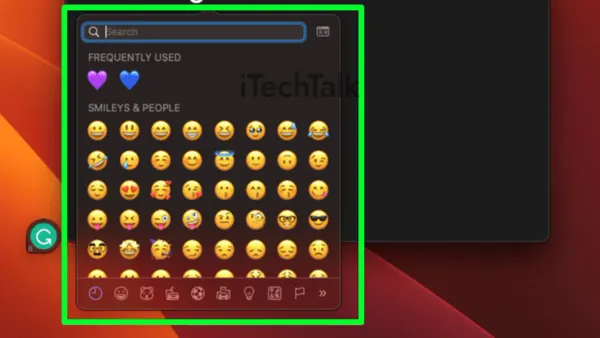
Learn the Mac keyboard shortcut to open the Emoji picker quickly and keep your typing flow smooth and efficient.
Mac
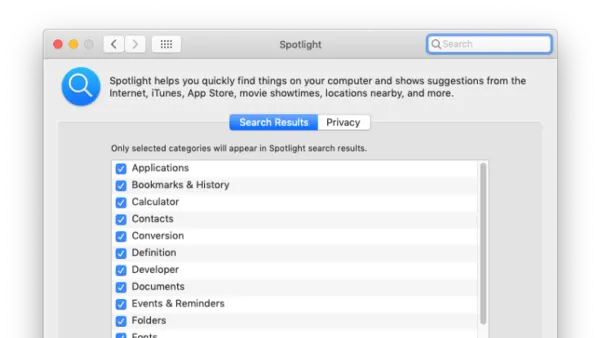
Discover the Mac keyboard shortcut to open Spotlight and quickly find files, apps, and more to enhance your workflow and efficiency.
Mac
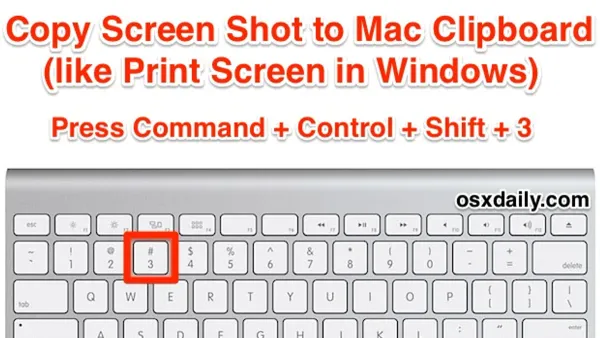
Discover how to use the Mac keyboard shortcut to copy screenshots directly to the clipboard for quick pasting into emails and documents.
Mac
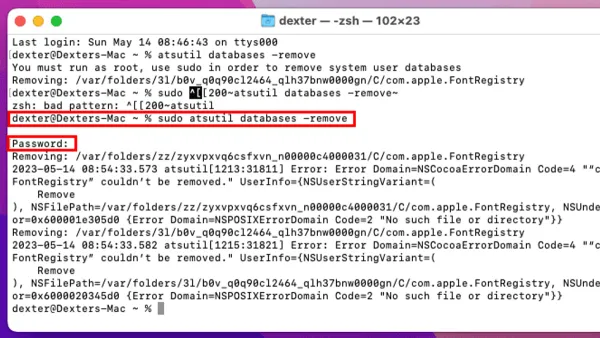
Learn how to clear the font cache in Mac Terminal to fix font display issues and refresh your system’s font data effectively.
Mac
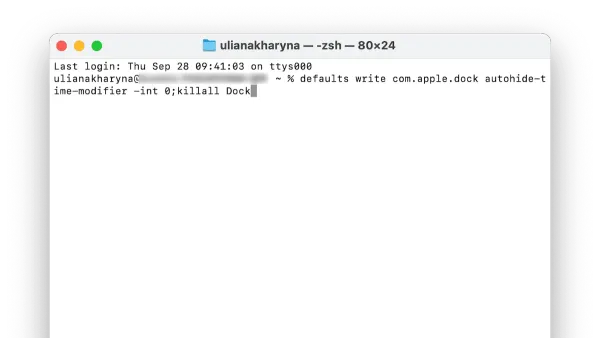
Discover how to speed up Dock animation on your Mac using Terminal commands to make your interface more responsive and snappy.
Mac
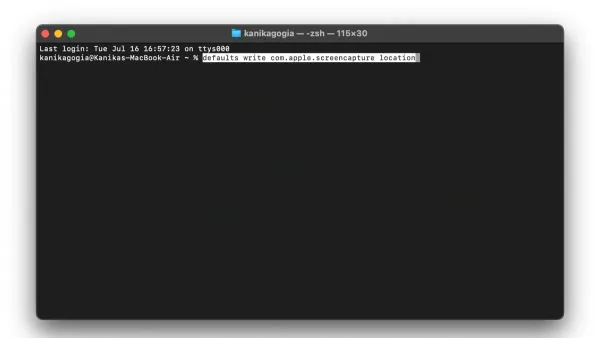
This guide shows how to change screenshot location with defaults write in Mac Terminal, including verifying, updating, and troubleshooting save paths.