Networking
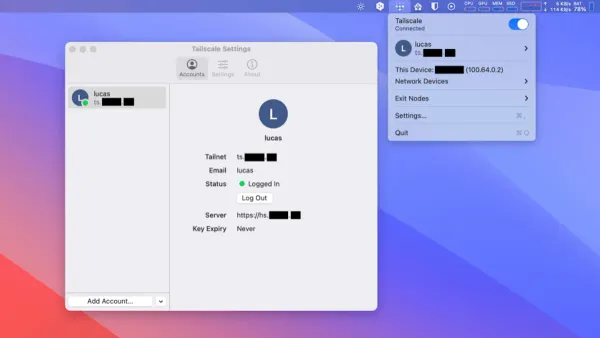
How to Install Tailscale on Mac: A Clear Step-by-Step Guide
This guide shows you how to install Tailscale on Mac, enabling secure private networks with simple steps for download, installation, and login.

Networking
This guide shows you how to install Tailscale on Mac, enabling secure private networks with simple steps for download, installation, and login.
Networking
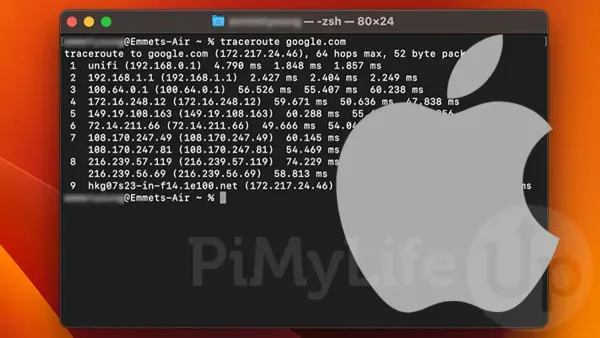
This guide shows how to use ping and traceroute in Mac Terminal to diagnose network issues and understand data paths easily.
MacOS
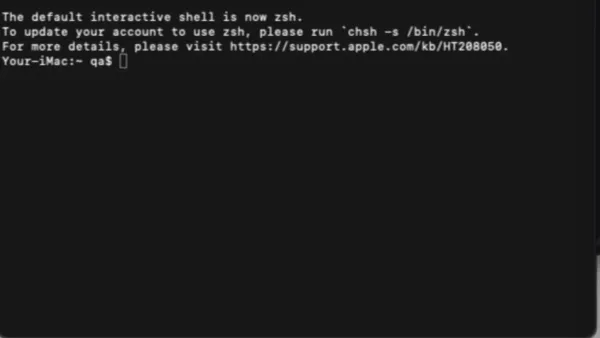
Step-by-step guide to changing your Mac's hostname using Terminal commands for clearer network identification and device management.

Networking
Discover how to monitor network traffic in Mac Terminal using built-in commands to troubleshoot and analyze your network effectively.
Wi-Fi
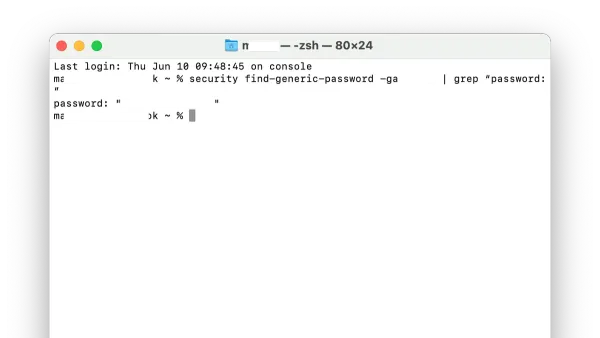
Discover how to retrieve your Wi-Fi password using Mac Terminal with simple commands and administrator access.
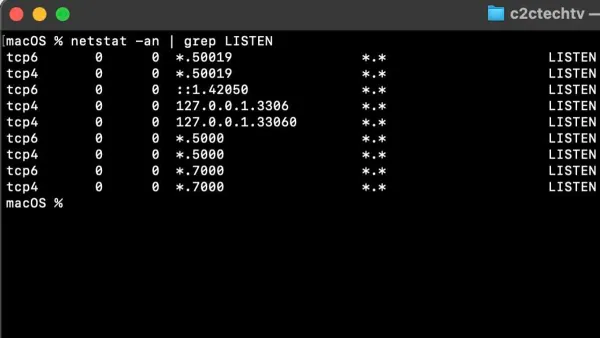
Mac Terminal
Discover how to check open ports in Mac Terminal with step-by-step commands to manage network activity and security on your macOS device.
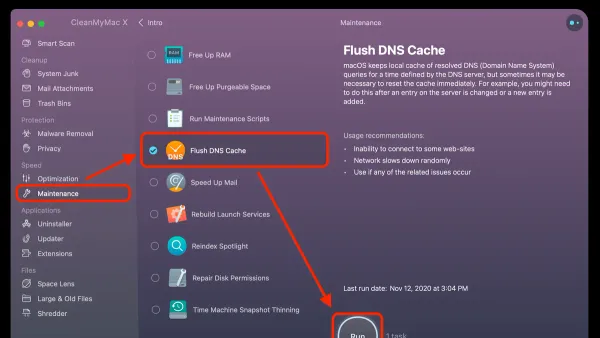
MacOS
This guide shows how to flush DNS cache in Mac Terminal to fix connection problems and update stale DNS entries effectively.
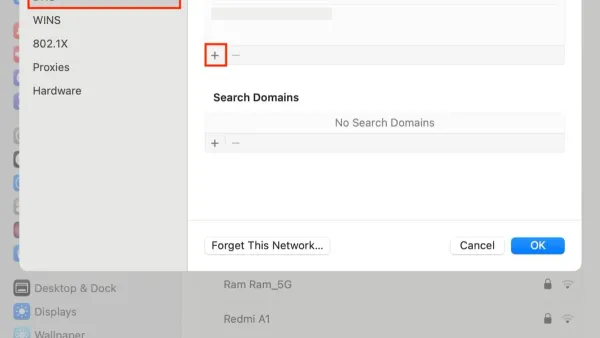
Mac
This guide shows how to set custom DNS on Mac using System Preferences and Terminal to boost speed, privacy, and access.

Mac Troubleshooting
Learn how to fix Mac Studio M4 Max Wi-Fi keeps dropping with practical troubleshooting tips to stabilize your connection and boost performance.
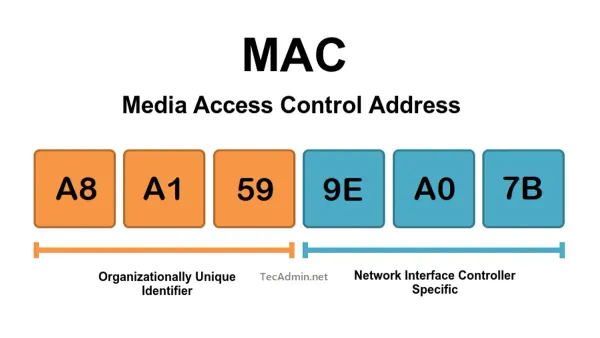
Networking
Discover what a MAC address is used for and how it helps identify devices and secure your network effectively.
Mac
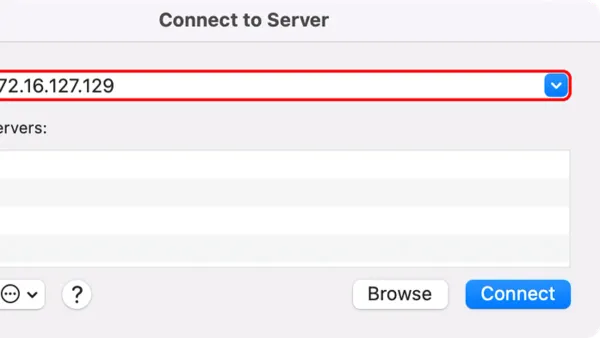
This guide explains how to connect to various server types in Finder, troubleshoot issues, and optimize your Mac workflow.