Mac
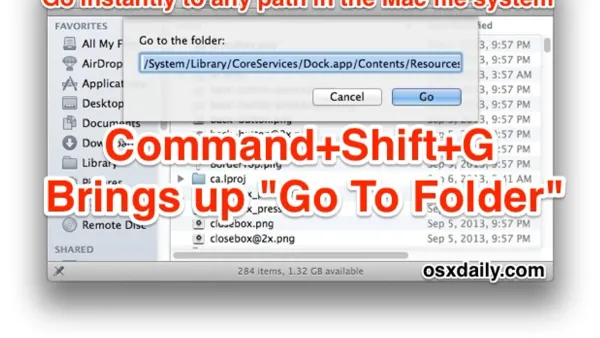
Mac Keyboard Shortcut to Go to a Folder Path: A Practical Guide
Discover how to quickly navigate to any folder on your Mac using keyboard shortcuts for faster file management and workflow.

Mac
Discover how to quickly navigate to any folder on your Mac using keyboard shortcuts for faster file management and workflow.
Mac Tips
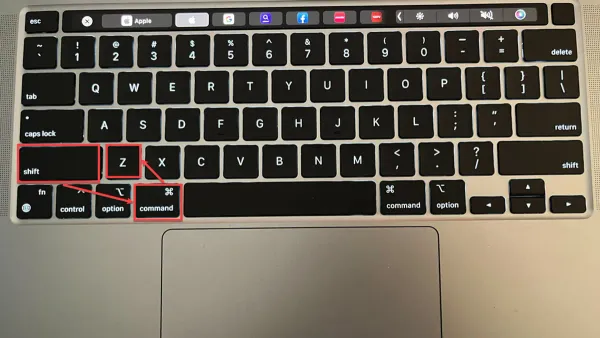
Discover how to quickly undo a closed tab on Mac using keyboard shortcuts across popular browsers like Safari, Chrome, and Firefox.
Mac Terminal
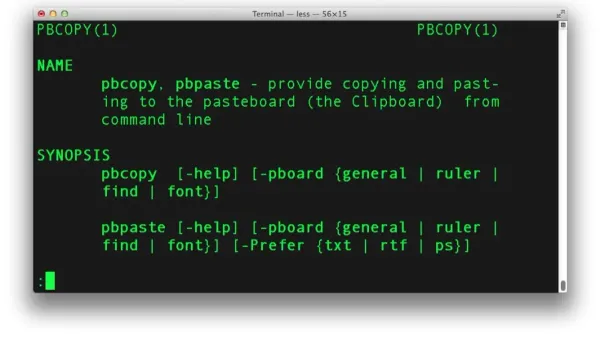
Discover how to quickly copy command output to your clipboard using pbcopy in Mac Terminal for faster and automated text handling.
Mac
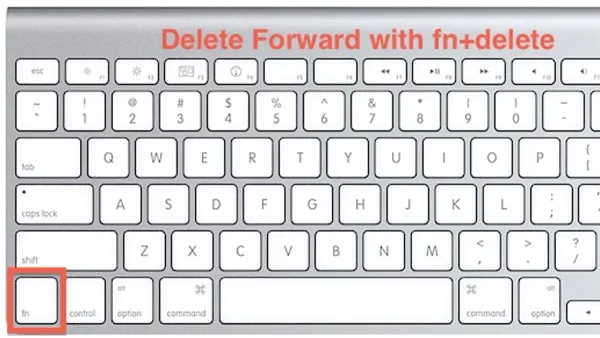
Discover how to use the Mac keyboard shortcut to delete forward and streamline your text editing without moving the cursor.
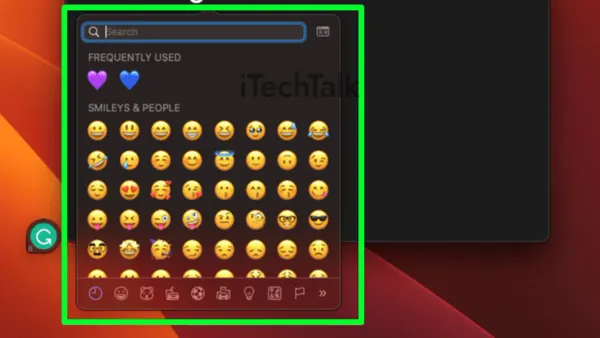
Mac
Learn the Mac keyboard shortcut to open the Emoji picker quickly and keep your typing flow smooth and efficient.
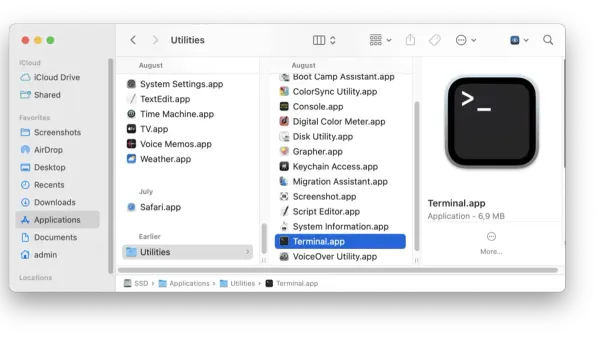
Mac OS
Discover practical methods to open Mac apps from Terminal, including using the open command and launching executables inside app bundles.
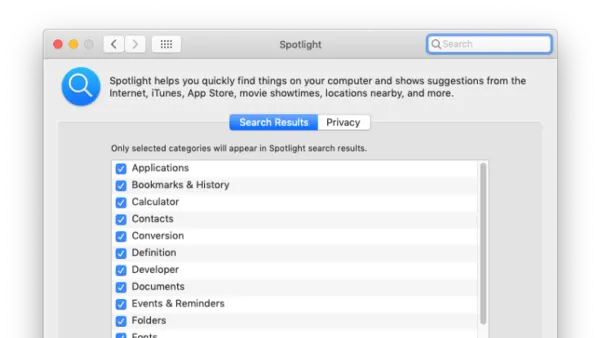
Mac
Discover the Mac keyboard shortcut to open Spotlight and quickly find files, apps, and more to enhance your workflow and efficiency.
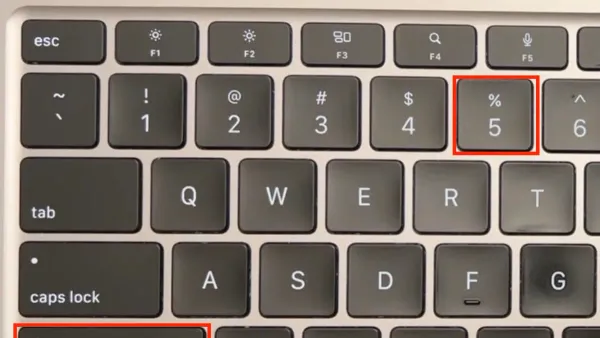
Mac Tips
Discover how to use Mac keyboard shortcuts to record your screen quickly and efficiently without relying on third-party applications.
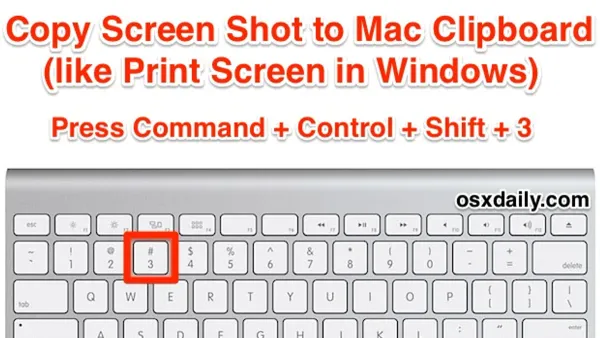
Mac
Discover how to use the Mac keyboard shortcut to copy screenshots directly to the clipboard for quick pasting into emails and documents.
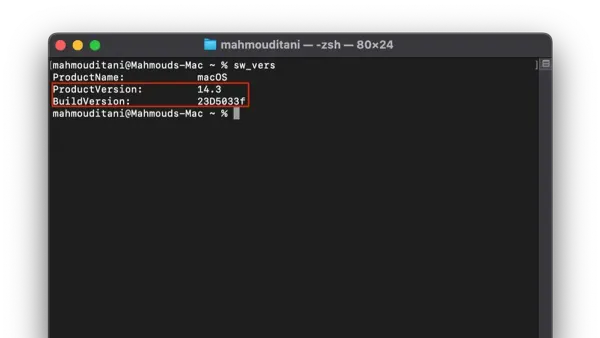
Mac Terminal
Discover how to quickly check your macOS version using Terminal commands like sw_vers, system_profiler, and uname with this step-by-step guide.
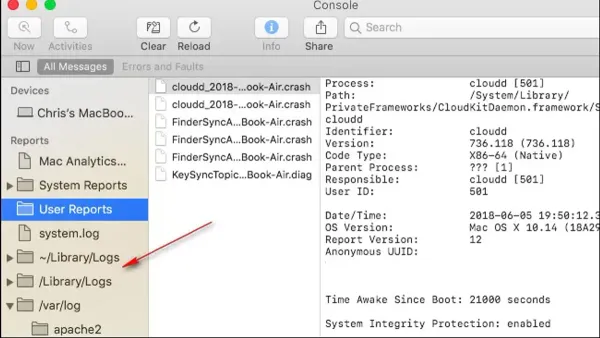
Mac Terminal
This guide explains how to safely clear system logs and Terminal history in Mac Terminal to manage space and privacy effectively.
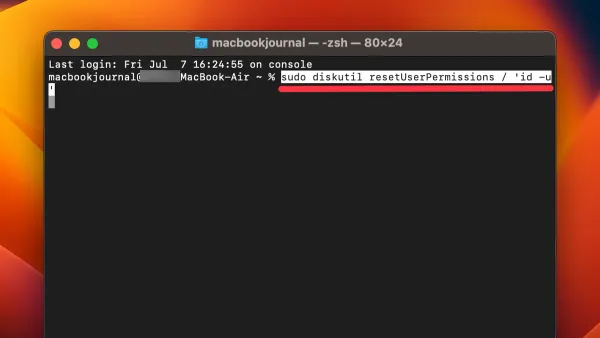
MacOS
This guide shows how to repair permissions in Mac Terminal using commands to fix permission errors and restore file access safely.