Mac Terminal
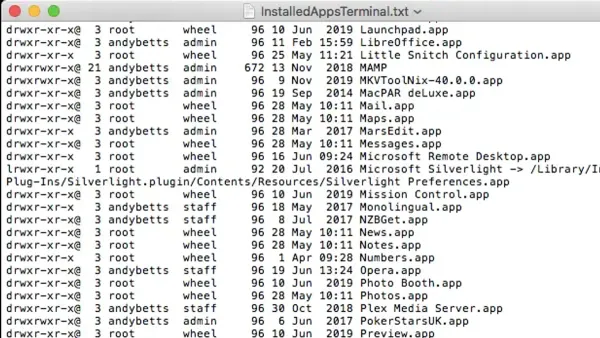
How to List Installed Apps in Mac Terminal: A Step-by-Step Guide
Discover how to list installed apps in Mac Terminal with easy commands to manage and verify your applications without opening the Applications folder.

Mac Terminal
Discover how to list installed apps in Mac Terminal with easy commands to manage and verify your applications without opening the Applications folder.
Mac Terminal
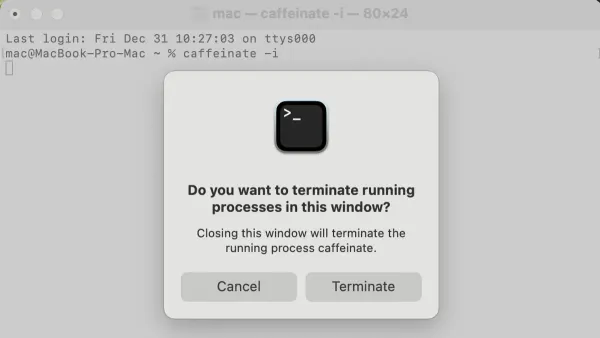
Discover how to use the caffeinate command in Mac Terminal to prevent your Mac from sleeping during important tasks.
Mac Tips
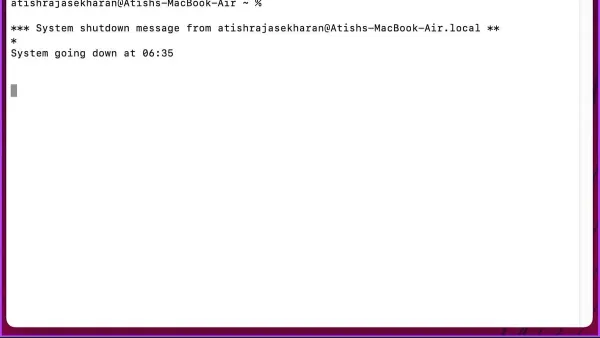
Discover how to use Terminal commands to schedule automatic shutdowns on your Mac with a timer for precise control.
Mac Terminal
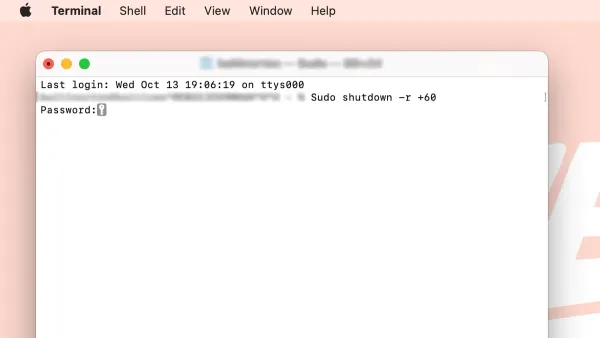
Discover easy commands and tips to restart your Mac from the command line using Mac Terminal for quick and efficient system reboots.
Mac Terminal
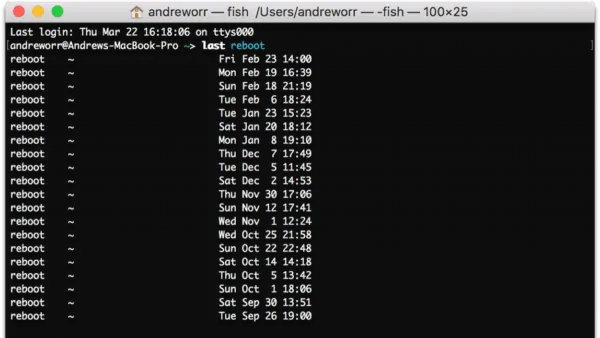
Discover simple commands to check your Mac's uptime using Terminal for quick system monitoring and troubleshooting.
Mac Terminal
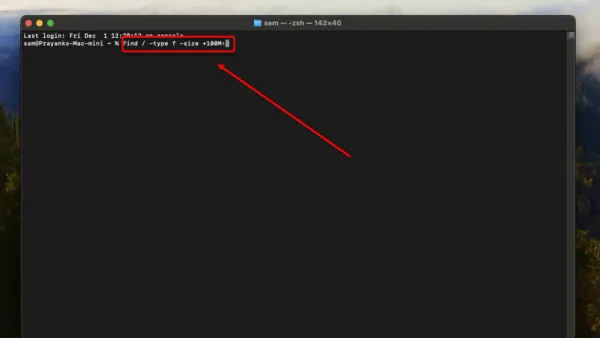
Discover step-by-step instructions to find large files in Mac Terminal and manage your disk space efficiently using command-line tools.
Mac Terminal
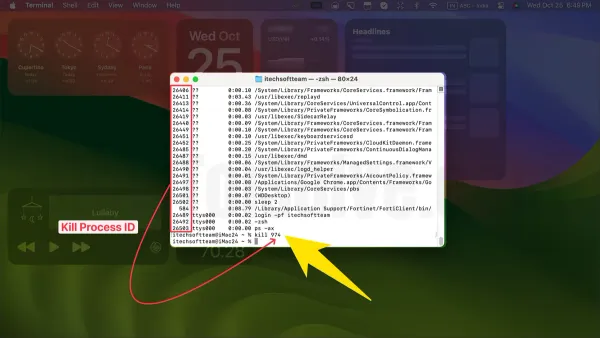
Quickly kill a process by name in Mac Terminal using simple commands to manage unresponsive apps and optimize your Mac's performance.
MacOS
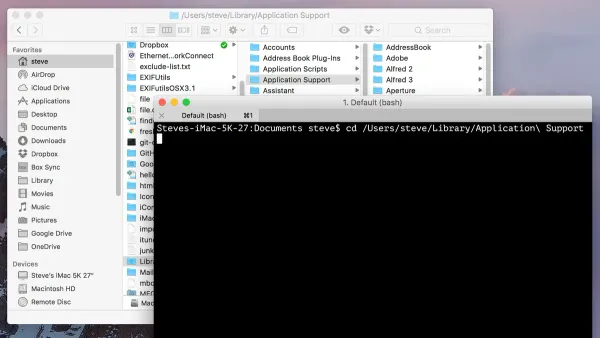
Discover how to show the full path in Finder using Mac Terminal commands and settings for clearer navigation and better file management.
Mac
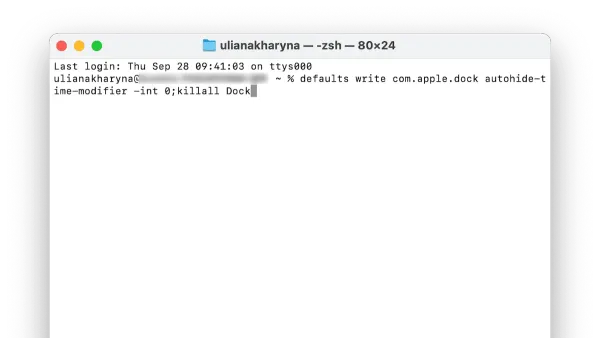
Discover how to speed up Dock animation on your Mac using Terminal commands to make your interface more responsive and snappy.
Mac
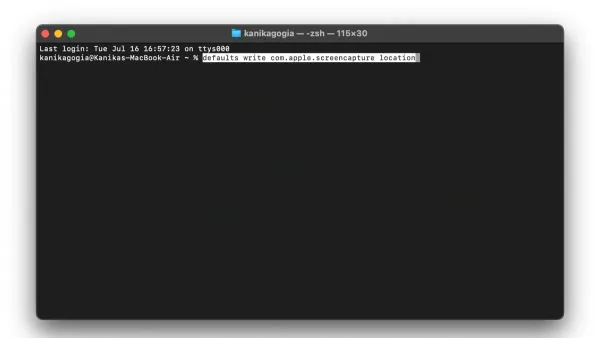
This guide shows how to change screenshot location with defaults write in Mac Terminal, including verifying, updating, and troubleshooting save paths.
macOS Security
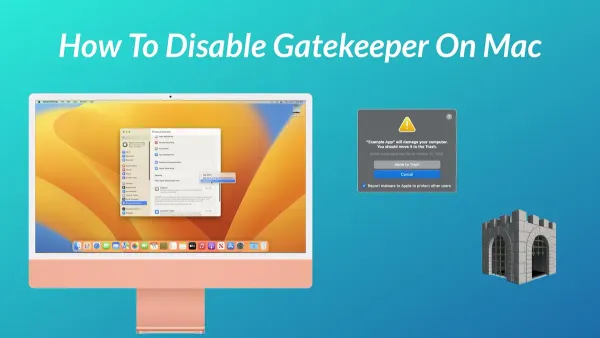
This guide shows how to disable Gatekeeper in Mac Terminal safely, including commands, security tips, and how to re-enable protection.
Mac
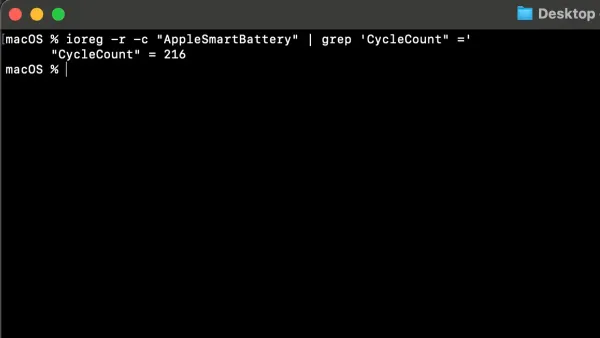
Discover how to check your Mac’s battery cycle count using Terminal commands to monitor battery health and decide on replacements.