Accessibility
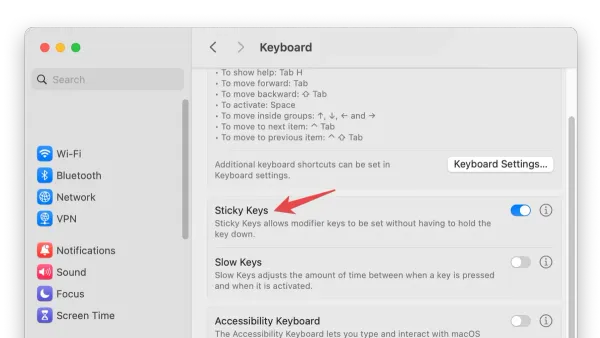
How to Enable and Use Sticky Keys on Mac: A Step-by-Step Guide
This guide shows how to enable Sticky Keys on Mac, making keyboard shortcuts easier by pressing keys sequentially instead of simultaneously.

Accessibility
This guide shows how to enable Sticky Keys on Mac, making keyboard shortcuts easier by pressing keys sequentially instead of simultaneously.
Mac Tips
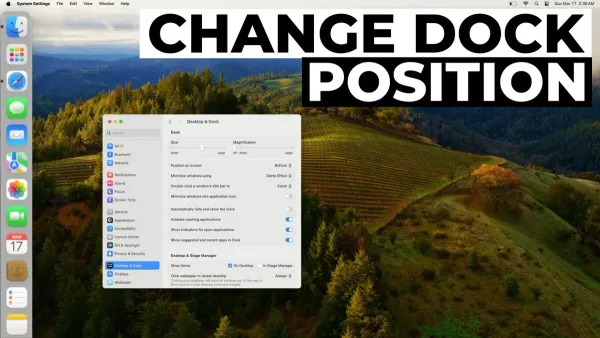
Discover how to move the Dock to the left on Mac and customize its position, size, and behavior for a cleaner, more efficient workspace.
Mac Tips
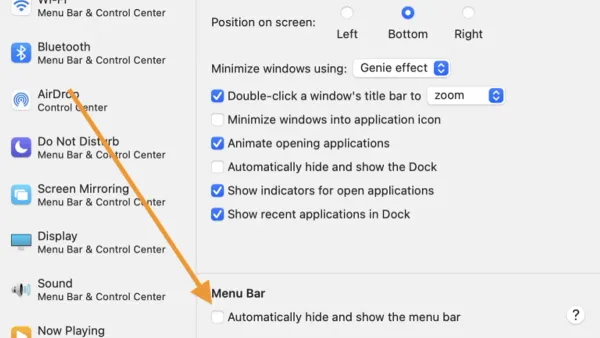
Discover simple steps to hide the menu bar on Mac and manage your Dock for a cleaner, distraction-free workspace.
Mac Tips
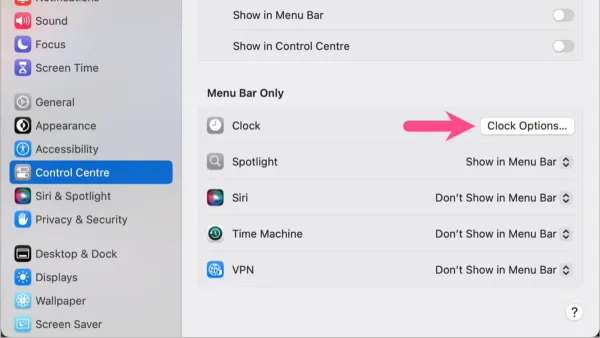
Discover how to enable seconds in your Mac's menu bar clock using system settings or third-party apps for precise time tracking.
Mac Tips
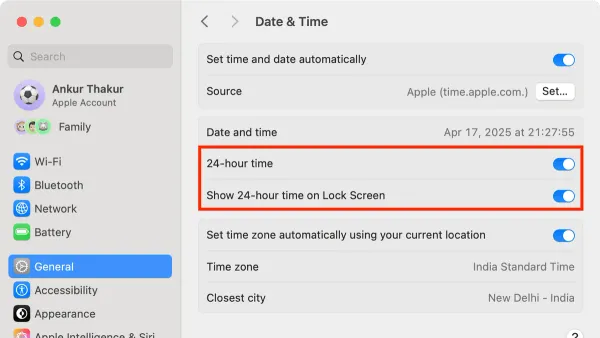
Discover how to use the 24 hour clock on Mac, customize its settings, and sync your time format across devices for clear and precise timekeeping.
Mac Tips
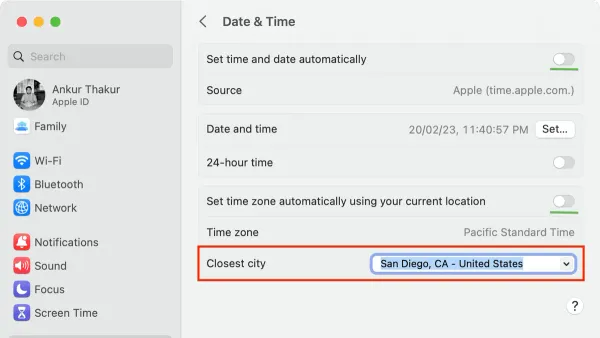
Discover step-by-step how to change the time zone on Mac to avoid scheduling errors and keep your clock accurate.
Mac
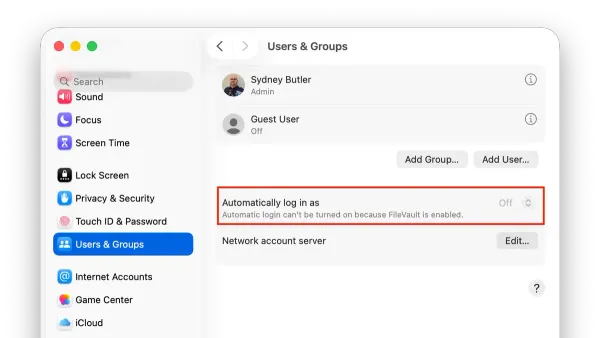
This guide explains how to enable and manage auto login on Mac, balancing convenience with security considerations.
Mac Security
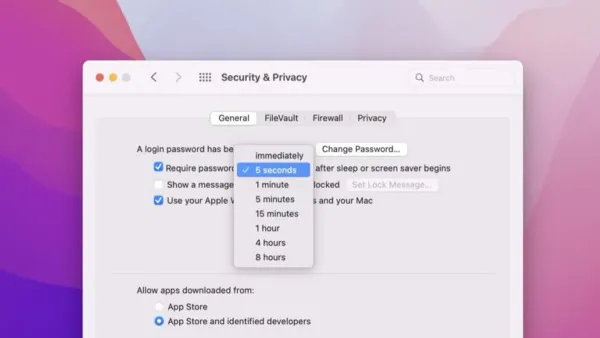
This guide shows how to require a password after your Mac wakes from sleep or screen saver to secure your device and protect your data.
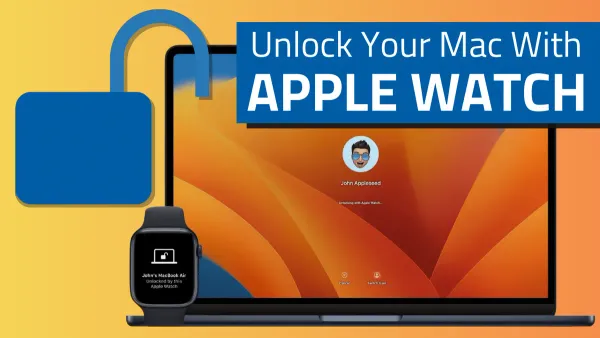
Apple Watch
Discover how to use Apple Watch to unlock your Mac with step-by-step setup, troubleshooting tips, and compatibility details for smooth access.
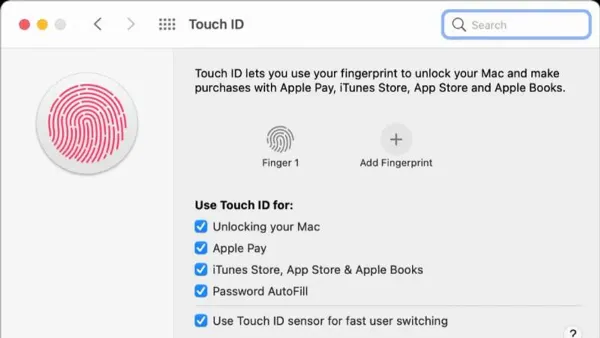
Mac Setup
Discover how to set up Touch ID on your Mac to unlock it and authorize payments quickly and securely with just a fingerprint.
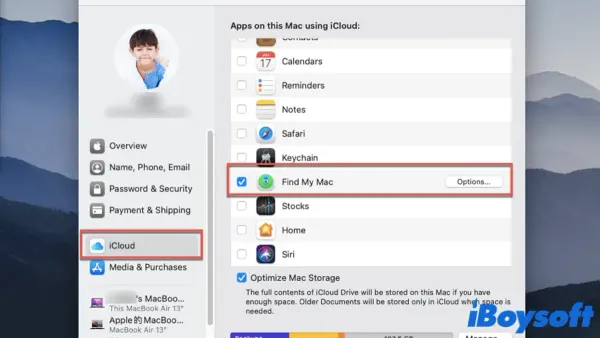
Mac Security
Discover how to enable Find My Mac on your MacBook to track and protect your device effectively in case it goes missing.
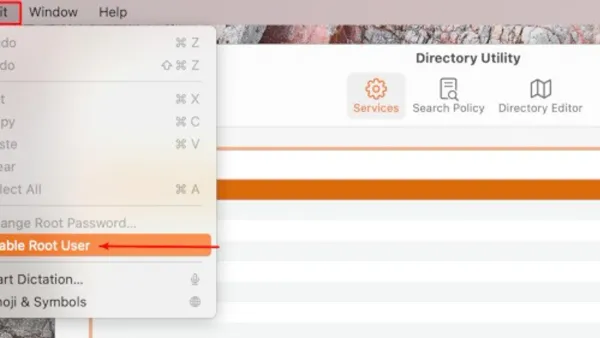
MacOS
This guide explains how to enable root user on Mac to access full system privileges safely and effectively for advanced troubleshooting and configuration.