Mac Tips
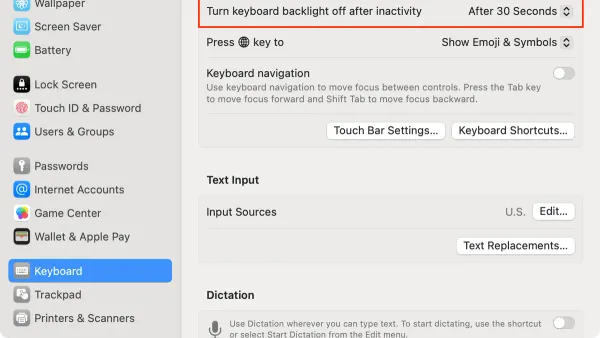
How to Automatically Turn Off Keyboard Backlight on Your Mac
Discover how to automatically turn off your Mac's keyboard backlight using system settings and third-party apps for better battery life and less distraction.

Mac Tips
Discover how to automatically turn off your Mac's keyboard backlight using system settings and third-party apps for better battery life and less distraction.
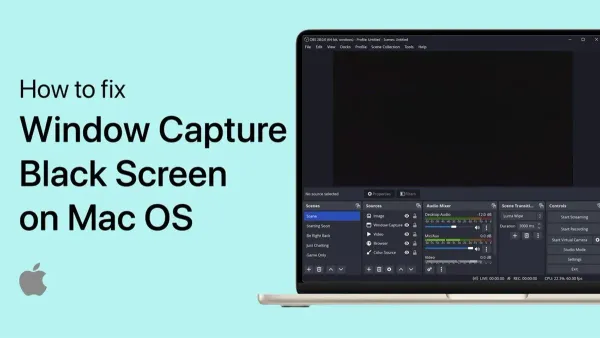
Mac Troubleshooting
Discover clear solutions to fix OBS Studio black screen capture on Mac by adjusting permissions, capture methods, and settings for flawless recording.
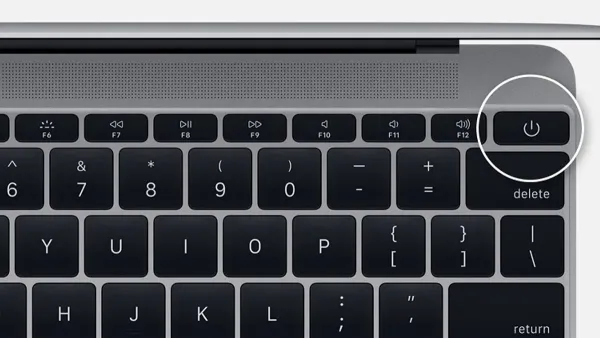
Mac
Customize your Mac’s power button function to suit your workflow by adjusting settings and using advanced options safely.
Live Streaming
Step-by-step guide to streaming live on YouTube using OBS Studio on Mac, covering setup, configuration, and troubleshooting for smooth broadcasts.
Mac Tips
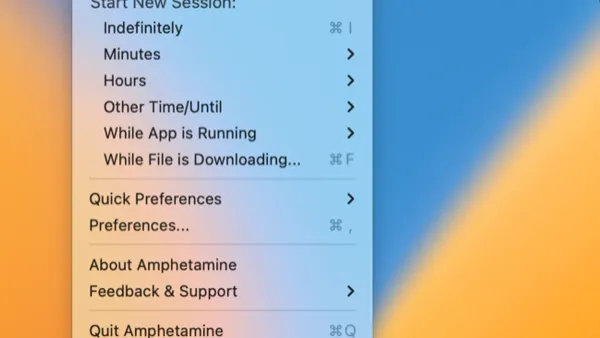
Discover how to use Amphetamine to keep your Mac awake with customizable sessions, triggers, and battery management for seamless productivity.
OBS Studio
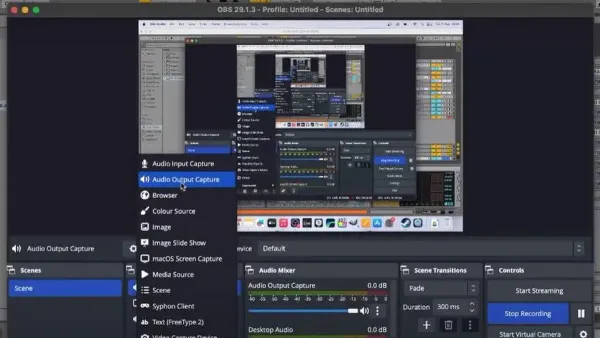
Learn how to capture desktop audio in OBS Studio on Mac by setting up virtual audio devices and configuring OBS for seamless recording.
Mac
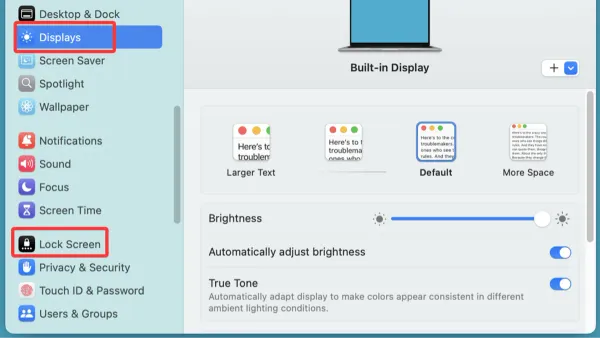
Discover practical steps to prevent your Mac from sleeping, ensuring uninterrupted work and downloads by adjusting settings and using Terminal commands.
Mac Gaming
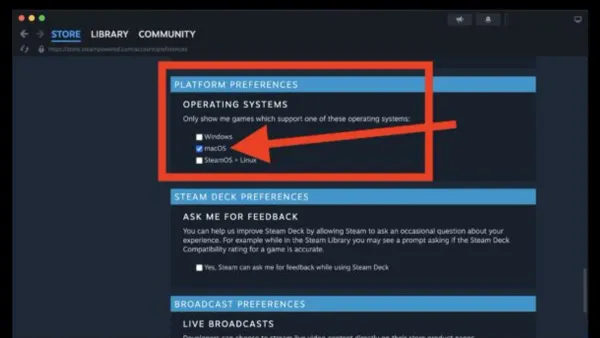
Discover how to find and verify Mac compatible games on Steam using filters, system requirements, and third-party resources for smooth gameplay.
Mac
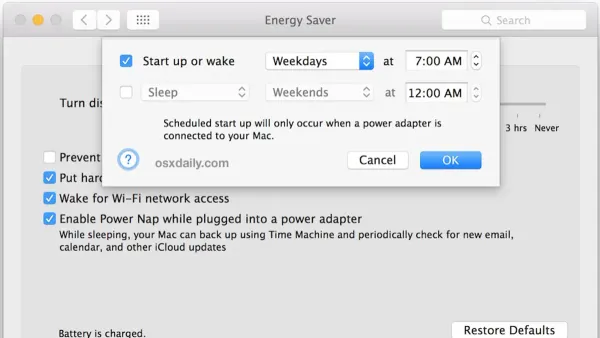
Discover how to schedule sleep and wake on your Mac in 2026 to optimize energy use and streamline your workflow with updated macOS settings.
Mac
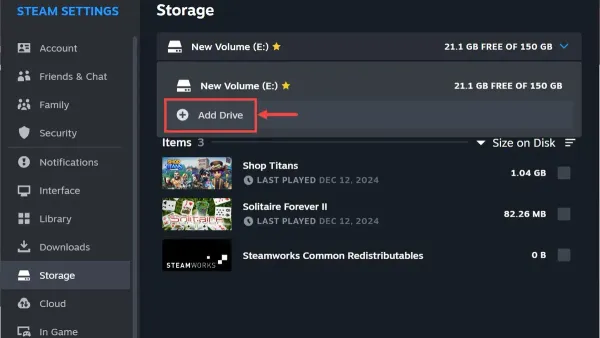
Free up Mac storage by moving your Steam library to an external drive with clear, step-by-step instructions tailored for Mac users.
Mac
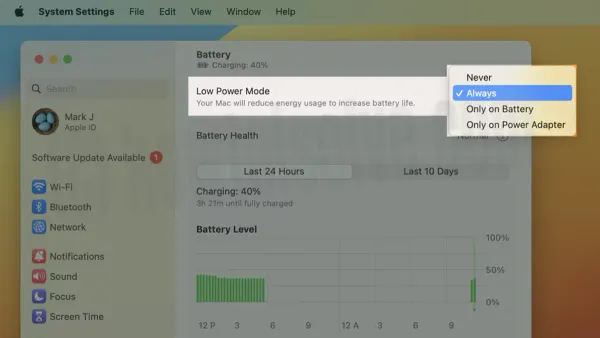
Discover how to enable Low Power Mode on your Mac to conserve battery life with clear, step-by-step guidance for various Mac models and macOS versions.
Gaming
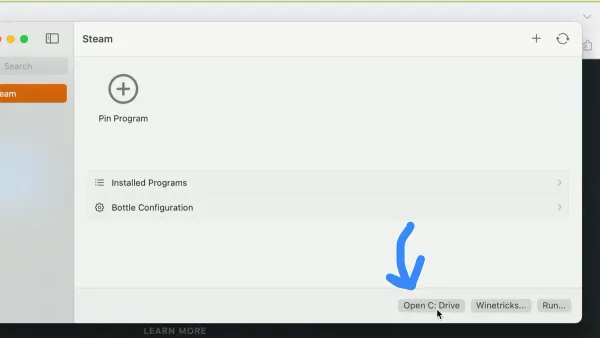
Discover practical methods to install and play Windows-only Steam games on your Mac using Boot Camp, virtualization, and compatibility layers.