Apple Devices
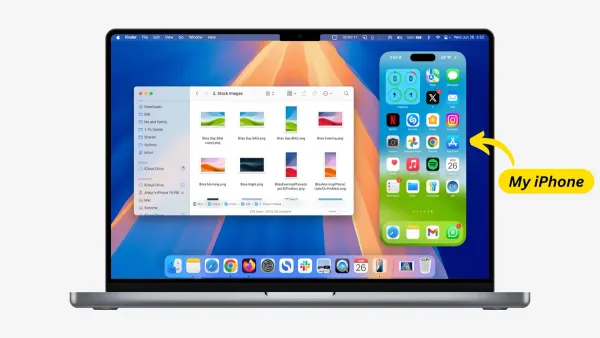
How to Set Up iPhone Mirroring on Mac: A Step-by-Step Guide
Discover how to mirror your iPhone screen on a Mac using AirPlay or third-party apps with easy setup and troubleshooting tips.

Apple Devices
Discover how to mirror your iPhone screen on a Mac using AirPlay or third-party apps with easy setup and troubleshooting tips.
Docker
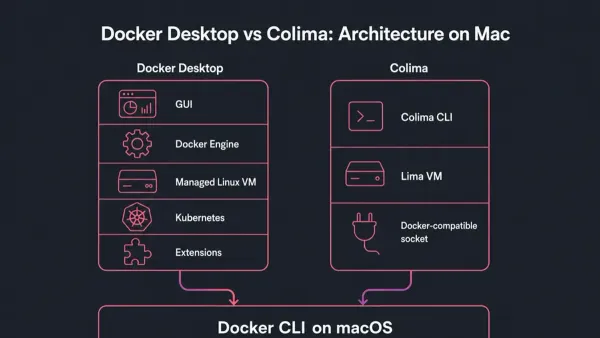
This guide explains how to install Docker on Mac using Colima without Docker Desktop, offering a lightweight alternative for container management.
Mac
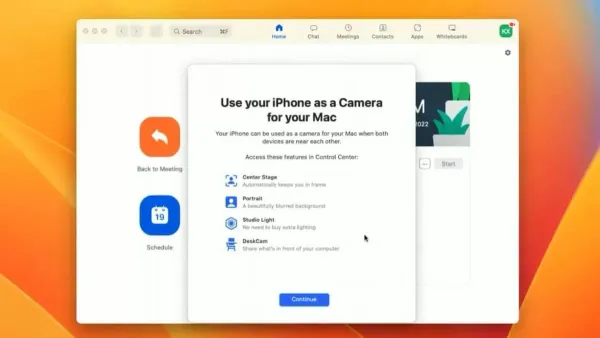
Discover how to use your iPhone as a webcam on Mac with step-by-step setup tips for seamless video meetings and streaming.
Docker
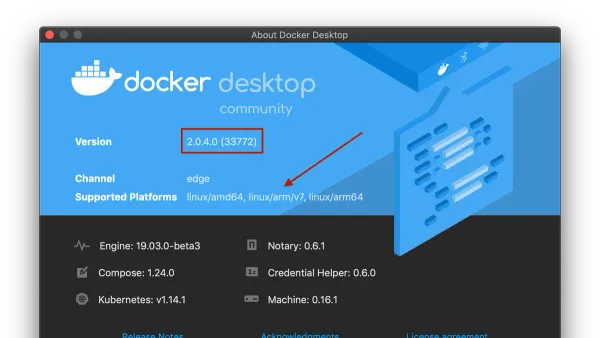
This guide explains how to run x86 Docker images on Mac with Docker Desktop, focusing on Apple Silicon compatibility and performance considerations.
Mac
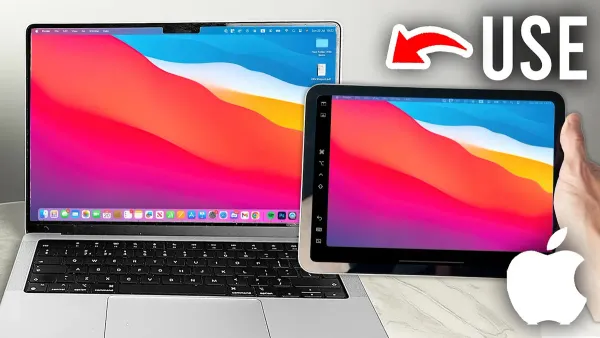
Discover how to use your iPad as a second display for your Mac to increase screen space and improve productivity with built-in and third-party options.
Docker
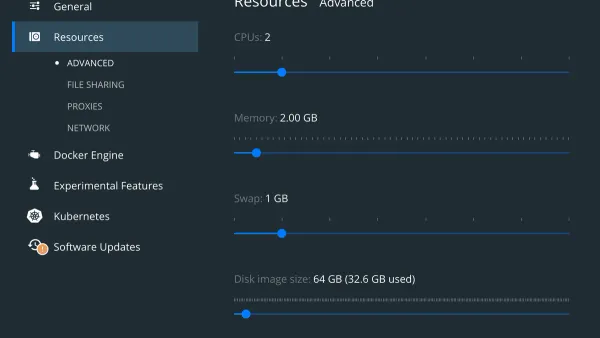
This guide shows how to reduce memory usage in Docker Desktop on Mac by adjusting settings, managing containers, and using Mac system tools effectively.
Apple Devices
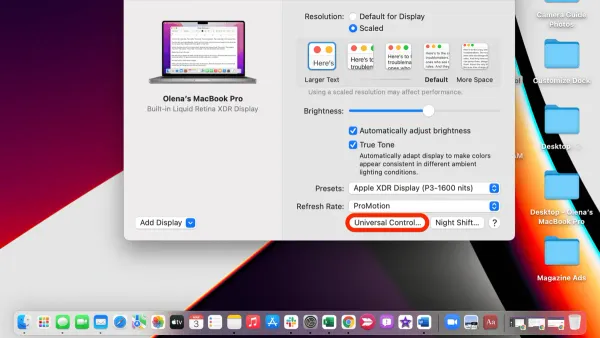
Discover how to set up Universal Control on Mac to use one mouse and keyboard across multiple Apple devices with ease.
Software Development
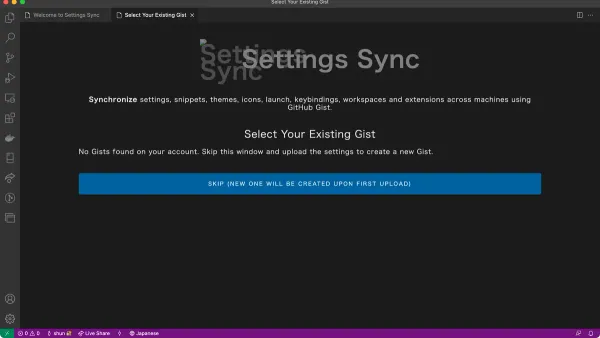
Discover how to sync settings in VS Code on Mac using your Microsoft account for a consistent coding environment across devices.
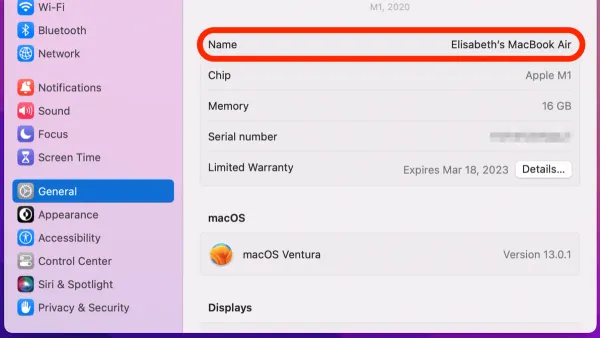
Mac Tips
Discover how to change your AirDrop name on Mac with simple steps to customize your device name and improve sharing visibility.
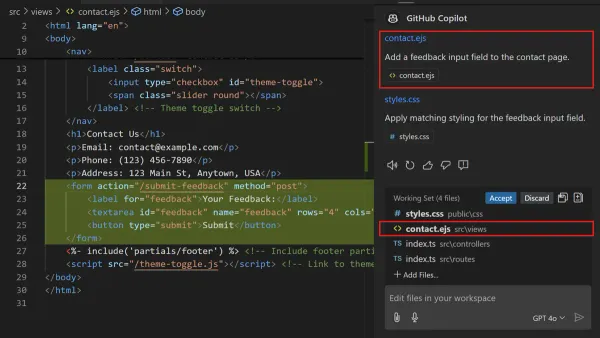
Software Development
Discover how to use Copilot in VS Code on Mac with step-by-step setup, customization, and troubleshooting to enhance your coding workflow.
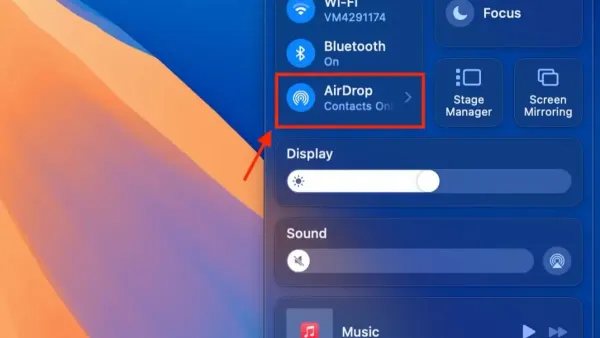
Mac Tips
Discover how to enable AirDrop for everyone on your Mac with step-by-step instructions to simplify file sharing with nearby devices.
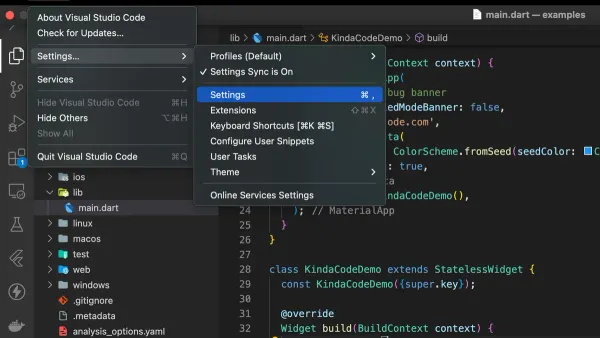
Visual Studio Code
Discover easy ways to change font size in VS Code on Mac for improved coding comfort using settings, shortcuts, and configuration files.