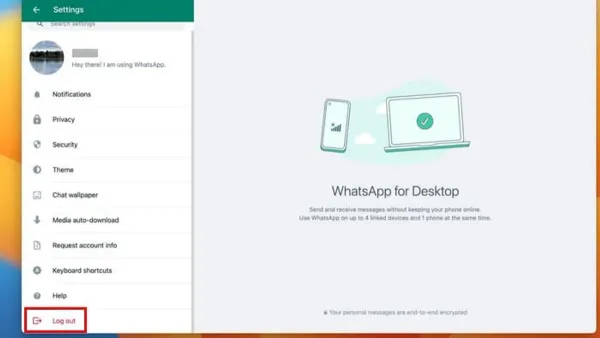
How to Log Out Remotely from WhatsApp Desktop on Mac
Secure your WhatsApp Desktop on Mac by learning how to log out remotely using your phone in a few simple steps.

Secure your WhatsApp Desktop on Mac by learning how to log out remotely using your phone in a few simple steps.
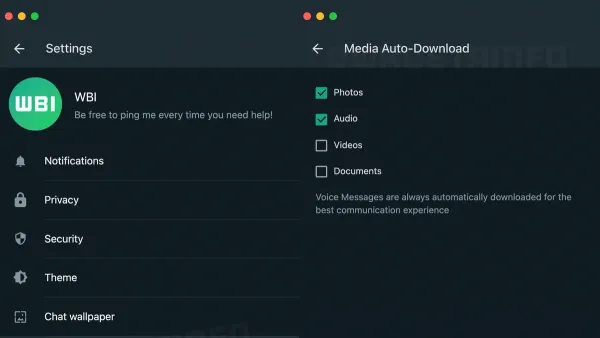
This guide shows how to set up automatic media downloads in WhatsApp Desktop on Mac for seamless access to your photos and videos.

Discover step-by-step solutions to fix WhatsApp Desktop not syncing on Mac and get your messages updating smoothly again.
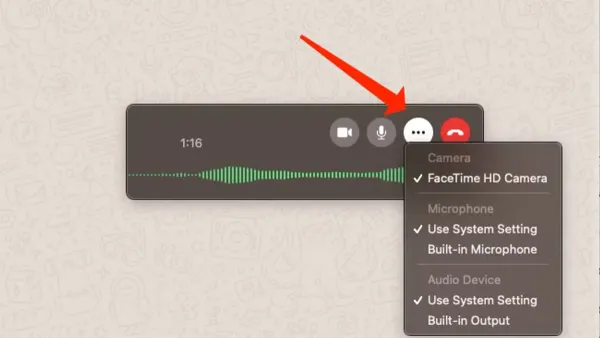
This guide shows how to make video calls in WhatsApp Desktop on Mac, including setting permissions and avoiding common issues.
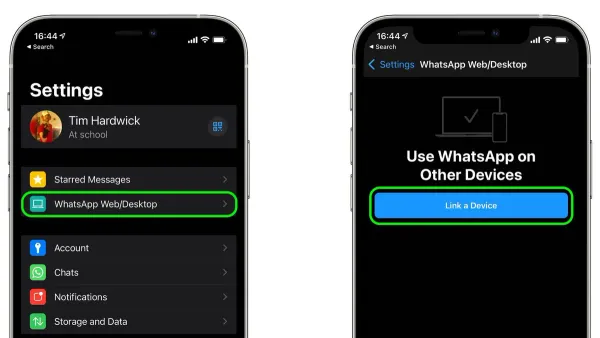
Discover how to link WhatsApp to Mac in WhatsApp Desktop with a simple step-by-step guide for smooth messaging on your Mac.
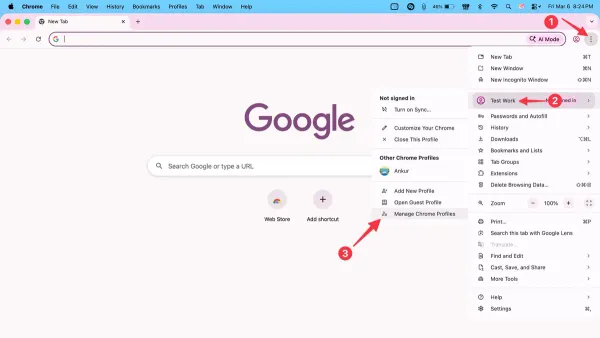
Google Chrome
This guide shows how to create, switch, and manage Chrome profiles in Google Chrome on Mac for better organization and privacy.
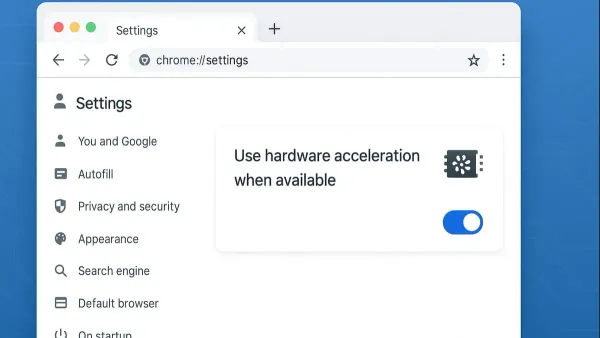
Google Chrome
Step-by-step guide to turning off hardware acceleration in Google Chrome on Mac to resolve glitches and improve video playback.
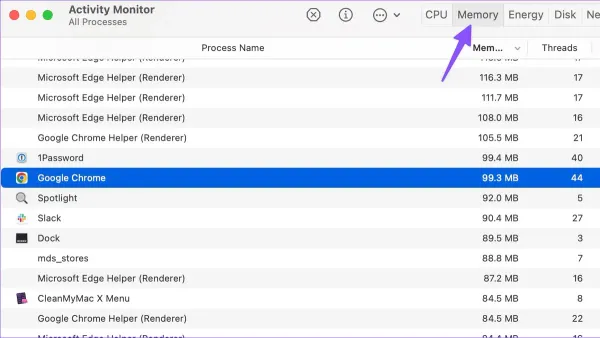
Mac Troubleshooting
Discover step-by-step solutions to fix Google Chrome high memory usage on Mac and improve your system’s speed and stability.
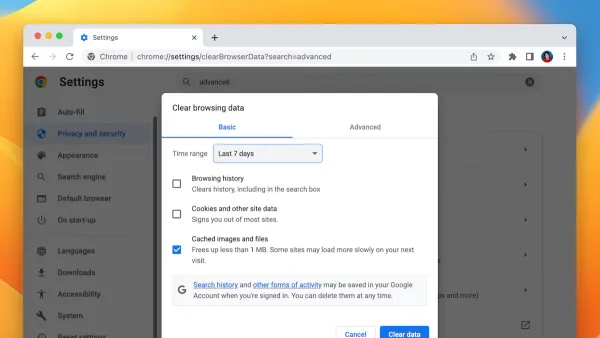
Web Browsing
Step-by-step guide to clearing cache in Google Chrome on Mac to improve browser performance and fix common loading issues.
Google Chrome
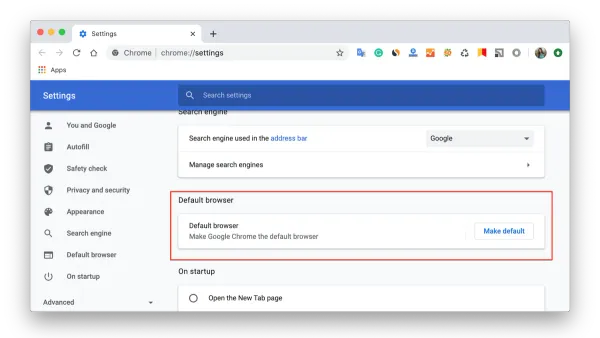
Follow this clear step-by-step guide to set Google Chrome as your default browser on Mac and enjoy seamless browsing with every link you click.
Zoom
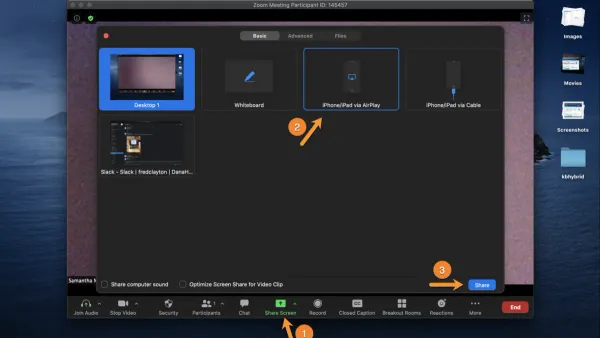
This guide shows you how to share your iPad screen in Zoom using your Mac, covering setup, permissions, and troubleshooting for smooth meetings.

Zoom
This guide shows how to record Zoom meetings locally on your Mac, including setup, alternatives, and troubleshooting for smooth recording.