Mac Tips
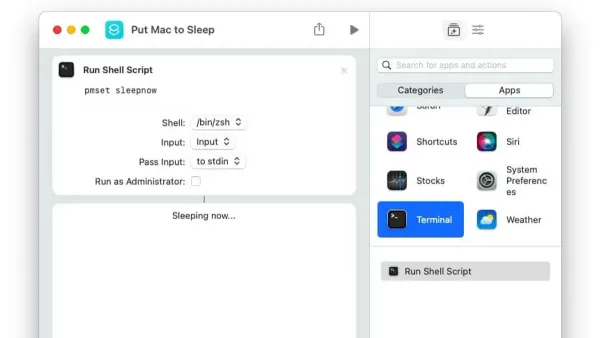
How to Use a Mac Keyboard Shortcut to Put Your Mac to Sleep
Discover how to quickly put your Mac to sleep using keyboard shortcuts for faster workflow and better battery life.

Mac Tips
Discover how to quickly put your Mac to sleep using keyboard shortcuts for faster workflow and better battery life.
Mac
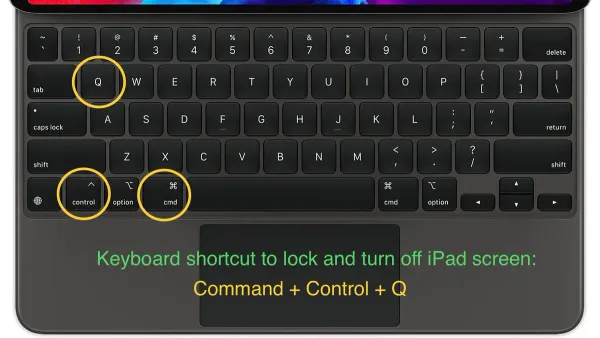
Discover the Mac keyboard shortcut to lock your screen quickly and protect your data without closing apps or logging out.
MacOS
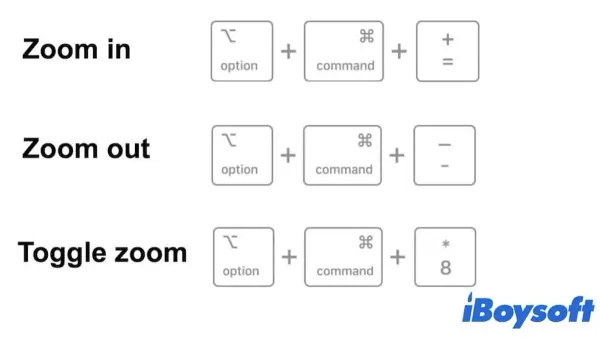
Discover how to quickly zoom in and out on your Mac using keyboard shortcuts for better readability and efficient navigation.
Mac Tips
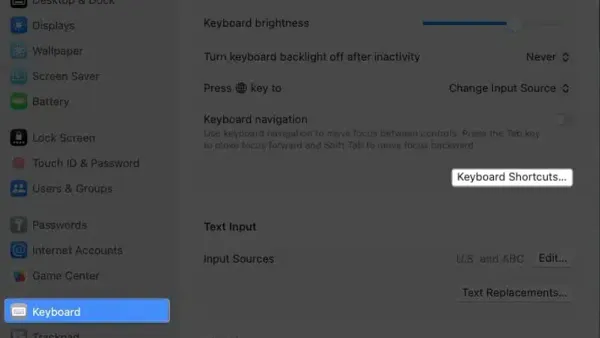
Discover how to quickly open System Settings on Mac using keyboard shortcuts and customize them for faster access.
Mac Tips
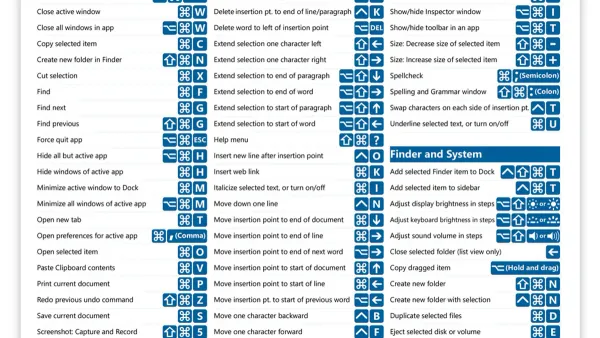
Discover how to use and customize the Mac keyboard shortcut to find and replace text quickly and efficiently in your documents.
Mac Tips
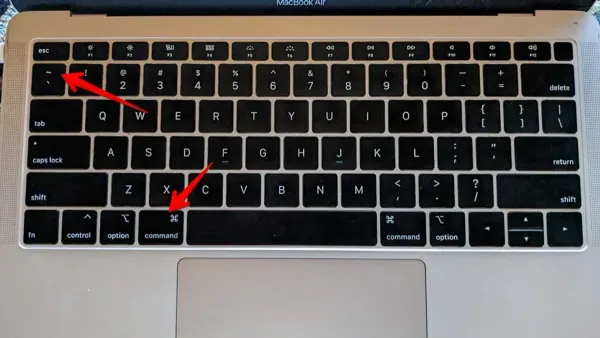
Discover how to use the Mac keyboard shortcut to switch between windows of the same app and streamline your multitasking workflow efficiently.
Mac Tips
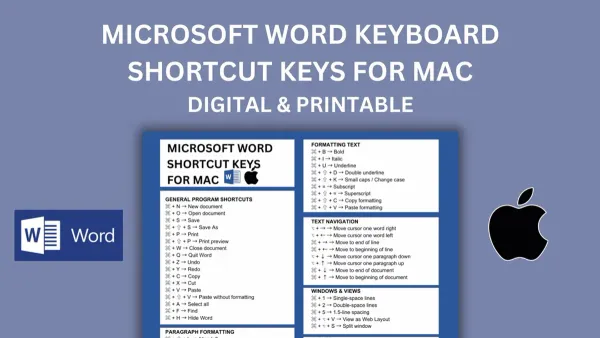
Discover how to quickly select a word on Mac using keyboard shortcuts and customize them for faster text editing.
Mac Tips
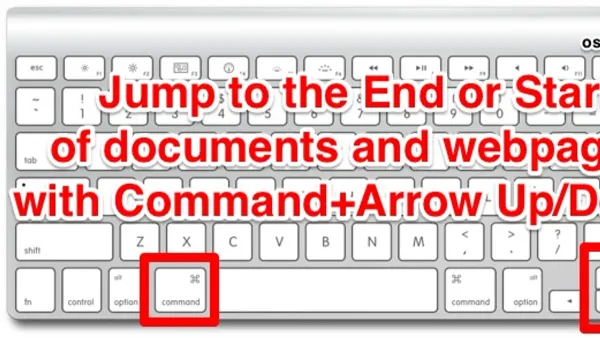
Discover how to use the Mac keyboard shortcut to jump to the end of a document and improve your text navigation efficiency.
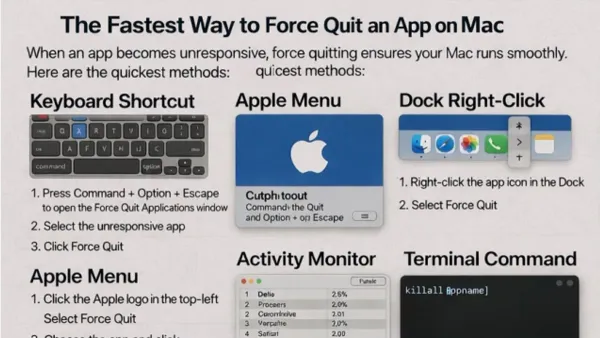
Mac Tips
Discover how to use the Mac keyboard shortcut to force quit an app and quickly close unresponsive programs to keep your workflow smooth.
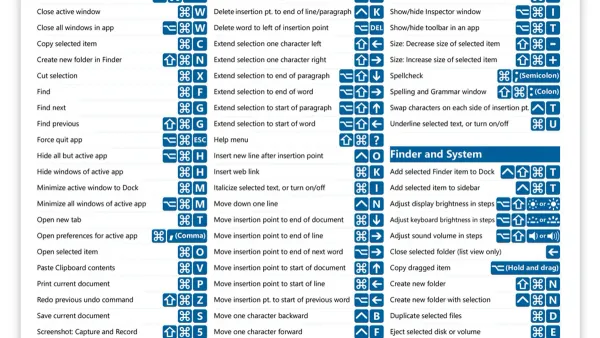
Mac
Discover how to quickly jump to the start of a line on Mac using keyboard shortcuts for faster, more efficient text editing in various applications.
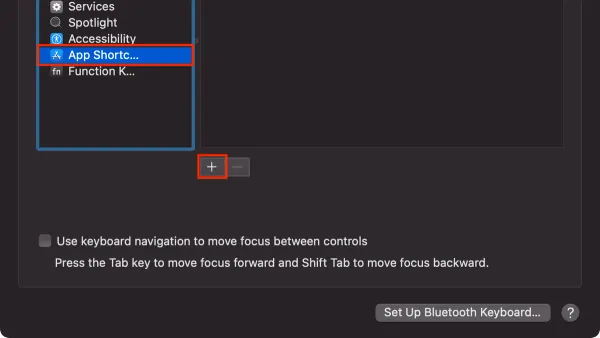
Mac Tips
Discover how to use the Mac keyboard shortcut to paste without formatting and maintain clean, consistent documents effortlessly.
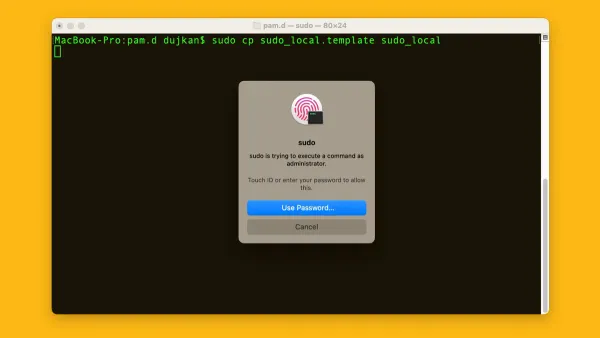
Mac Terminal
This guide explains how to enable Touch ID for sudo in Mac Terminal with step-by-step instructions, backup tips, and troubleshooting advice.