Mac Terminal
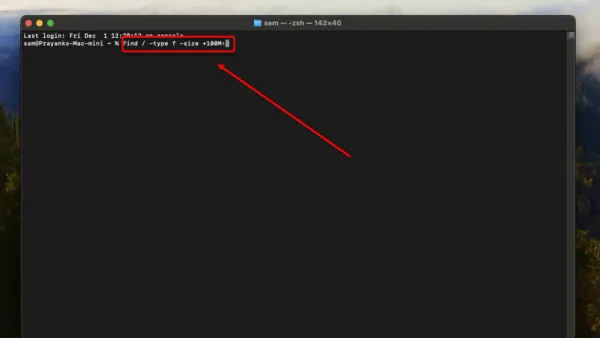
How to Find Large Files in Mac Terminal: Step-by-Step Guide
Discover step-by-step instructions to find large files in Mac Terminal and manage your disk space efficiently using command-line tools.

Mac Terminal
Discover step-by-step instructions to find large files in Mac Terminal and manage your disk space efficiently using command-line tools.
Mac Terminal
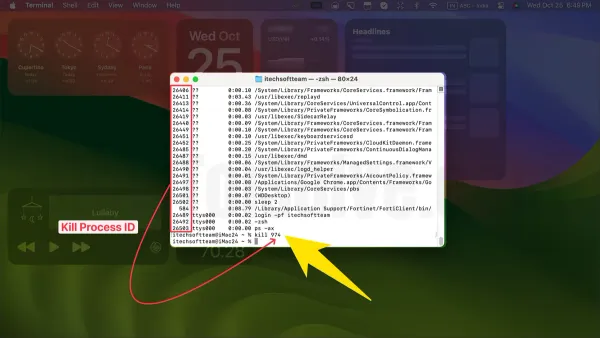
Quickly kill a process by name in Mac Terminal using simple commands to manage unresponsive apps and optimize your Mac's performance.
MacOS
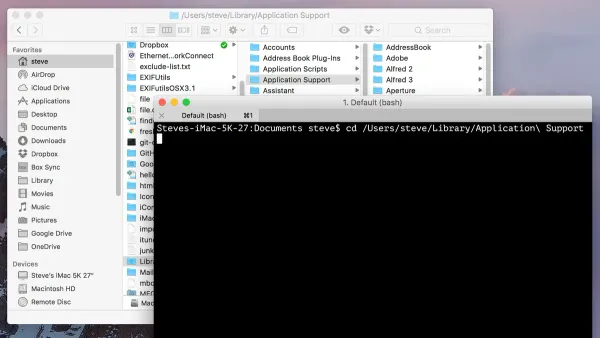
Discover how to show the full path in Finder using Mac Terminal commands and settings for clearer navigation and better file management.
Mac
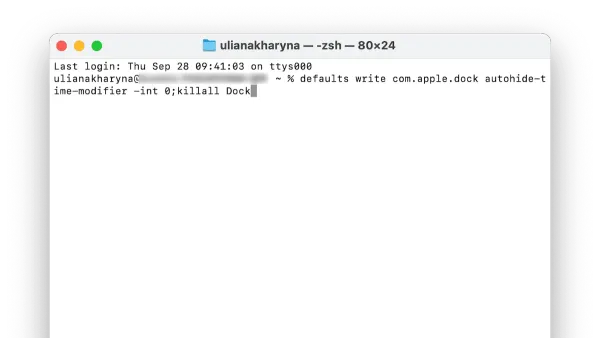
Discover how to speed up Dock animation on your Mac using Terminal commands to make your interface more responsive and snappy.
Mac
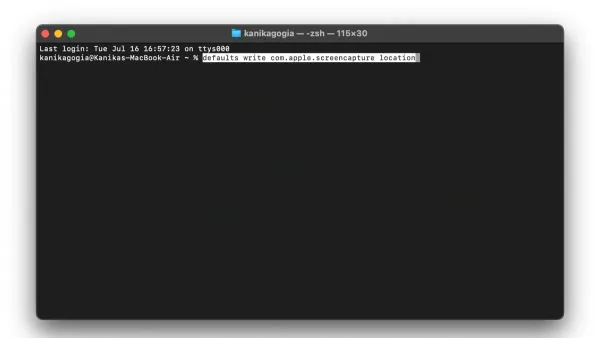
This guide shows how to change screenshot location with defaults write in Mac Terminal, including verifying, updating, and troubleshooting save paths.
macOS Security
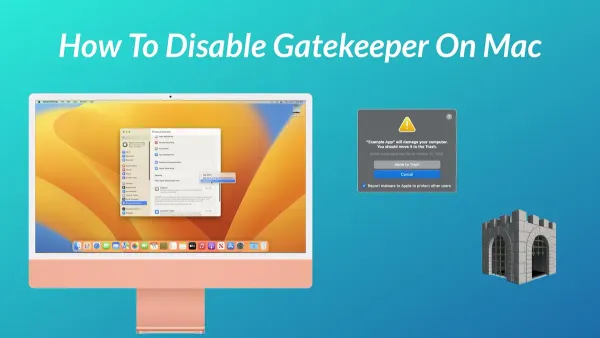
This guide shows how to disable Gatekeeper in Mac Terminal safely, including commands, security tips, and how to re-enable protection.
Mac
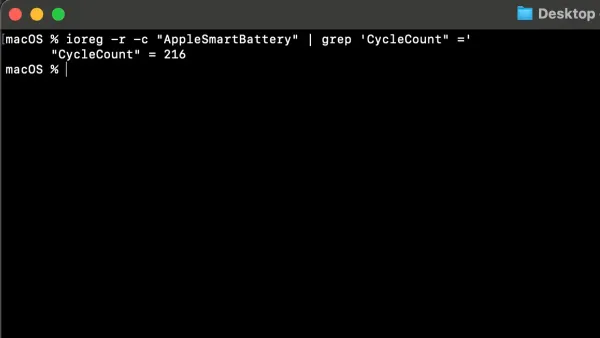
Discover how to check your Mac’s battery cycle count using Terminal commands to monitor battery health and decide on replacements.
Mac
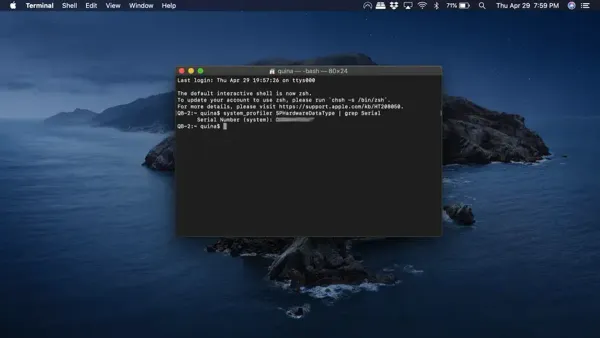
Discover how to quickly find your Mac serial number using Terminal commands for easy support and warranty verification.
Mac Terminal
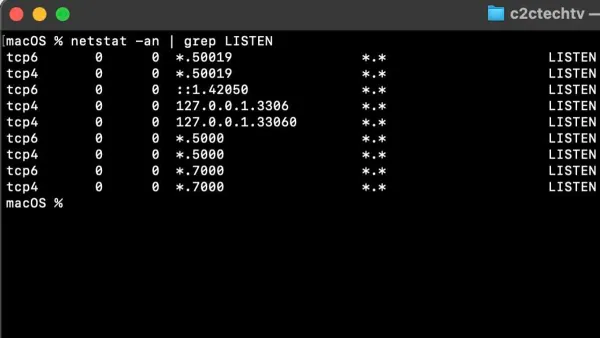
Discover how to check open ports in Mac Terminal with step-by-step commands to manage network activity and security on your macOS device.
MacOS
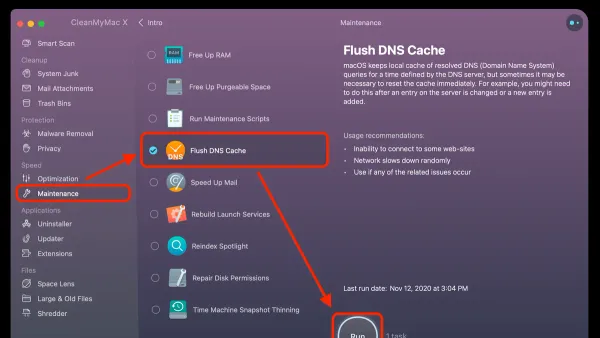
This guide shows how to flush DNS cache in Mac Terminal to fix connection problems and update stale DNS entries effectively.
Mac Terminal
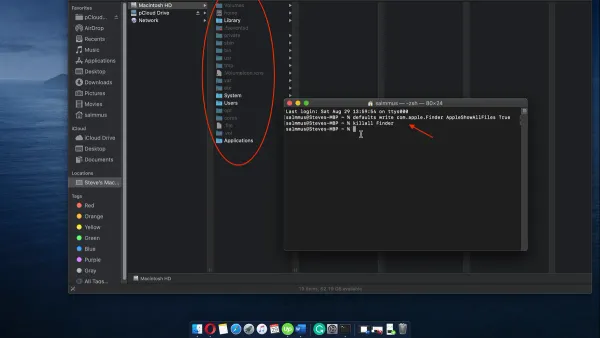
Discover how to reveal hidden files on your Mac using Terminal with clear, step-by-step instructions for safe and easy access.
Mac Tips
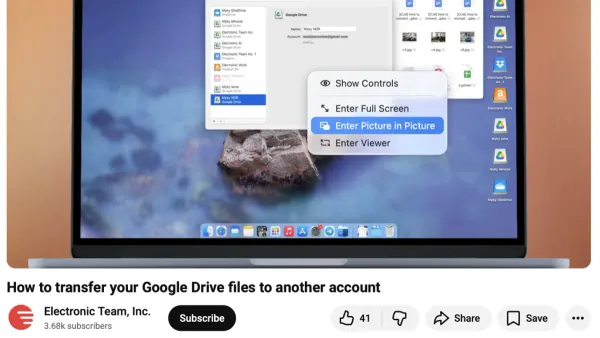
Discover how to enable and use Picture in Picture on Mac to multitask efficiently across browsers and apps like Netflix and YouTube.