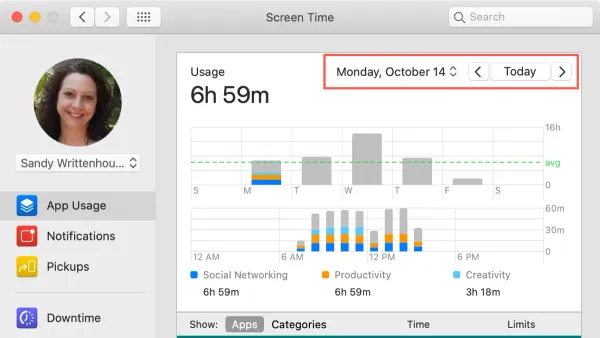
Mac Usage
How to View Your Daily Usage Report in Screen Time on Mac
Discover how to view and understand your daily usage report in Screen Time on Mac to monitor app use and boost productivity.

Mac Usage
Discover how to view and understand your daily usage report in Screen Time on Mac to monitor app use and boost productivity.
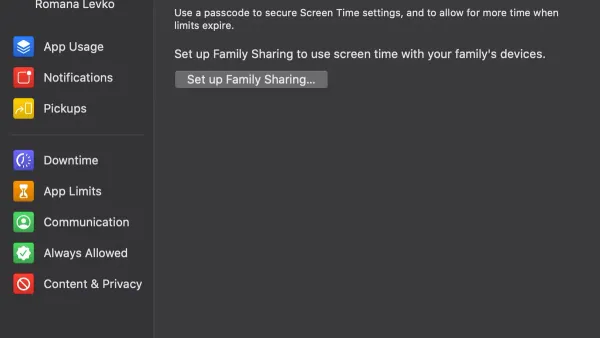
Mac
This guide explains how to turn off Screen Time in Screen Time on Mac, manage child accounts, remove passcodes, and troubleshoot common issues.
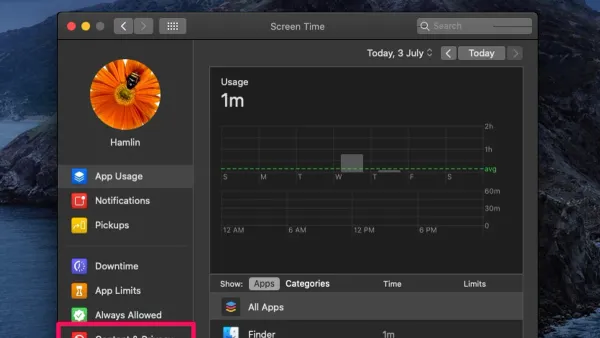
MacOS
Discover clear steps to block websites using Screen Time on Mac for better focus and parental controls.
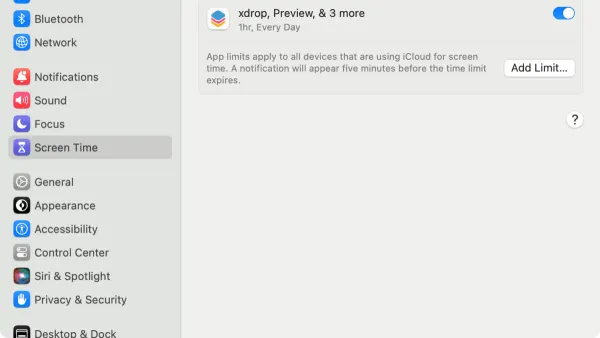
Mac Tips
Discover how to set app limits in Screen Time on Mac to manage your daily app usage and improve focus with simple steps.
Productivity
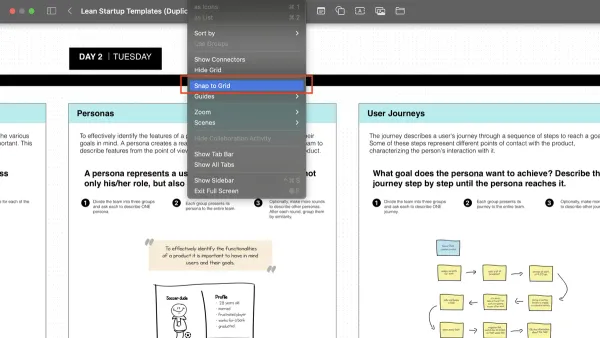
This guide shows you how to create, navigate, and manage scenes in Freeform to organize your visual projects effectively.

PDF Management
This guide shows you how to insert PDFs into Freeform for annotation, organization, and exporting your boards easily.

Collaboration
Discover practical steps to collaborate in Freeform, enabling real-time teamwork and efficient content management across Apple devices.
Apple Devices
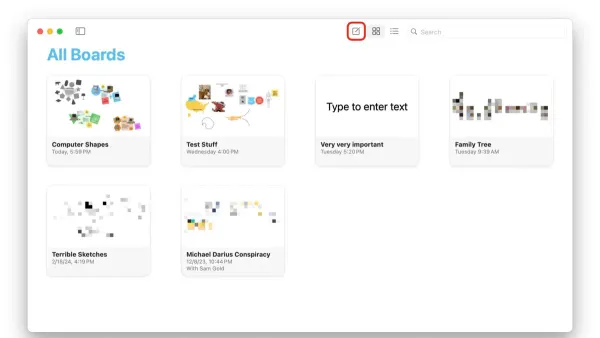
Discover how to create and customize a whiteboard in Freeform for effective visual collaboration on your Apple device.
Passwords
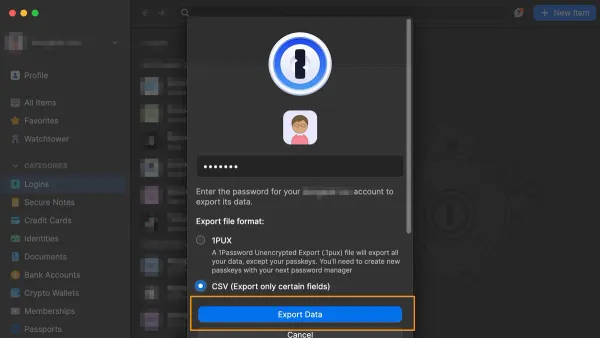
This guide shows you how to export passwords to CSV in Passwords app securely and step-by-step for easy backup or transfer.
Two-Factor Authentication
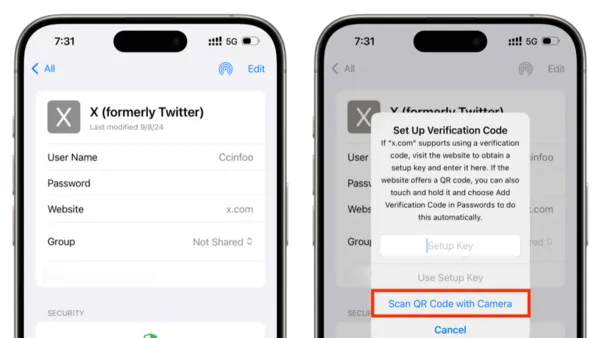
Discover how to add and manage verification codes in the Passwords app to enhance your account security and simplify two-factor authentication.
Password Management
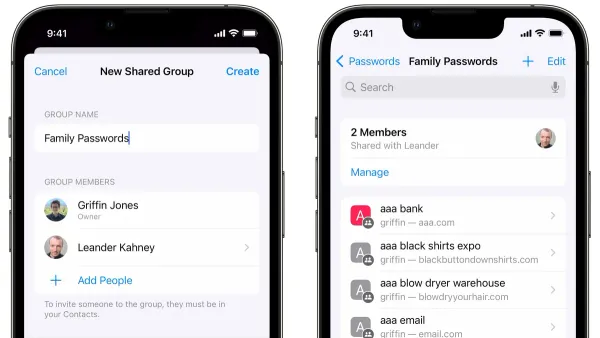
Discover practical methods to share passwords securely with your family using the Passwords app and Apple's ecosystem features.
Password Security
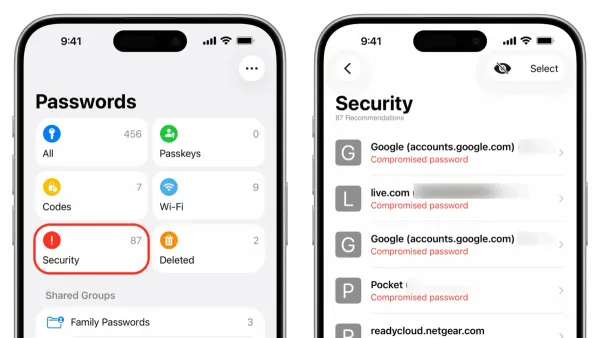
Discover how to identify and improve weak passwords stored in your Passwords app with this simple step-by-step guide.