Mac Troubleshooting
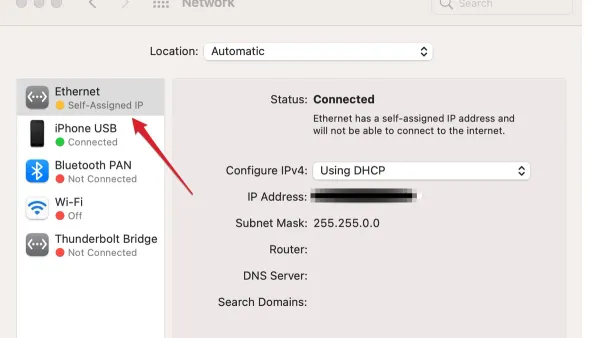
How to Fix a Self Assigned IP Address on Mac: Step-by-Step Solutions
Learn easy step-by-step solutions to fix a self assigned IP address on Mac and regain reliable internet connectivity.

Step-by-step fixes for common Mac and MacBook problems – slow performance, startup issues, crashes, Wi-Fi, battery and more.
Mac Troubleshooting
Learn easy step-by-step solutions to fix a self assigned IP address on Mac and regain reliable internet connectivity.
Mac Troubleshooting
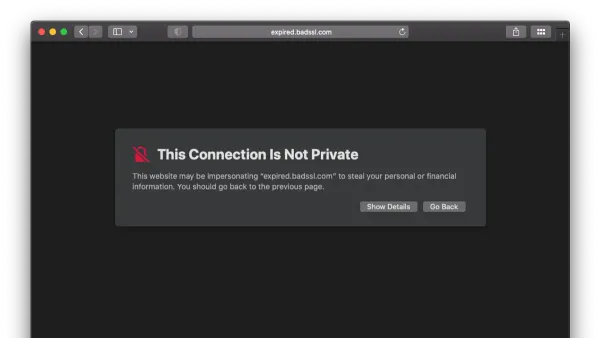
Discover quick and effective ways to fix your connection is not private on Mac and regain secure access to websites without interruptions.
Mac Troubleshooting
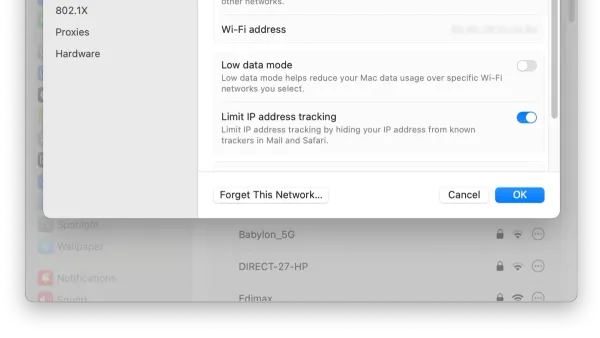
Learn effective steps to fix the Wi-Fi no hardware installed error on your Mac and restore wireless connectivity quickly.
Mac Troubleshooting
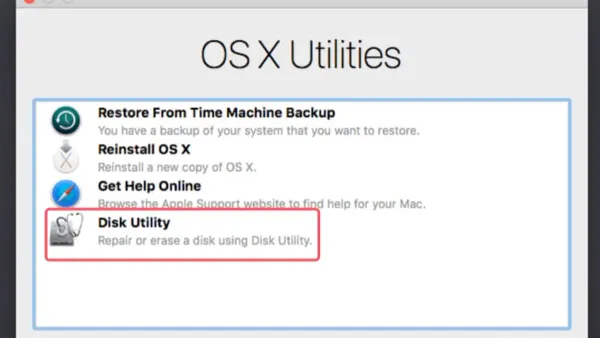
Troubleshoot and fix a Mac restarting because of a problem with step-by-step solutions to stop unexpected restarts caused by software or hardware issues.
Mac Troubleshooting
Follow step-by-step solutions to fix a Mac stuck on the loading bar by repairing disks and reinstalling macOS safely.

Mac Troubleshooting
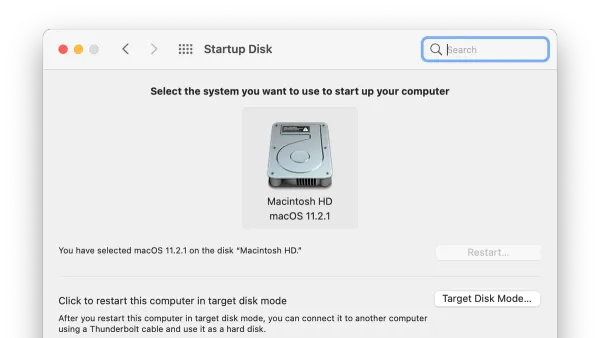
Resolve the circle with line through it at Mac startup by repairing disk errors, resetting NVRAM, and reinstalling macOS safely.
Mac Troubleshooting
Discover effective steps to fix the question mark folder on startup on Mac and restore your system to normal operation without data loss.
Mac Troubleshooting
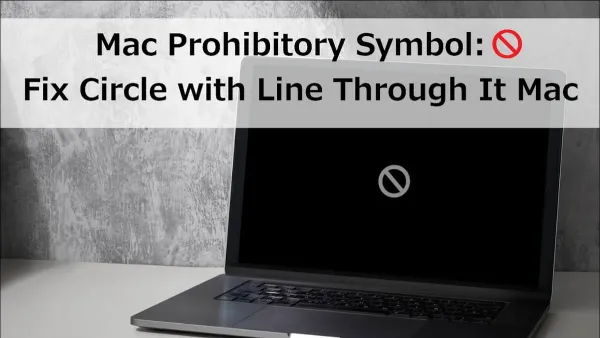
Discover how to fix the prohibitory sign at startup on Mac by repairing disk errors and reinstalling macOS without losing your data.
Mac Troubleshooting
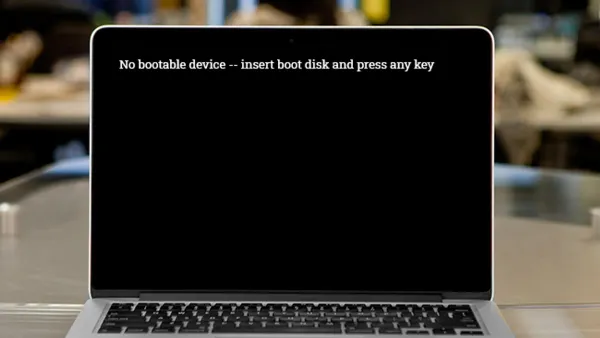
Resolve the no bootable device on Mac error by selecting the correct startup disk, repairing boot volumes, and adjusting security settings effectively.
Mac Troubleshooting
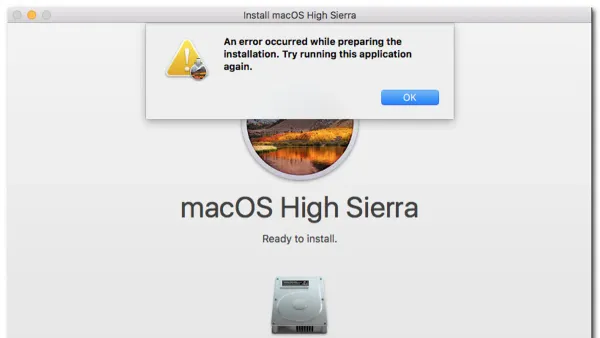
Learn how to fix ‘An Error Occurred While Preparing the Installation’ on Mac by adjusting date/time settings and repairing your startup disk.
Mac Troubleshooting
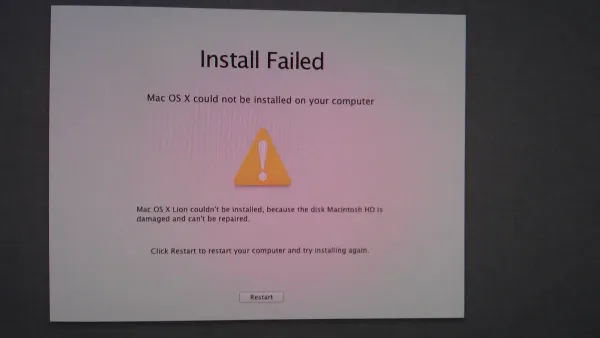
Resolve the 'macOS could not be installed on your computer' error with easy steps to check compatibility, free space, and fix installer issues.
Mac Troubleshooting
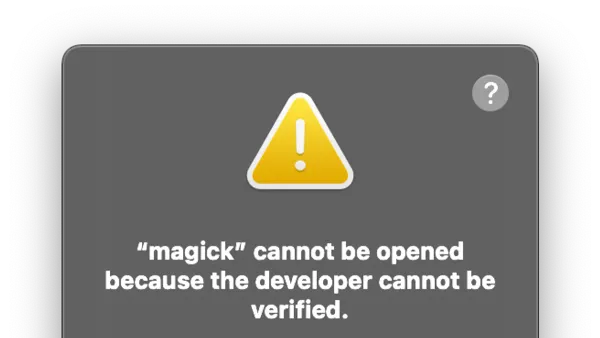
Learn how to fix the 'cannot be opened because the developer cannot be verified' error on Mac and safely open blocked apps with simple steps.