Mac Terminal
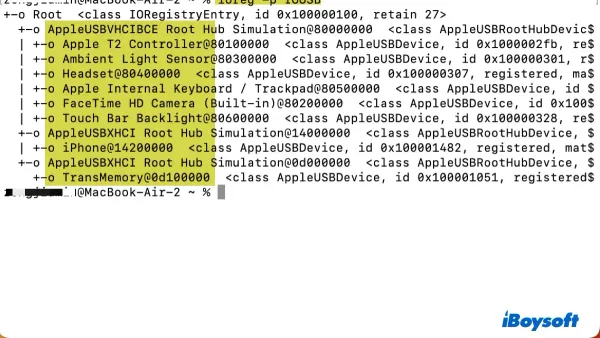
How to List USB Devices in Mac Terminal: A Practical Guide
Discover easy commands to list and identify USB devices connected to your Mac using the Terminal for effective troubleshooting and management.

Mac Terminal
Discover easy commands to list and identify USB devices connected to your Mac using the Terminal for effective troubleshooting and management.
Mac Terminal
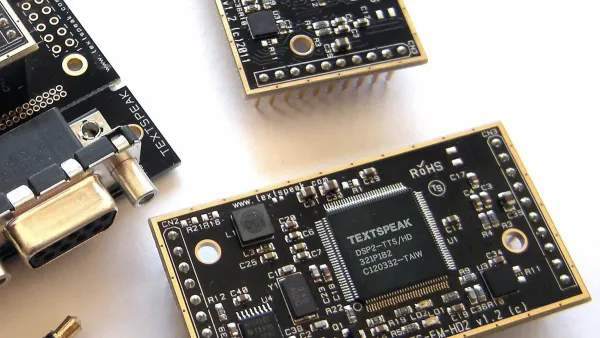
Discover how to use the Mac Terminal's say command to convert text to speech with customizable voice, speed, and automation options.

Networking
Discover how to monitor network traffic in Mac Terminal using built-in commands to troubleshoot and analyze your network effectively.

Mac Terminal
This guide shows how to mount SMB share in Mac Terminal with step-by-step instructions, automatic setup, and troubleshooting tips.
MacOS
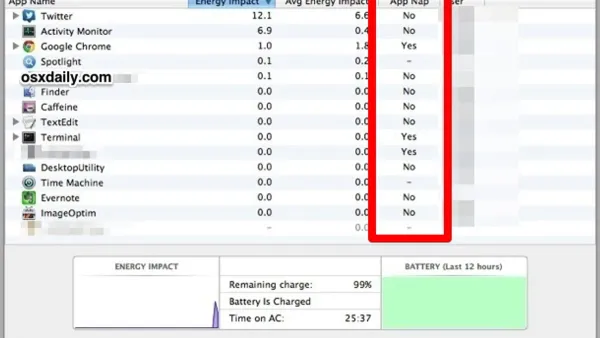
Discover how to disable App Nap in Mac Terminal to prevent pauses and slowdowns during long-running Terminal processes with easy step-by-step commands.
Mac Tips
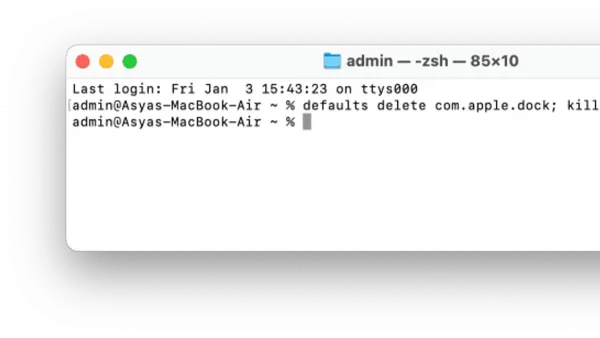
Discover step-by-step commands to reset your Mac Dock to default using Terminal and manage Dock settings effectively.
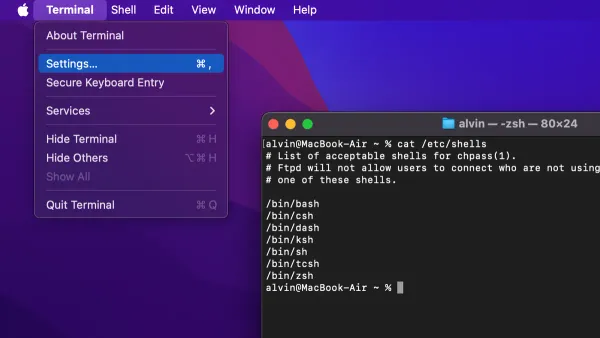
Mac Terminal
Switch your Mac Terminal default shell to Bash for better compatibility and a smoother command line experience with this easy step-by-step guide.
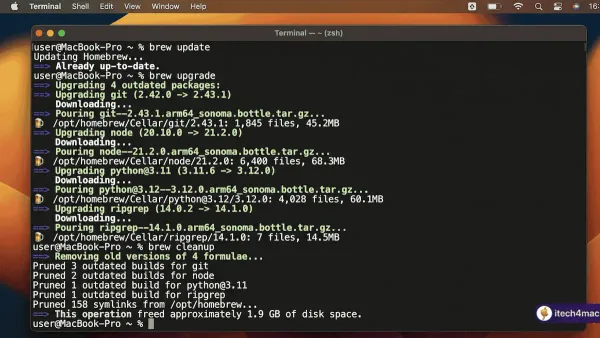
Mac Terminal
Follow this clear step-by-step guide to update Homebrew packages in Mac Terminal and keep your Mac software efficient and up to date.
Mac Terminal
Fix permission errors by learning how to take ownership with chown in Mac Terminal safely and effectively.
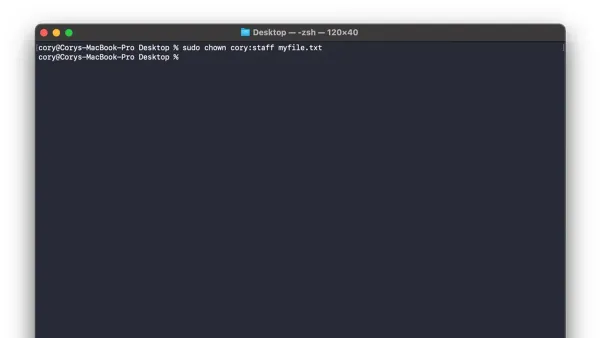
Mac Terminal
Learn how to control file access by changing permissions with chmod in Mac Terminal using numeric and symbolic modes.
Mac Terminal
Master downloading files with curl in Mac Terminal using step-by-step commands for basic downloads, authentication, and resuming interrupted transfers.
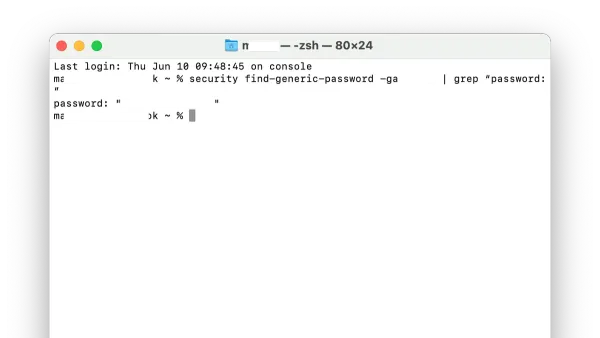
Wi-Fi
Discover how to retrieve your Wi-Fi password using Mac Terminal with simple commands and administrator access.