Safari
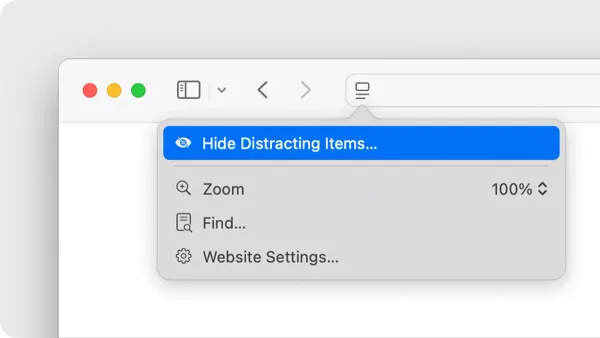
Hide Distracting Items on Safari for Focused Browsing
This guide shows how to hide distracting items on a webpage in Safari using built-in tools, extensions, and scripts for better focus.

Safari
This guide shows how to hide distracting items on a webpage in Safari using built-in tools, extensions, and scripts for better focus.
Safari
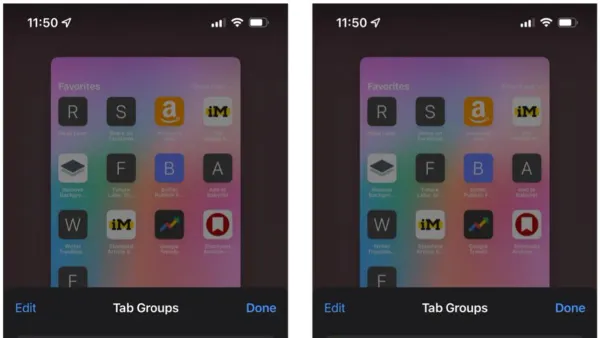
Discover how to use Tab Groups in Safari to organize your browsing by projects, tasks, or contexts for better focus and productivity.
MacOS
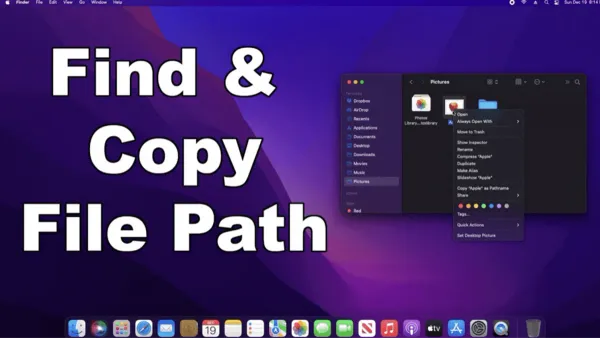
Master quick and accurate methods to copy file paths in Finder for scripting, sharing, and documentation on your Mac.
MacOS
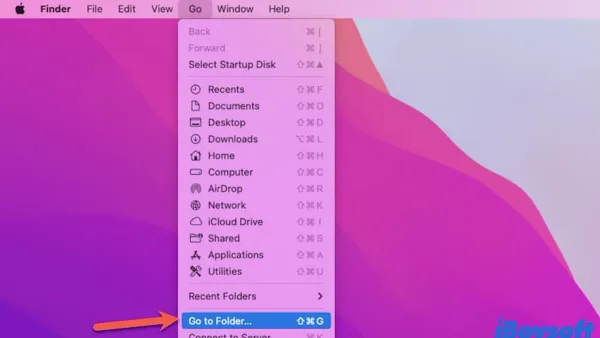
Opening Finder directly in a specific folder streamlines your workflow by reducing navigation time and speeding up access on macOS.
MacOS
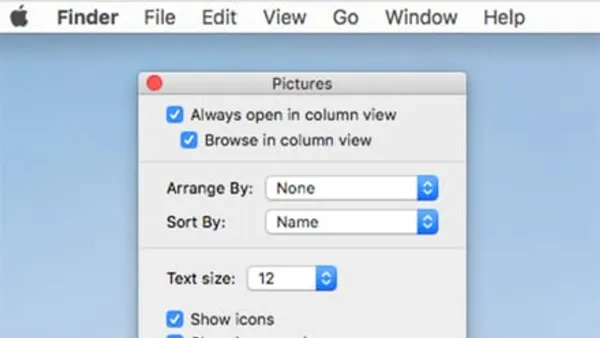
Discover how to use column view in Finder to speed up folder navigation and manage nested files with ease on macOS.
Mac Tips
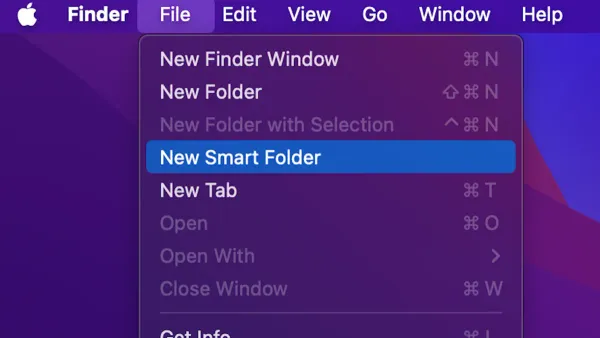
Discover how to create a smart folder in Finder to dynamically organize and access your files efficiently on Mac.
Mac Tips
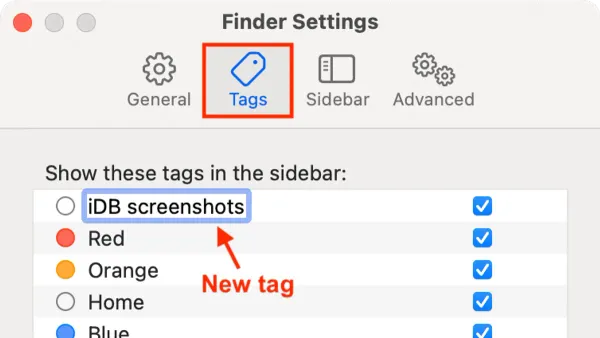
Discover how to add color tags to files in Finder to visually organize and quickly access your important Mac documents.
Mac Tips
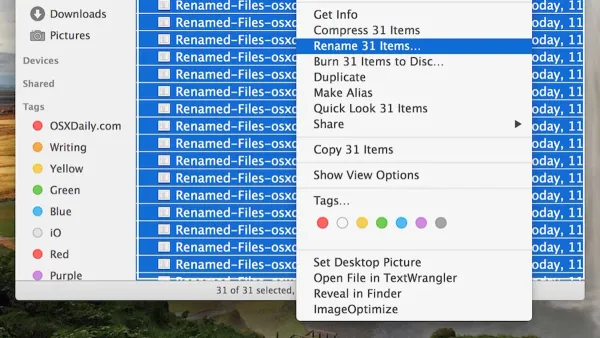
Streamline your workflow by learning how to batch rename files in Finder on Mac with easy, practical steps.
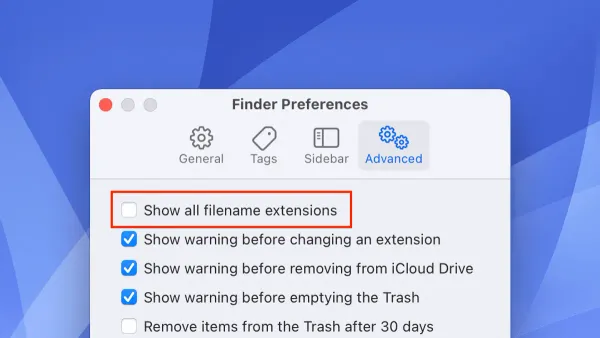
Mac Tips
Discover how to show file extensions in Finder on your Mac to improve file identification and security.
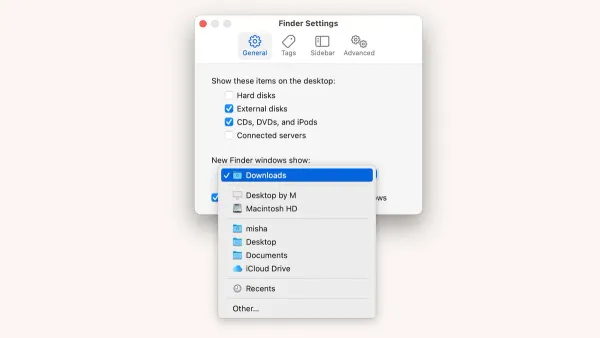
MacOS
This guide explains how to change the default folder view in Finder, helping you tailor views for better file management on macOS.