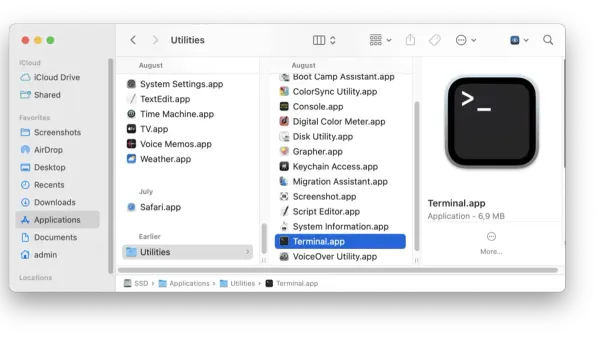
Mac OS
How to Open Apps from Terminal on Mac: A Step-by-Step Guide
Discover practical methods to open Mac apps from Terminal, including using the open command and launching executables inside app bundles.

Mac OS
Discover practical methods to open Mac apps from Terminal, including using the open command and launching executables inside app bundles.
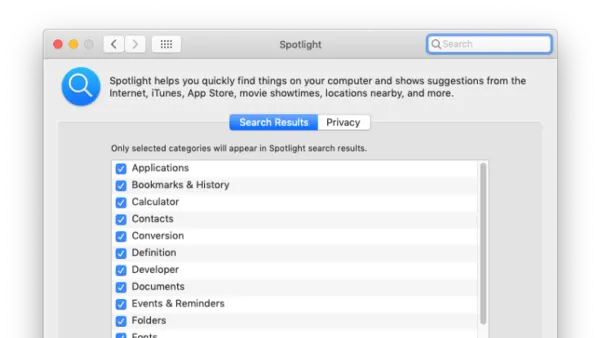
Mac
Discover the Mac keyboard shortcut to open Spotlight and quickly find files, apps, and more to enhance your workflow and efficiency.
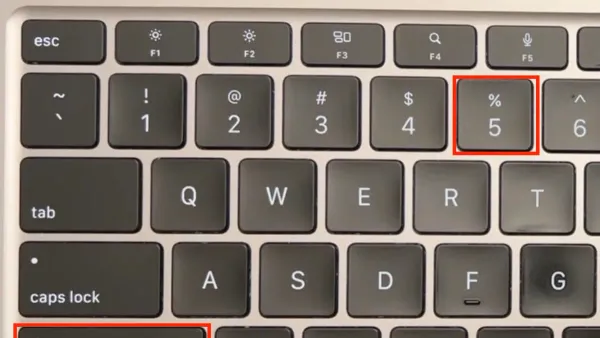
Mac Tips
Discover how to use Mac keyboard shortcuts to record your screen quickly and efficiently without relying on third-party applications.
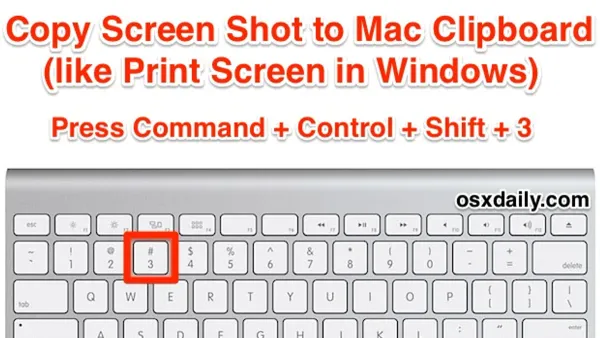
Mac
Discover how to use the Mac keyboard shortcut to copy screenshots directly to the clipboard for quick pasting into emails and documents.
Mac Terminal
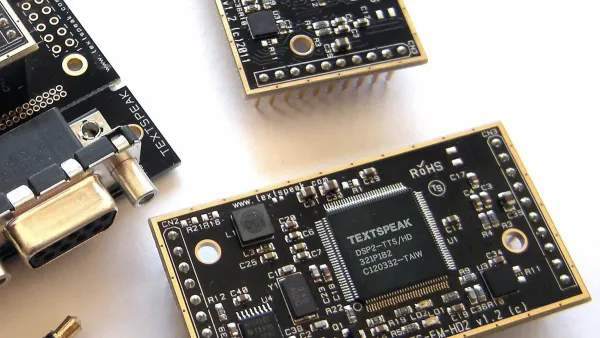
Discover how to use the Mac Terminal's say command to convert text to speech with customizable voice, speed, and automation options.
Mac Terminal
Streamline your Mac Terminal workflow by learning how to create and manage aliases in zsh for faster, error-free command execution.
Mac Terminal
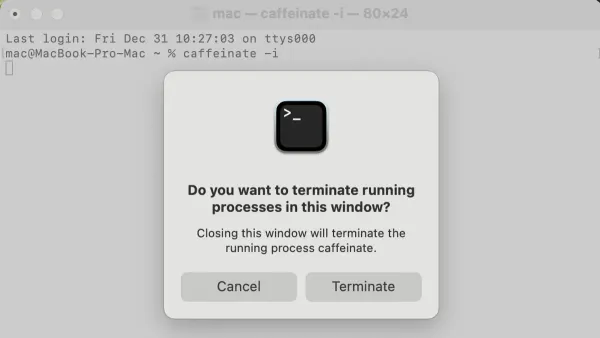
Discover how to use the caffeinate command in Mac Terminal to prevent your Mac from sleeping during important tasks.
Mac
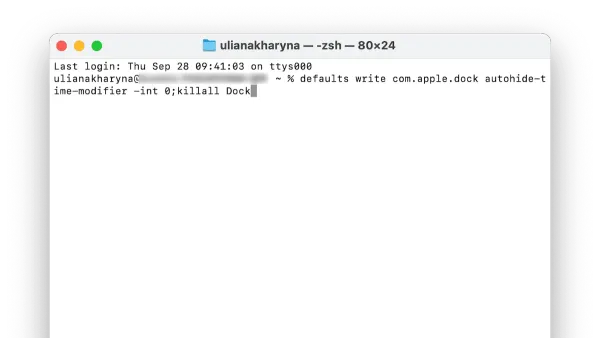
Discover how to speed up Dock animation on your Mac using Terminal commands to make your interface more responsive and snappy.
Mac
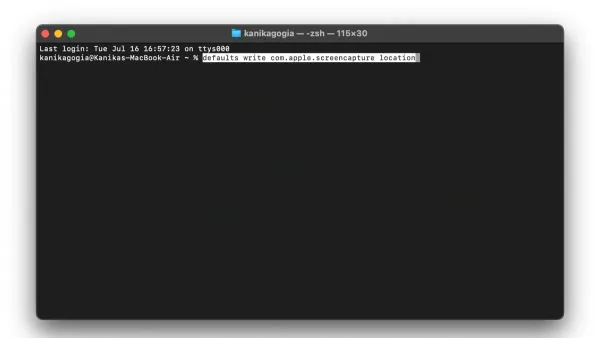
This guide shows how to change screenshot location with defaults write in Mac Terminal, including verifying, updating, and troubleshooting save paths.
Mac
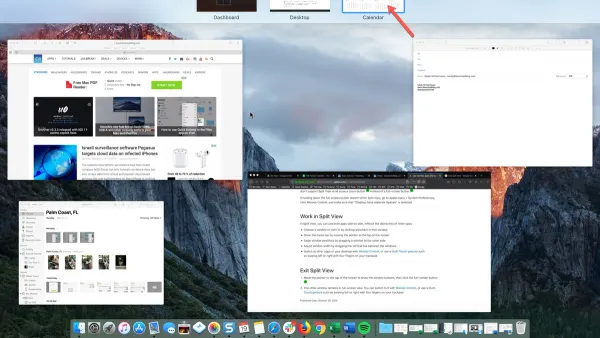
Master using Split View on Mac to manage two app windows side-by-side and improve your multitasking with this clear step-by-step guide.
MacOS
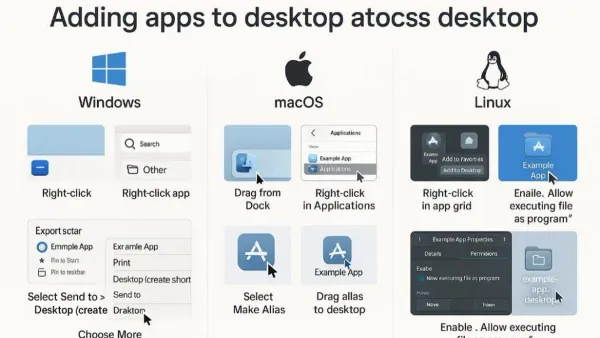
Discover how to assign and manage apps on desktops on your Mac to keep your workspace organized and efficient.
Mac Tips
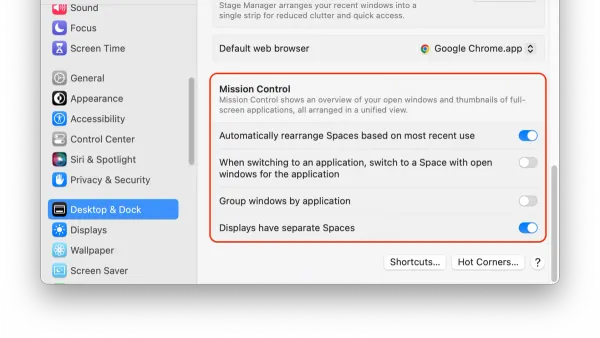
Discover practical steps to use Mission Control on Mac for managing windows, spaces, and apps to enhance your productivity.