Mac
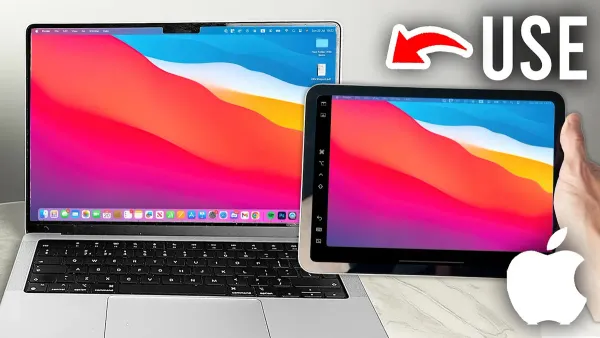
How to Use Your iPad as a Second Display for Your Mac
Discover how to use your iPad as a second display for your Mac to increase screen space and improve productivity with built-in and third-party options.

Mac
Discover how to use your iPad as a second display for your Mac to increase screen space and improve productivity with built-in and third-party options.
Software Development
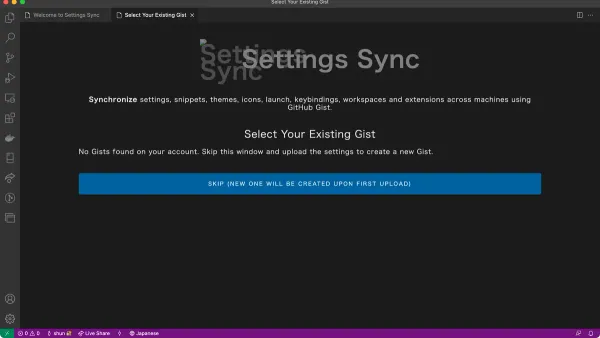
Discover how to sync settings in VS Code on Mac using your Microsoft account for a consistent coding environment across devices.
Mac
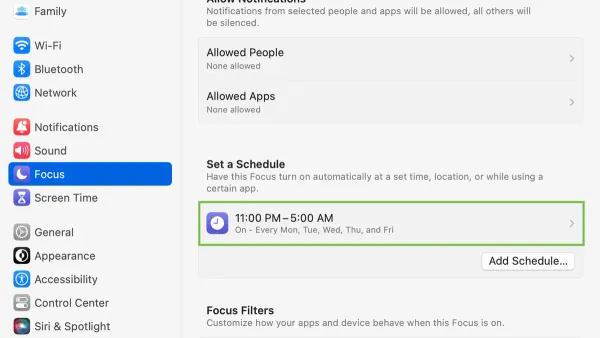
This guide shows you how to schedule Do Not Disturb on Mac and manage settings to stay focused and reduce distractions in 2026.
Mac Tips
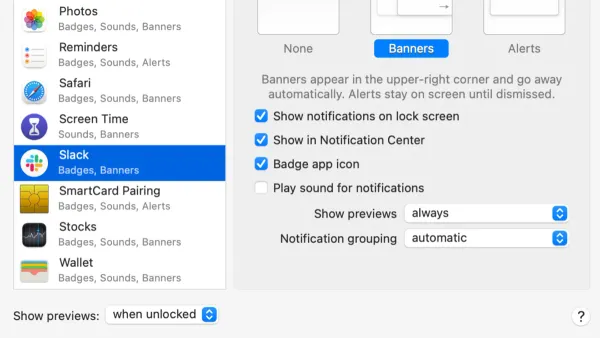
Discover how to turn off app notifications on Mac to minimize distractions and customize alerts for better focus.
Mac Tips
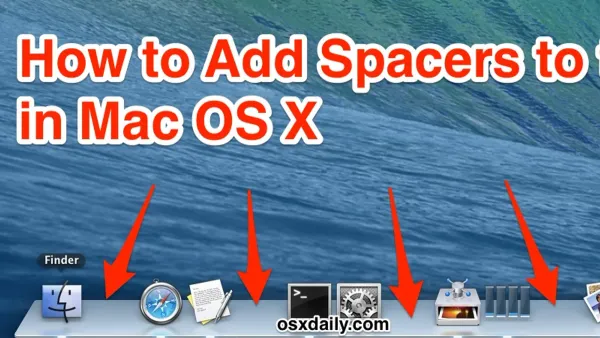
This guide shows how to add spacers to the Mac Dock using Terminal commands to organize apps and improve your workflow.
Mac Tips
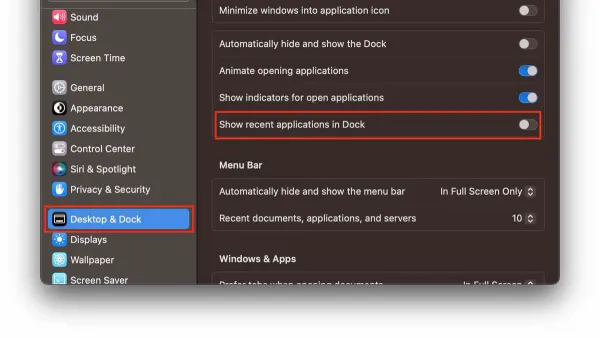
Discover how to quickly remove recent apps from your Mac Dock for a cleaner, more organized workspace.
Google Chrome
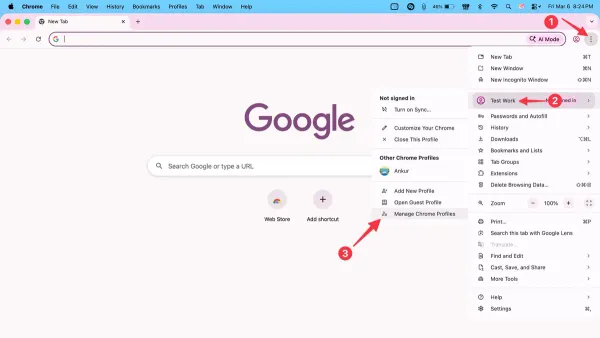
This guide shows how to create, switch, and manage Chrome profiles in Google Chrome on Mac for better organization and privacy.
PowerPoint
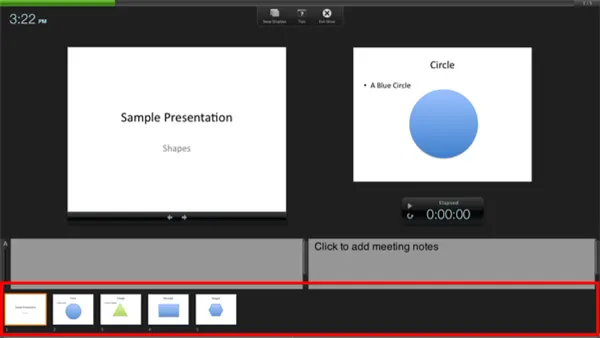
Discover how to enable and customize Presenter View in PowerPoint on Mac to keep your notes visible while presenting.
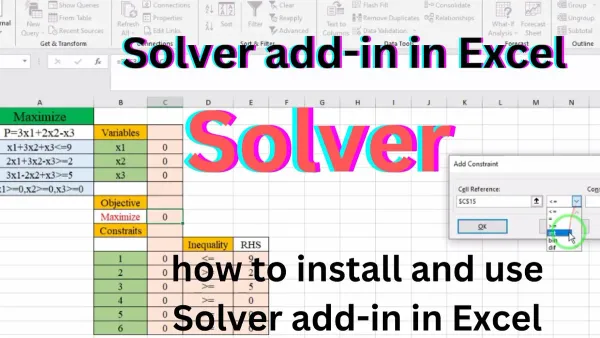
Excel
Step-by-step guide on using Solver add-in in Excel on Mac to solve optimization problems and improve your budgeting and scheduling models.
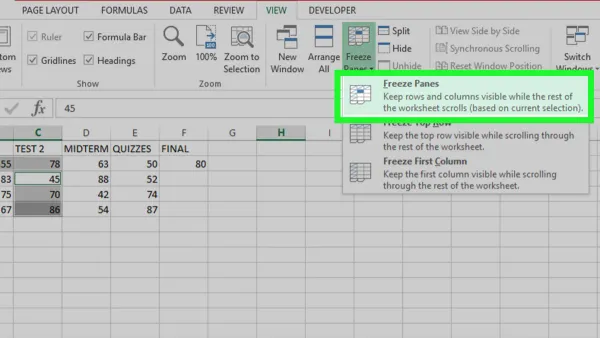
Excel
Keep headers visible while working in Excel on Mac by freezing panes with our easy-to-follow step-by-step guide.
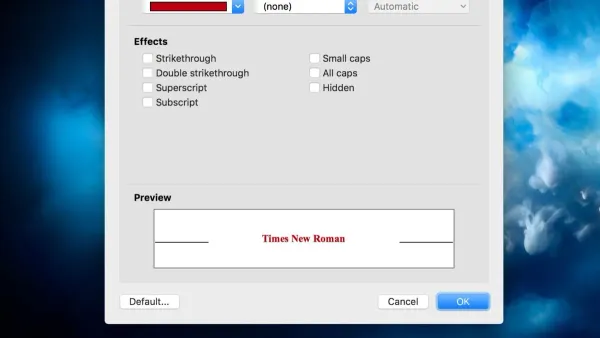
Microsoft Word
Discover how to set your preferred default font in Microsoft Word on Mac with easy steps to ensure consistent, time-saving document creation.
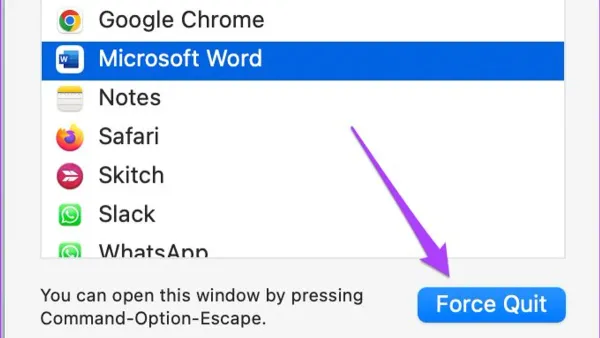
Microsoft Word
Discover simple and effective steps to fix Microsoft Word not responding on Mac and get your document editing back on track.