Mac Tips
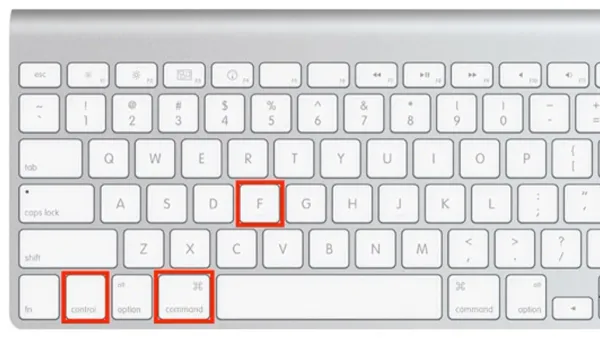
Mac Keyboard Shortcut to Full Screen an App: Complete How-To Guide
Discover how to use the Mac keyboard shortcut to full screen an app and streamline your workflow with quick workspace maximization.

Mac Tips
Discover how to use the Mac keyboard shortcut to full screen an app and streamline your workflow with quick workspace maximization.
Mac
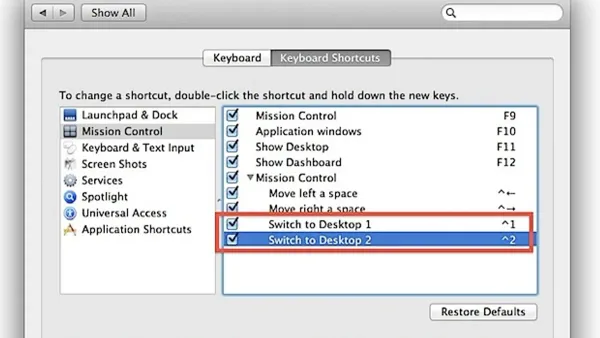
Master the Mac keyboard shortcut to switch desktops and navigate your workspace quickly without reaching for your mouse or trackpad.
Mac Tips
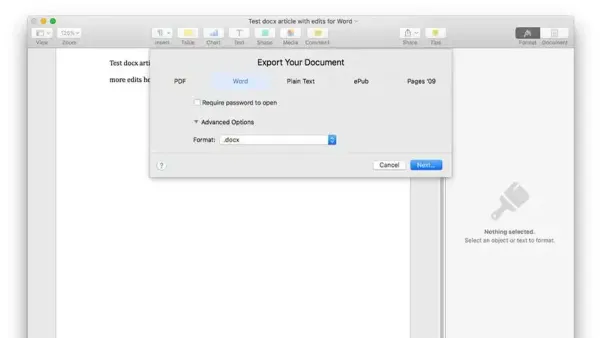
Discover easy ways to open.docx files on Mac with step-by-step instructions using Pages, Word, and free alternatives.
Mac Tips
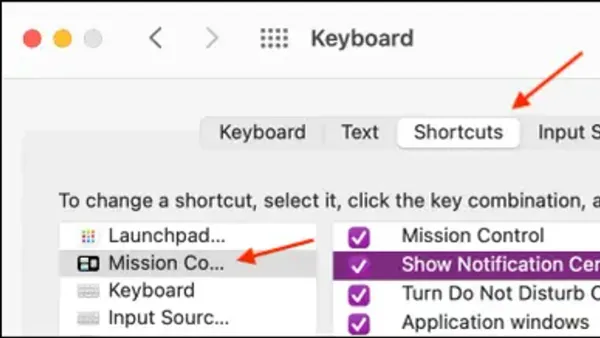
Discover how to quickly open Notification Center on your Mac using a convenient keyboard shortcut for seamless workflow and alert management.
Mac
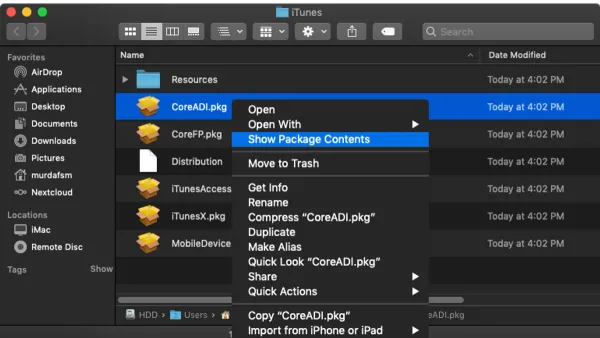
Discover how to open and install.pkg files on Mac with easy methods using Finder and Terminal for smooth software installation.
Mac
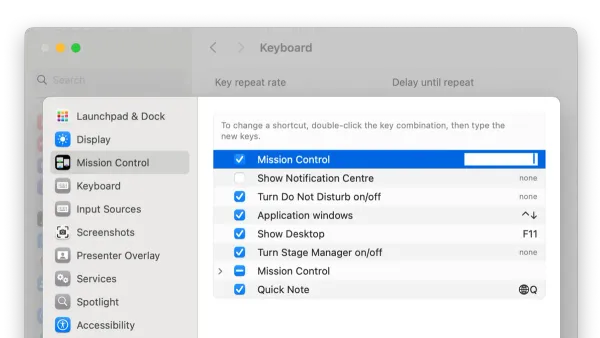
Discover how to open Mission Control on Mac using keyboard shortcuts and customize them for faster multitasking and workspace organization.
Mac
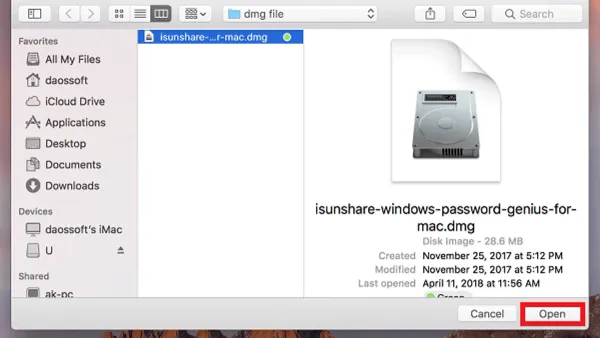
This guide explains how to open.dmg files on Mac using Finder, Disk Utility, and Terminal, including tips for password-protected files and troubleshooting.
Mac
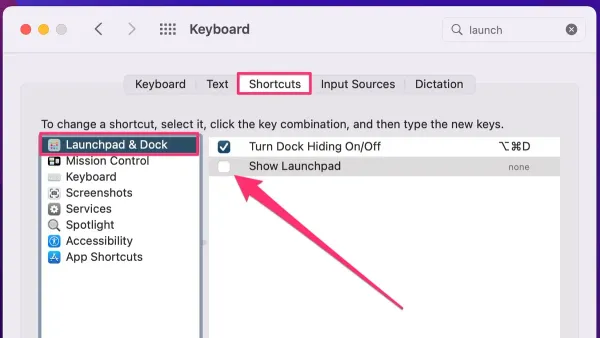
Discover how to use and customize the Mac keyboard shortcut to open Launchpad for faster app access and better organization.
Mac
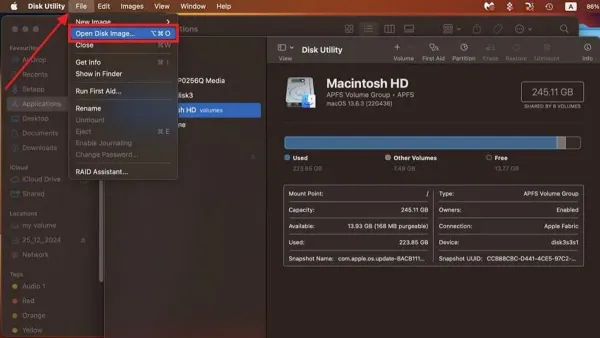
Discover simple steps to open and use.ISO files on Mac with Finder, Disk Utility, and trusted third-party software.
Mac
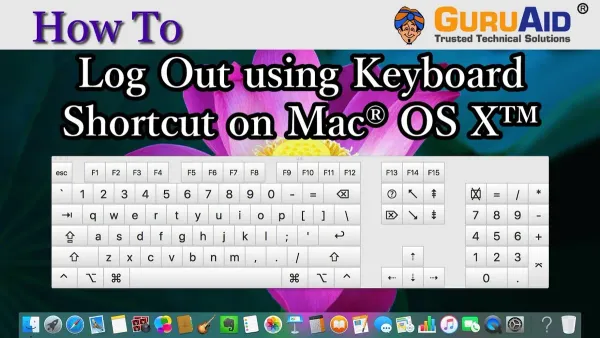
Learn the Mac keyboard shortcut to log out instantly and secure your session fast without losing unsaved work or navigating menus.
Mac Tips
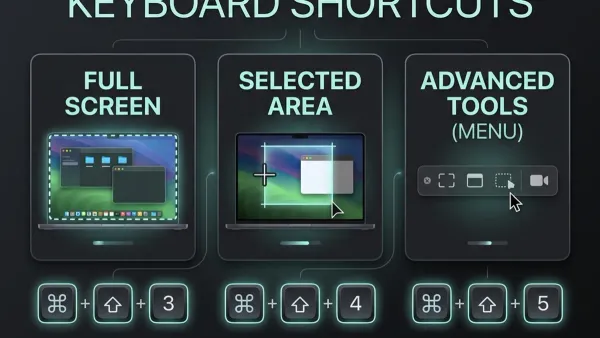
Discover how to quickly capture a specific part of your Mac screen using keyboard shortcuts for precise and efficient screenshots.
Mac Tips
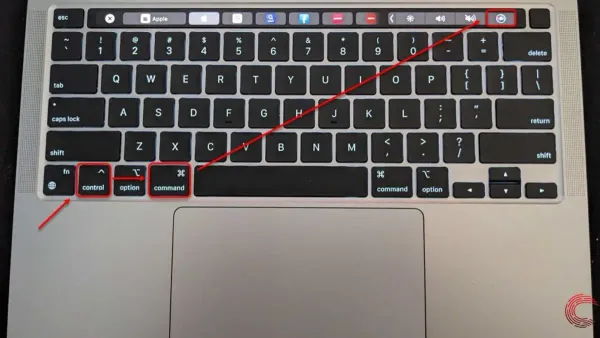
Discover how to restart your Mac using keyboard shortcuts to quickly reboot without needing a mouse or power button.