Mac Tips
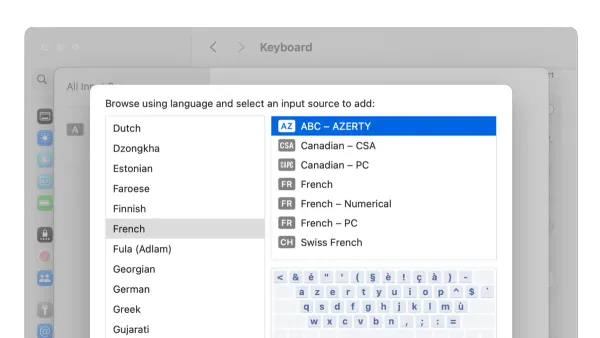
Mac Keyboard Shortcut to Switch Input Language Explained
Discover how to quickly switch input languages on your Mac using keyboard shortcuts for a smoother, faster typing experience.

Mac Tips
Discover how to quickly switch input languages on your Mac using keyboard shortcuts for a smoother, faster typing experience.
Mac
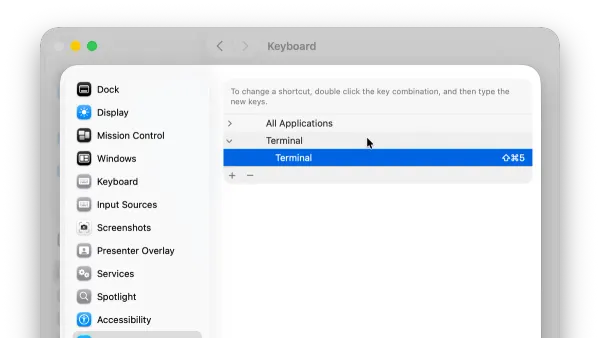
Discover the fastest Mac keyboard shortcut to open Terminal and streamline your workflow with practical tips and custom shortcut setup.
Mac Tips
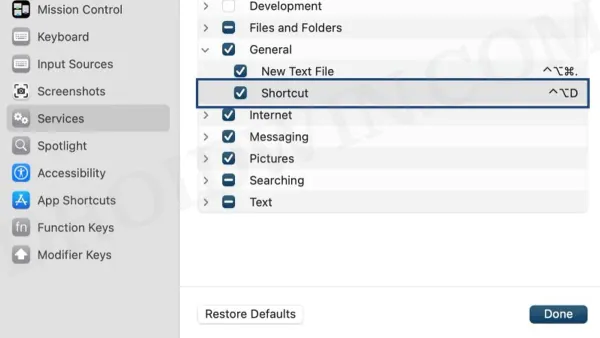
Discover how to quickly open the Applications folder on Mac using keyboard shortcuts and custom methods to speed up your workflow.
Mac Tips
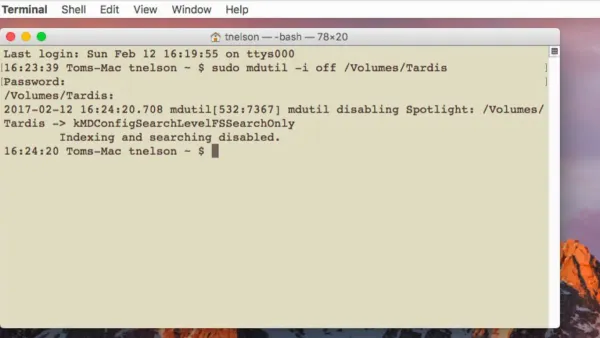
Step-by-step guide to disable Spotlight indexing in Mac Terminal, helping you control search indexing and improve privacy on your Mac.
Mac Tips
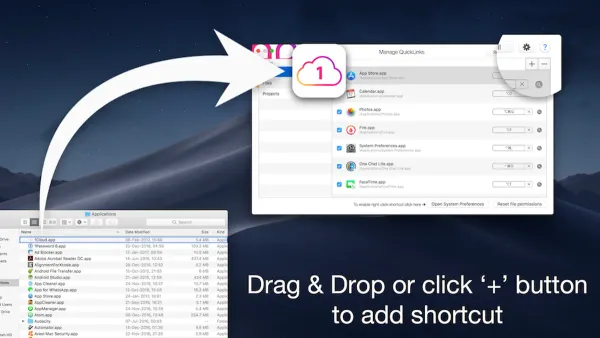
Discover how to quickly open the Downloads folder on Mac using keyboard shortcuts and customize your own for faster access.
Mac
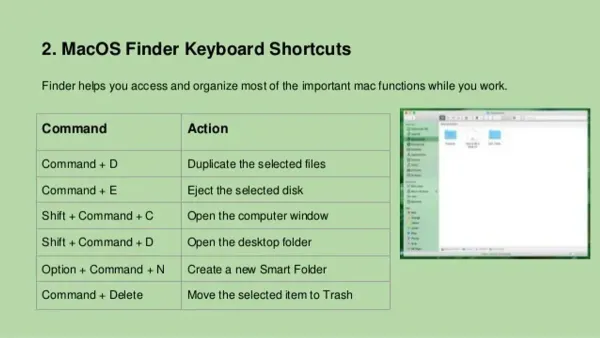
Discover how to use the Mac keyboard shortcut to open Finder quickly and customize shortcuts for faster file management.
Mac
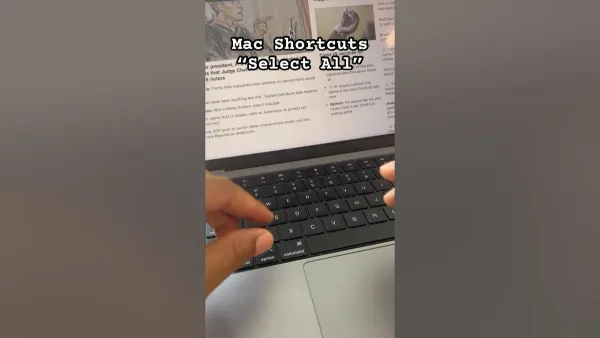
Discover how to use the Mac keyboard shortcut to select all files efficiently in Finder and various apps to streamline your workflow.
Internet Speed
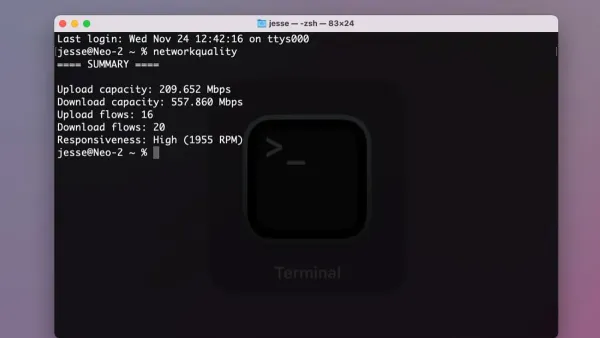
Discover how to use networkQuality in Mac Terminal to measure your internet upload and download speeds and troubleshoot connection issues.
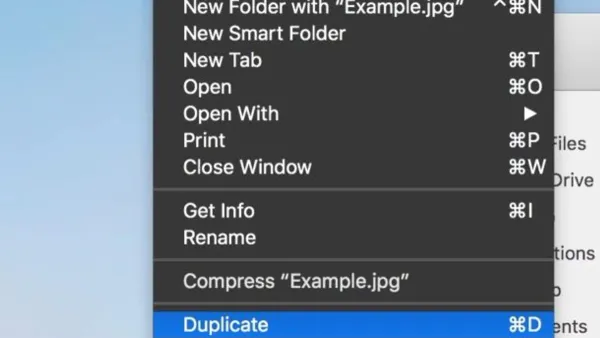
Mac Tips
Discover how to quickly duplicate files on your Mac using the Command + D keyboard shortcut to save time and stay organized.
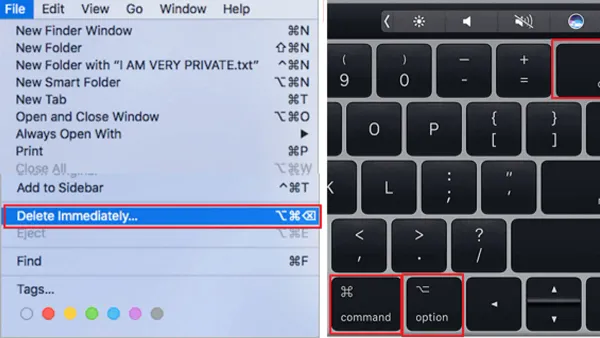
MacOS
Discover how to use the Mac keyboard shortcut to permanently delete a file and remove it instantly without sending it to the Trash.
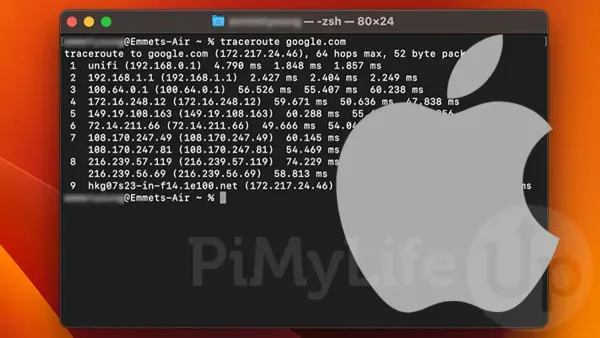
Networking
This guide shows how to use ping and traceroute in Mac Terminal to diagnose network issues and understand data paths easily.
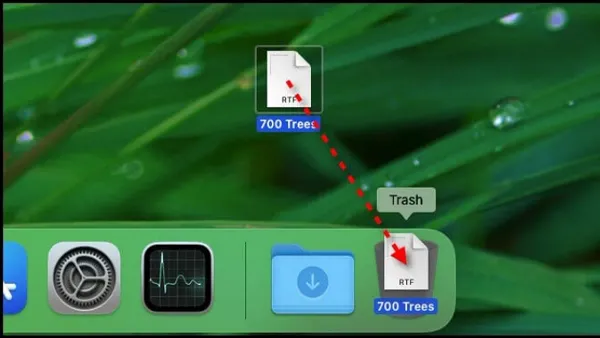
Mac
Discover the fastest Mac keyboard shortcut to move files to Trash and streamline your file management without dragging and dropping.