Mac
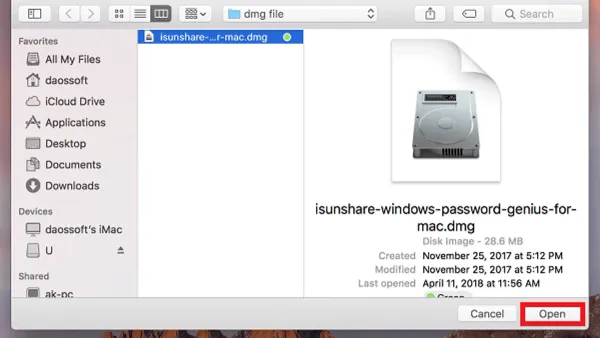
How to Open.dmg Files on Mac: A Clear Step-by-Step Guide
This guide explains how to open.dmg files on Mac using Finder, Disk Utility, and Terminal, including tips for password-protected files and troubleshooting.

How to organise, find, rename, move and recover files on your Mac.
Mac
This guide explains how to open.dmg files on Mac using Finder, Disk Utility, and Terminal, including tips for password-protected files and troubleshooting.
Mac
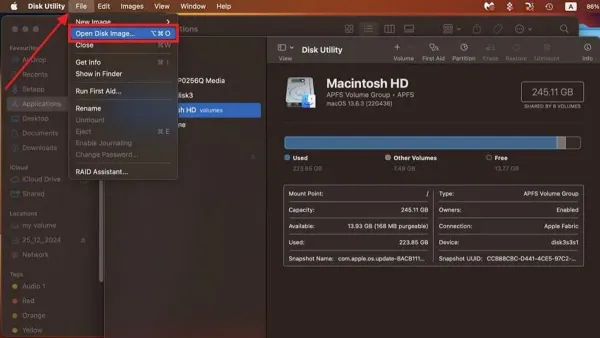
Discover simple steps to open and use.ISO files on Mac with Finder, Disk Utility, and trusted third-party software.
Mac
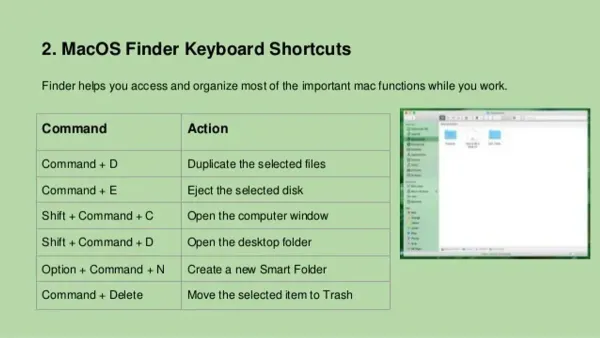
Discover how to use the Mac keyboard shortcut to open Finder quickly and customize shortcuts for faster file management.
Mac
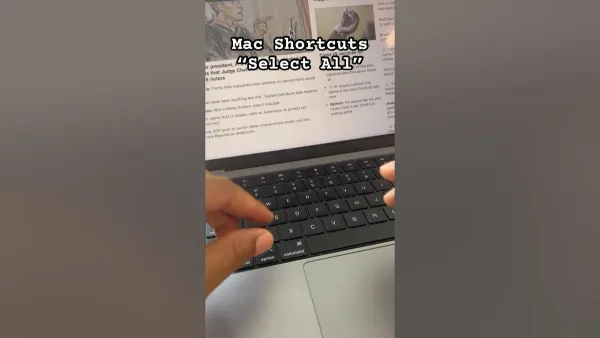
Discover how to use the Mac keyboard shortcut to select all files efficiently in Finder and various apps to streamline your workflow.
Mac Tips
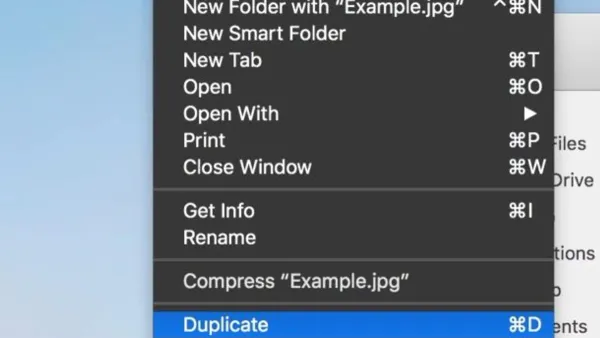
Discover how to quickly duplicate files on your Mac using the Command + D keyboard shortcut to save time and stay organized.
MacOS
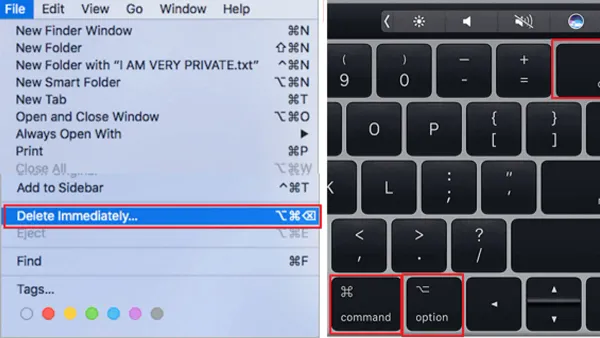
Discover how to use the Mac keyboard shortcut to permanently delete a file and remove it instantly without sending it to the Trash.
Mac
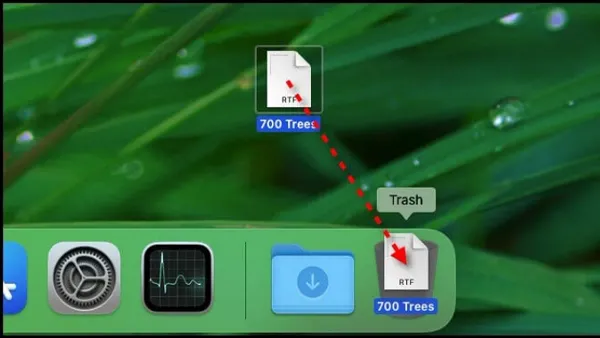
Discover the fastest Mac keyboard shortcut to move files to Trash and streamline your file management without dragging and dropping.
Mac Tips
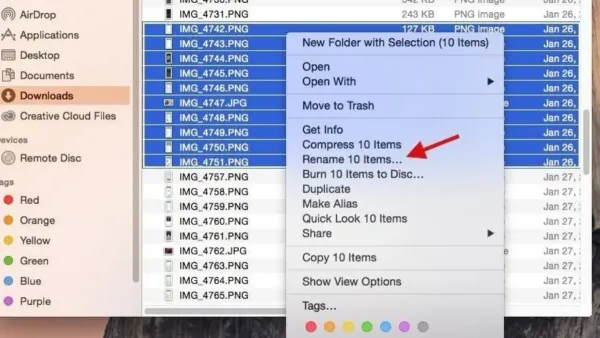
Discover how to rename files quickly on your Mac using a simple keyboard shortcut and improve your workflow efficiency.
Mac
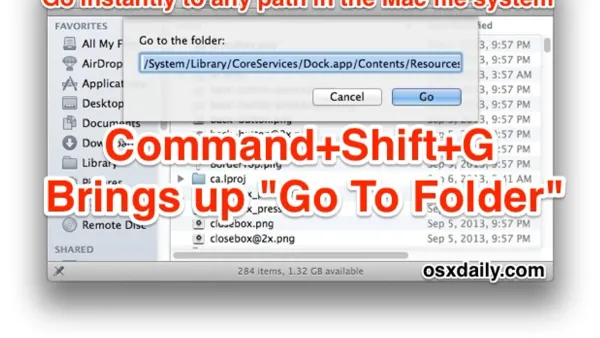
Discover how to quickly navigate to any folder on your Mac using keyboard shortcuts for faster file management and workflow.
Mac Terminal
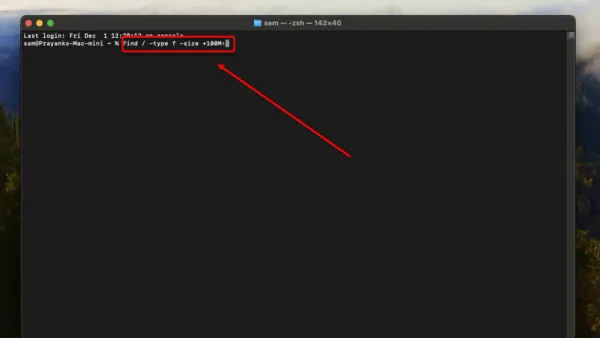
Discover step-by-step instructions to find large files in Mac Terminal and manage your disk space efficiently using command-line tools.
MacOS
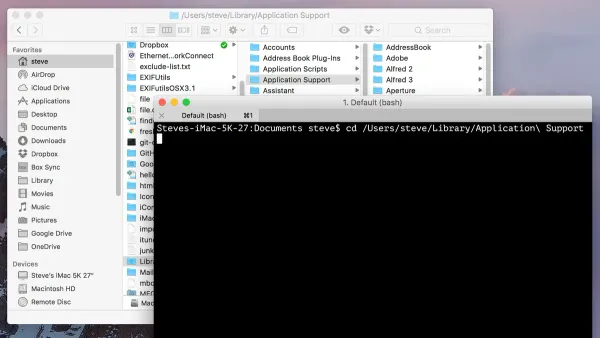
Discover how to show the full path in Finder using Mac Terminal commands and settings for clearer navigation and better file management.
Mac
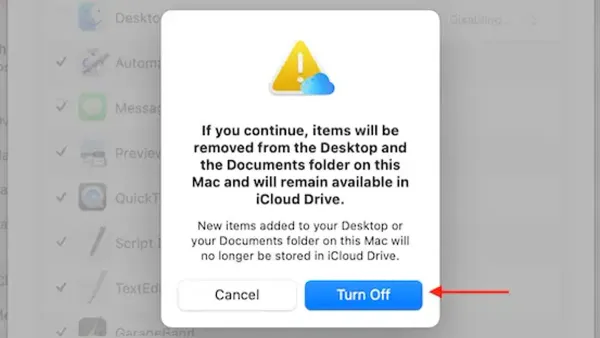
Discover how to disable iCloud Drive Desktop and Documents sync on Mac to free up storage and control your local files effectively.