Wi-Fi
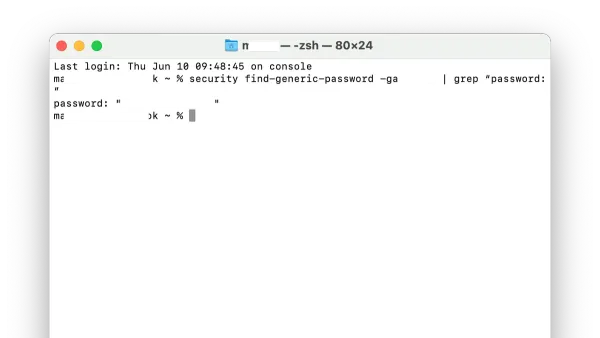
How to See Wi-Fi Password in Mac Terminal: A Clear Step-by-Step Guide
Discover how to retrieve your Wi-Fi password using Mac Terminal with simple commands and administrator access.

Practical Terminal commands for Mac users, explained in plain English with safe, copy-ready examples.
Wi-Fi
Discover how to retrieve your Wi-Fi password using Mac Terminal with simple commands and administrator access.
Mac Terminal
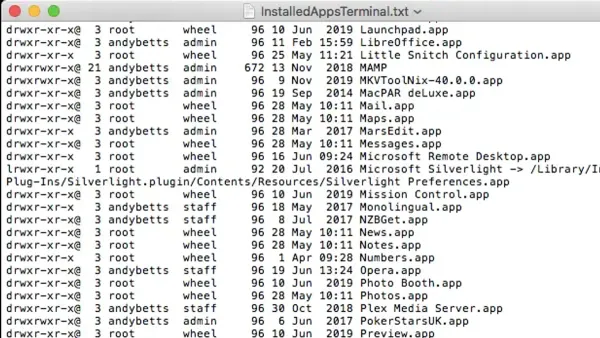
Discover how to list installed apps in Mac Terminal with easy commands to manage and verify your applications without opening the Applications folder.
Mac Terminal
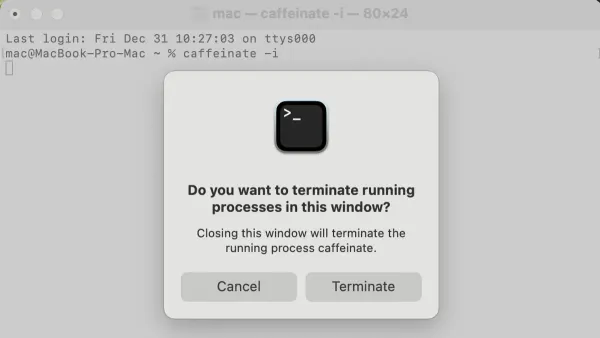
Discover how to use the caffeinate command in Mac Terminal to prevent your Mac from sleeping during important tasks.
Mac Terminal
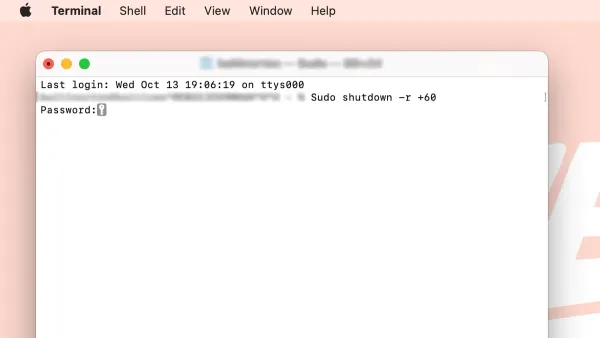
Discover easy commands and tips to restart your Mac from the command line using Mac Terminal for quick and efficient system reboots.
Mac Terminal
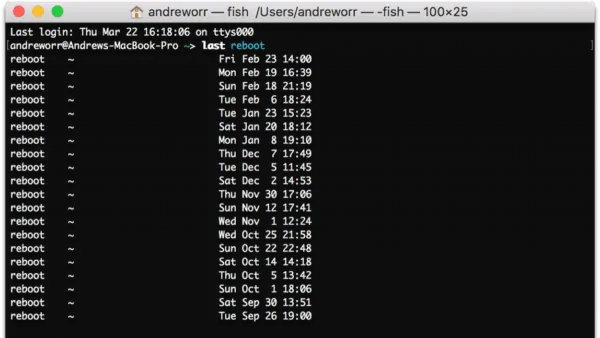
Discover simple commands to check your Mac's uptime using Terminal for quick system monitoring and troubleshooting.
Mac Terminal
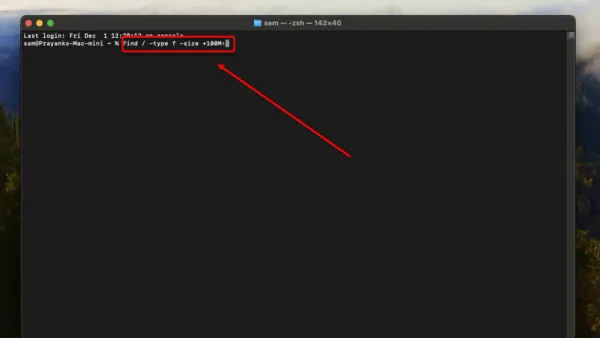
Discover step-by-step instructions to find large files in Mac Terminal and manage your disk space efficiently using command-line tools.
Mac Terminal
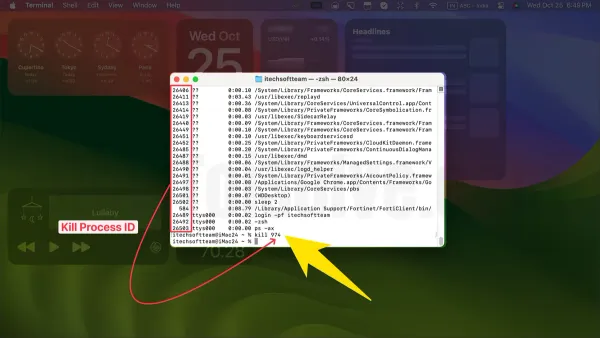
Quickly kill a process by name in Mac Terminal using simple commands to manage unresponsive apps and optimize your Mac's performance.
Mac Terminal
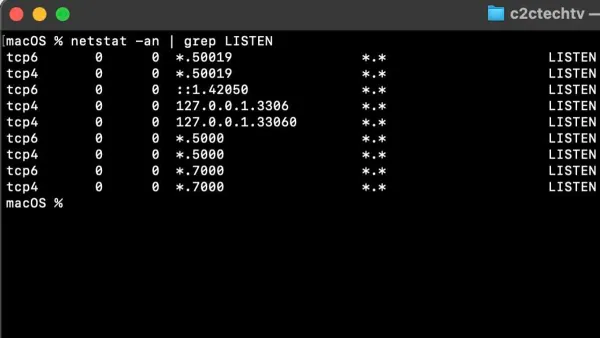
Discover how to check open ports in Mac Terminal with step-by-step commands to manage network activity and security on your macOS device.
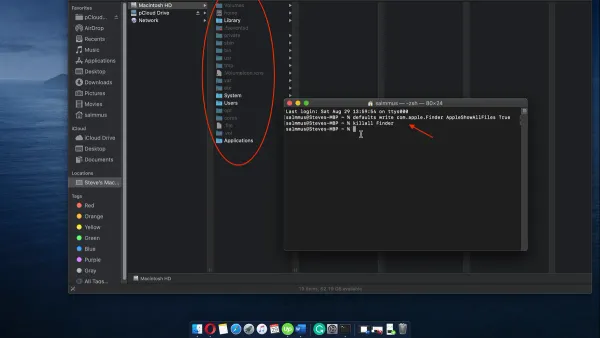
Mac Terminal
Discover how to reveal hidden files on your Mac using Terminal with clear, step-by-step instructions for safe and easy access.
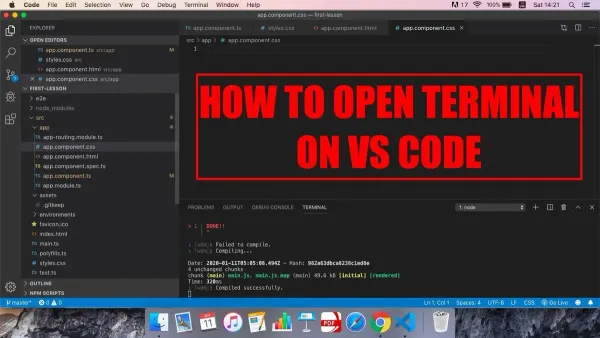
Visual Studio Code
Discover how to open files and folders directly from the Mac terminal using the code command in VS Code for efficient project access.