Mac Tips
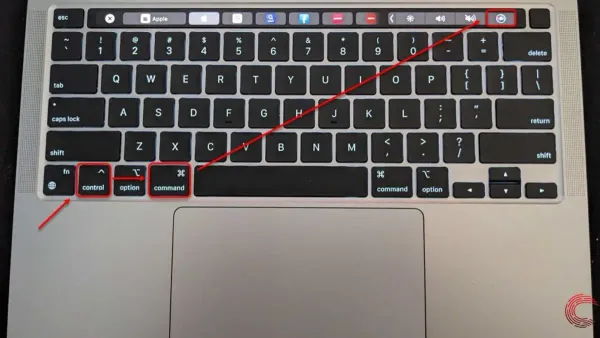
How to Restart Your Mac Using Keyboard Shortcuts
Discover how to restart your Mac using keyboard shortcuts to quickly reboot without needing a mouse or power button.

Mac Tips
Discover how to restart your Mac using keyboard shortcuts to quickly reboot without needing a mouse or power button.
Mac Tips
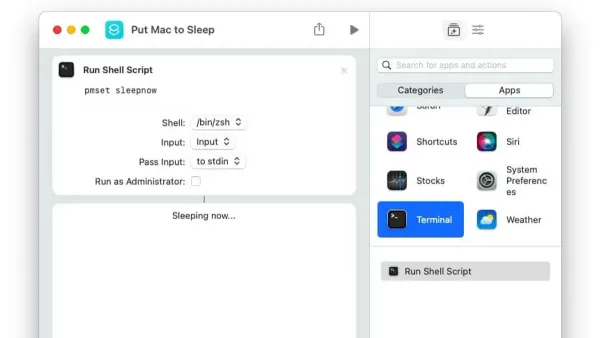
Discover how to quickly put your Mac to sleep using keyboard shortcuts for faster workflow and better battery life.
Mac Tips
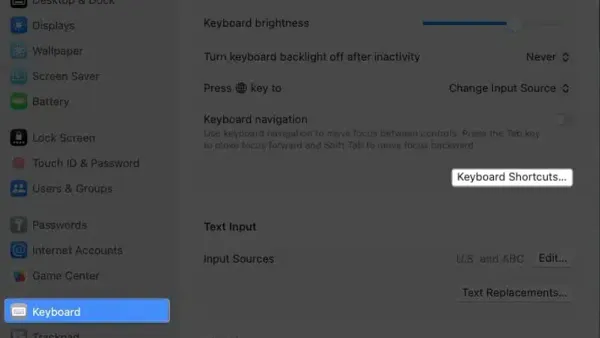
Discover how to quickly open System Settings on Mac using keyboard shortcuts and customize them for faster access.
Mac Tips
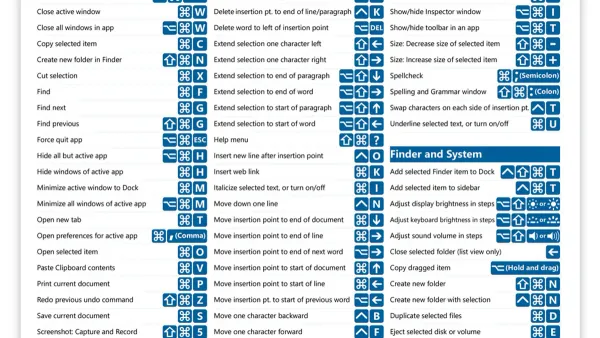
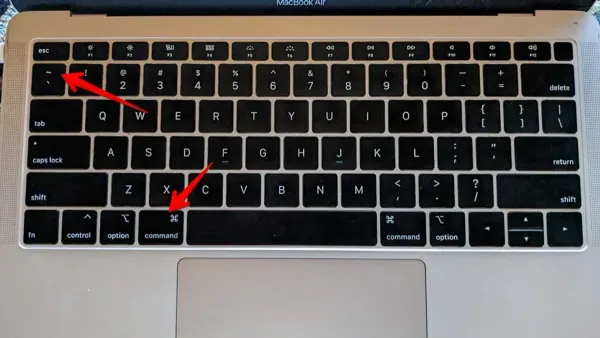
Discover how to use and customize the Mac keyboard shortcut to find and replace text quickly and efficiently in your documents.
Mac Tips
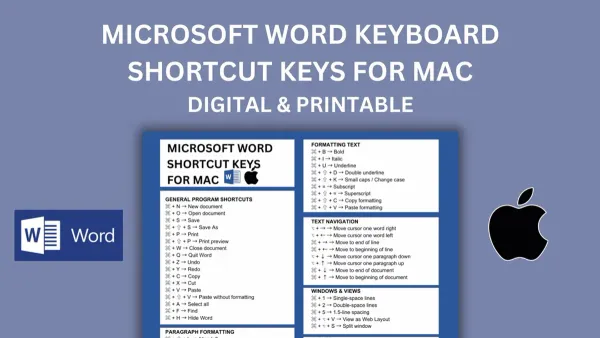
Discover how to use the Mac keyboard shortcut to switch between windows of the same app and streamline your multitasking workflow efficiently.
Mac Tips
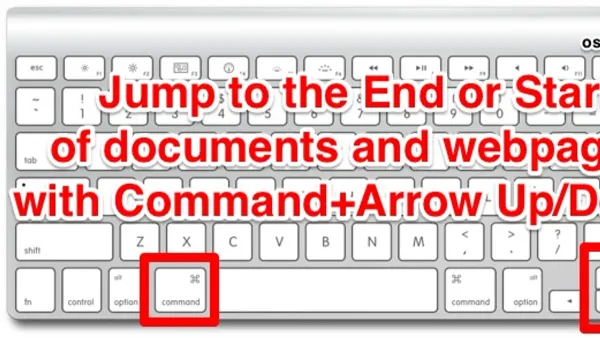
Discover how to quickly select a word on Mac using keyboard shortcuts and customize them for faster text editing.
Mac Tips
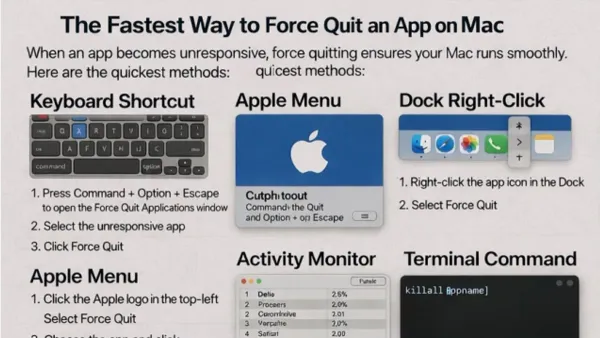
Discover how to use the Mac keyboard shortcut to jump to the end of a document and improve your text navigation efficiency.
Mac Tips
Discover how to use the Mac keyboard shortcut to force quit an app and quickly close unresponsive programs to keep your workflow smooth.
Mac Tips
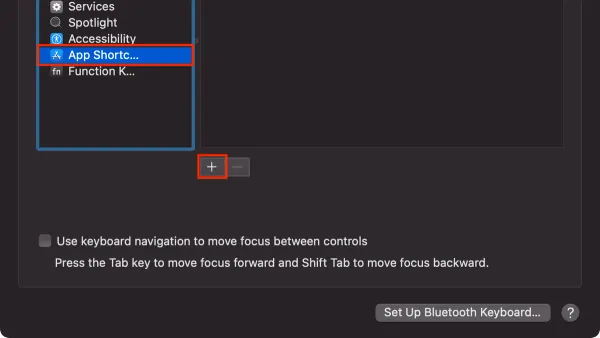
Discover how to use the Mac keyboard shortcut to paste without formatting and maintain clean, consistent documents effortlessly.
Mac Tips
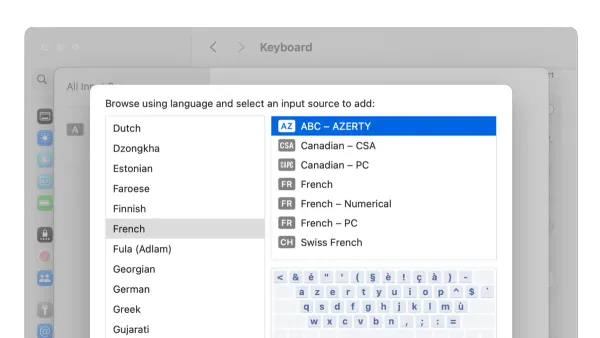
Discover how to quickly switch input languages on your Mac using keyboard shortcuts for a smoother, faster typing experience.
Mac Tips
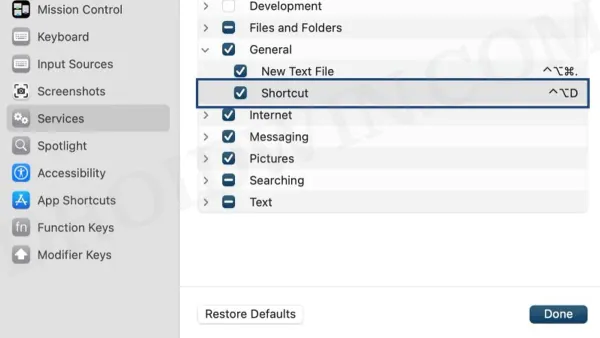
Discover how to quickly open the Applications folder on Mac using keyboard shortcuts and custom methods to speed up your workflow.
Mac Tips
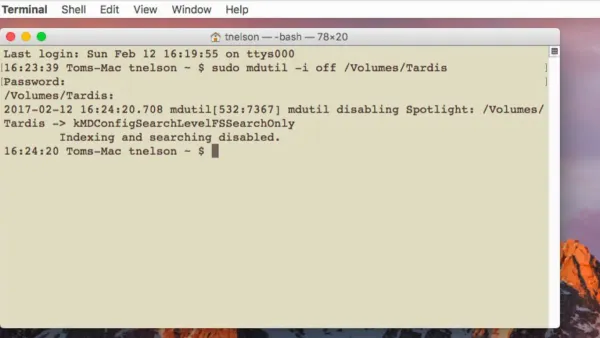
Step-by-step guide to disable Spotlight indexing in Mac Terminal, helping you control search indexing and improve privacy on your Mac.