Accessibility
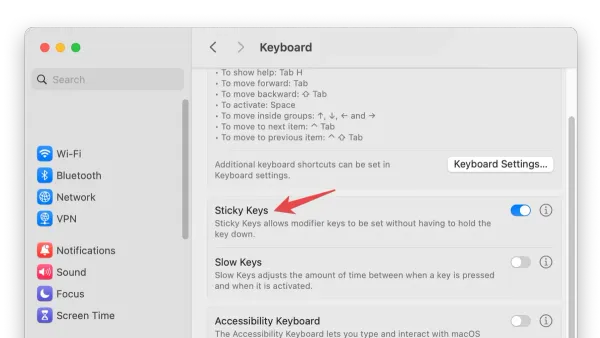
How to Enable and Use Sticky Keys on Mac: A Step-by-Step Guide
This guide shows how to enable Sticky Keys on Mac, making keyboard shortcuts easier by pressing keys sequentially instead of simultaneously.

Accessibility
This guide shows how to enable Sticky Keys on Mac, making keyboard shortcuts easier by pressing keys sequentially instead of simultaneously.
Mac Tips
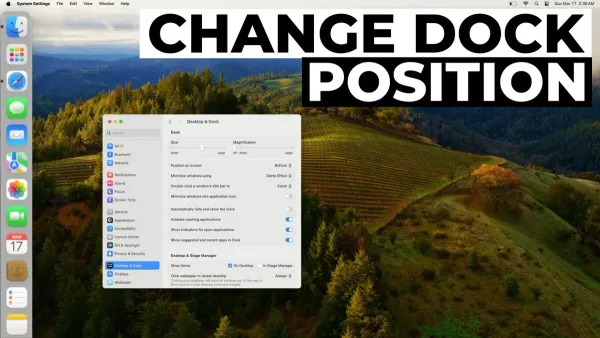
Discover how to move the Dock to the left on Mac and customize its position, size, and behavior for a cleaner, more efficient workspace.
Mac Tips
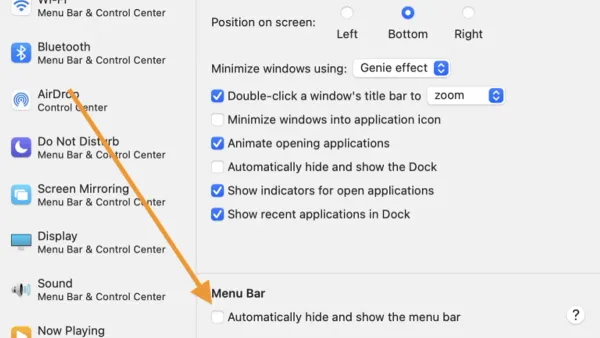
Discover simple steps to hide the menu bar on Mac and manage your Dock for a cleaner, distraction-free workspace.
Mac Tips
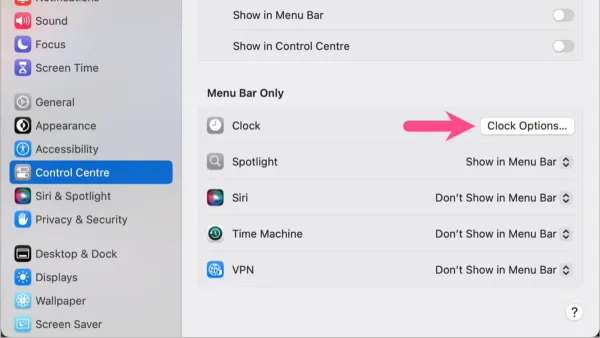
Discover how to enable seconds in your Mac's menu bar clock using system settings or third-party apps for precise time tracking.
Mac Tips
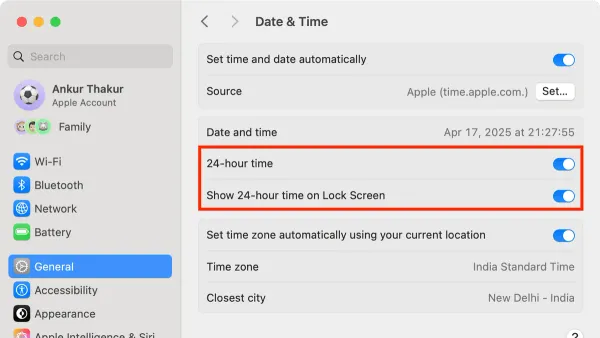
Discover how to use the 24 hour clock on Mac, customize its settings, and sync your time format across devices for clear and precise timekeeping.
Mac Tips
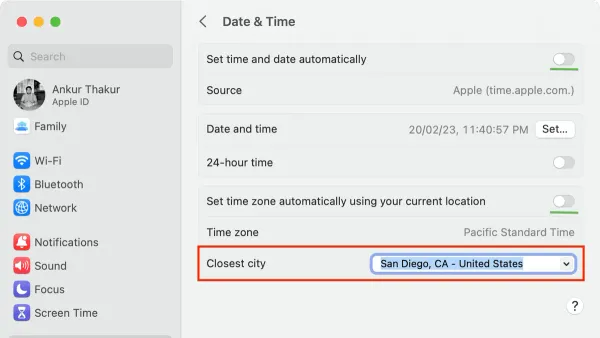
Discover step-by-step how to change the time zone on Mac to avoid scheduling errors and keep your clock accurate.
Mac Tips
Discover easy, step-by-step methods to turn off the startup chime on your Mac across different models and macOS versions.
Mac Tips
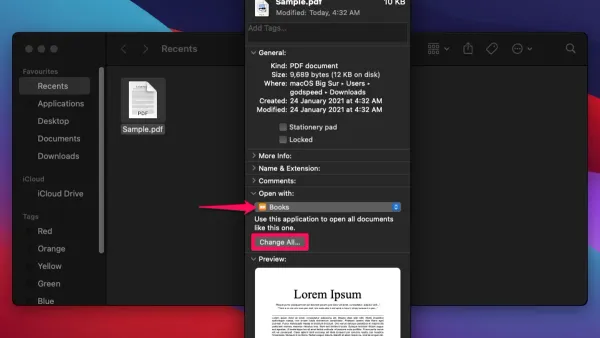
This guide explains how to change the default app for a file type on Mac, including system-wide and per-file settings for smoother file management.
Mac Tips
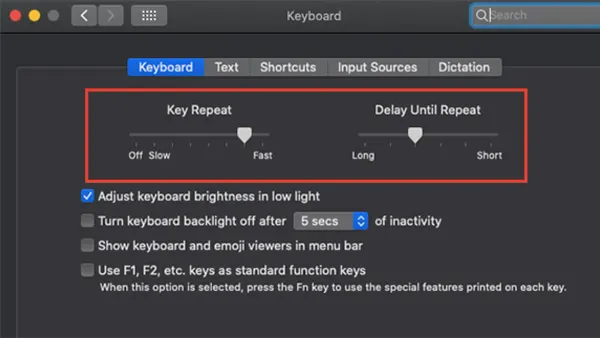
Adjust your Mac's keyboard key repeat speed with easy steps using System Settings and Terminal commands for a smoother typing experience.
Mac Tips
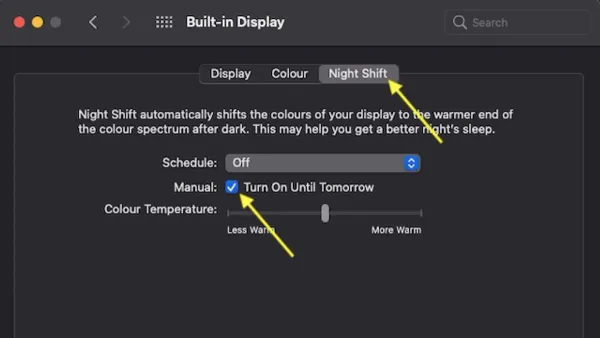
Discover how to enable and customize Night Shift on your Mac to reduce eye strain and improve your sleep cycle effectively.
Mac Tips
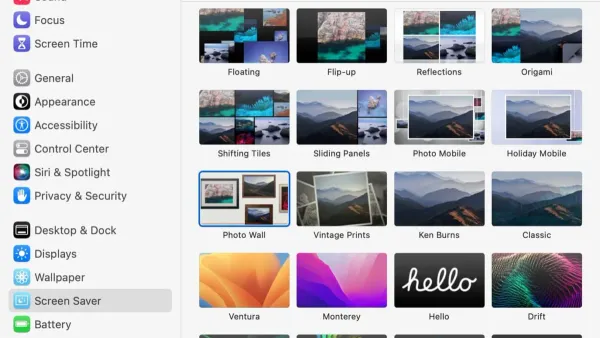
Learn how to set and customize a screen saver on your Mac to control activation timing and personalize your display.
Mac Tips
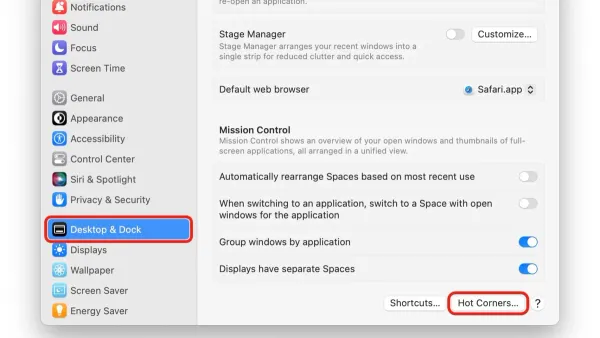
Discover how to set up Hot Corners on Mac to quickly trigger system actions and improve your workflow with simple, customizable steps.