
How to Fix WhatsApp Desktop Not Syncing on Mac: Step-by-Step
Discover step-by-step solutions to fix WhatsApp Desktop not syncing on Mac and get your messages updating smoothly again.

Step-by-step fixes for common Mac and MacBook problems – slow performance, startup issues, crashes, Wi-Fi, battery and more.
Discover step-by-step solutions to fix WhatsApp Desktop not syncing on Mac and get your messages updating smoothly again.
Mac Troubleshooting
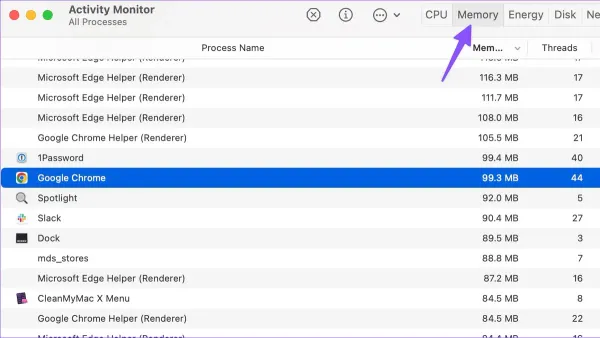
Discover step-by-step solutions to fix Google Chrome high memory usage on Mac and improve your system’s speed and stability.

Zoom
Step-by-step guide to troubleshoot and fix Zoom no audio issues on your Mac for clear sound during calls.
Microsoft Teams
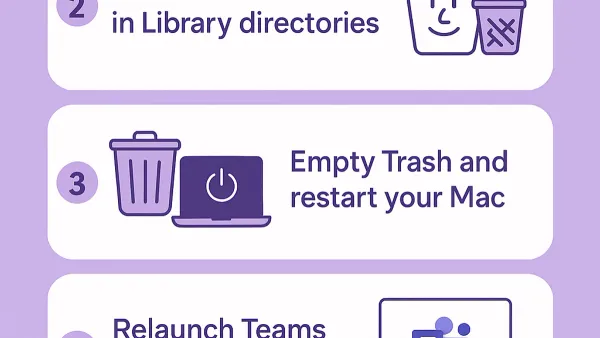
Learn how to clear cache in Microsoft Teams on Mac to improve app speed and fix syncing issues with this simple step-by-step guide.

Microsoft Teams
Learn how to fix Microsoft Teams camera not working on Mac with clear, easy troubleshooting steps to get your camera back in meetings fast.

Outlook
Learn simple, effective steps to fix Outlook not syncing on Mac and restore smooth email and calendar synchronization.
Microsoft Word
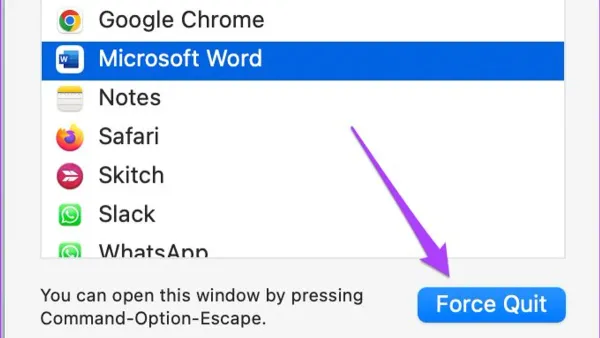
Discover simple and effective steps to fix Microsoft Word not responding on Mac and get your document editing back on track.

Mac Troubleshooting
Discover how to stop keychain password popups in Keychain Access by troubleshooting password mismatches, app permissions, and keychain corruption.
Mac Troubleshooting
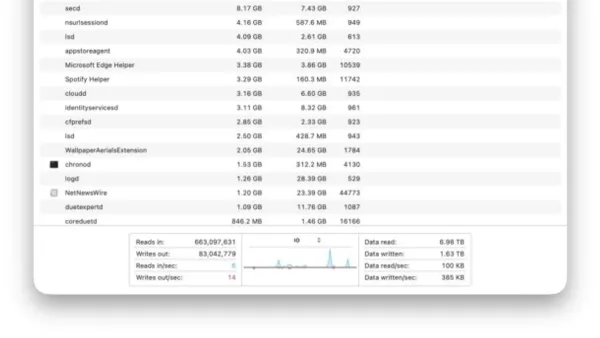
Discover how to check disk read and write activity in Activity Monitor to monitor your Mac’s disk usage and troubleshoot performance issues.

Mac Troubleshooting
Discover effective steps to fix Time Machine backup stuck on preparing backup and get your Mac backups running smoothly again.
Mac Troubleshooting
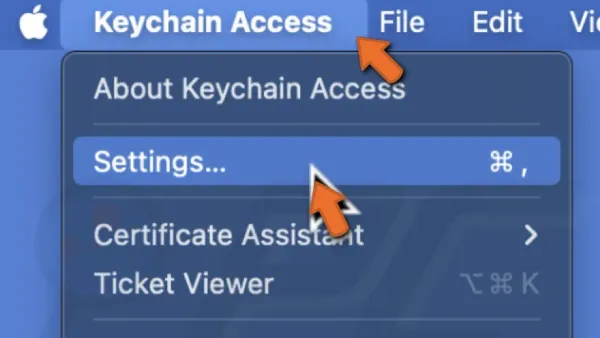
This guide explains how to reset the login keychain in Keychain Access to resolve password prompts and recover stored credentials safely.
Mac Troubleshooting
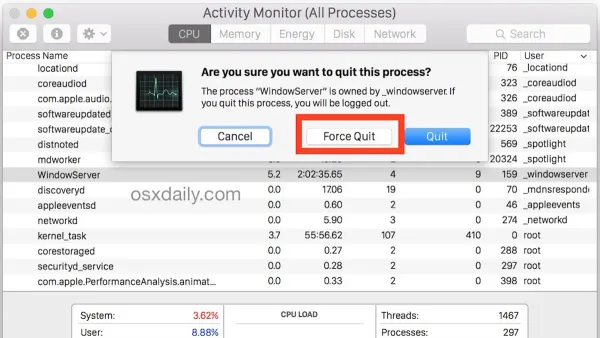
This guide shows you how to force kill a process in Activity Monitor to stop unresponsive apps and regain control of your Mac quickly and safely.