Mac
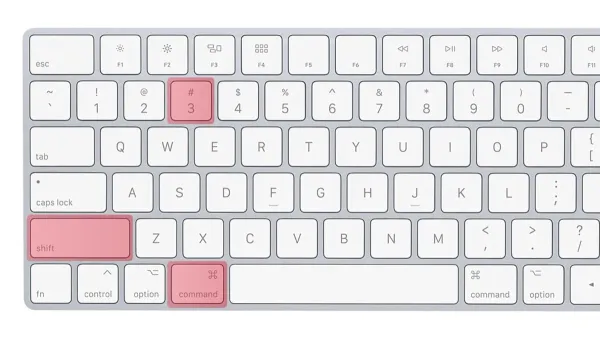
Mac Keyboard Shortcut for Print Screen Equivalent Explained
Discover how to use Mac keyboard shortcuts to capture your screen effectively without a dedicated print screen key.

Mac
Discover how to use Mac keyboard shortcuts to capture your screen effectively without a dedicated print screen key.
Mac
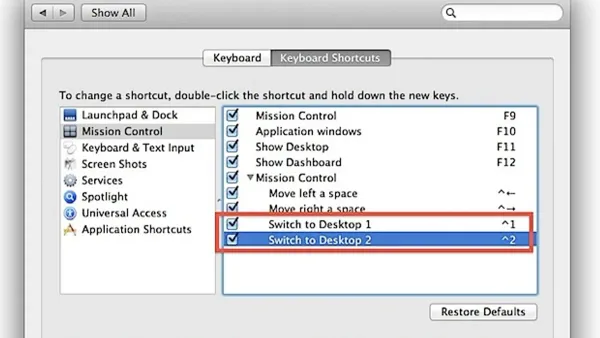
Master the Mac keyboard shortcut to switch desktops and navigate your workspace quickly without reaching for your mouse or trackpad.
Mac
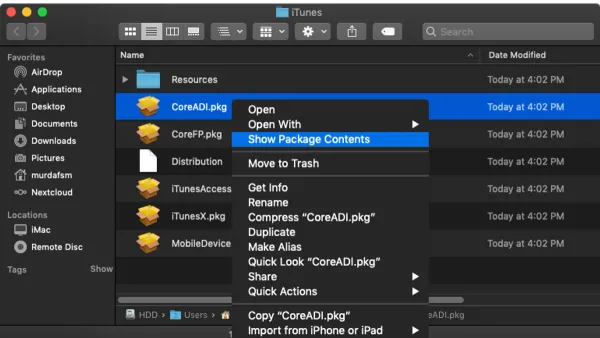
Discover how to open and install.pkg files on Mac with easy methods using Finder and Terminal for smooth software installation.
Mac
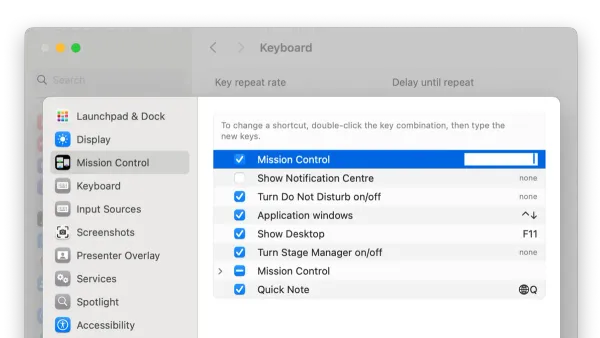
Discover how to open Mission Control on Mac using keyboard shortcuts and customize them for faster multitasking and workspace organization.
Mac
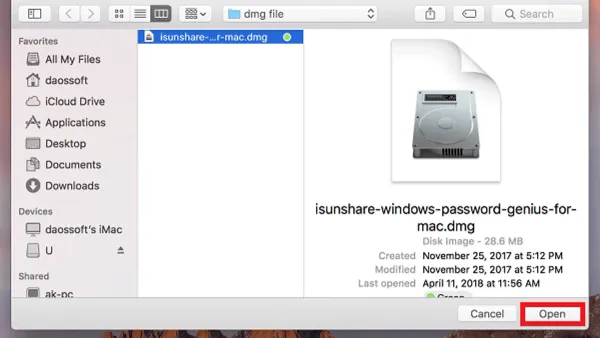
This guide explains how to open.dmg files on Mac using Finder, Disk Utility, and Terminal, including tips for password-protected files and troubleshooting.
Mac
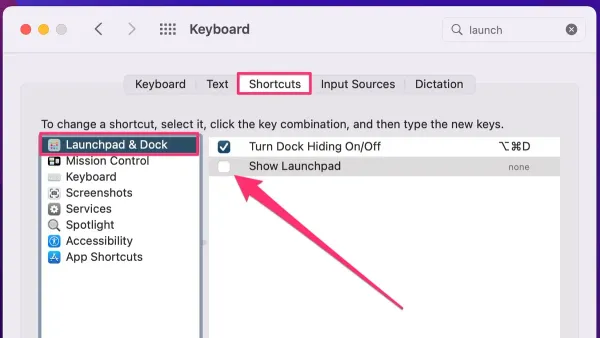
Discover how to use and customize the Mac keyboard shortcut to open Launchpad for faster app access and better organization.
Mac
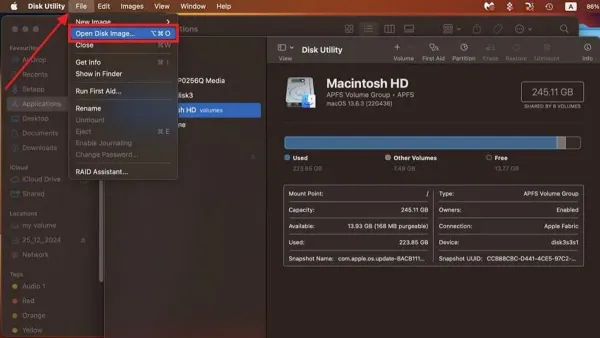
Discover simple steps to open and use.ISO files on Mac with Finder, Disk Utility, and trusted third-party software.
Mac
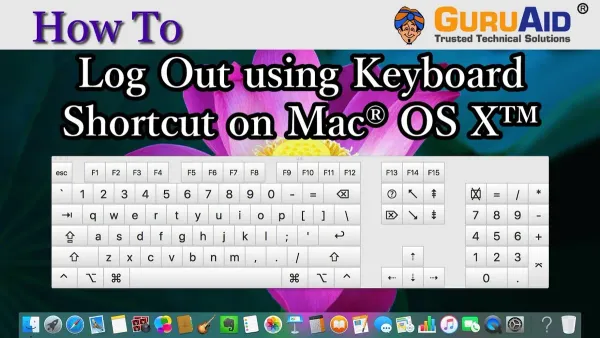
Learn the Mac keyboard shortcut to log out instantly and secure your session fast without losing unsaved work or navigating menus.
Mac
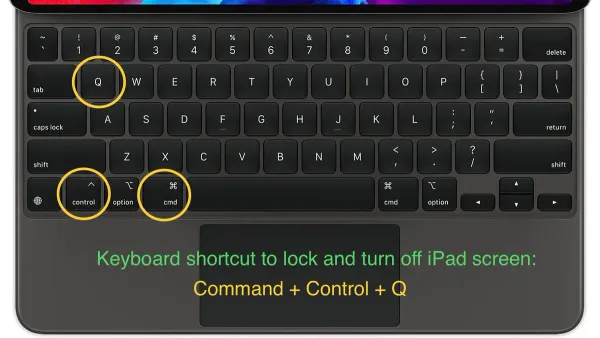
Discover the Mac keyboard shortcut to lock your screen quickly and protect your data without closing apps or logging out.
Mac
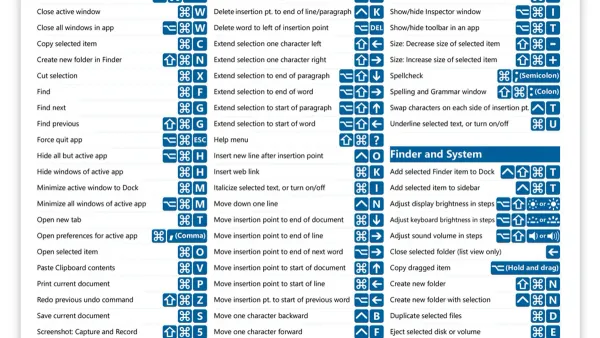
Discover how to quickly jump to the start of a line on Mac using keyboard shortcuts for faster, more efficient text editing in various applications.
Mac
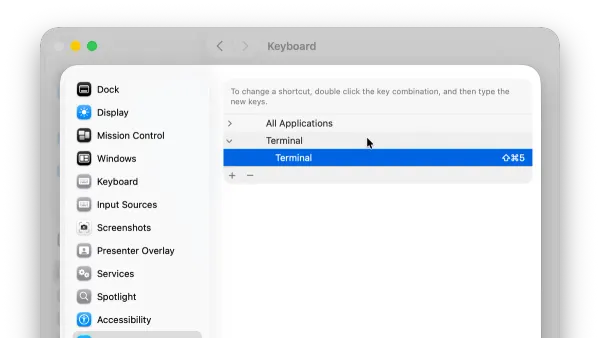
Discover the fastest Mac keyboard shortcut to open Terminal and streamline your workflow with practical tips and custom shortcut setup.
Mac
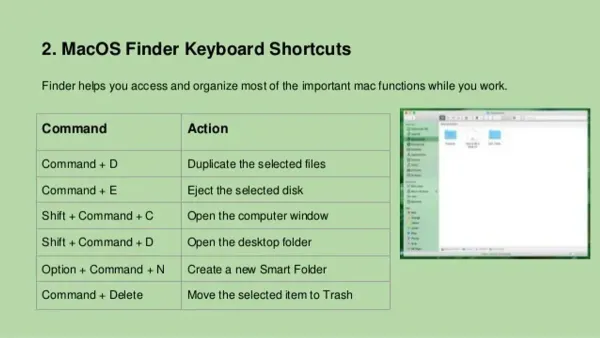
Discover how to use the Mac keyboard shortcut to open Finder quickly and customize shortcuts for faster file management.