Mac Terminal
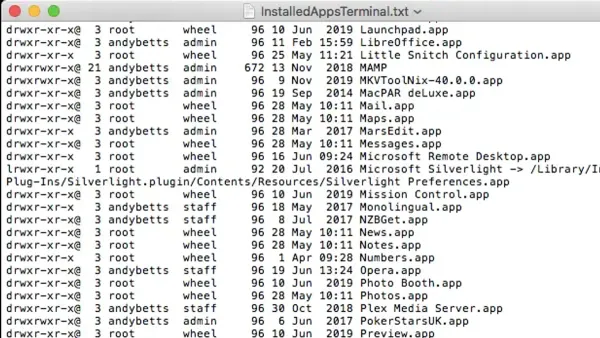
How to List Installed Apps in Mac Terminal: A Step-by-Step Guide
Discover how to list installed apps in Mac Terminal with easy commands to manage and verify your applications without opening the Applications folder.

Mac Terminal
Discover how to list installed apps in Mac Terminal with easy commands to manage and verify your applications without opening the Applications folder.
MacOS
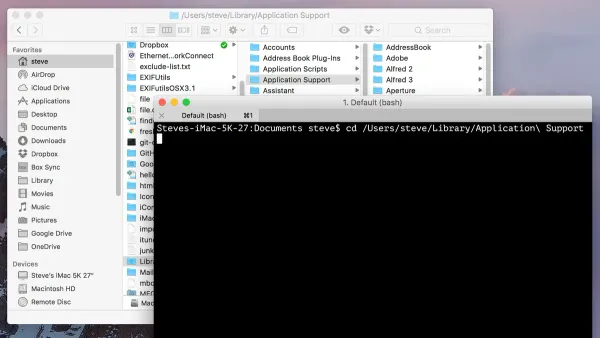
Discover how to show the full path in Finder using Mac Terminal commands and settings for clearer navigation and better file management.
Mac
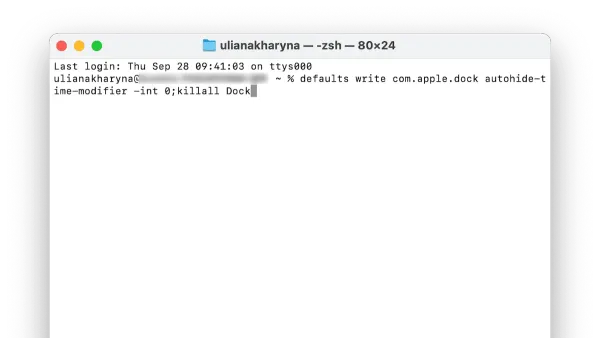
Discover how to speed up Dock animation on your Mac using Terminal commands to make your interface more responsive and snappy.
Mac
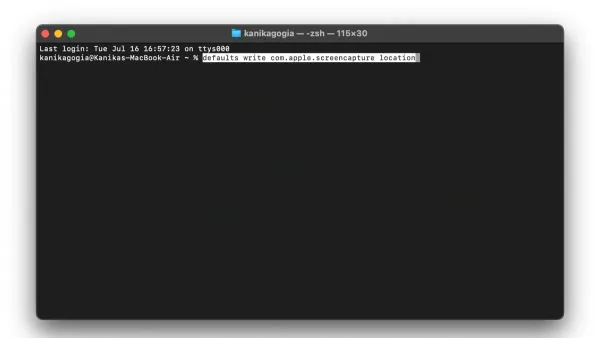
This guide shows how to change screenshot location with defaults write in Mac Terminal, including verifying, updating, and troubleshooting save paths.
Mac
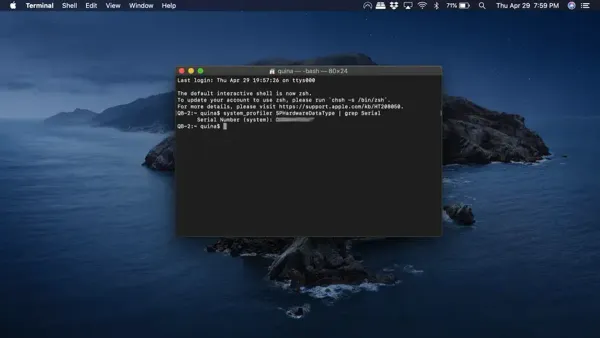
Discover how to quickly find your Mac serial number using Terminal commands for easy support and warranty verification.
Mac Terminal
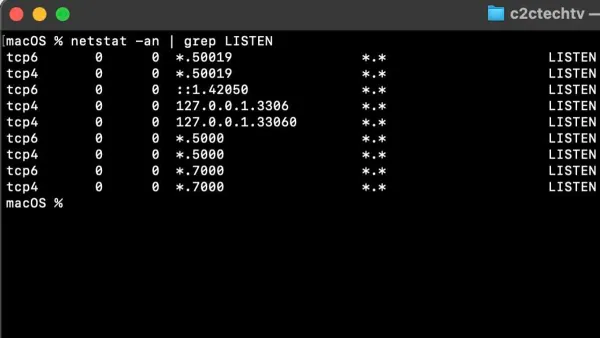
Discover how to check open ports in Mac Terminal with step-by-step commands to manage network activity and security on your macOS device.
MacOS
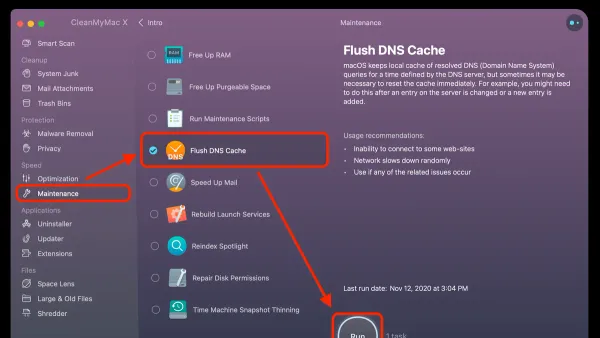
This guide shows how to flush DNS cache in Mac Terminal to fix connection problems and update stale DNS entries effectively.
Mac Tips
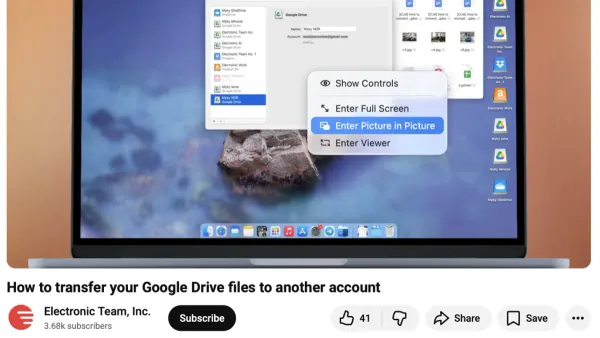
Discover how to enable and use Picture in Picture on Mac to multitask efficiently across browsers and apps like Netflix and YouTube.
Mac
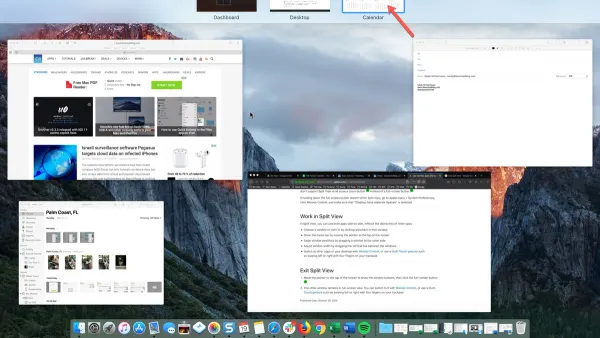
Master using Split View on Mac to manage two app windows side-by-side and improve your multitasking with this clear step-by-step guide.
MacOS
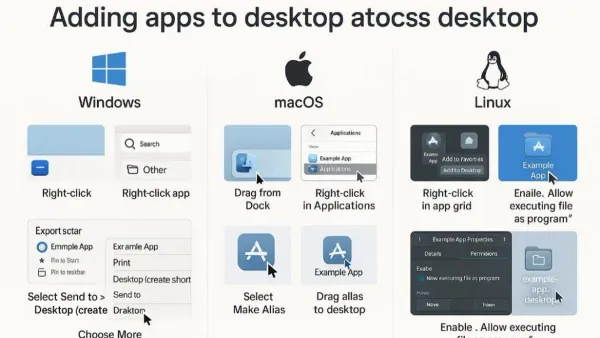
Discover how to assign and manage apps on desktops on your Mac to keep your workspace organized and efficient.
Mac
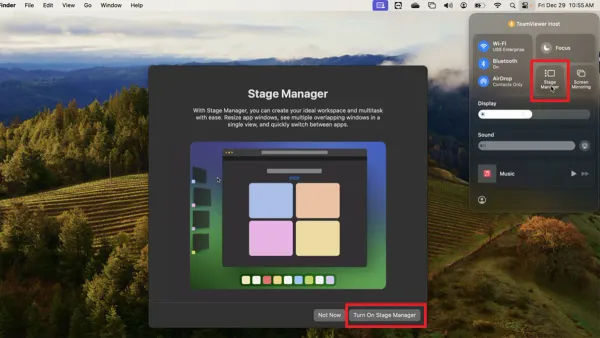
Discover how to enable and customize Stage Manager on Mac to manage multiple apps and windows efficiently for better multitasking.
MacOS
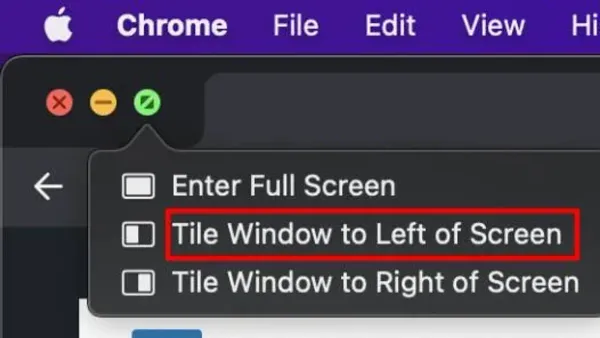
Discover how to tile windows with keyboard on Mac to manage your screen space efficiently using native shortcuts and third-party apps.