Mac Tips
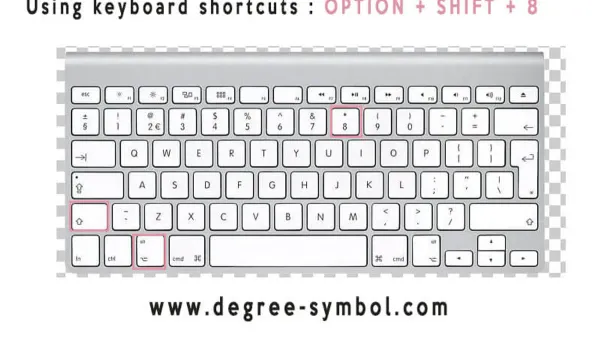
Mac Keyboard Shortcut to Type Degree Symbol: Quick and Reliable
Discover how to quickly type the degree symbol on Mac using a simple keyboard shortcut and alternative input methods.

Mac Tips
Discover how to quickly type the degree symbol on Mac using a simple keyboard shortcut and alternative input methods.
Mac Tips
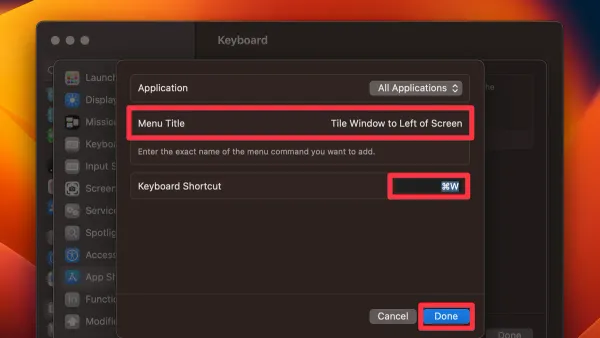
Discover how to use the Mac keyboard shortcut to tile window left and improve multitasking by snapping windows quickly and efficiently.
MacOS
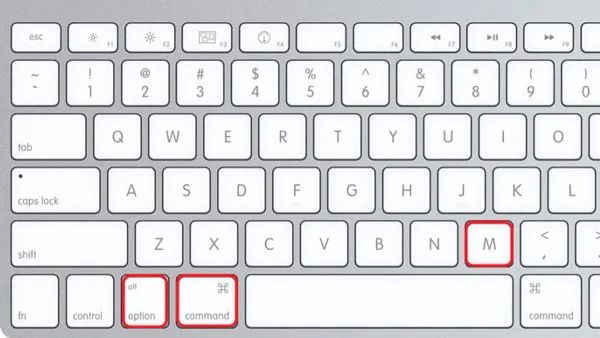
Discover how to maximize a window on Mac using keyboard shortcuts and understand the differences between full screen, zoom, and resizing.
Mac Tips
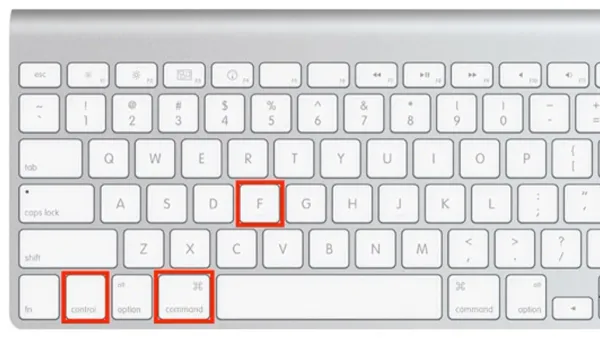
Discover how to use the Mac keyboard shortcut to full screen an app and streamline your workflow with quick workspace maximization.
Mac
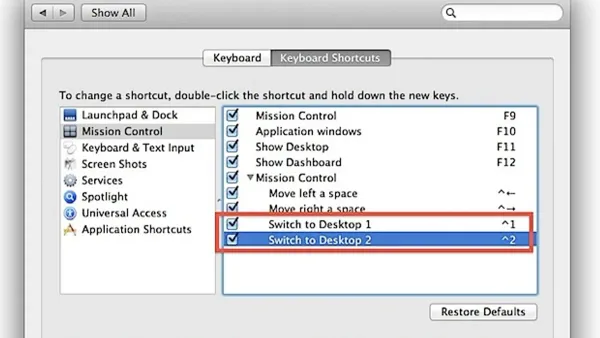
Master the Mac keyboard shortcut to switch desktops and navigate your workspace quickly without reaching for your mouse or trackpad.
Mac Tips
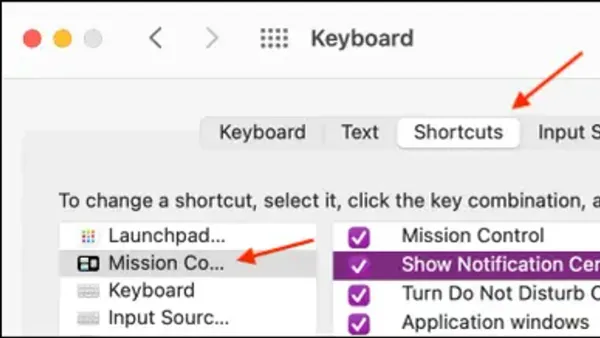
Discover how to quickly open Notification Center on your Mac using a convenient keyboard shortcut for seamless workflow and alert management.
Mac
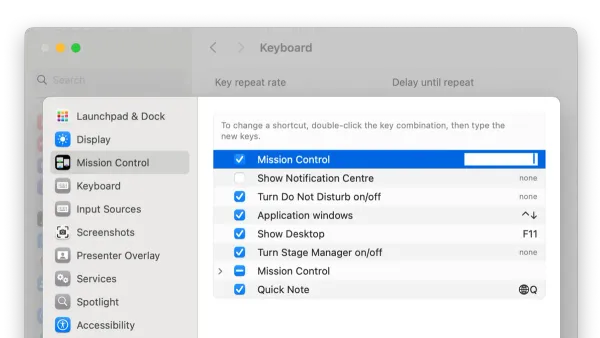
Discover how to open Mission Control on Mac using keyboard shortcuts and customize them for faster multitasking and workspace organization.
Mac
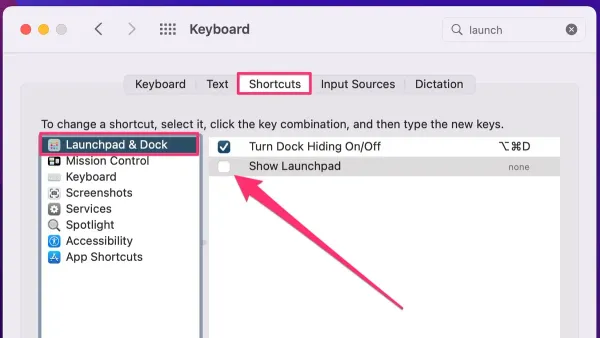
Discover how to use and customize the Mac keyboard shortcut to open Launchpad for faster app access and better organization.
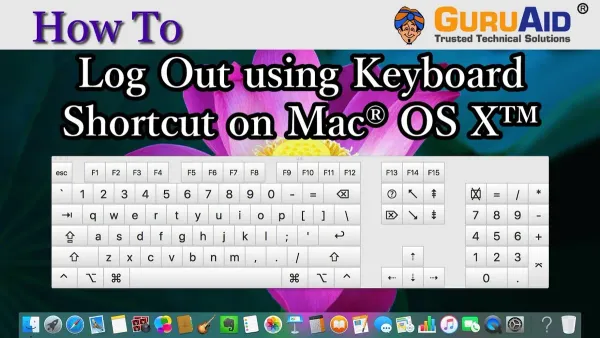
Mac
Learn the Mac keyboard shortcut to log out instantly and secure your session fast without losing unsaved work or navigating menus.
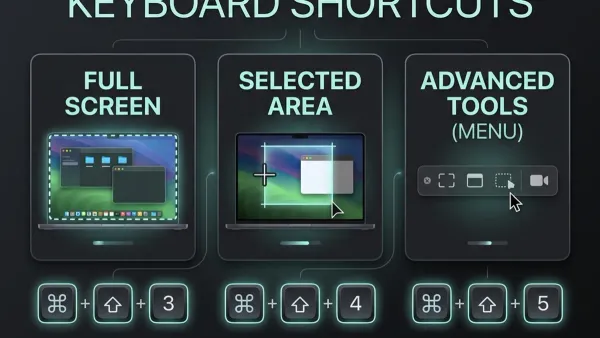
Mac Tips
Discover how to quickly capture a specific part of your Mac screen using keyboard shortcuts for precise and efficient screenshots.
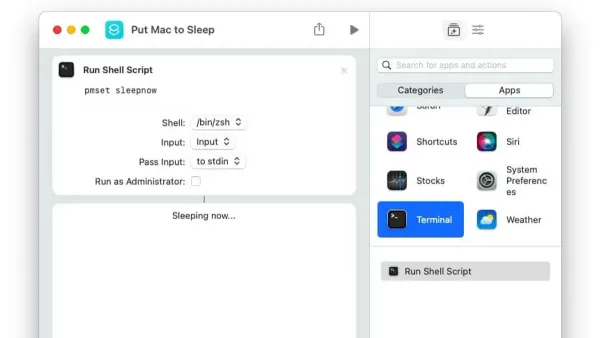
Mac Tips
Discover how to quickly put your Mac to sleep using keyboard shortcuts for faster workflow and better battery life.
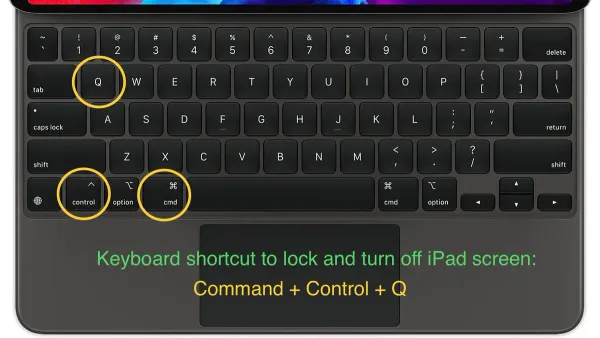
Mac
Discover the Mac keyboard shortcut to lock your screen quickly and protect your data without closing apps or logging out.