Mac Tips
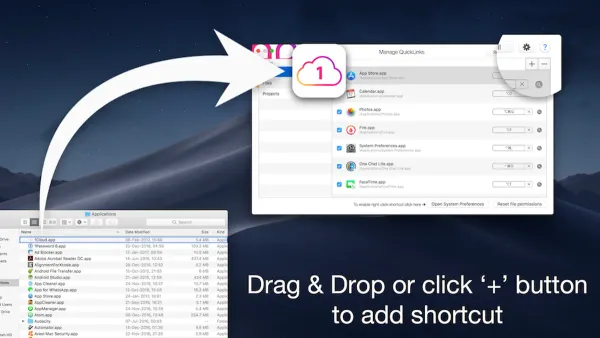
Mac Keyboard Shortcut to Open Downloads Folder Quickly
Discover how to quickly open the Downloads folder on Mac using keyboard shortcuts and customize your own for faster access.

Mac Tips
Discover how to quickly open the Downloads folder on Mac using keyboard shortcuts and customize your own for faster access.
Mac
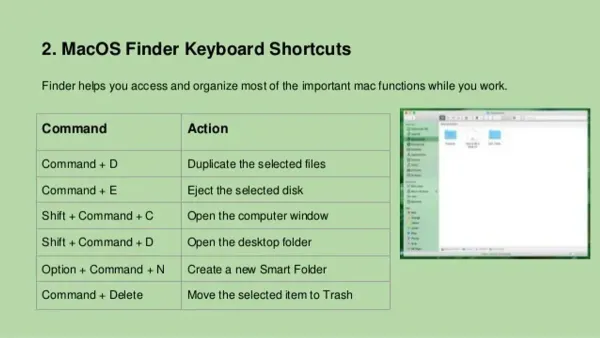
Discover how to use the Mac keyboard shortcut to open Finder quickly and customize shortcuts for faster file management.
Mac
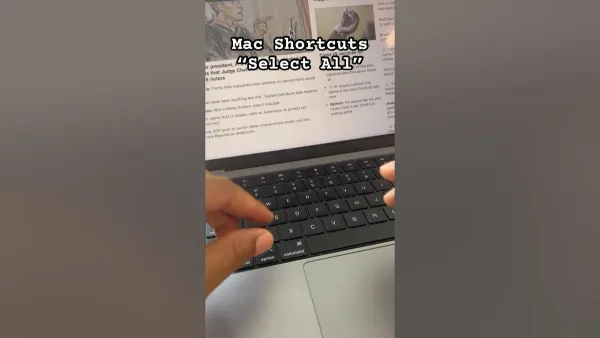
Discover how to use the Mac keyboard shortcut to select all files efficiently in Finder and various apps to streamline your workflow.
Mac Tips
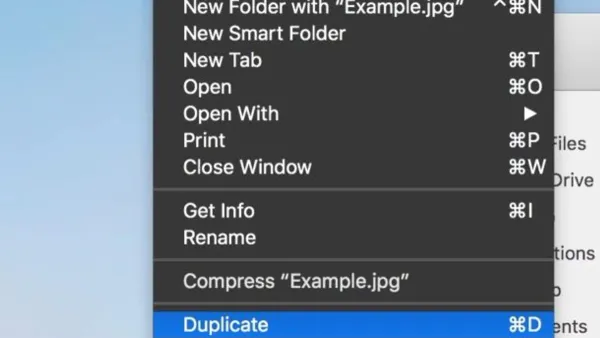
Discover how to quickly duplicate files on your Mac using the Command + D keyboard shortcut to save time and stay organized.
Mac Tips
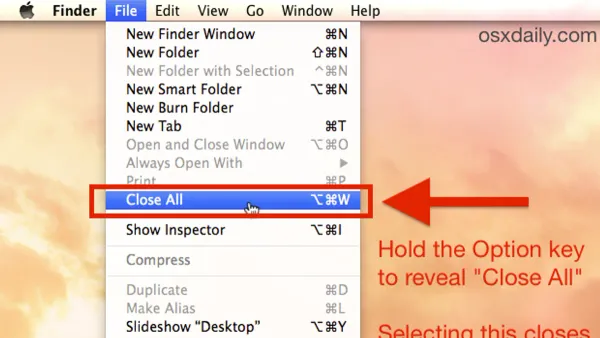
Discover how to use the Mac keyboard shortcut to close all windows efficiently without quitting apps or losing your place.
Mac Tips
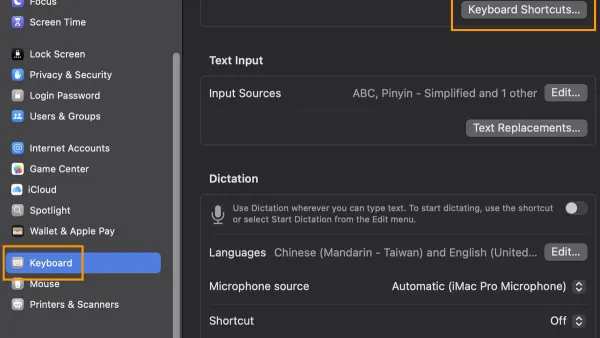
Discover how to use the Mac keyboard shortcut to hide an app and streamline your workflow by clearing your screen without closing apps.
Mac
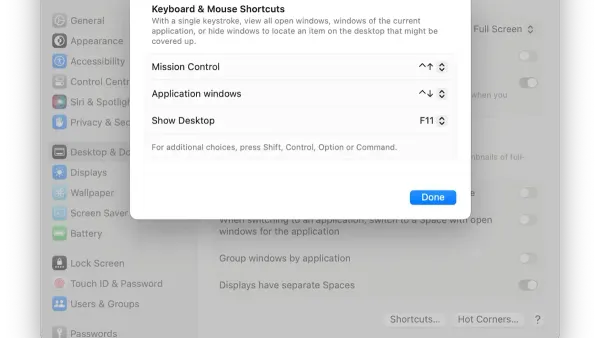
Discover how to quickly minimize all windows on your Mac using keyboard shortcuts and improve your workflow with efficient window management.
Mac
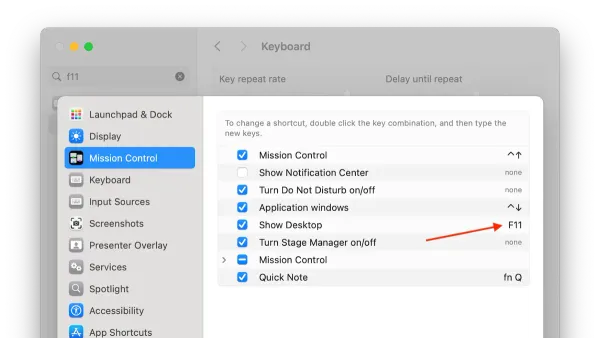
Learn the Mac keyboard shortcut to show desktop and quickly access your files without manually minimizing windows.
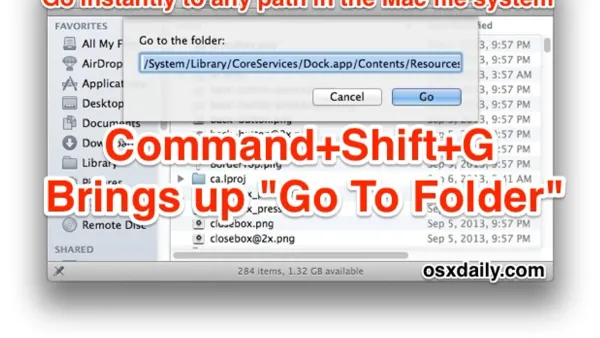
Mac
Discover how to quickly navigate to any folder on your Mac using keyboard shortcuts for faster file management and workflow.
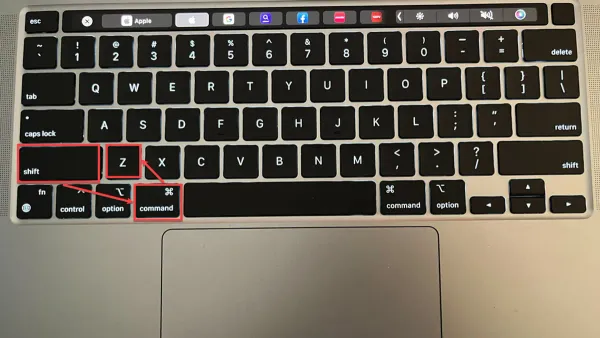
Mac Tips
Discover how to quickly undo a closed tab on Mac using keyboard shortcuts across popular browsers like Safari, Chrome, and Firefox.
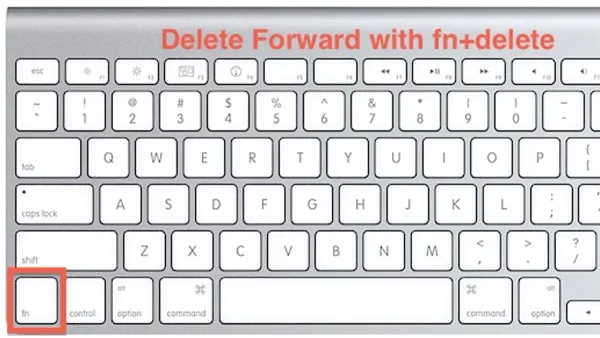
Mac
Discover how to use the Mac keyboard shortcut to delete forward and streamline your text editing without moving the cursor.
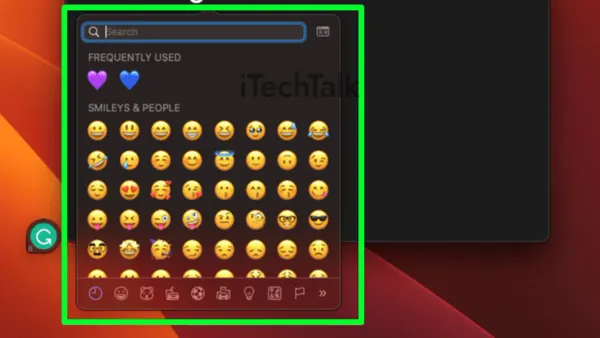
Mac
Learn the Mac keyboard shortcut to open the Emoji picker quickly and keep your typing flow smooth and efficient.