Mac
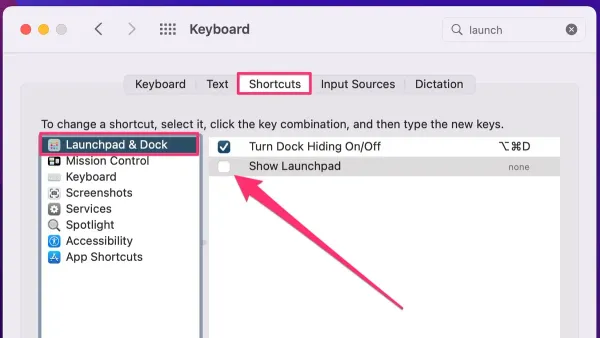
How to Use Mac Keyboard Shortcut to Open Launchpad Easily
Discover how to use and customize the Mac keyboard shortcut to open Launchpad for faster app access and better organization.

Mac
Discover how to use and customize the Mac keyboard shortcut to open Launchpad for faster app access and better organization.
Mac
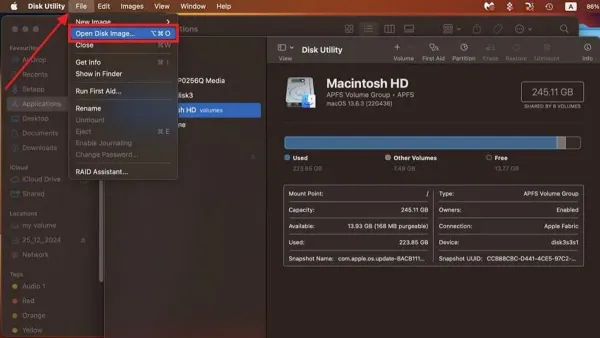
Discover simple steps to open and use.ISO files on Mac with Finder, Disk Utility, and trusted third-party software.
Mac
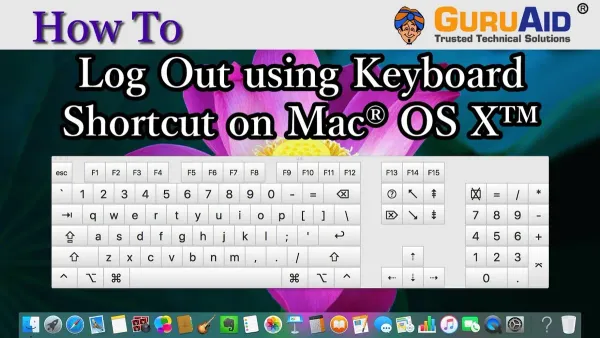
Learn the Mac keyboard shortcut to log out instantly and secure your session fast without losing unsaved work or navigating menus.
Mac Tips
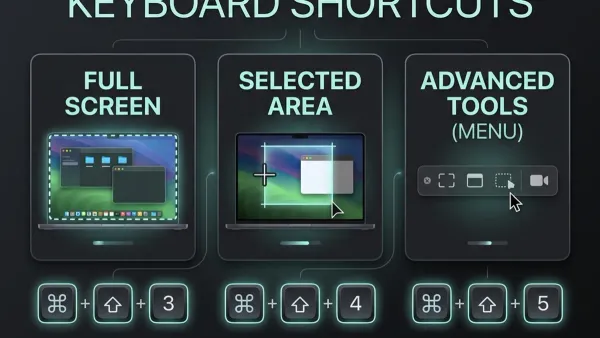
Discover how to quickly capture a specific part of your Mac screen using keyboard shortcuts for precise and efficient screenshots.
Mac Tips
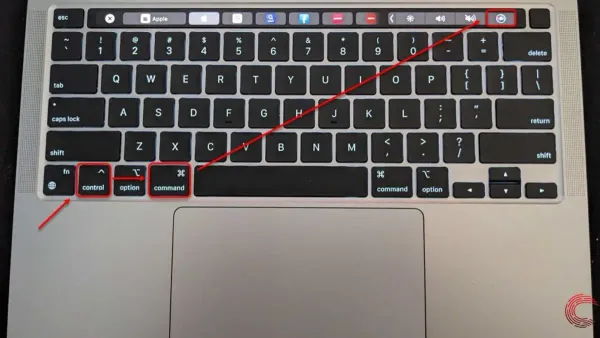
Discover how to restart your Mac using keyboard shortcuts to quickly reboot without needing a mouse or power button.
Mac Tips
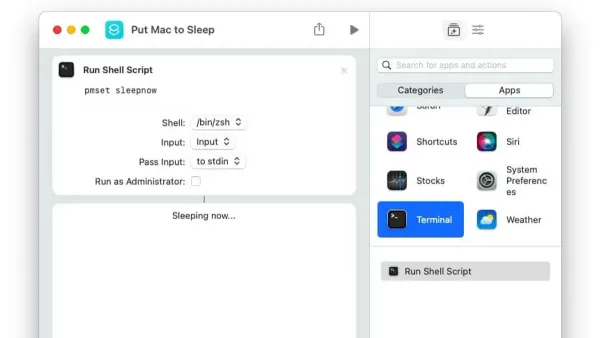
Discover how to quickly put your Mac to sleep using keyboard shortcuts for faster workflow and better battery life.
Mac
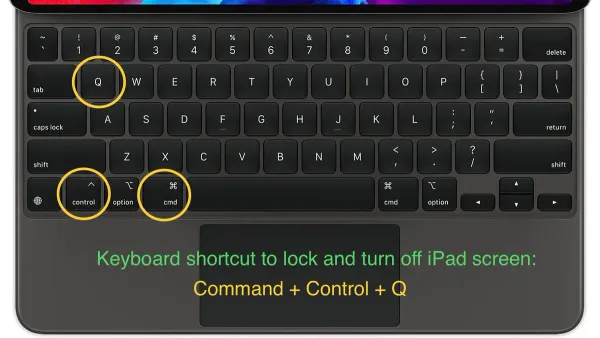
Discover the Mac keyboard shortcut to lock your screen quickly and protect your data without closing apps or logging out.
MacOS
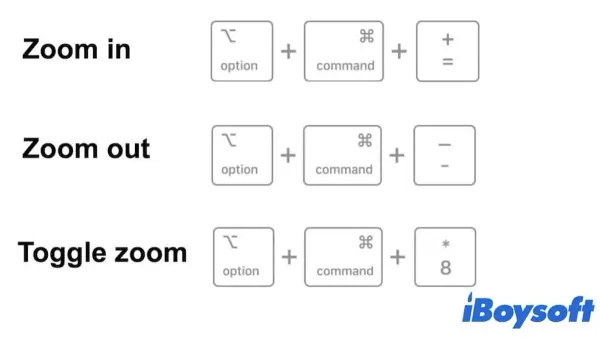
Discover how to quickly zoom in and out on your Mac using keyboard shortcuts for better readability and efficient navigation.
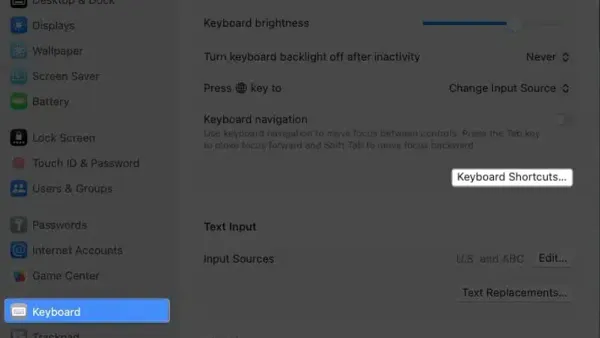
Mac Tips
Discover how to quickly open System Settings on Mac using keyboard shortcuts and customize them for faster access.
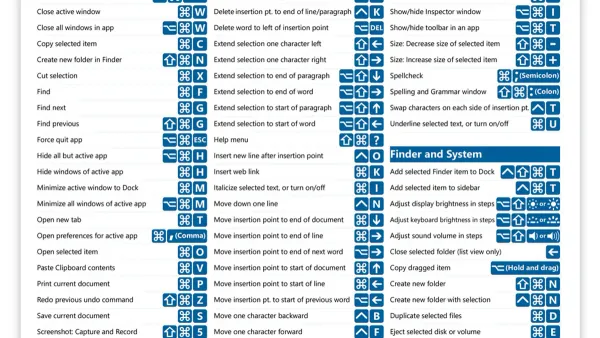
Mac Tips
Discover how to use and customize the Mac keyboard shortcut to find and replace text quickly and efficiently in your documents.
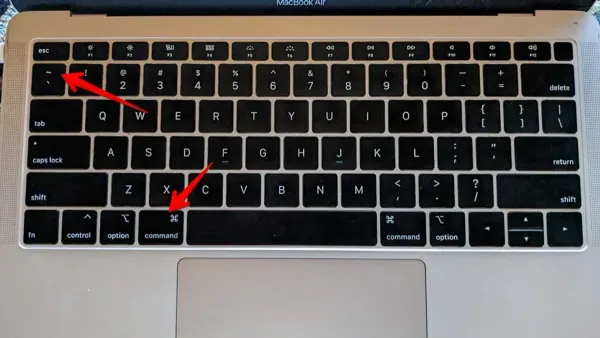
Mac Tips
Discover how to use the Mac keyboard shortcut to switch between windows of the same app and streamline your multitasking workflow efficiently.
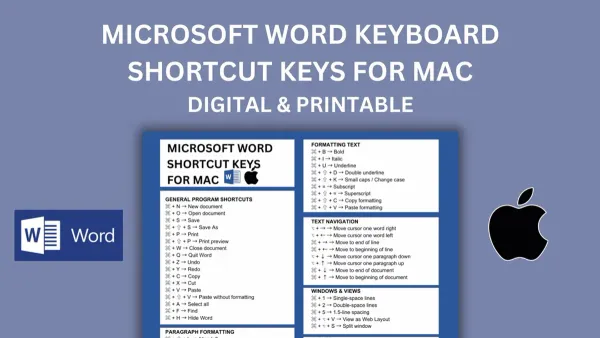
Mac Tips
Discover how to quickly select a word on Mac using keyboard shortcuts and customize them for faster text editing.