Mac Tips
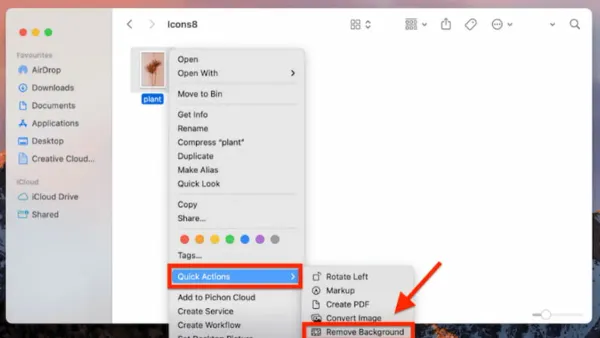
How to Remove Background Items and Images on Your Mac
This guide explains how to remove background items and images on your Mac to streamline your system and enhance photo editing.

Mac Tips
This guide explains how to remove background items and images on your Mac to streamline your system and enhance photo editing.
Mac
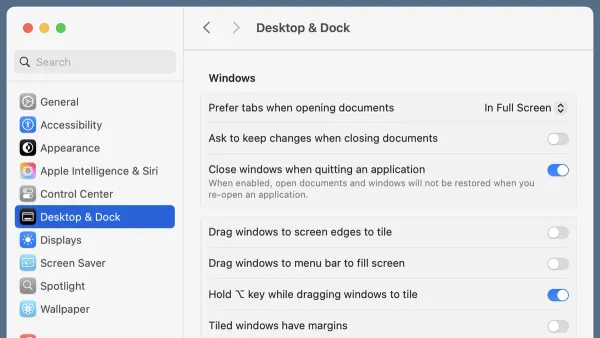
This guide shows you how to turn off window tiling on Mac and manage native and third-party options for better window control.
Mac Tips
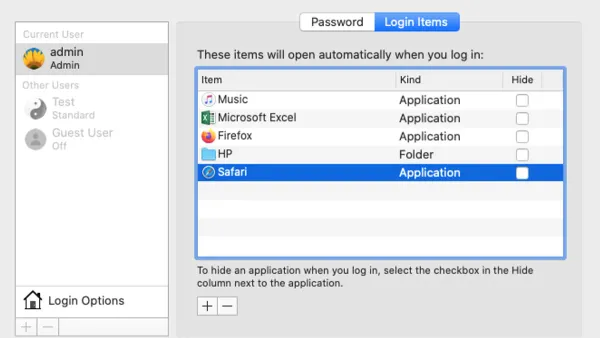
This guide teaches you how to manage login items on your Mac to improve startup speed and control automatic app launches effectively.

Mac Accessibility
This guide shows you how to enable and use Hover Text on Mac to enhance text readability and accessibility across apps and devices.
Mac Security
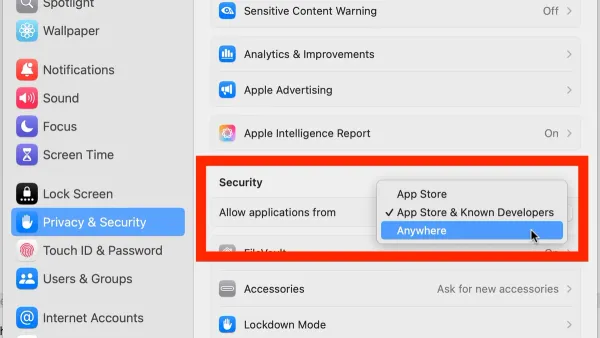
Discover how to enable apps from anywhere on Mac using System Preferences and Terminal while maintaining your Mac’s security.
Mac
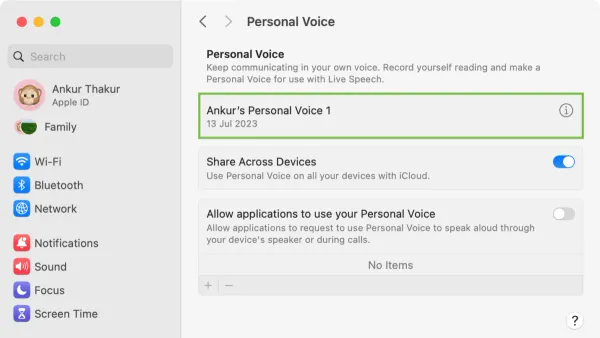
Discover how to set up and use Personal Voice on Mac for custom voice typing, voice control, and seamless integration with your Apple devices.

Account Security
This article provides clear, practical steps on how to change your VK password to keep your account secure and manage settings effectively.

Social Media
Step-by-step guide on how to change your Truth Social password securely and manage your account settings with ease.
Mac Security
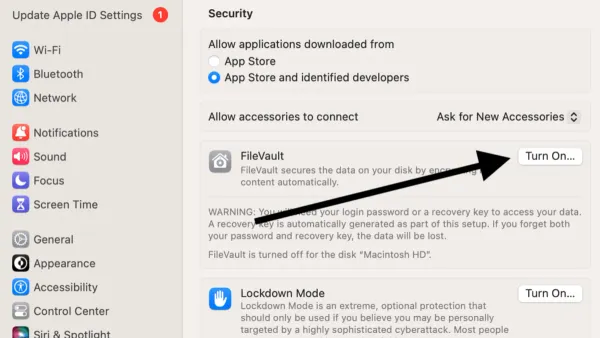
This guide shows you how to turn on FileVault on Mac to encrypt your disk and secure your sensitive data step-by-step.

Eye Tracking
Discover how to set up and use eye tracking on your Mac for improved control, accessibility, and navigation with practical guidance.
Steam
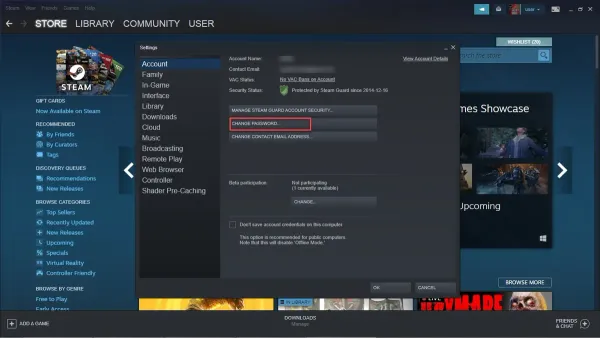
This guide explains how to change your Steam password efficiently across devices and situations to keep your account secure.

Password Management
This guide explains how to securely change your Skype password and manage Sky account passwords with clear, step-by-step instructions.